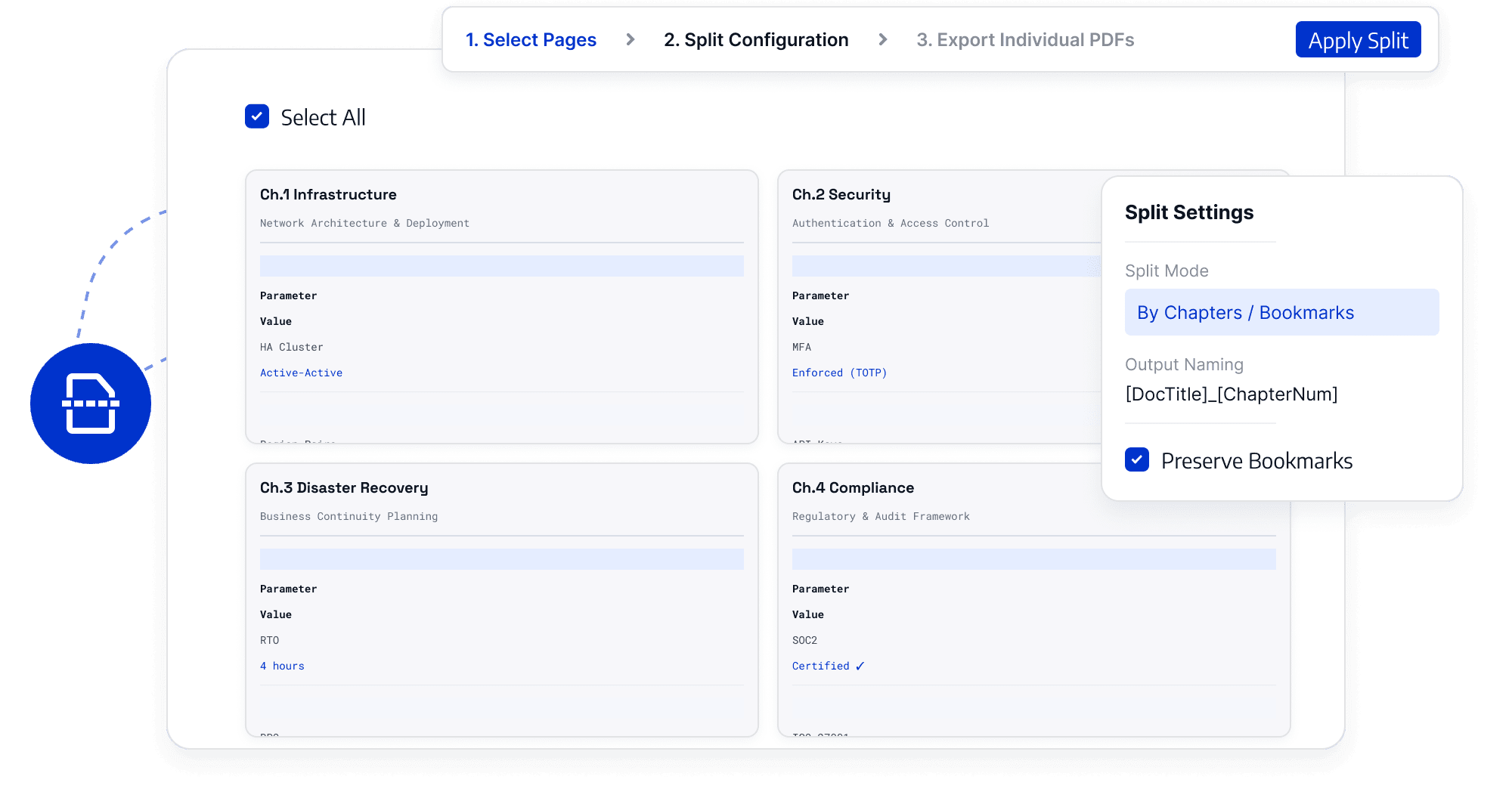
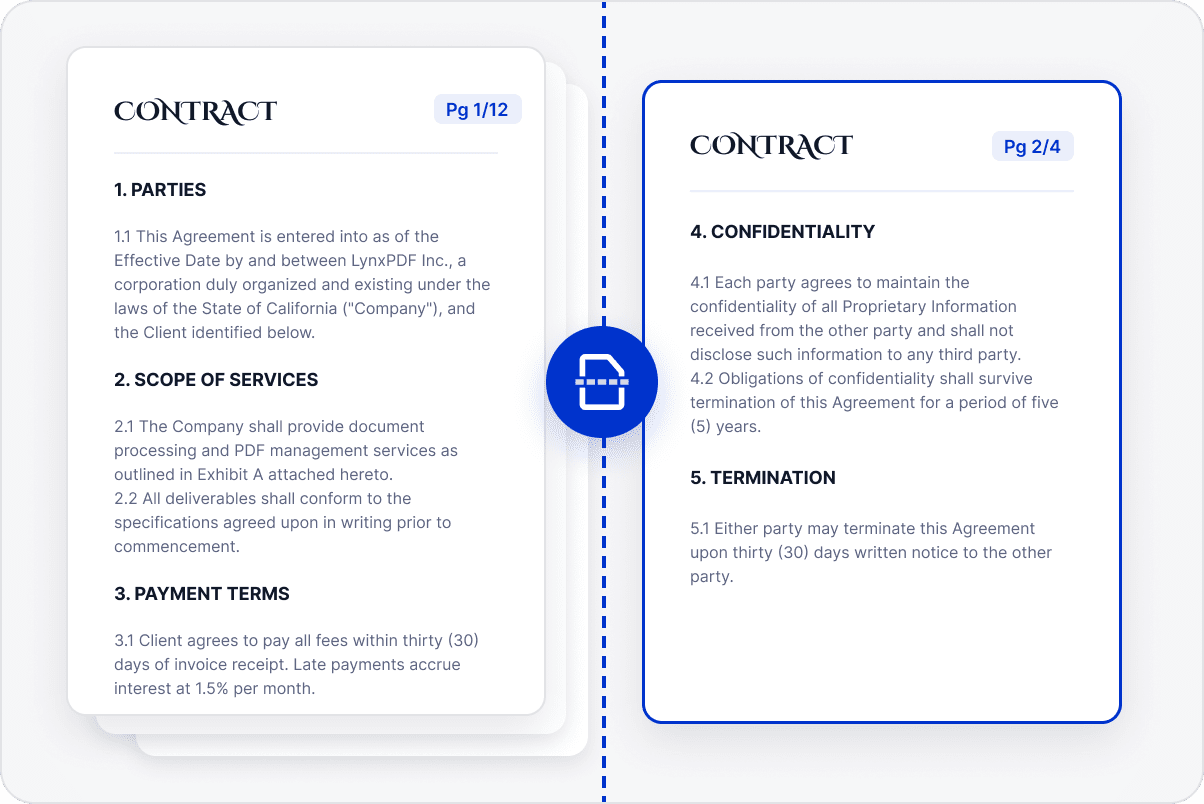
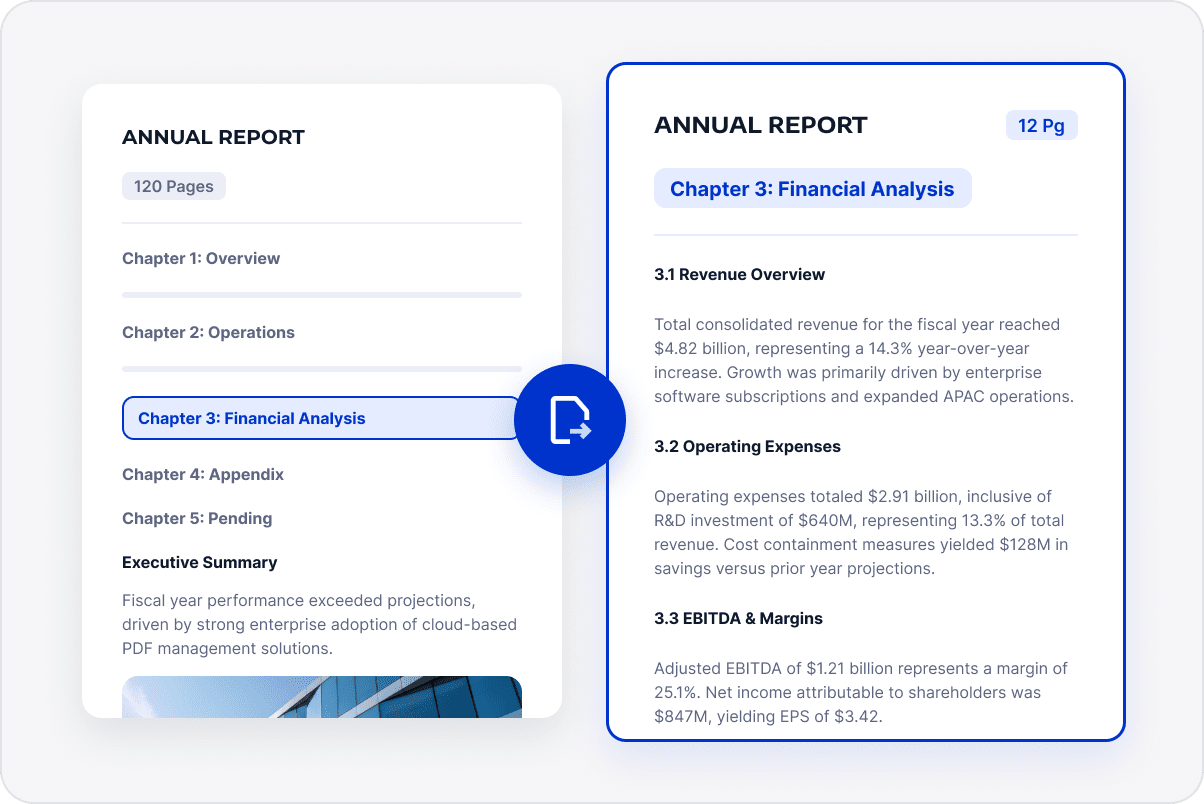
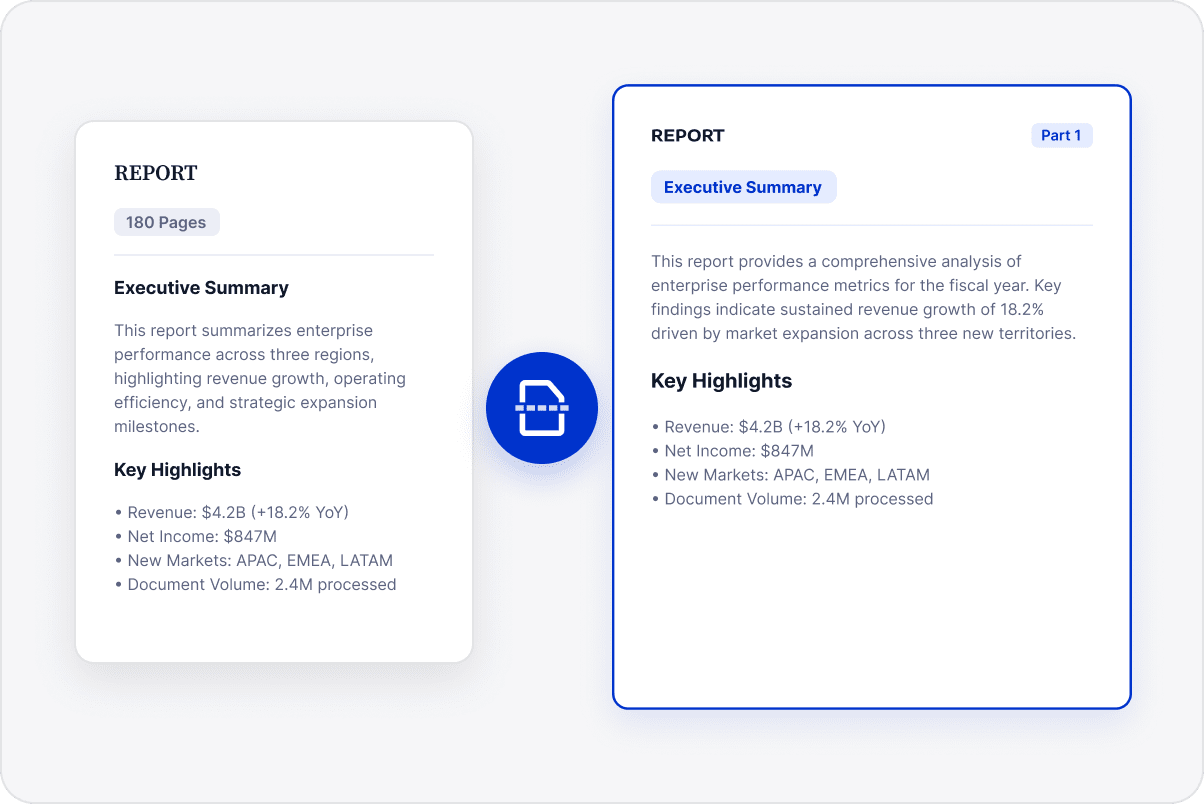
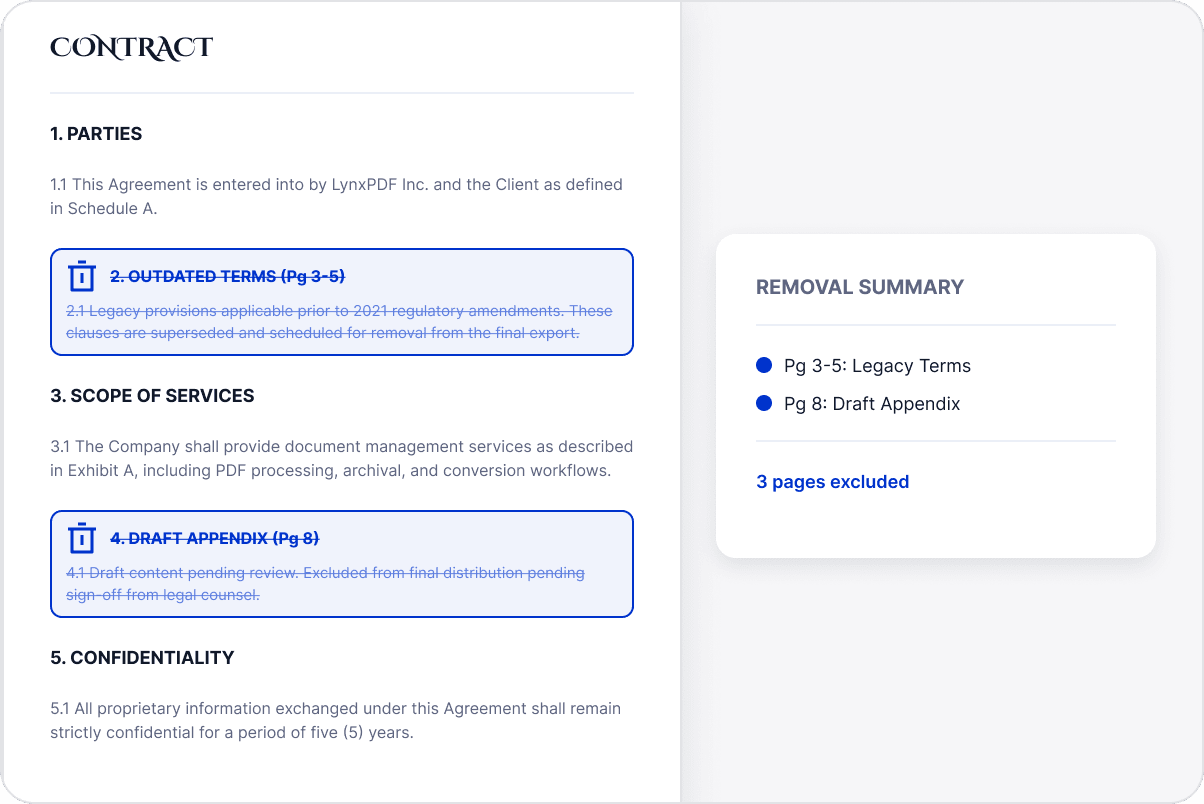
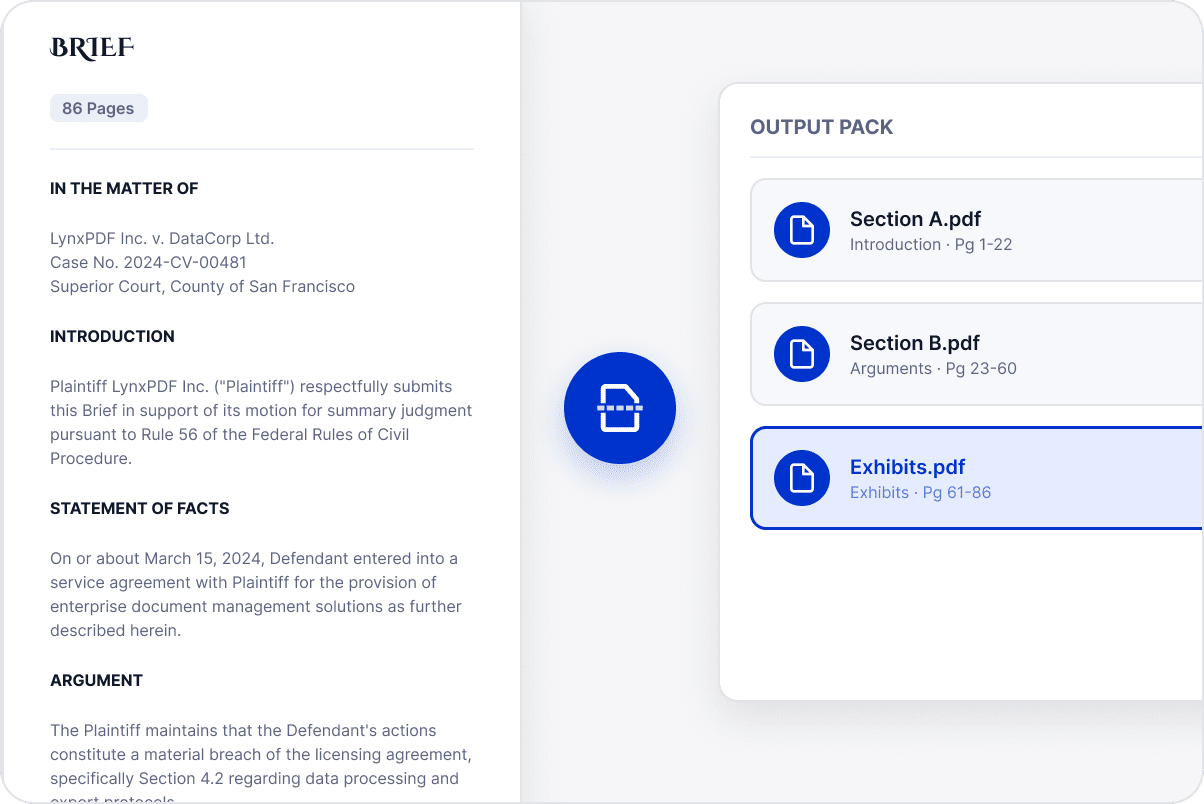
Choose pages from a large report, contract, or document set to create a separate PDF for submission, sharing, or archiving.
Separate Relevant Sections
Extract the pages needed for a chapter, project, customer, attachment, or other task so recipients do not have to search the entire file.
Organize Smaller Document Sets
Split PDFs covering several topics into files organized by project, section, or material type for easier retrieval.
Prepare Outputs for the Right Audience
Keep unrelated pages out of the file being shared and name outputs for their purpose, helping avoid sending internal or other customers' information.
Prepare Files for Distribution
Create separate PDFs by page range while retaining the original content and layout, making it easier to send specific materials to the right recipients or archive them separately.
Access LynxPDF Expert Library
Forward-looking insights and strategic guides for enterprise document management.