bg

LynxPDF for Mac

Advanced PDF solution to edit, annotate, sign, convert, and secure for enterprise.
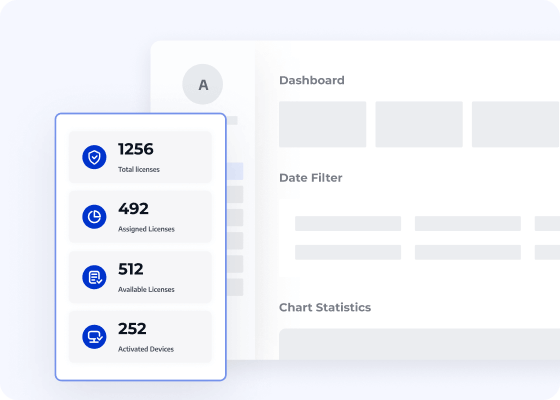
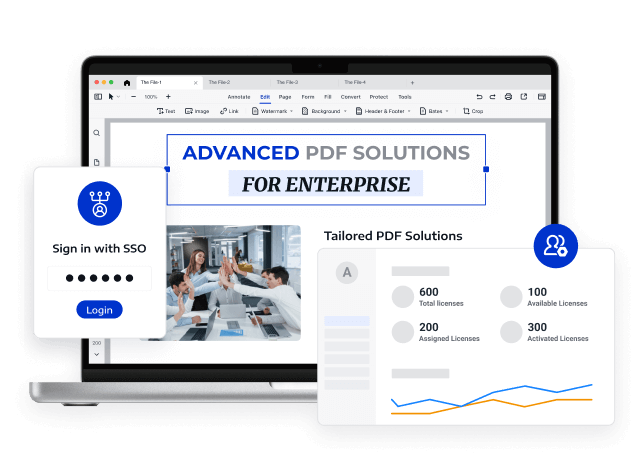
Streamline team management with an intuitive Admin Console to assign licenses
Compatible with macOS 11 and later
Trusted by 10 M+ active users worldwide
Unlock Up to 50% Volume Discounts
Business Email
Verification Code
Name
Company Website
Country/Region
Search and select
Phone Number
Search and select
-
Describe Your Requirements
0 / 1000
LynxPDF V1.6.6 is Released
Unlock optimized PDF workflows with precise OCR, high-quality conversions, smarter editing, and more.
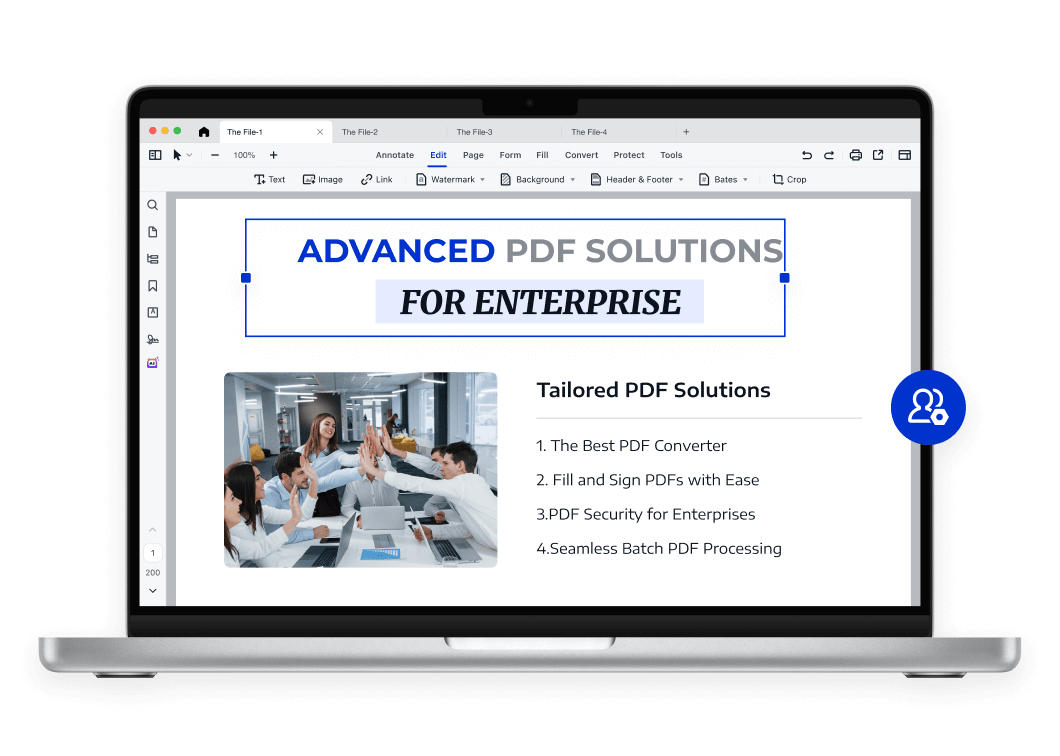
LynxPDF: The Tailored PDF Solution
for Enterprises
ConvertNew
Fill & Sign
Security
Batch
OCRNew
Edit
Annotate
All Features >>
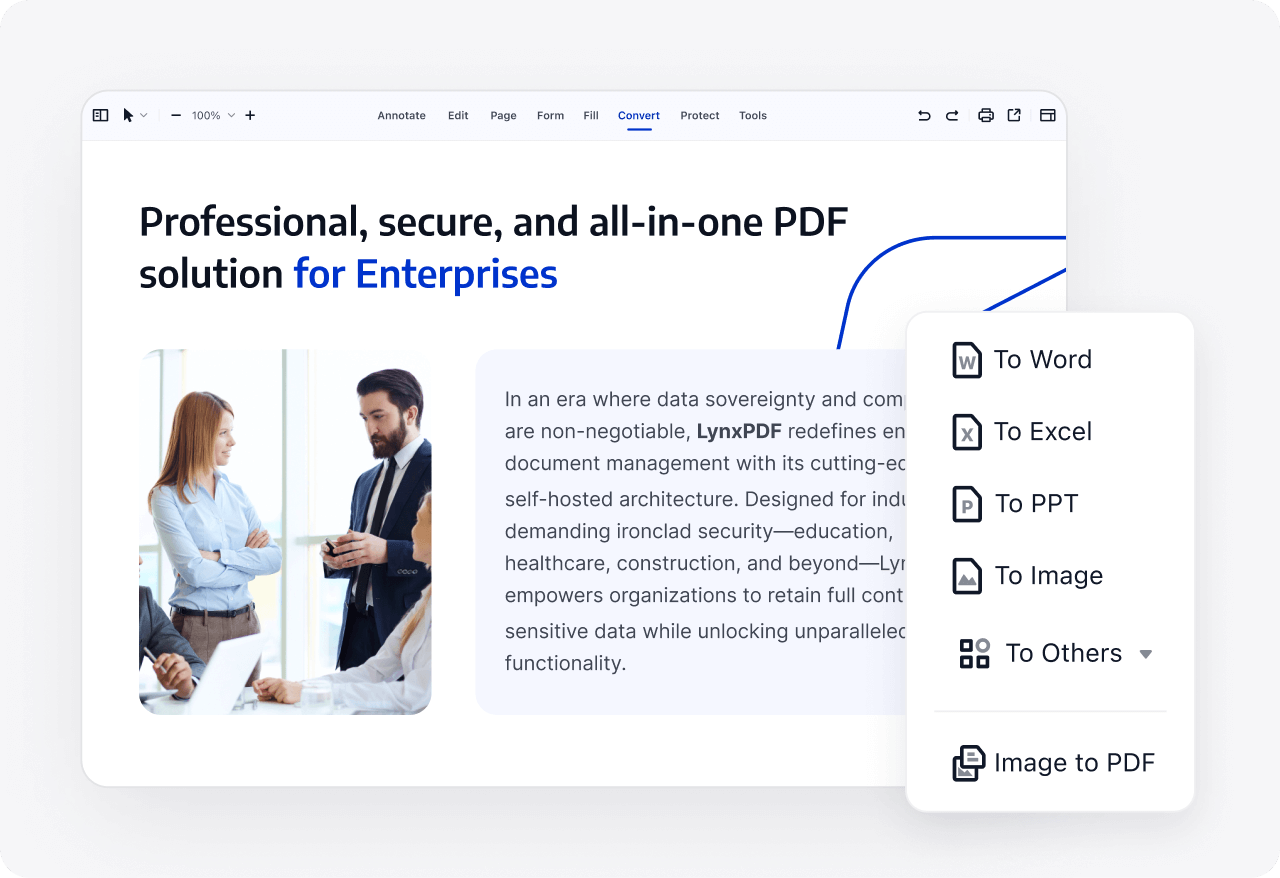
The Most Powerful PDF Conversion Tool
Convert PDFs to and from over 10 formats, including PDF/A, PDF/X, Word, Excel, PPT, images, CSV, HTML, and more. Handle nearly every PDF conversion with ease.
Recognize content styles and embed fonts to guarantee consistent display across all converted documents, and ensure precise conversions.
Extract tables from PDFs directly into structured data formats like Excel, improving data analysis, reporting, and collaborative decision-making.
Strategic Resources for Digital Document Transformation
Enterprise Document Digital Transformation Strategy
Traditional document workflows are inefficient, costly, and risky, making digital transformation crucial for businesses to enhance their competitiveness. However, many companies' document digitization efforts have failed to achieve the desired results.
This white paper analyzes the root causes of enterprise document digitization failures, helping companies transform static documents into searchable and actionable knowledge assets, thereby improving efficiency, reducing operating costs, and maximizing return on investment (ROI).
paper

Volume Licensing Brings Greater Added Value to Enterprises

The professional, secure, and efficient one-stop enterprise-level PDF solution.
Self-hosted Deployment
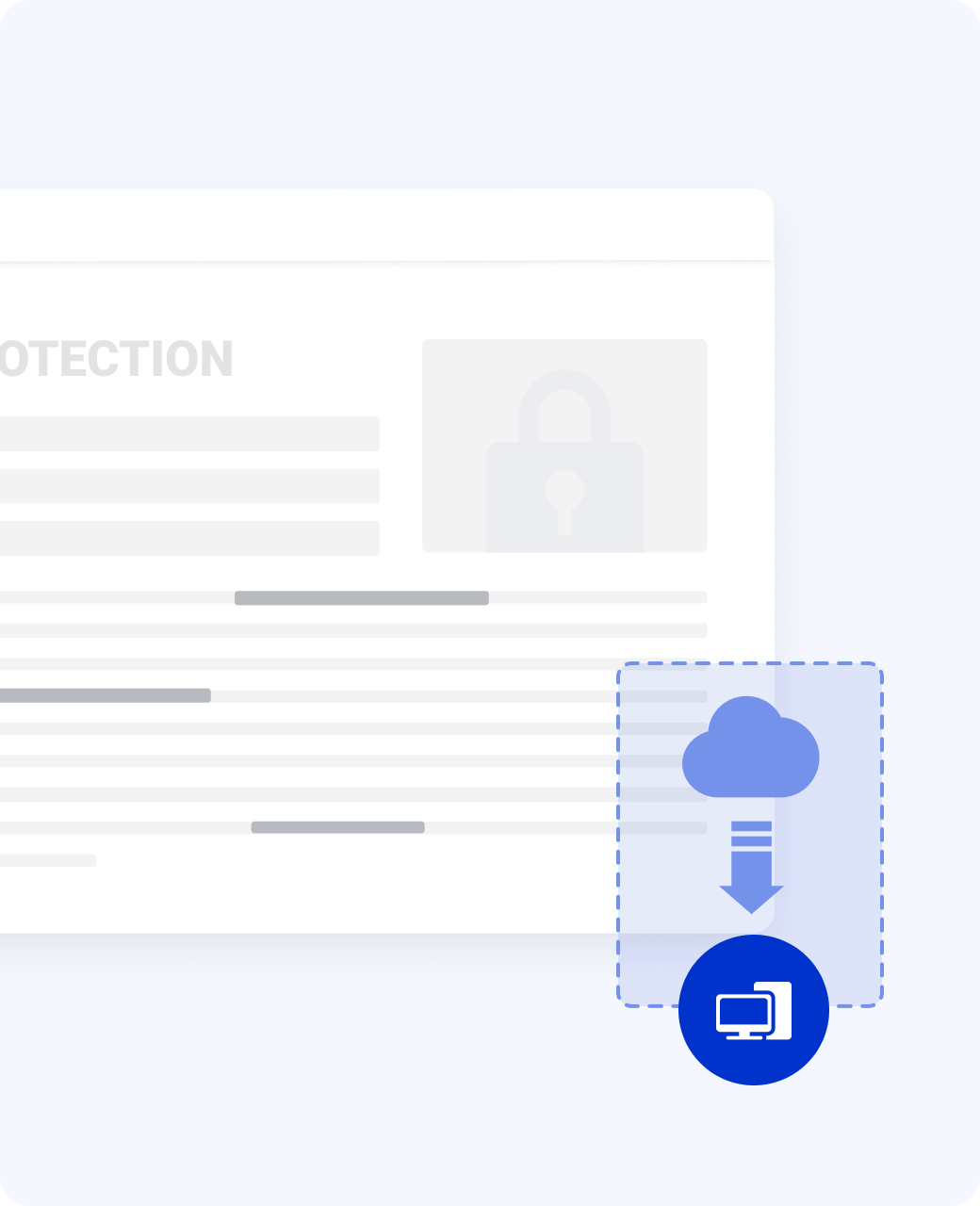
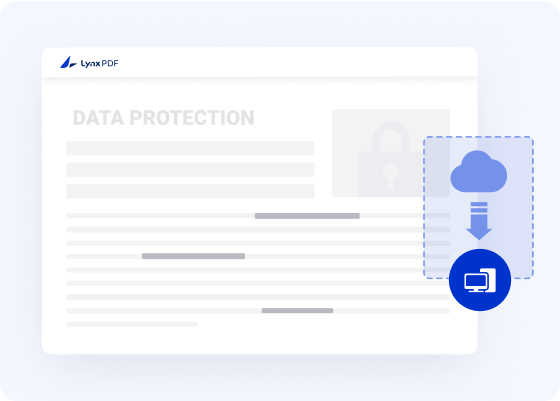
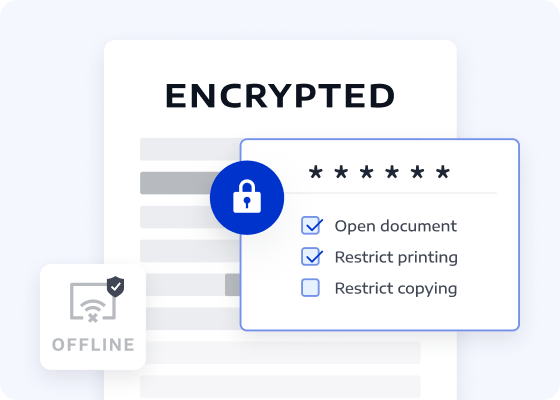
Deploy LynxPDF directly on your servers or private clouds to ensure complete control over core data. Enterprises in finance, healthcare, government, and more can feel safe knowing that strict data compliance requirements are protected.
Self-hosted DeploymentContact Sales
Perfect LynxPDF for macOS
Hotkey Tailored for Mac Users
Supports macOS shortcuts and gestures, making navigation and editing faster and more intuitive for Mac users.
list image
Native Apple Silicon Support
LynxPDF runs natively on M1, M2, and M3 chips, delivering optimized performance, speed, and reliability.
list image
Seamlessly Compatible with macOS Sequoia
LynxPDF operates perfectly on macOS ranging from 11 (Big Sur) to latest version.
list image
Hotkey Tailored for Mac Users
Supports macOS shortcuts and gestures, making navigation and editing faster and more intuitive for Mac users.
list image
Native Apple Silicon Support
LynxPDF runs natively on M1, M2, and M3 chips, delivering optimized performance, speed, and reliability.
list image
Seamlessly Compatible with macOS Sequoia
LynxPDF operates perfectly on macOS ranging from 11 (Big Sur) to latest version.
list image
Contact Our Sales Team
We are happy to answer all your questions about LynxPDF. Simply fill out the form below, and a sales representative will contact you soon:
Start Your 14-Day Free Trial of LynxPDF and LynxPDF Admin Console.
Choose the best pricing plan for your team.
Explore applicable scenarios and case studies suitable for your team.
Unlock Up to 50% Volume Discounts
Business Email
Verification Code
Name
Company Website
Country/Region
Search and select
Phone Number
Search and select
-
Describe Your Requirements
0 / 1000