|
Module
|
Product
|
LynxPDF for Enterprise
|
Kofax Power PDF
|
|
Perpetual License
|
Perpetual License
|
|
Price
|
1 User
|
USD 149.99/permanent
|
USD 179/permanent
|
|
2-5 User
|
5%-10% OFF
volume discount starts at 2+ licenses
|
Power PDF Business
starts at 5+ licenses
|
|
6-10 User
|
|
Operating systems
|
Mac, Windows(ios/Android/web coming soon)
|
Power PDF Advanced for Windows(for Windows/ios/Android)
Power PDF Standard for Windows(for Windows/ios/Android)
Power PDF for Mac(for Mac/ios/Android)
|
|
Maximum devices
|
1
|
1
|
|
Business Service
|
Admin Console to Manage Licenses
|
✓
|
Only Power PDF Business support
|
|
Self-hosted Deployment and Options
|
✓
|
There is no relevant information on the website.
|
|
Single Sign-on (SSO)
|
✓
|
|
Data Security and Compliance (GDPR Compliance)
|
✓
|
|
Free Update
|
* Free for the First Year
|
Slow version updates
|
|
Features
|
|
|
|
|
OCR
|
Turn scanned files into searchable, editable PDFs
|
✓
|
X(only turn scanned files into searchable PDFs)
|
|
Extract texts and data from scanned PDFs
|
✓
|
✓
|
|
Extract tabular data to Excel for data calculation
|
✓
|
X
|
|
Batch Process
|
Batch compress PDFs
|
✓
|
✓
|
|
Batch convert PDFs
|
✓
|
✓
|
|
Batch add watermarks
|
✓
|
X
|
|
Batch encrypt files
|
✓
|
X
|
|
Batch OCR
|
✓
|
✓
|
|
Secure
|
Setting permissions or passwords to secure files
|
✓
|
✓
|
|
Redact sensitive information
|
✓
|
✓
|
|
Sign
|
Digital signature and electronic signature
|
✓
|
✓
|
|
Work with certificate signatures
|
✓
|
✓
|
|
Form
|
Create, fill and sign an interactive form
|
✓
|
✓
|
|
Interactive form field designer
|
✓
|
✓
|
|
Highlights form fields easily
|
✓
|
✓
|
|
Form detection & Auto-calculation
|
✓
|
✓
|
|
Intelligent data extraction
|
✓
|
✓
|
|
Convert PDF
|
PDF to Office/HTML/RTF/CSV/JPEG/PNG
|
✓
|
X
|
|
PDF to TIFF/BMP/GIF/TGA
|
* Only Mac
|
X
|
|
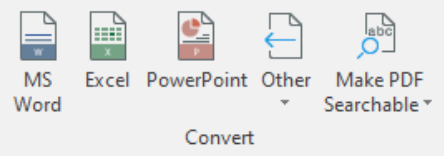
Convert to / from Microsoft Office (Word,
Excel & PowerPoint)
|
✓
|
|
|
Preflight and convert to PDF/A & PDF/X
|
✓
|
X
|
|
Advanced Tools
|
Compress PDFs with tailored settings
|
✓
|
✓
|
|
Compare two versions of a PDF
|
✓
|
✓
|
|
Extract images
|
✓
|
X
|
|
Edit PDF
|
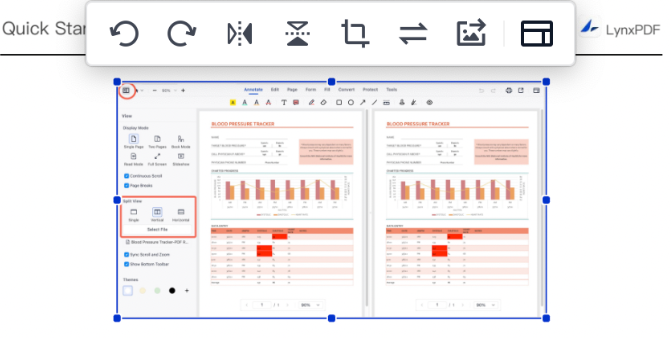
Edit text and image
|
✓
|
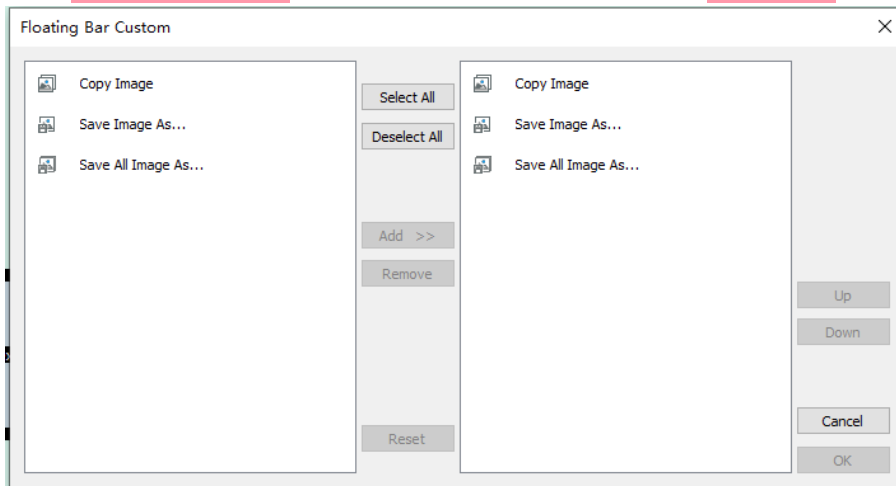
image can not be edit
|
|
Insert/delete/combine/split/rotate/crop pages
|
✓
|
✓
|
|
Add bookmarks/header and footer/watermark/background/bates number
|
✓
|
✓
|
|
Read
|
Read mode
|
✓
|
✓
|
|
Read theme
|
✓
|
✓
|
|
Fullscreen mode
|
✓
|
✓
|
|
Slideshow mode
|
✓
|
✓
|
|
Annotate
|
Basic markup tools
|
✓
|
✓
|
|
Create professional stamps
|
✓
|
✓
|
|
Insert link
|
✓
|
✓
|
|
Precision measuring tools
|
✓
|
✓
|
|
Real-time collaboration with live annotations
|
✓
|
✓
|
|
Keep records and audit trails
|
✓
|
✓
|
|
UI
|
Layout/Ease of Use
|
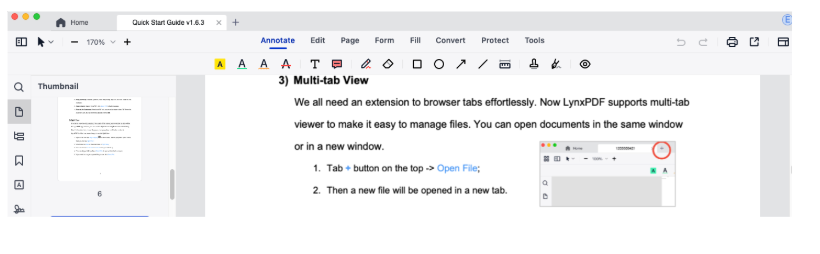
Simple, intuitive, and easy to start
|
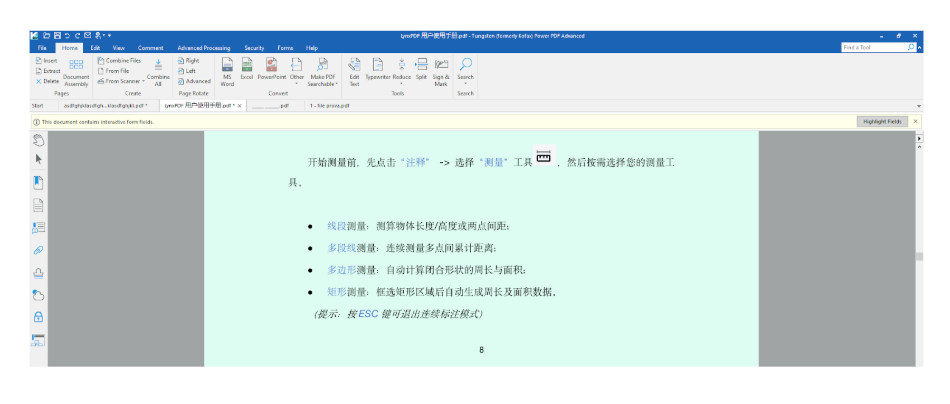
Complex, hard to learn
|


