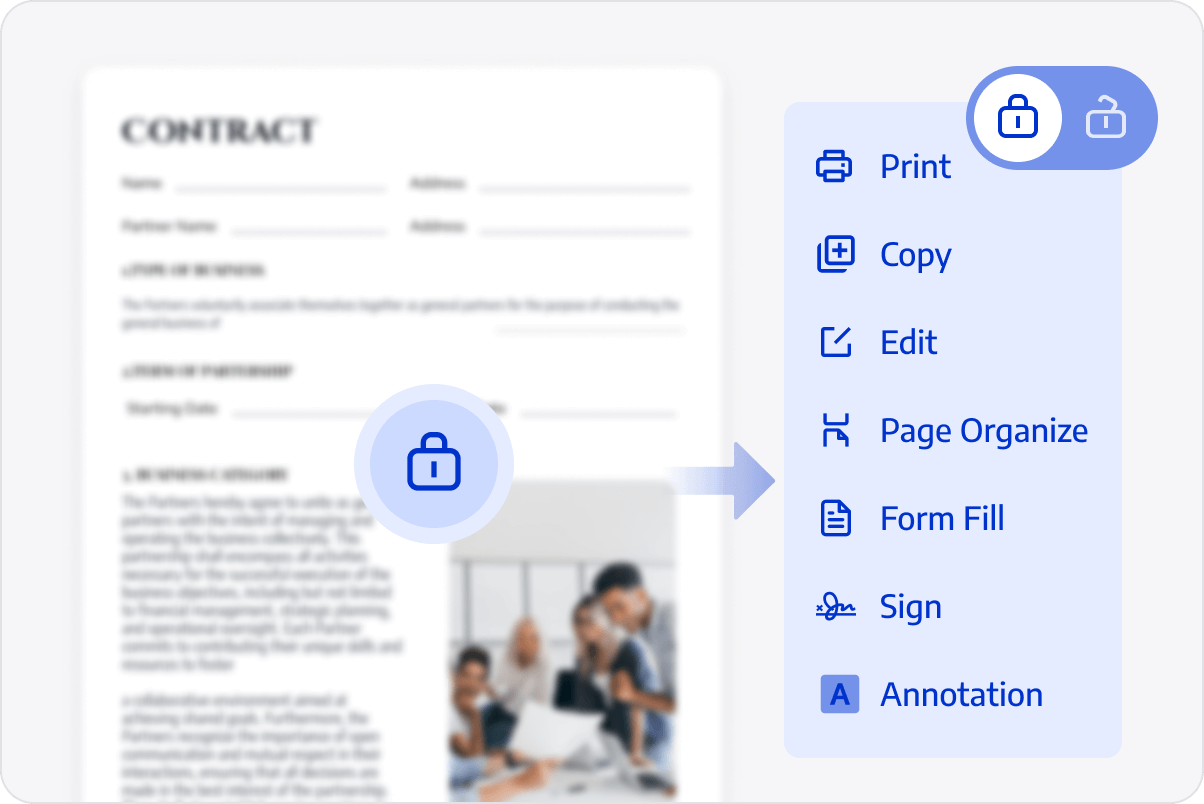
Configure document permissions with multiple access levels: selectively enable copying, printing, form filling, signing, annotating, and page organizing — or disable all editing.
Permanent Sensitive Info Redaction
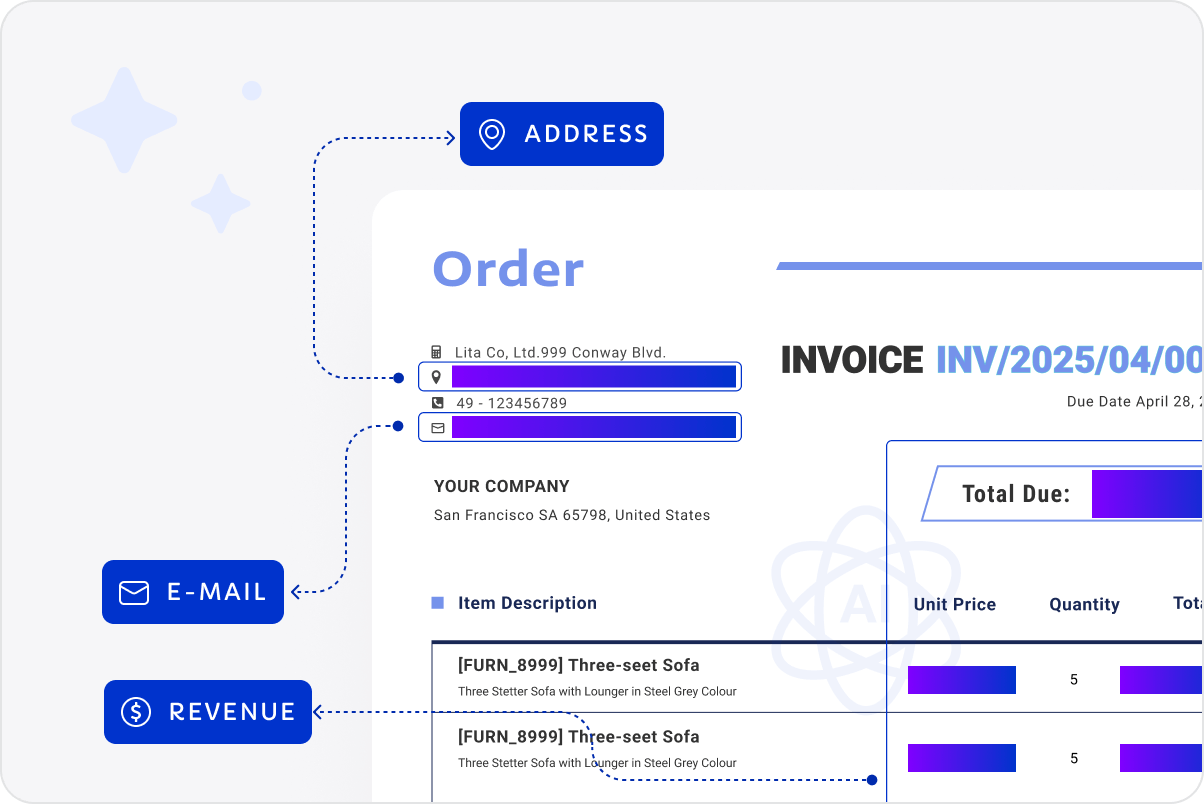
Permanently redact text, images, pages, or search keywords. From specific words to entire pages, irreversibly erase sensitive data with one click to meet diverse business compliance needs.
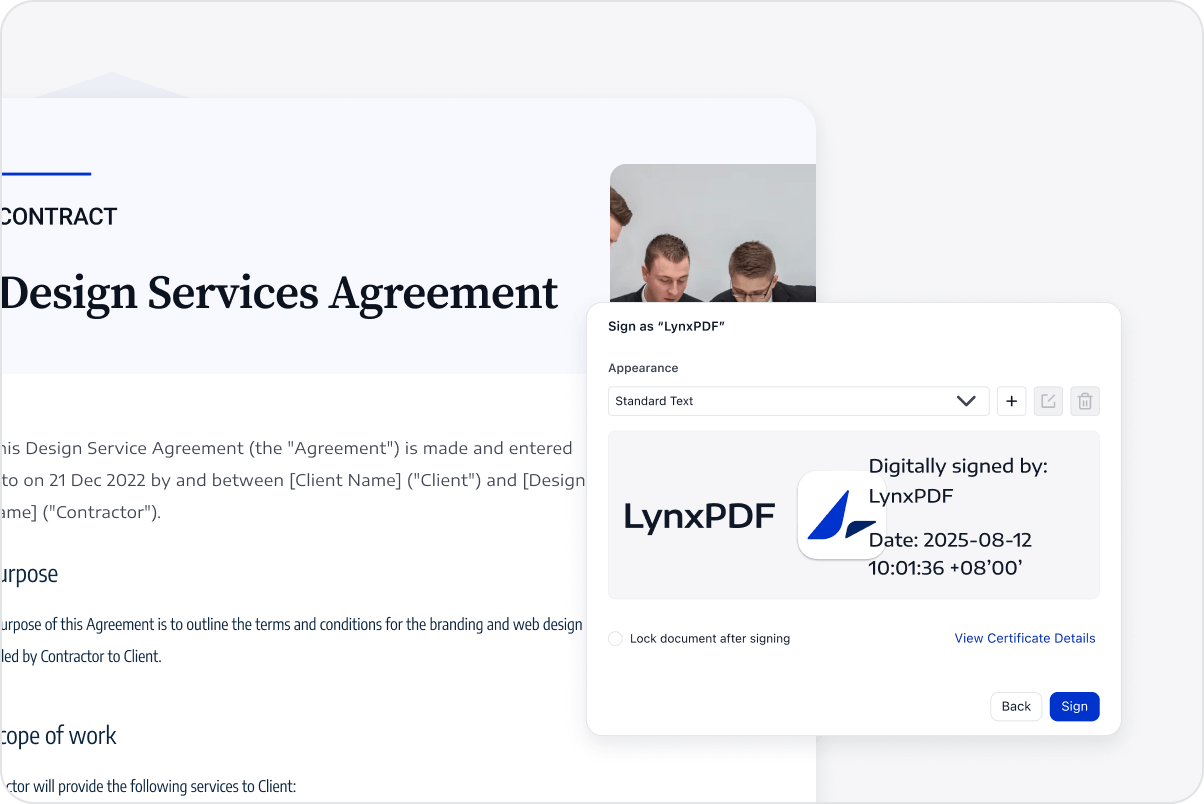
As one of the most reliable digital signature solutions, LynxPDF helps you create Qualified Electronic Signatures (QES) compliant with EU, Swiss, and UK regulations, ensuring legal validity and authenticity. It also supports certificates issued by trusted Certificate Authorities (CAs).
Flatten PDF Prevents Document Changes
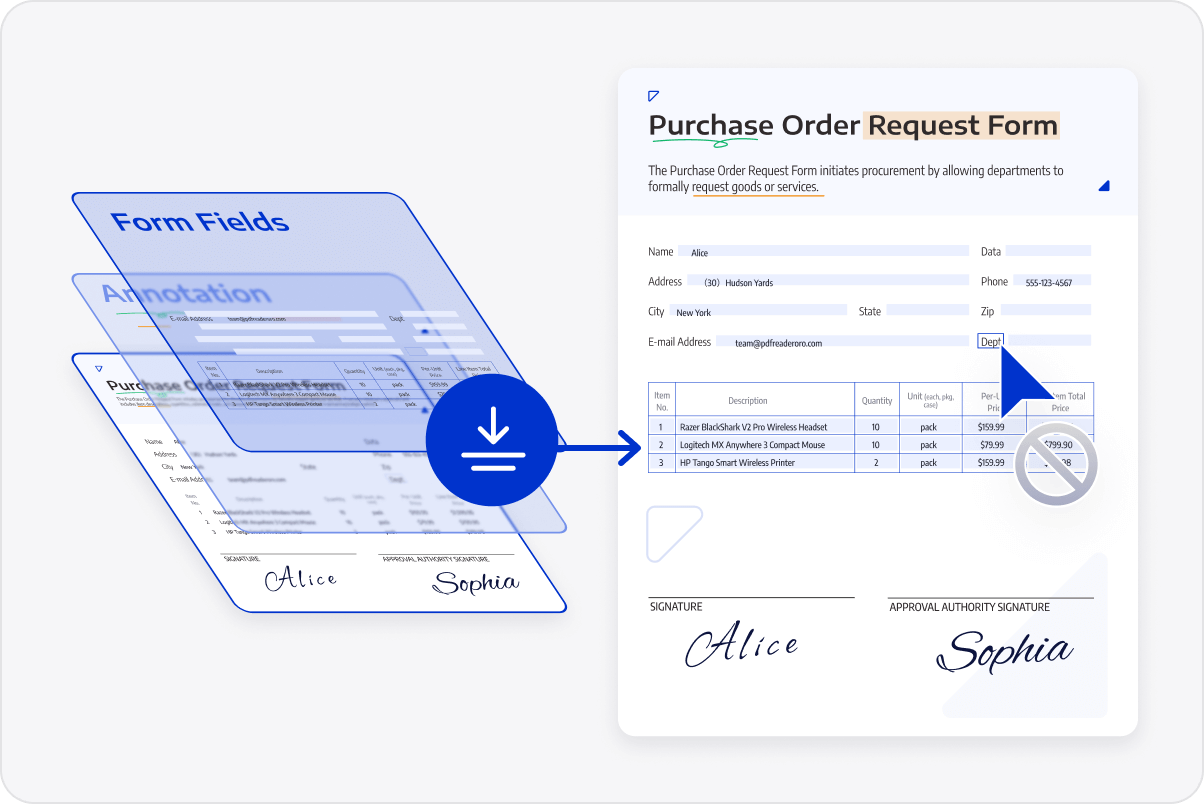
Convert annotations, form fields, and layers into static content to prevent edits, ensuring consistent formatting and security across all team communications.
Batch Encryption Boosts Efficiency
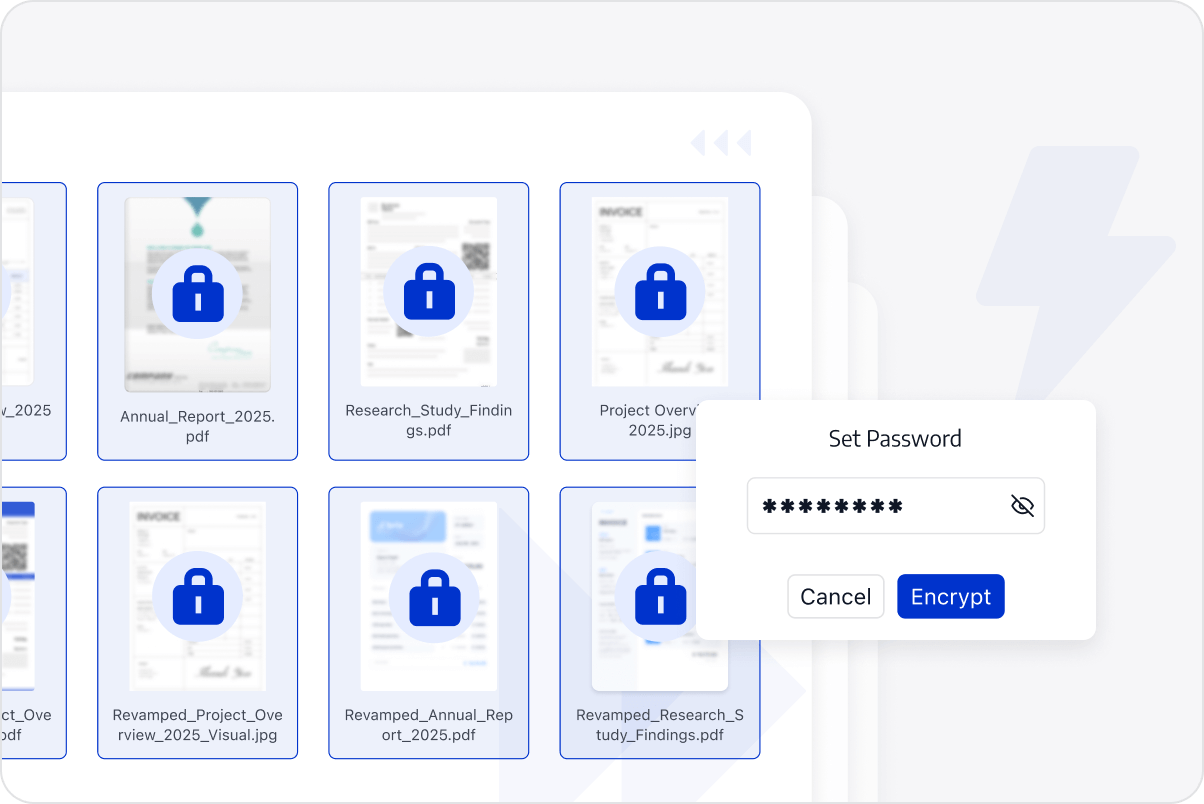
Batch set passwords or permissions to multiple documents in seconds. Free yourself from tedious, repetitive tasks.
Access LynxPDF Expert Library
Forward-looking insights and strategic guides for enterprise document management.