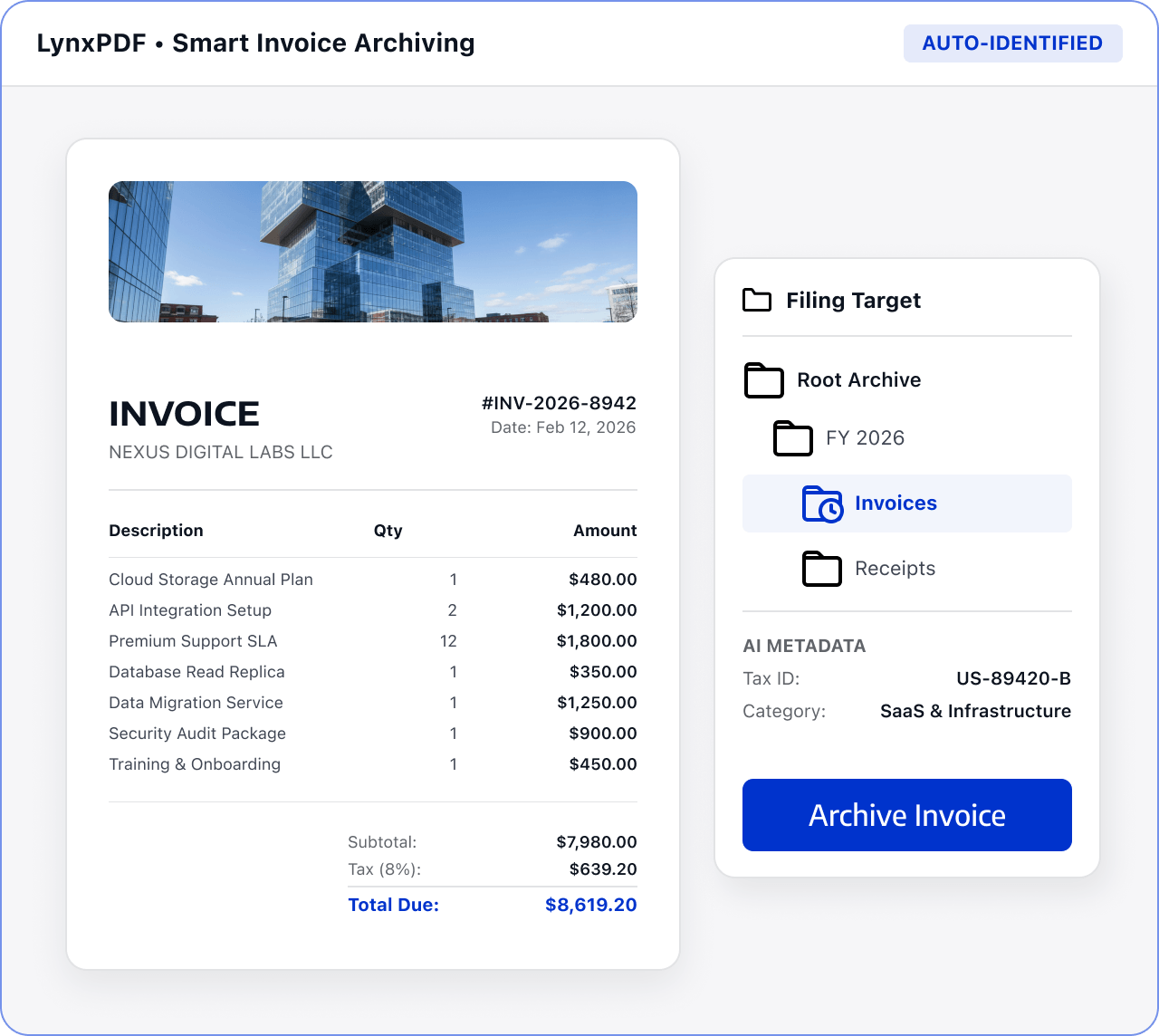
Related PDF Features
Explore conversion, OCR, page management, editing, annotations, compression, and protection.


Standardize invoice and receipt formats, page order, and versions for financial review and retention.

Roles: Finance, accounts payable, and document management teams

Input: Invoices, receipts, expense documentation, and scans

Output: Organized invoice files ready for archiving
Files are often scattered across sources and formats, with manual checks and version exchanges. This raises costs and makes changes and handoffs harder to track.
 Files are scattered across sources, versions, and page orders.
 Teams must find, check, and organize key content manually.
 Sensitive information and final versions require review before handoff.
Use LynxPDF to recognize, organize, and review invoice files before following your retention process.
Import invoices, receipts, expense documentation, and scans, and confirm the archive scope.
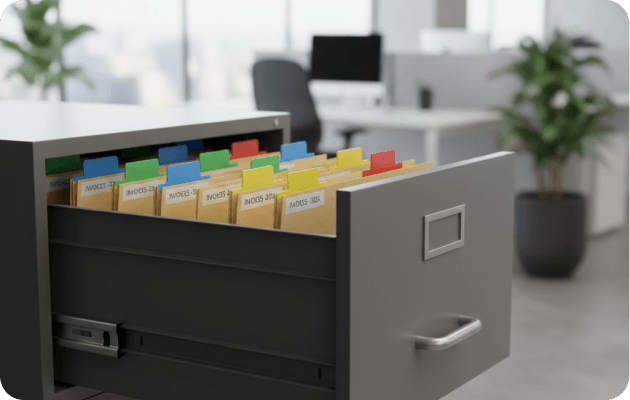
Use OCR, sorting, splitting, and merging tools to create an invoice package that is easy to search and store.
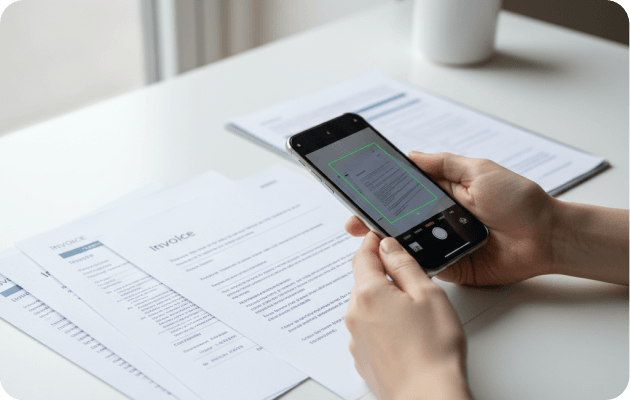
Check amounts, dates, vendors, and page order, then use editing, merging, and protection tools to complete the invoice package.

Make scanned invoices searchable and ready for further processing.
Arrange files by period, project, or supplier.
Export or protect files within the confirmed security scope.