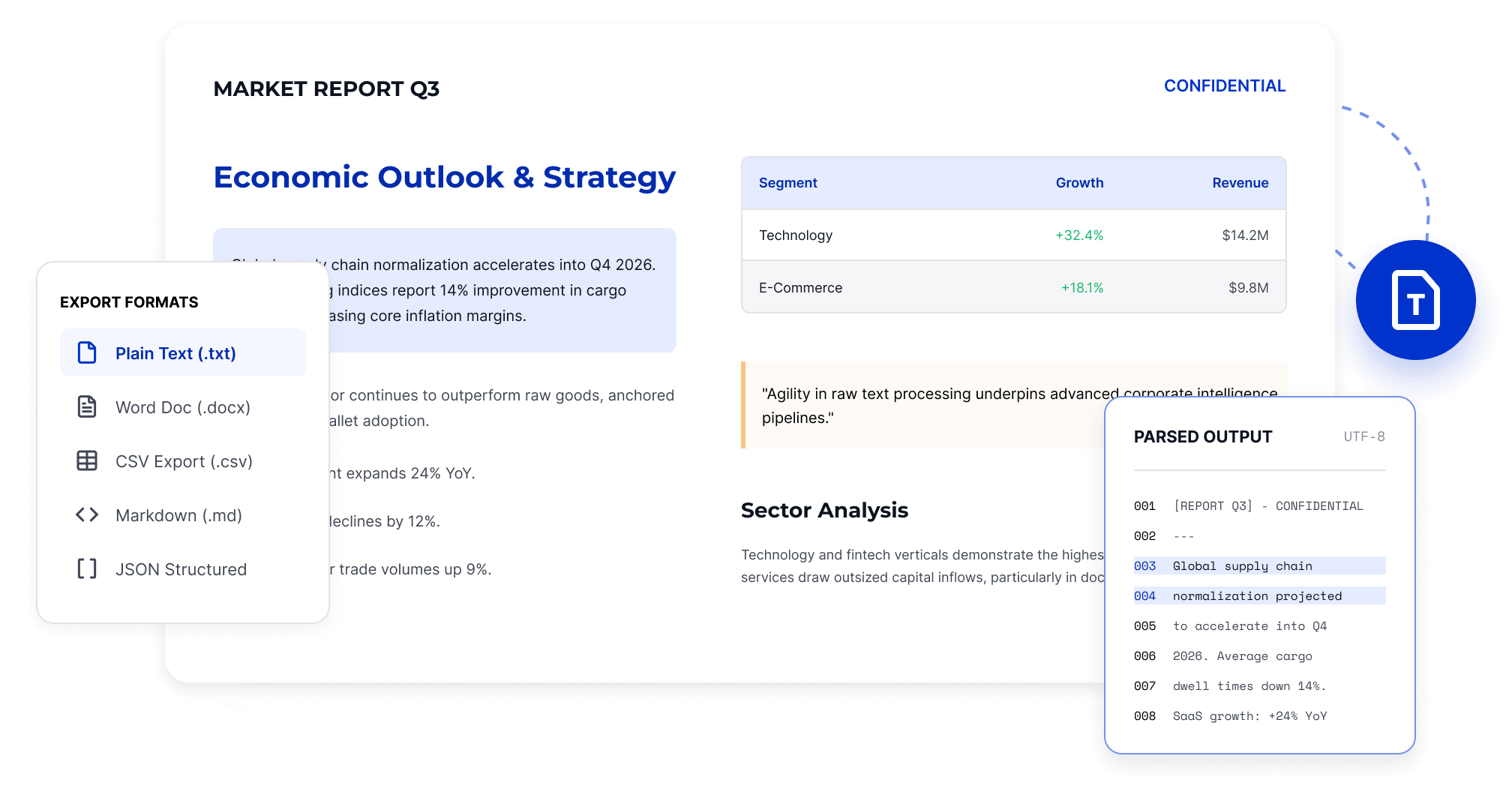
Extract searchable text from reports, contracts, and long documents to reduce manual copying and page-by-page organization, making it easier to edit, reference, and analyze.
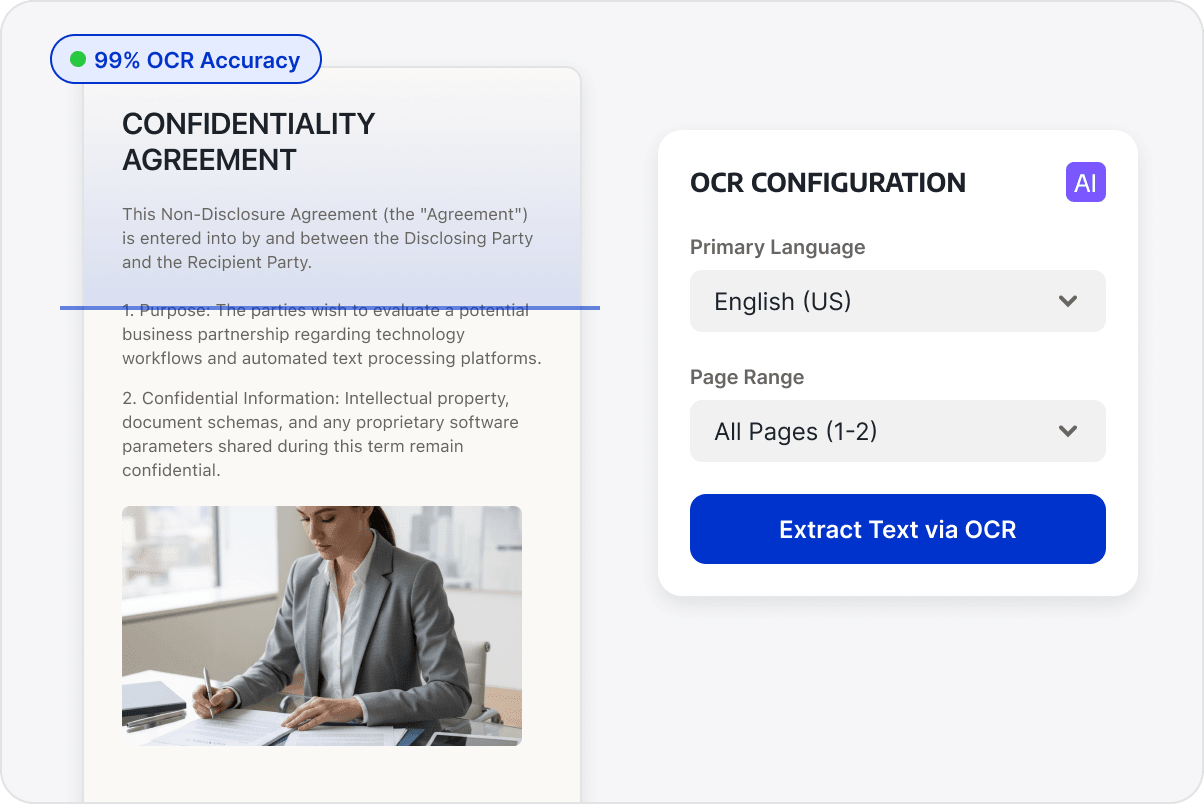
Recognize Text in Scanned PDFs
Use OCR to recognize text in scanned pages and image-based PDFs before extraction.
Reuse Extracted Text
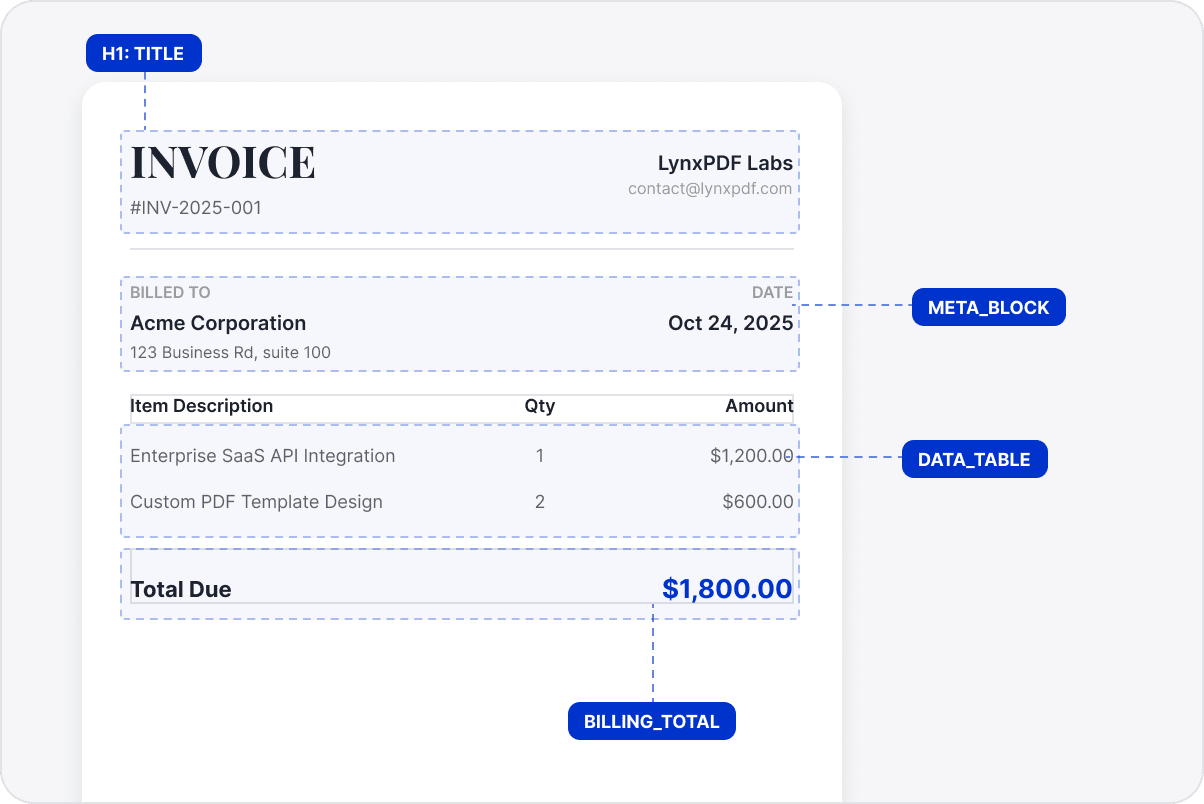
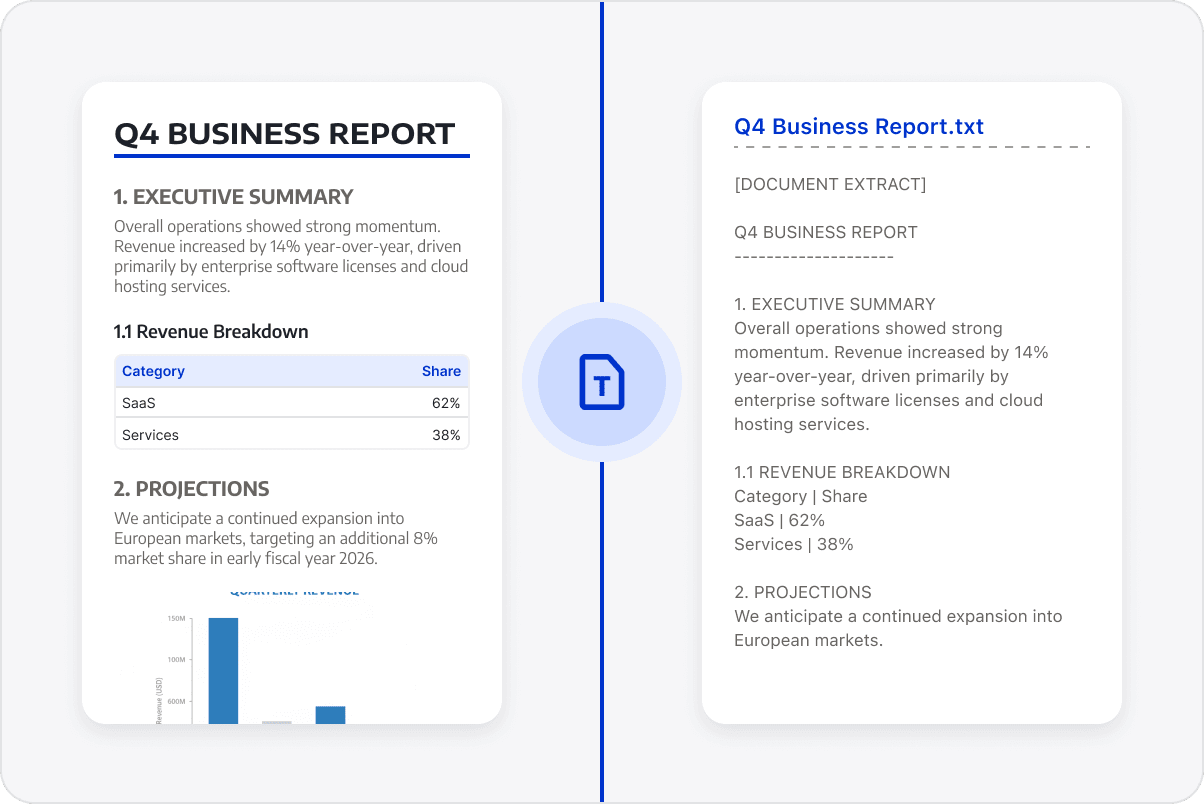
Organize extracted text in the original reading order and preserve headings, paragraphs, and key content relationships where possible to reduce reformatting.
Continue Working with Extracted Text
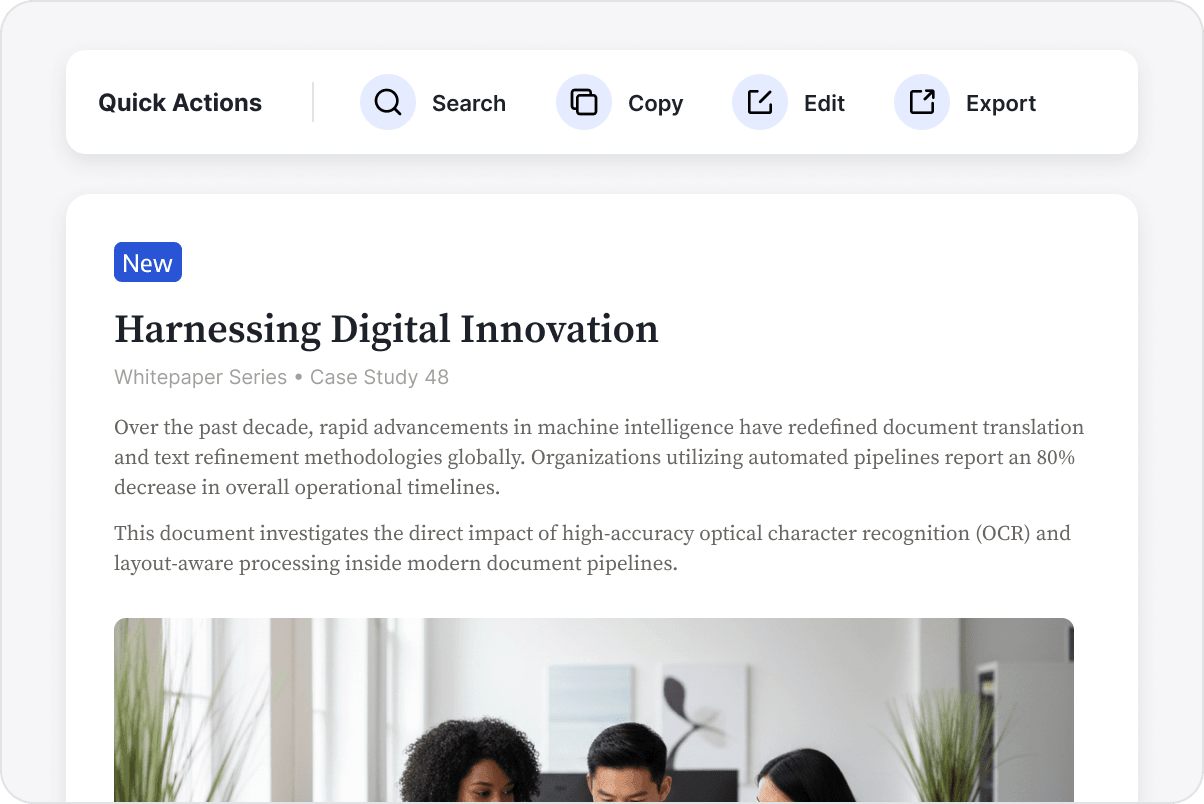
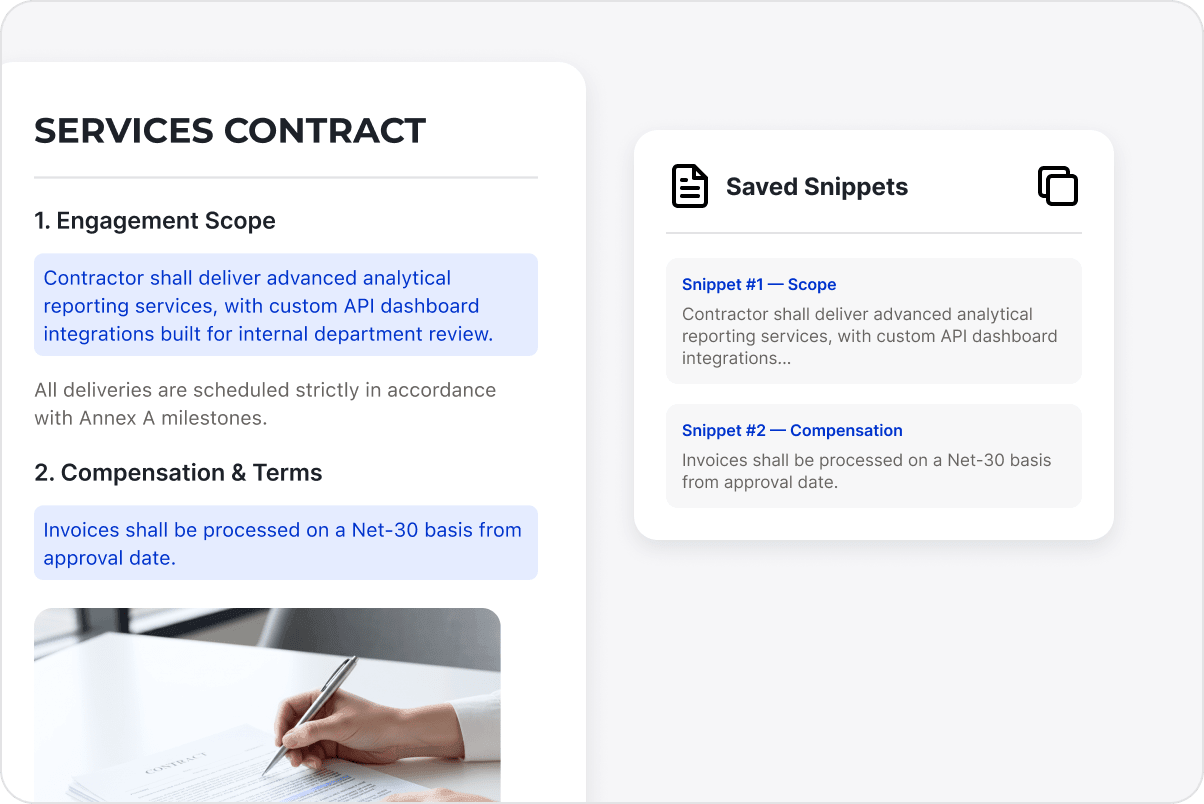
Use extracted text for notes, data organization, content review, or internal knowledge capture, reducing the need to reopen PDFs to find and copy content.
Continue Using Extracted Text
Continue using extracted text for notes, content review, data organization, and knowledge capture, reducing repeated searches through the PDF.
Access LynxPDF Expert Library
Forward-looking insights and strategic guides for enterprise document management.