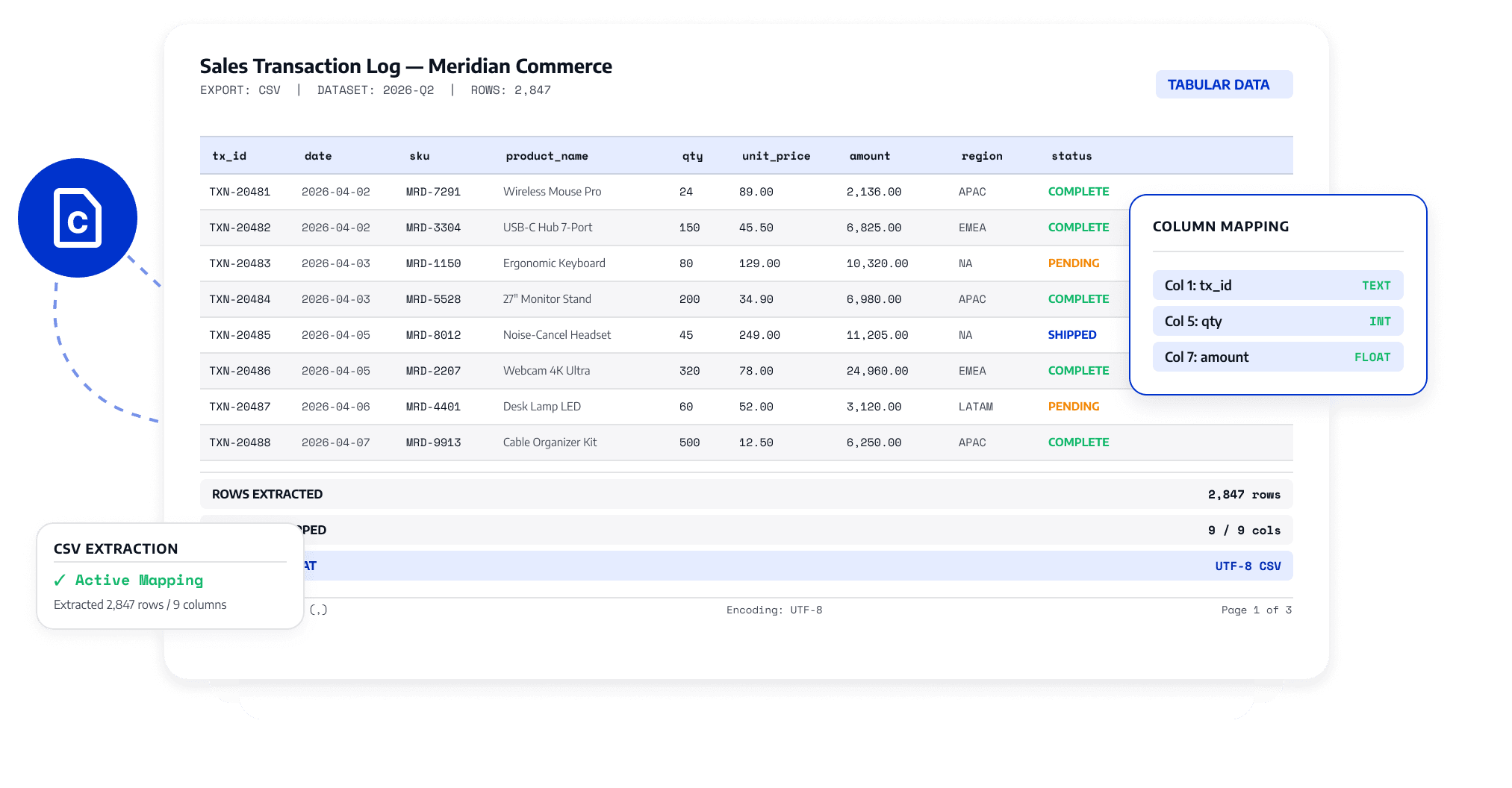
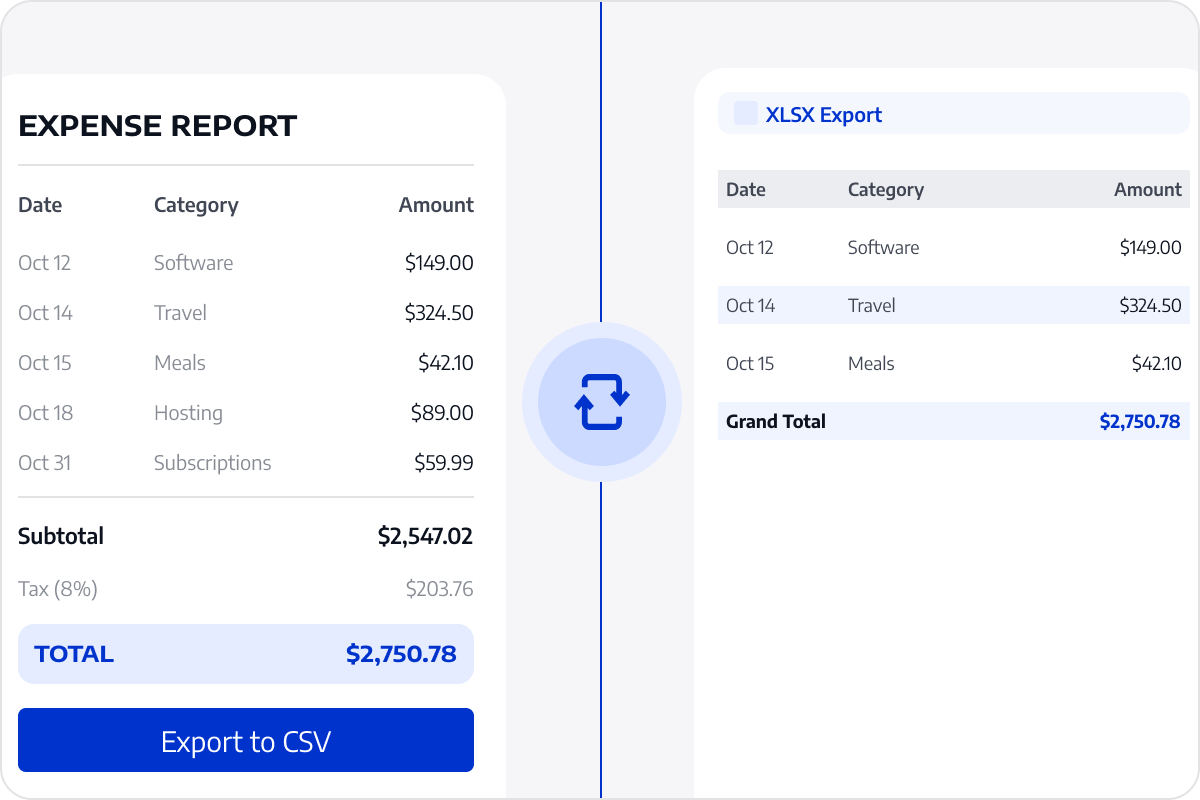
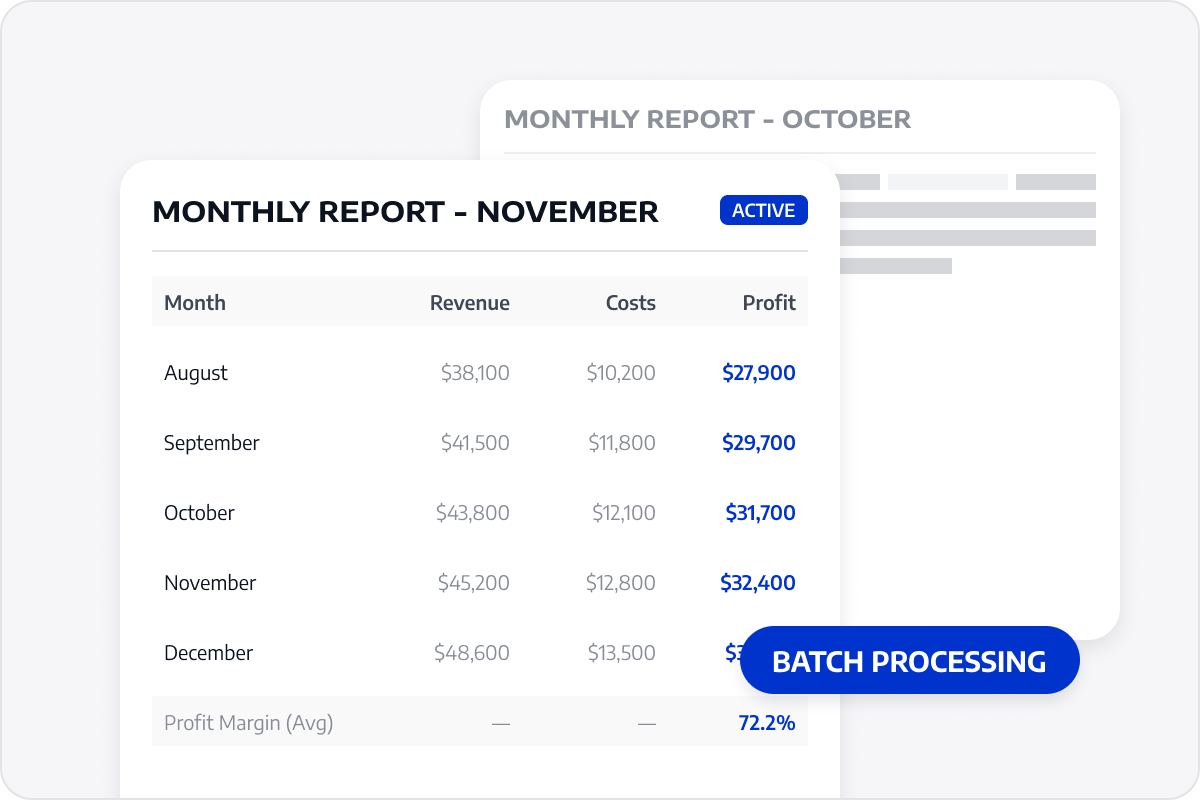
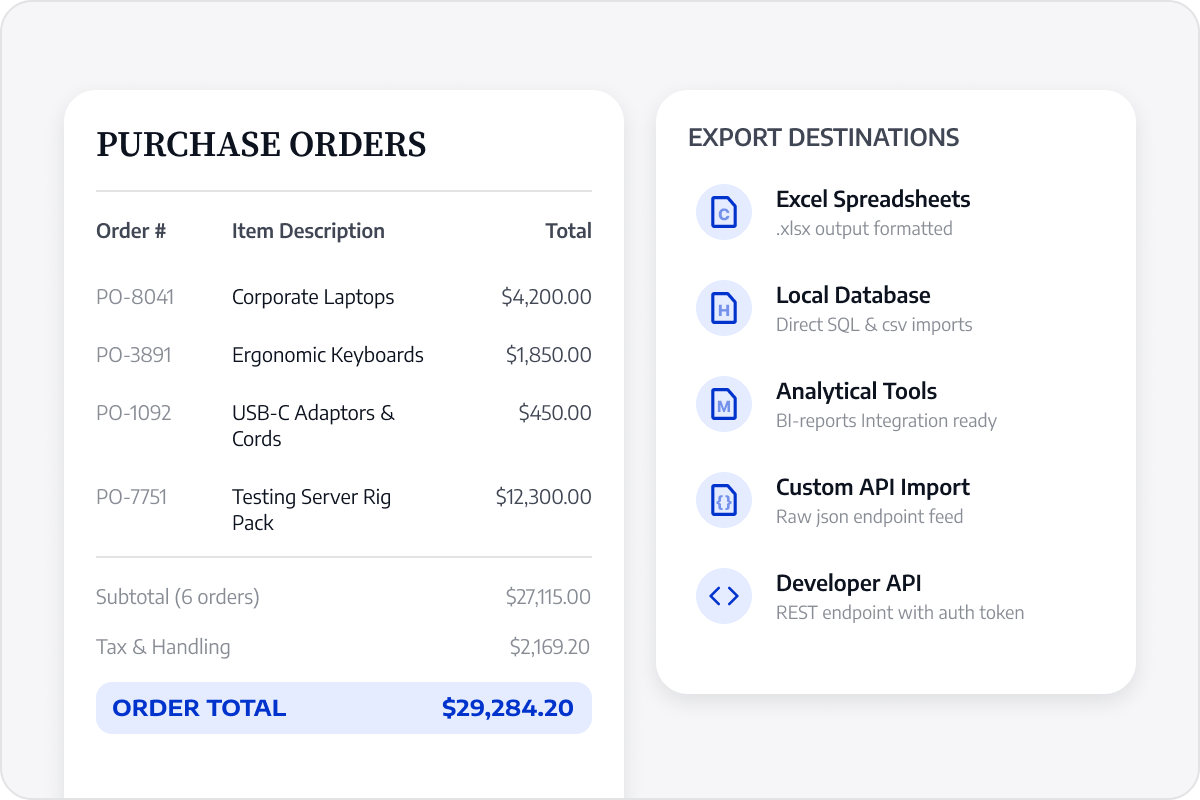
Extract tables from financial reports, expense lists, and business records into CSV to reduce manual copying and data preparation.
Preserve Row and Column Relationships
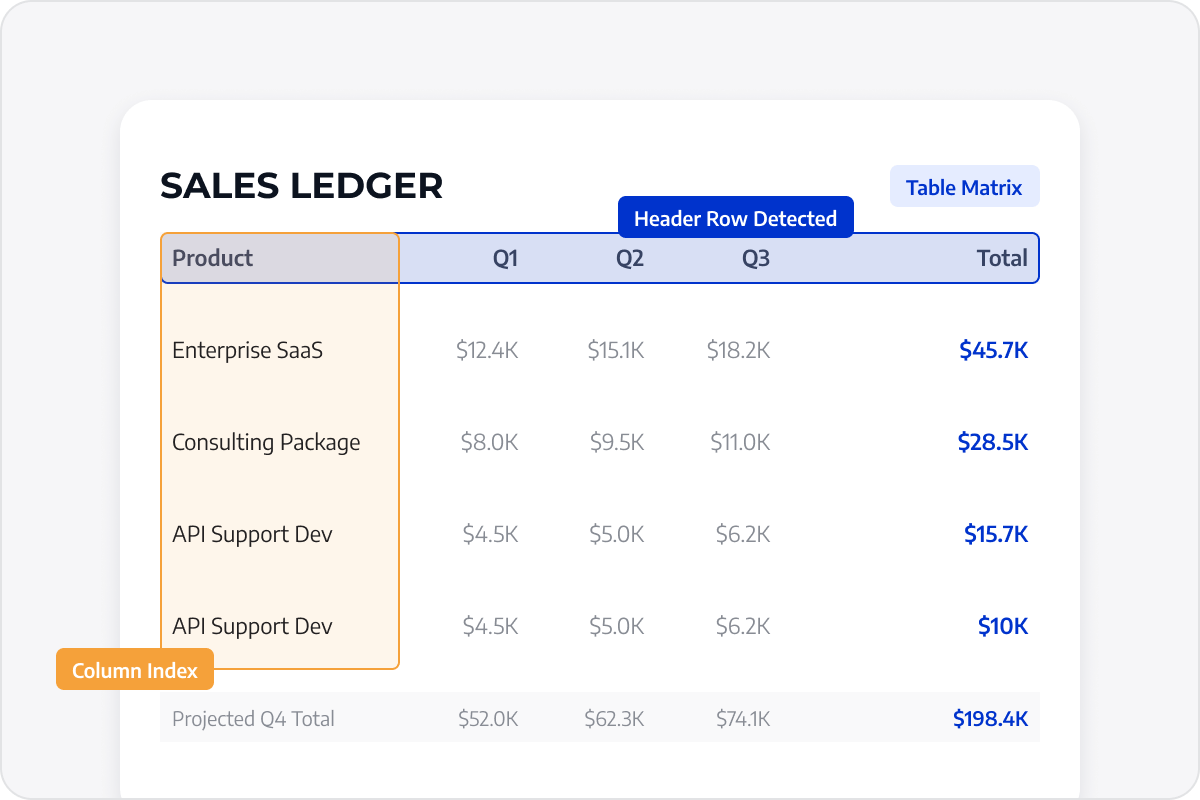
Identify headers, rows, columns, and values so the extracted data is easier to filter, sort, and review.
Organize Table Data
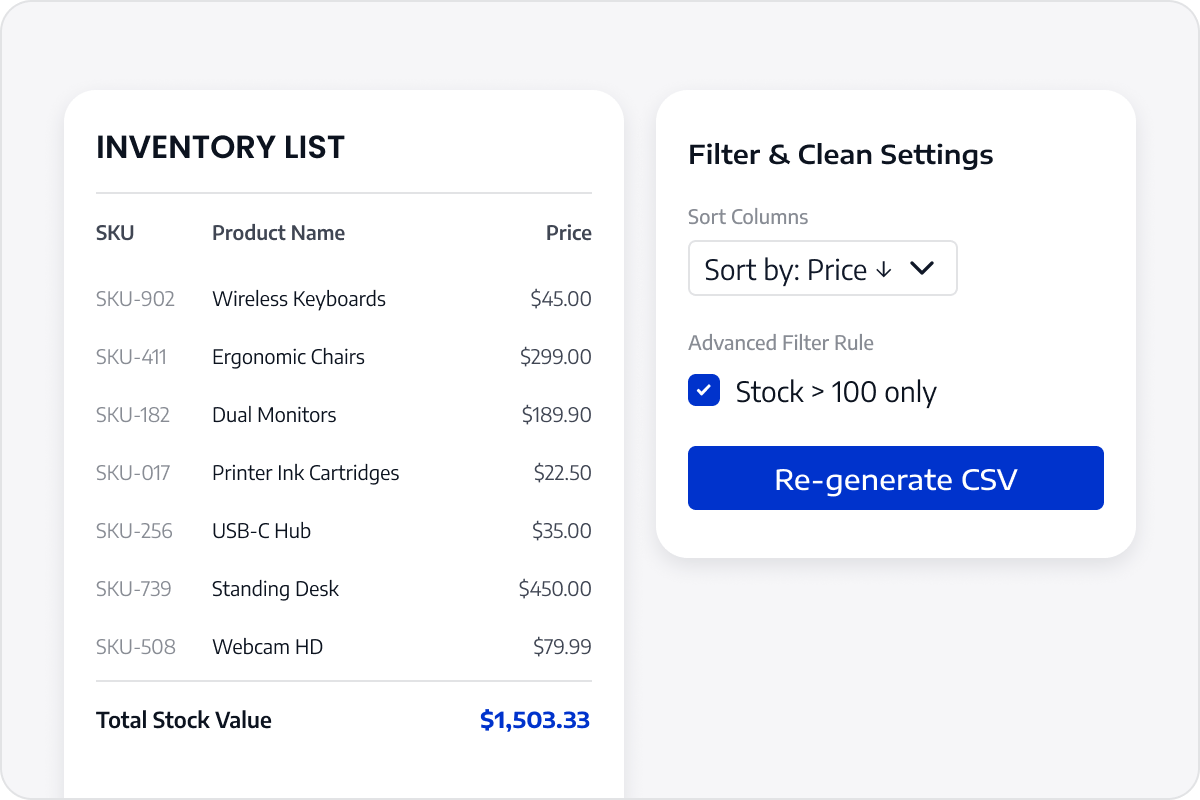
Organize PDF table data into fields that are easier to filter, sort, and analyze, then continue using it in Excel, data tools, or business systems.
Reduce Repeated Data Entry
Prepare recurring reports with less manual transcription and table cleanup, keeping the process consistent across documents.
Continue Using Table Data
Continue using the organized table data for analysis, filtering, or importation into business solutions, reducing manual data transfer and repeated cleanup across pages.
Access LynxPDF Expert Library
Forward-looking insights and strategic guides for enterprise document management.