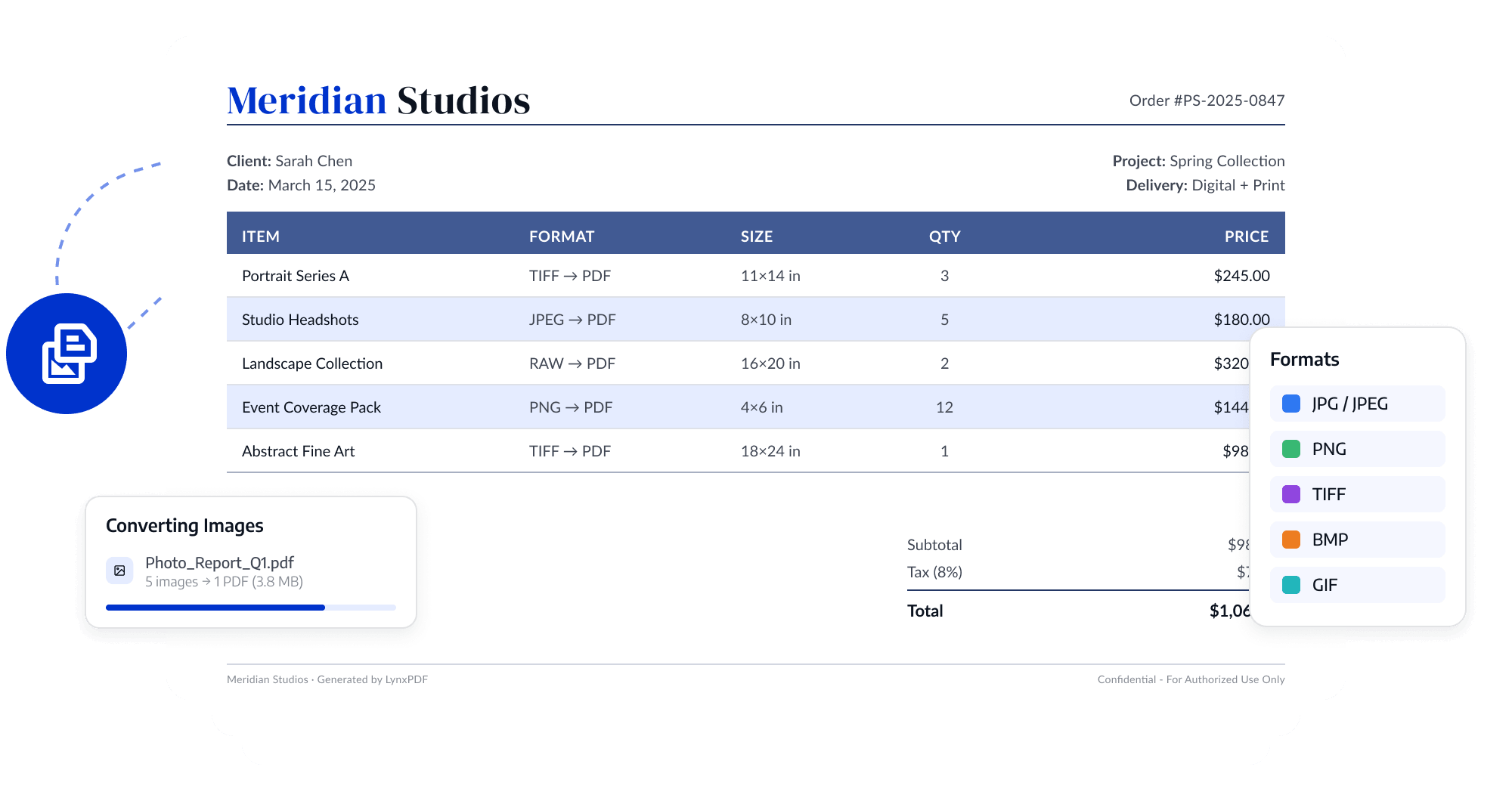
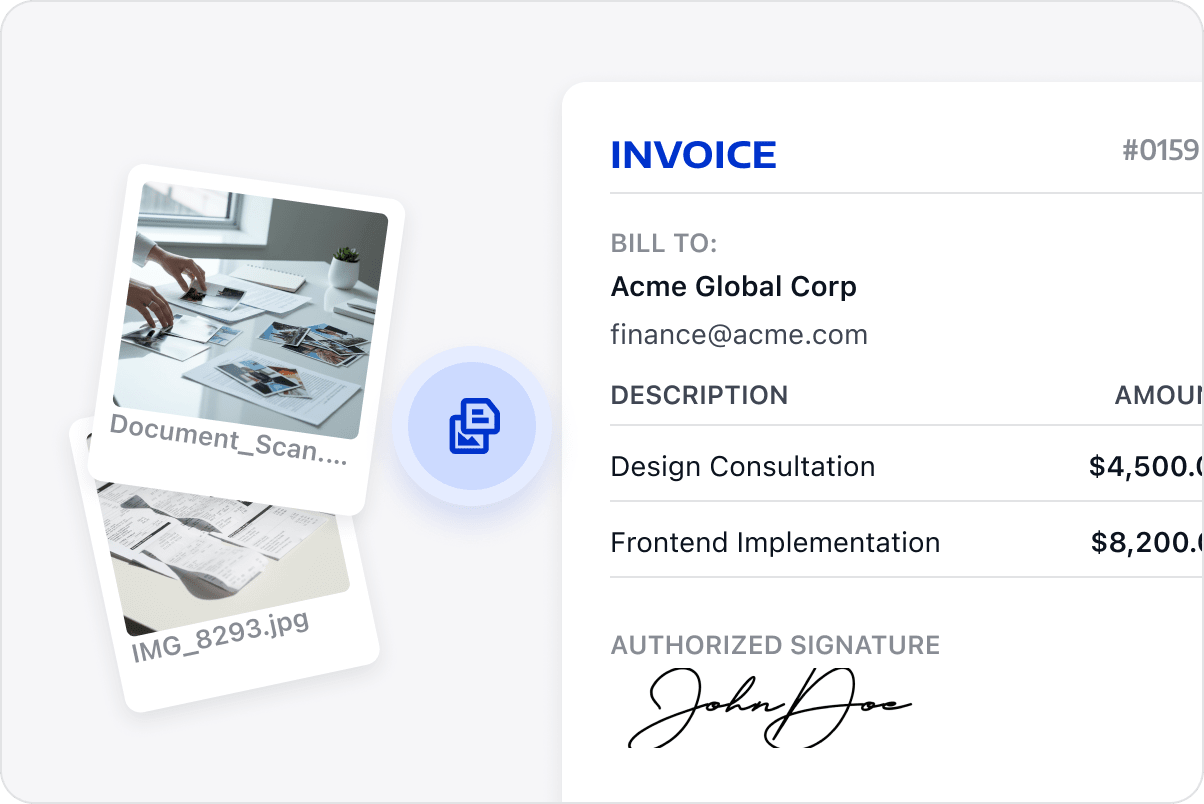
Combine receipts, tickets, screenshots, and scans in order into one PDF for reimbursement submission, archiving, and team sharing, instead of sending scattered attachments.
Organize Page Order
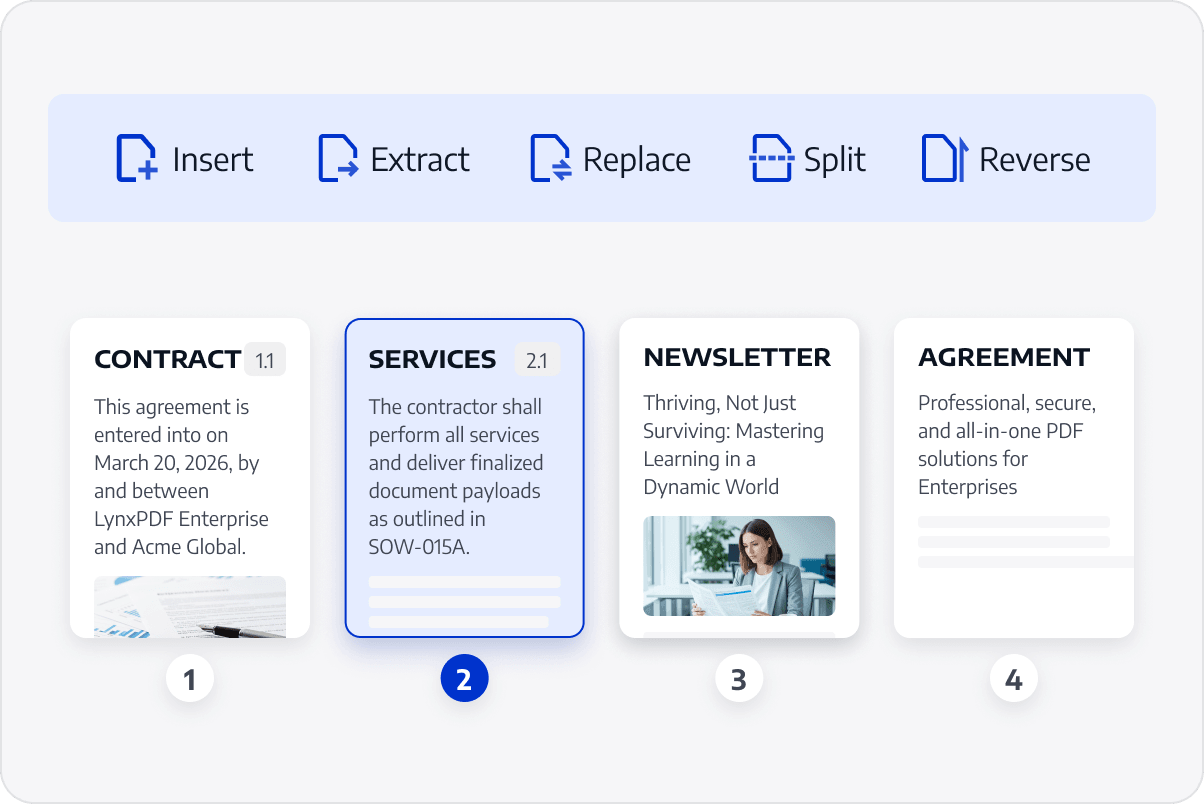
Arrange and rotate image pages into a complete, easy-to-read PDF, with less manual layout work.
Standardize Page Sizes
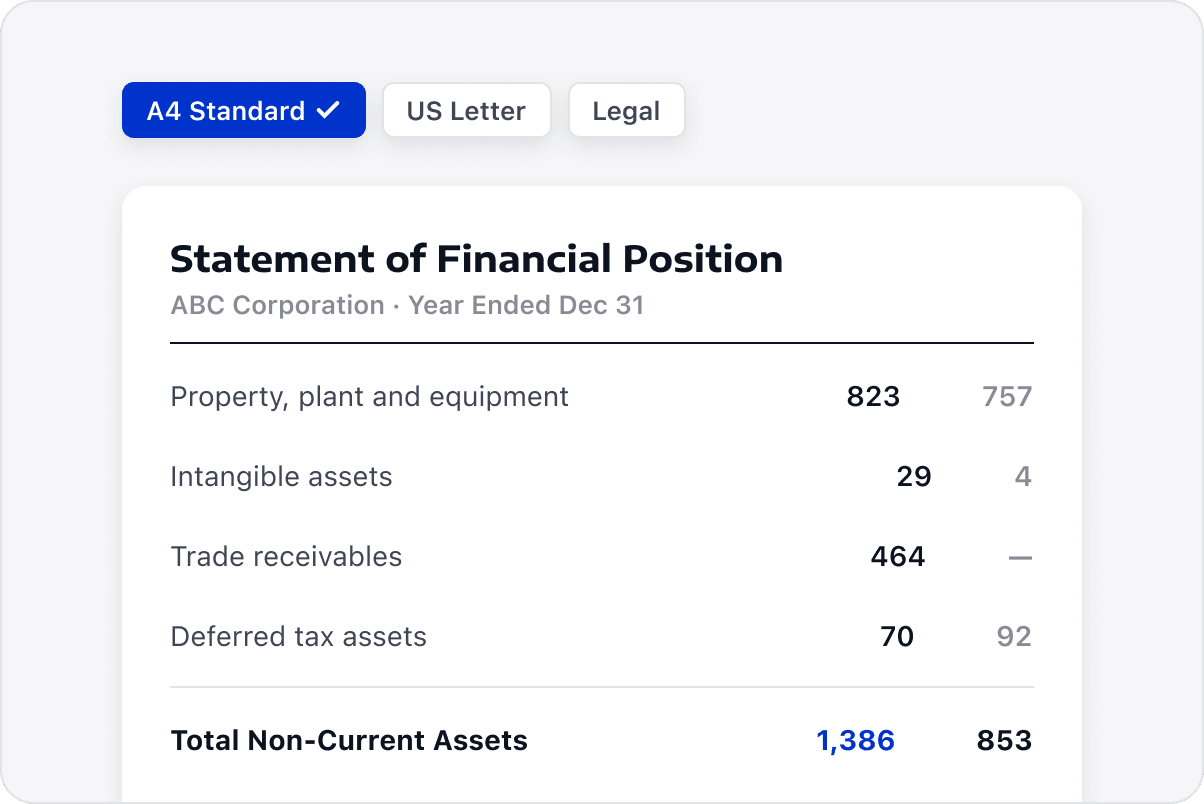
Bring images of different sizes and orientations into a consistent PDF layout, so recipients can read the full content in sequence.
Preserve the Original Content
Keep the original page content in your PDF, then rotate or reorder pages, add annotations, or convert the file as needed.
Easy to Submit and Share
Organized image files are easier to use for reimbursement, submission, archiving, and team sharing. Recipients can review complete pages in order with clear, readable content throughout.
Access LynxPDF Expert Library
Forward-looking insights and strategic guides for enterprise document management.