

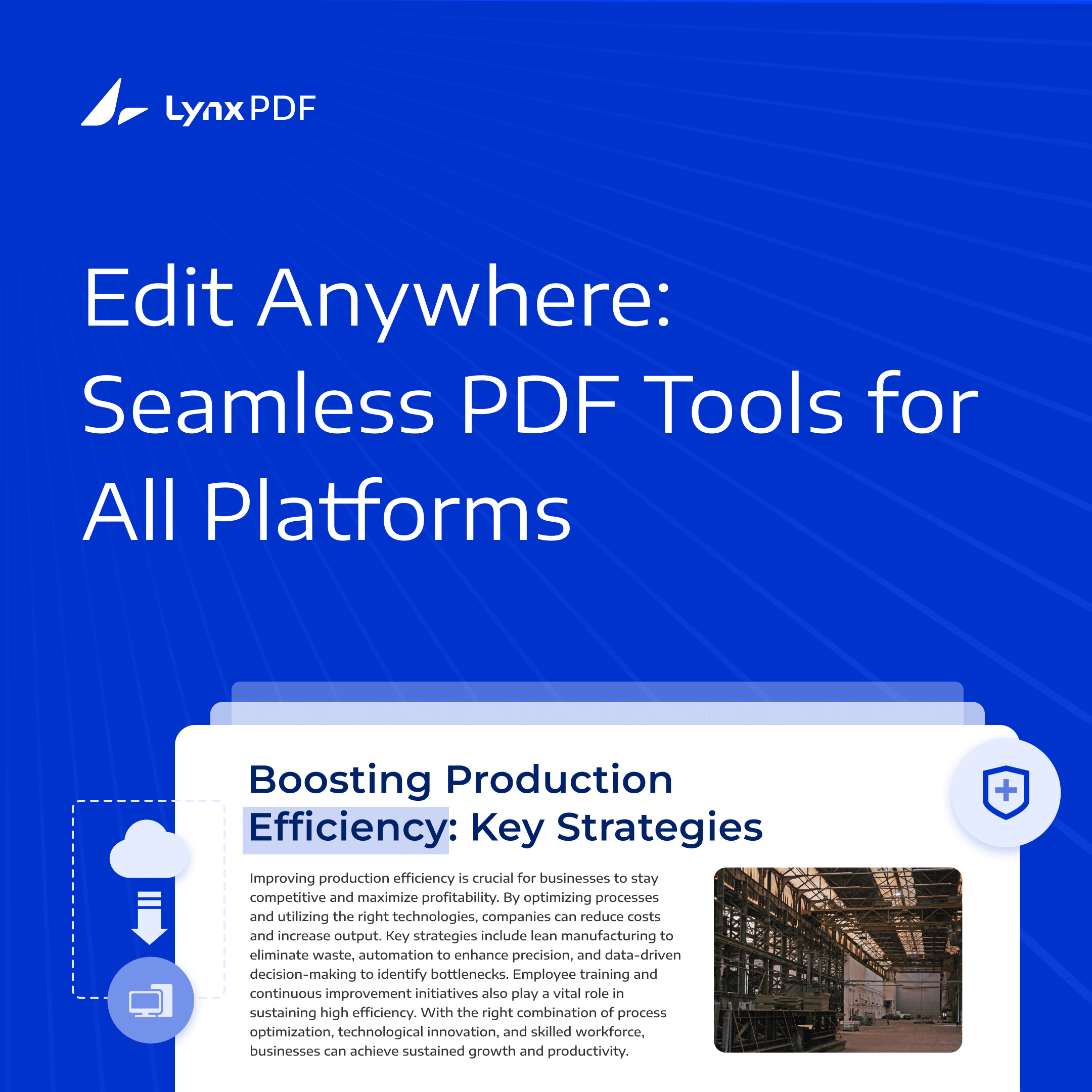
In today’s fast-paced business environment, organizations are constantly handling a large volume of documents, many of which are in PDF format due to its reliability and universal usage. The need for seamless PDF editing and strong document security has become critical, particularly in industries such as legal, healthcare, finance, and government, where sensitive information is regularly processed.
However, protecting sensitive PDFs while offering robust editing features requires careful planning. Many organizations prefer to edit local files on their own devices and manage software within their own infrastructure. With LynxPDF, desktop PDF editing and private deployment of Admin Console serve these different needs: the desktop app handles local PDFs, while Admin Console provides license, user, and team administration. PDF storage, AI processing, and Web sharing are separate from that administration-service deployment.



Understanding PDF Editing
PDF (Portable Document Format) has become the de facto standard for sharing and storing documents, primarily due to its consistent formatting and cross-platform compatibility. However, while PDFs are excellent for preserving the layout and structure of a document, editing them can present challenges for users unfamiliar with the tools and processes involved.
Understanding PDF editing is crucial for both personal and professional use, as it allows individuals and organizations to make necessary changes without altering the core format or integrity of the document.
Why PDF Editing is Important
PDFs are commonly used for contracts, forms, reports, and official documents because of their ability to lock in formatting, ensuring that the document looks the same no matter where or how it’s viewed.
But despite their usefulness, PDFs are not inherently designed for editing like Word or other document formats. This makes the right tools essential when users need to:
- Update text or correct errors in an existing document.
- Add images, annotations, or comments.
- Fill in forms or create new ones for data collection.
- Merge multiple documents into a single file.
- Redact sensitive information to comply with privacy regulations.
In various industries, the ability to easily edit PDFs without disrupting their structure is essential. From legal departments making changes to contracts, to HR departments updating employee forms, PDF editing allows for seamless document management.
Key Aspects of PDF Editing
To effectively work with PDFs, it’s important to understand the range of editing capabilities available. Modern PDF editors offer several functionalities to simplify the process, each designed to meet specific user needs:
1. Text Editing
Text editing in a PDF can range from making small corrections to replacing entire sections of content. The ability to edit text without having to convert the document to another format saves time and ensures that the document maintains its original design.
- Inline text changes: Allows for direct modification of text within the document.
- Font matching: Ensures that any added or edited text matches the original font, size, and style.

2. Image Editing
Images are often embedded within PDFs to illustrate points or serve as visual aids. Being able to edit images—whether it’s resizing, replacing, or moving them—can be important for maintaining a document’s overall flow.
- Inserting images: Add new images to existing PDFs.
- Modifying existing images: Resize, crop, or replace images without altering the rest of the document.

3. Annotations and Comments
Annotations are especially useful for collaborative work environments where feedback is required. Whether reviewing a contract, a legal document, or a presentation, annotations allow users to add comments, highlight key points, or suggest changes without modifying the original text.
- Highlighting text: Emphasize important sections with color highlights.
- Adding notes or sticky comments: Provide additional information without altering the document’s core content.
4. Form Filling and Creation
PDF forms are commonly used for data collection in fields such as finance, education, and human resources. PDF editing tools allow users to fill in these forms or create new ones, making it easier for others to enter data without needing to print or scan documents.
- Interactive form fields: Enable users to type directly into fields like text boxes, checkboxes, and dropdowns.
- Form creation tools: Build customized forms that are easy to distribute and collect information.

5. Merging and Splitting PDFs
Managing multiple documents often requires merging them into one cohesive file, or splitting a large PDF into smaller, more manageable segments. PDF editors provide the functionality to merge or split documents without disrupting the content or structure.
- Merge PDFs: Combine multiple files into a single document, preserving the layout of each individual PDF.
- Split PDFs: Break a large document into smaller sections based on page numbers or file size.
Benefits of On-Premise Administration and Local PDF Editing
As organizations continue to adopt digital transformation strategies, managing documents effectively and securely becomes increasingly important. PDF editing is a critical part of document management, especially when businesses deal with large volumes of sensitive data.
LynxPDF combines local desktop PDF tools with an Admin Console administration service that can be deployed on private infrastructure. The following considerations cover local document work, service administration, and the IT responsibilities involved in running that service.
1. Enhanced Data Security and Privacy
Organizations in healthcare, finance, legal, and government need to protect sensitive documents and the systems used to manage software. LynxPDF’s desktop tools support local PDF work, while a privately deployed Admin Console places the administration service within the organization’s chosen infrastructure.
-
Local PDF Work: Open and edit local PDF files with the LynxPDF desktop app. Store the resulting files in locations approved by your organization.
-
Administration Access: IT teams can restrict network and administrator access to the privately hosted Admin Console service.
-
Regulatory Support: LynxPDF’s PDF protection features support GDPR- and HIPAA-related document workflows. Plan the administration service and document storage to meet your organization’s requirements.
2. Infrastructure and Enterprise Sign-In
A private Admin Console deployment lets IT teams plan the server, network access, and client connections for the administration service. Enterprise sign-in can also help employees use their organization’s existing identity account.
-
Enterprise Sign-In: SSO helps employees sign in with their organization’s identity account and reduces repeated credential entry.
-
Capacity Planning: Review server resources, network connectivity, and license requirements as the number of managed users grows.
-
Offline PDF Editing: Use LynxPDF’s desktop tools to edit local PDFs offline. The privately hosted administration service is a separate component with its own network requirements.
3. Control Over Service Configuration and Updates
Hosting the administration service on private infrastructure lets IT teams maintain its server configuration and plan service updates. This involves the following responsibilities:
-
Deployment Planning: Review installation packages, client configuration, and any customization requirements with the LynxPDF team before rollout.
-
Update Scheduling: Schedule administration-service updates during planned maintenance windows and test changes before rollout.
4. Planning Long-Term Costs
Budget for software licenses, deployment, server resources, maintenance, backups, and IT support when evaluating an on-premise administration service.
-
Total Cost of Ownership (TCO): Include license terms, hardware, service maintenance, upgrades, storage, and support in the comparison. Review current licensing options when planning the deployment.
-
Full Use of IT Resources: For companies with robust internal IT resources, managing an on-premise solution can leverage existing personnel and infrastructure, reducing the need for third-party support.
5. Local PDF Processing
LynxPDF’s desktop app handles local PDF editing on the user’s device. This lets employees work with local documents without uploading them for those editing tasks.
-
Working with Local Files: Open, edit, and save PDF documents on supported desktop devices, including files with images, forms, and other document content.

6. Managing Reliability and Availability
IT teams maintain the availability of a privately hosted administration service. Plan monitoring, maintenance, backups, and recovery for the server and its network connections.
-
Service Monitoring: Monitor the administration server and client connections, and define how IT will respond to service or network failures.
-
Offline Document Work: Local PDF editing is available through the desktop app’s offline tools. Plan administration-service access separately from that local document work.
7. Data Location and Retention
Organizations can choose where to host the Admin Console administration service and maintain records for that deployment. Plan PDF storage, backups, and retention as separate parts of document management.
-
Data Backup and Retention Policies: Establish IT-managed backup and retention procedures for the administration service and your organization’s document storage.
8. License and User Management
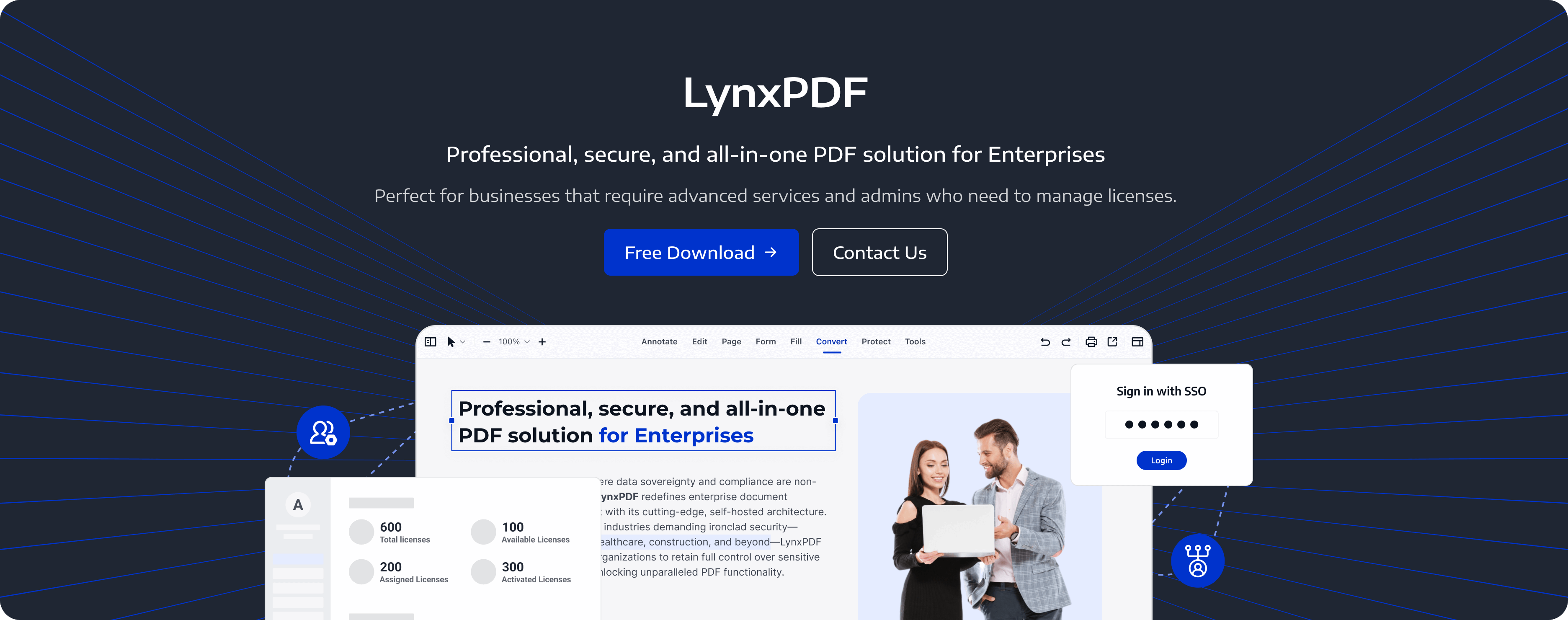
Admin Console brings license, user, and team management into one administration service.
-
User and Team Administration: Add or remove team members, assign or revoke licenses, and unbind old devices when employees need to activate LynxPDF on new devices.
How to Secure an On-Premise Administration Service
In today’s digital landscape, protecting sensitive information is critical for organizations in healthcare, finance, government, and legal sectors. A privately hosted administration service gives IT teams responsibility for its server and network environment.
The following practices describe infrastructure controls and operational procedures maintained by the organization. LynxPDF private deployment covers Admin Console; PDF storage, AI processing, and Web sharing remain separate services.
1. Control Over the Administration Environment
Hosting Admin Console on private infrastructure lets the organization maintain its administration server, configuration, and access policies. PDF files continue to be stored and handled through the organization’s chosen document processes.
-
Service Location: Choose the server and network location for Admin Console and document who maintains the service and its configuration.
-
Administrative Access: Restrict server and service access to authorized administrators and define how support access is approved.
2. Compliance with Data Privacy Regulations
For regulated industries, plan the administration service and document-handling controls against the organization’s privacy and security requirements. Local hosting gives IT control over the service environment and also creates maintenance responsibilities.
-
GDPR and HIPAA Support: Use LynxPDF’s PDF protection tools in GDPR- and HIPAA-related document workflows, alongside the organization’s document-handling procedures.
-
Data Location Planning: Record the location of the administration service and assess the storage and processing locations used by each document service separately.
3. Administration-Service Access
Restrict administrator and network access to the management service. Manage LynxPDF users, teams, and licenses through Admin Console, and apply PDF passwords and document permissions separately to sensitive files.
-
Enterprise Sign-In: Use SSO to help employees sign in with their organization’s identity account and reduce repeated password entry.
4. Stronger Network Security
When deploying on-premise solutions, organizations have full control over the security of their internal network, which means they can implement robust security measures to protect data from external threats.
-
Firewalls and Intrusion Detection Systems: Organizations can deploy advanced firewalls, intrusion detection/prevention systems (IDS/IPS), and other network security solutions to monitor, detect, and block potential threats before they can affect the system.
-
Internal Traffic Monitoring: On-premise deployments allow organizations to monitor internal network traffic and detect any unusual activity, such as unauthorized access attempts or internal data breaches. This level of visibility ensures that potential threats are identified and addressed early.
5. Data Encryption and Encryption Key Management
Use PDF protection and infrastructure encryption as separate controls. LynxPDF provides AES-256 PDF encryption, while IT teams configure server storage, transport security, and any infrastructure key-management services.
-
PDF Encryption: Apply AES-256 PDF encryption and an appropriate password to sensitive PDF files before storing or sharing them.
-
Transport Security: IT teams should configure secure connections for administration-service communications and verify the deployment’s network settings.
-
Key and Credential Management: Define who manages PDF passwords, server credentials, and any encryption keys used by the organization’s infrastructure.
6. Customizable Security Policies
IT teams can define security policies for the privately hosted service, including administrator access, server maintenance, backup retention, and incident response. Keep these infrastructure policies separate from PDF file protection settings.
-
Policy Enforcement: Organizations can create and enforce custom security policies that meet their specific risk management needs, including password policies, data retention policies, and incident response protocols.
-
Incident Response: In the event of a security breach, having an on-premise system allows for a quicker response time, as organizations have direct access to the affected servers and can control their remediation efforts without waiting for third-party involvement.
7. Physical Security
Since on-premise systems are hosted within an organization’s own infrastructure, physical security measures play an important role in protecting the servers and systems that house sensitive data.
-
Secure Data Centers: Organizations can place their on-premise infrastructure in secure, controlled environments, such as data centers with restricted access, CCTV surveillance, and biometric access controls.
-
Disaster Recovery: By controlling the physical location of data storage and servers, organizations can implement disaster recovery plans that are specifically designed to protect against physical threats, such as natural disasters, fires, or equipment failures.
8. Managing Self-Hosted Service Risks
Hosting Admin Console privately places the administration service under the organization’s maintenance. IT teams must manage server security, network access, updates, backups, and recovery.
-
Vulnerability Management: Review the server, application configuration, and network for vulnerabilities, and apply tested fixes through the organization’s maintenance process.
-
Service Recovery: Prepare and test recovery procedures for server failures, network outages, and maintenance interruptions.
9. Customization of Security Updates and Patches
On-premise deployment allows organizations to control when and how security updates and patches are applied, minimizing disruption to critical business operations.
-
Controlled Patch Management: Organizations can schedule security patches and updates during off-peak hours to avoid downtime or disruptions to business workflows, which is particularly important for mission-critical systems.
-
Test Before Implementation: Before applying a patch or update, organizations can thoroughly test it within their own environment to ensure compatibility and avoid introducing vulnerabilities.
Maximize Efficiency with LynxPDF
LynxPDF provides a comprehensive range of tools to simplify PDF management across various industries. Whether you’re editing text, adjusting objects, or quickly compiling documents, LynxPDF helps your team handle everyday PDF tasks.
Use encryption, passwords, and document permissions to protect sensitive PDFs, and use desktop tools to edit local files offline.
Admin Console streamlines license, user, and team management across departments. Private deployment lets the organization host that administration service on its own infrastructure. SSO simplifies employee sign-in with an organization identity account. PDF storage, AI processing, and Web sharing are separate from the private deployment of Admin Console.

 Admin Console
 Custom Business Stamps
 System Integration
 Digital Signatures
LynxPDF enables your enterprise to streamline and secure its document management process, ensuring it is perfectly aligned with your operational requirements for enhanced efficiency and protection.


