

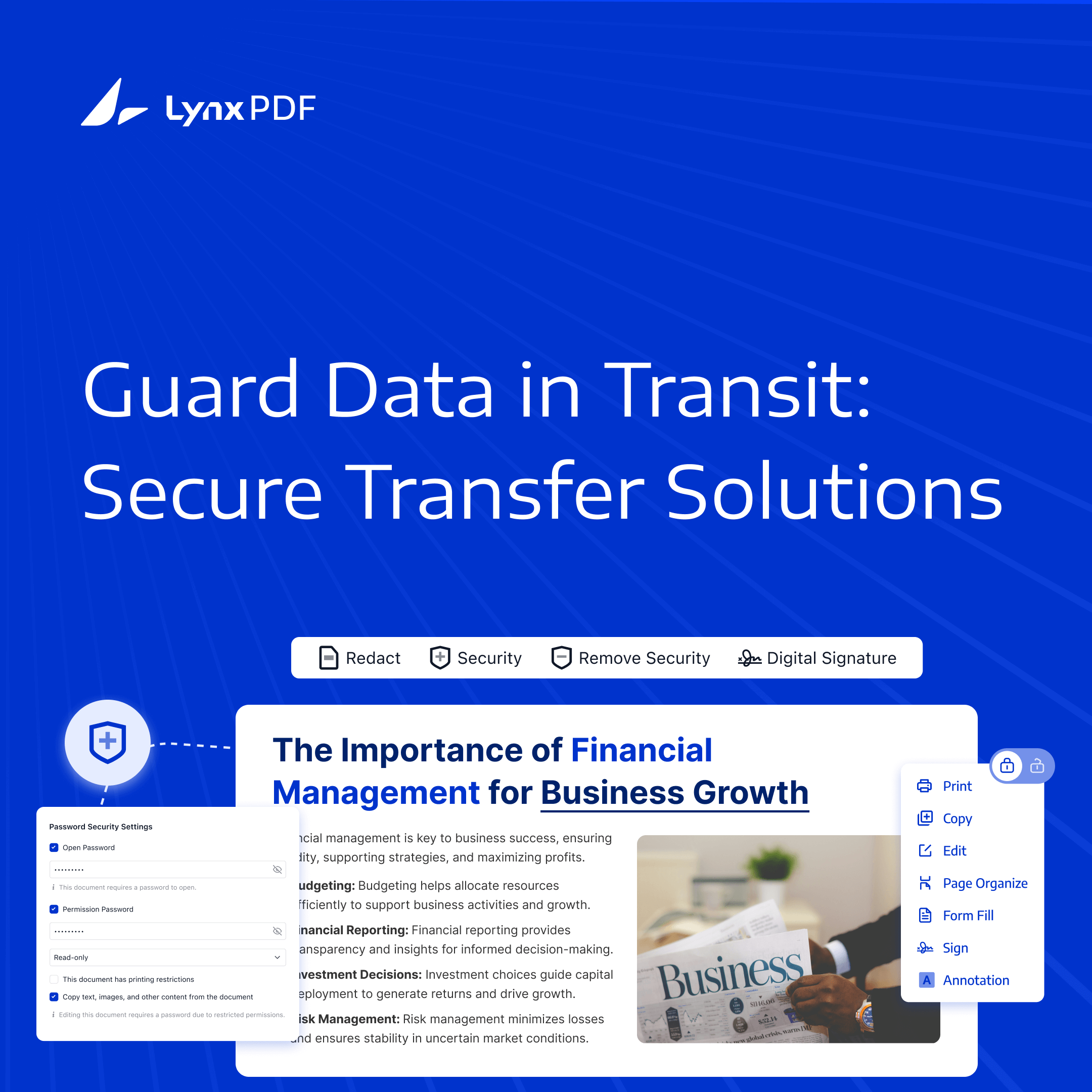
When data flies around faster than we can blink, businesses need a secure, simple way to share all that important info without worrying about it falling into the wrong hands. Enter LynxPDF. It’s not just about managing PDFs—it’s your go-to for safely handling sensitive data transfers.


With all the regulatory hoops to jump through and those constant data breach headlines, having a file transfer solution you can trust is a must. Lucky for you, LynxPDF delivers a top-notch, easy-to-use system that keeps your files safe while keeping your team efficient and stress-free.
What Are Enterprise File Transfer Solutions?
Enterprise file transfer solutions are cloud-based systems allowing businesses to share and manage files securely. Specifically designed for large-scale enterprises handling sensitive data, these solutions ensure that files are transmitted safely across teams and departments, preventing unauthorized access.
Encryption, authentication, and tracking features are key enterprise file transfer solutions components. These components help maintain data integrity and confidentiality, minimize risks, and ensure regulatory compliance.
Secure File Transfers with LynxPDF
Security is at the forefront of LynxPDF’s enterprise solutions. Whether you are editing, managing, or transferring PDF documents, LynxPDF offers unmatched security measures to protect your business.
Some of the key security features include:
- PDF Encryption: Apply AES-256 PDF encryption and passwords to protect PDF content. Network transport and storage-service security are separate controls.
- Team Management and Document Permissions: Manage team members in Admin Console. Use LynxPDF for Web to set sharing permissions, and use PDF passwords and permissions to protect individual files.
- Active Directory integration: Connect a configured LDAP or LDAPS directory to centralize user information and access management. Configure LynxPDF license assignments in Admin Console.
- eSign and Signing Audit Trails: Send signature requests, track signing progress, and review audit records for the signing process.
- SSO (Single Sign-On): This allows users to access multiple apps with a single set of credentials, simplifying the login process and improving working efficiency.
Centralized License Management
For enterprises, managing software licenses can be daunting. LynxPDF's Admin Console makes this process easy, offering centralized license management where admins can assign, remove, and manage licenses in bulk. This streamlined approach ensures that your team always has the necessary tools to stay productive.

 Admin Console
 Custom Business Stamps
 System Integration
 Digital Signatures
Flexible Deployment and Customization
LynxPDF offers cloud-based PDF tools and private deployment of the Admin Console administration service. Review which services and data are handled in each environment before selecting an option.
Additionally, LynxPDF supports various install packages (msi, exe, pkg, dmg), allowing IT teams to deploy the software in a format that best fits their environment.
Optimize Your Workflow with LynxPDF
With LynxPDF, enterprises get more than just a file transfer solution. The software provides full-spectrum PDF management tools that enhance team collaboration and efficiency. From text editing to advanced document assembly, LynxPDF ensures that your teams can easily handle complex document workflows.
LynxPDF delivers robust, secure, customizable file transfer and PDF management solutions for enterprises. Whether you need to share files across global teams or manage licenses for hundreds of users, LynxPDF ensures your business stays secure, efficient, and productive.
Try LynxPDF today with a 14-day free trial and experience the difference firsthand!


