

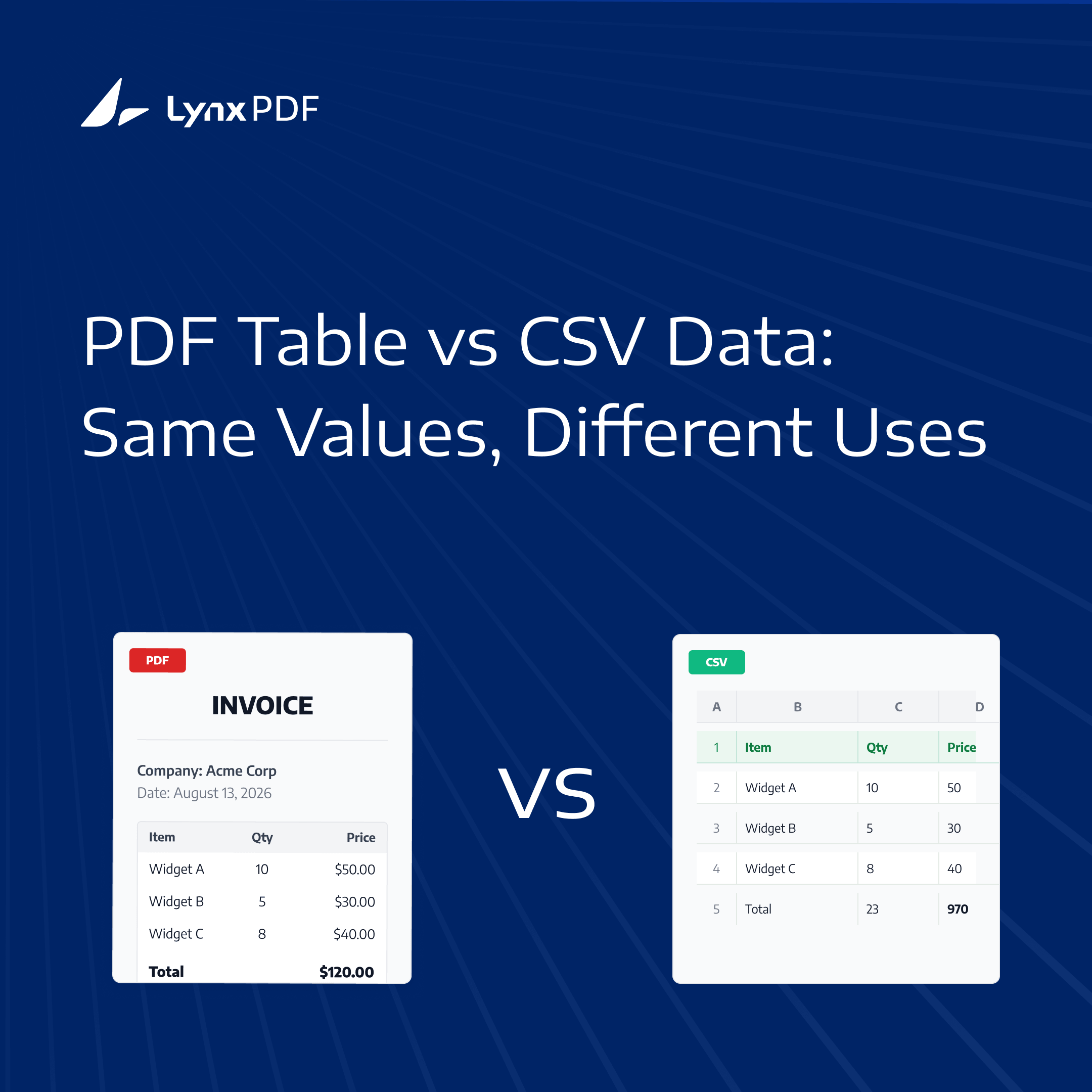
Quick Answer: PDF is designed to preserve how information looks on a page. CSV is designed to store structured values that software can sort, analyze, import, and reuse. A PDF is usually the better format for presenting or retaining a document, while CSV is better when the underlying table data needs to move into another workflow.
PDF and CSV are sometimes treated as competing ways to store the same information. They are better understood as formats built for different jobs. A PDF keeps a document's visual context together; a CSV reduces tabular content to rows and fields that other tools can process.
That distinction matters when a report, invoice, or form contains a table. The page may be the record that a person needs to read and retain, while the table values may also need to be filtered, reconciled, or imported. Choosing between PDF and CSV depends on which of those jobs comes next.
PDF and CSV Solve Different Problems
The clearest way to compare the formats is to start with the task rather than the file extension.
| If you need to... | CSV | |
|---|---|---|
| Share a document that should look the same | Yes | No |
| Preserve fonts, images, signatures, and page design | Yes | No |
| Sort or filter thousands of records | No | Yes |
| Import data into a database or reporting system | No | Yes |
| Keep a printable original record | Yes | No |
| Store simple rows and fields for reuse | No | Yes |
The table is a practical guide, not an absolute rule. A spreadsheet may be a better review format than CSV when the data needs formulas, multiple sheets, or visual formatting. A PDF can contain selectable text without becoming a data-first format.
The Same Table, Two Different Purposes
Consider an invoice with a logo, customer details, line items, taxes, totals, payment terms, and a signature.
In a PDF, the invoice is a complete page. Its spacing, headings, borders, notes, and signature provide context. Someone reviewing the document can see which total belongs to the invoice, where the payment terms appear, and how the page is organized.
In CSV, the line-item portion might become records such as:
Invoice ID,Date,Item,Quantity,Amount
INV-1042,2026-08-13,Design service,2,450.00
INV-1042,2026-08-13,Support plan,1,120.00
Those records are easier to filter, combine, and import. They no longer carry the invoice's logo, page hierarchy, signature, visual grouping, or relationship to the surrounding terms.
A PDF table is designed to be read in context. A CSV table is designed to be processed as data.
Choose PDF When Appearance Is the Record
Use PDF when the way information is presented is part of its meaning or usefulness. Common examples include:
- Contracts, proposals, and signed forms
- Invoices sent to customers
- Reports that depend on charts, page hierarchy, or visual context
- Documents that need a stable, printable version
- Files containing images, annotations, stamps, or signatures
In these cases, the page is more than a container for values. The order of sections, placement of notes, and relationship between text and visual elements help a reader interpret the document.
PDF is also useful when the original needs to be shared consistently. A recipient may not need to edit or analyze every field; they may need to review the same document that was issued, approved, or signed.
Choose CSV When Data Needs to Move
CSV is a practical choice when the next task involves the values rather than the page. For example, teams may use CSV to:
- Import transaction data into accounting or reporting tools
- Sort records by date, account, product, or amount
- Combine data from repeated reports
- Upload rows into a database or internal system
- Clean, filter, or analyze a larger data set
CSV uses a simple row-and-field model. Each line generally represents a record, and fields are typically separated by commas. Some spreadsheet applications may use regional delimiter settings when importing or exporting the file. That simplicity makes CSV widely supported, but it also limits what the format can express.
A CSV file does not provide multiple worksheets, formulas, merged cells, visual layout, or the broader document context surrounding a table. It is useful for moving flat data, not for reproducing a designed page.
Why Convert PDF Tables to CSV?
Convert a PDF table to CSV when the information needs to be reused outside the page. CSV can make line items easier to filter, combine with other records, analyze in a spreadsheet, or prepare for import into a reporting or accounting workflow. The original PDF may still be retained as the source document and visual reference. For a broader explanation of conversion methods and validation, see the PDF to CSV conversion guide.
What Changes When a PDF Table Becomes CSV?
Converting a PDF table to CSV changes the role of the information. The PDF is organized around a page; CSV is organized around records and fields.
| Usually remains usable in CSV | Usually is not retained in CSV |
|---|---|
| Field names and headers | Fonts, colors, borders, and spacing |
| Row-based records | Page layout and page breaks |
| Numeric values and dates | Images, logos, and stamps |
| Identifiers such as invoice or product codes | Signatures and annotations |
| Simple relationships between fields in the same row | Merged cells and visual hierarchy outside the table |
The result depends on how the source PDF stores its content and how complex the table is. For guidance on protecting rows, columns, headers, and values during extraction, see how to preserve table structure.
For scanned pages, OCR for scanned PDFs may be needed before table data can be interpreted, and recognition results should still be reviewed against the original document.
PDF and CSV Often Work Best Together
The choice does not always have to be PDF or CSV. Many document workflows use both formats for different stages.
An accounts team might retain PDF invoices as the source documents for review and recordkeeping, then use CSV copies of line-item data for reconciliation, monthly reporting, or system import. The PDF preserves the context of the invoice; the CSV makes selected values easier to work with.
This approach also makes the limits of conversion clear. The CSV is a working data representation, not a replacement for every feature of the original document. Keeping the source PDF gives reviewers a reference when a value, row relationship, or document detail needs to be checked.
When those steps are needed, LynxPDF for Web brings PDF preparation, OCR for scanned pages, and conversion tools into one browser-based workspace.
Frequently Asked Questions
Is CSV better than PDF?
Neither format is universally better. PDF is usually better for sharing, printing, reviewing, and retaining a document's visual context. CSV is better for sorting, filtering, analyzing, and importing flat tabular data. The appropriate choice depends on whether the next task concerns the document as a page or its contents as data.
Can a CSV file look like a PDF table?
No. CSV can represent rows, columns, headers, and values, but it does not store fonts, borders, colors, page breaks, merged cells, or exact spacing. Use a spreadsheet or PDF when the visual presentation needs to remain part of the output.
Why do businesses convert PDF tables to CSV?
Businesses convert PDF tables to CSV when they need to reuse the data in spreadsheets, reporting tools, accounting systems, databases, or other workflows. CSV makes values easier to filter, combine, and analyze, but the original PDF may still be needed as the visual reference.
Should I keep the original PDF after conversion?
Usually, yes. The original PDF may contain signatures, annotations, page context, or visual details that cannot be represented in CSV. This is especially important when the source is a scanned document, where recognition and validation should be reviewed separately from the final CSV output.
Final Thoughts: Keep the PDF, Put the Data to Work
PDF and CSV are not interchangeable. Keep the PDF when the original layout, visual context, signatures, or document record matters. Use CSV when the values inside a table need to be filtered, analyzed, imported, or reused in another system.
When data is contained in a PDF table or form, LynxPDF helps users extract the information they need and export it as structured CSV data. This lets them retain the original PDF as a reference while making its contents easier to use in spreadsheets, reports, and business workflows.
For scanned files, LynxPDF can apply OCR before export. For recurring or high-volume workflows, custom extraction profiles and batch processing can help standardize PDF-to-CSV conversion at scale. Review exported files before using them downstream, particularly when the source contains complex layouts or merged table cells.


