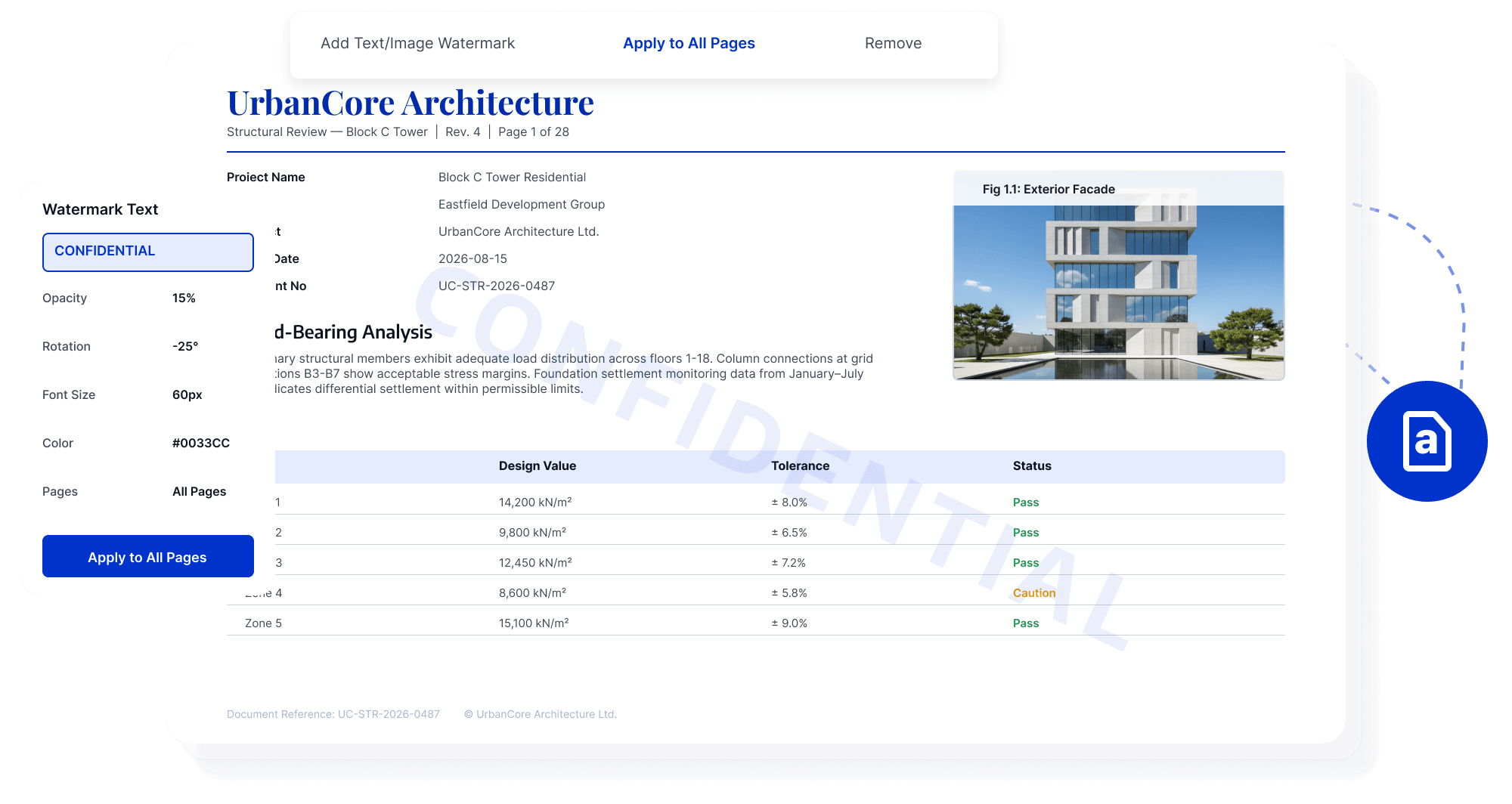
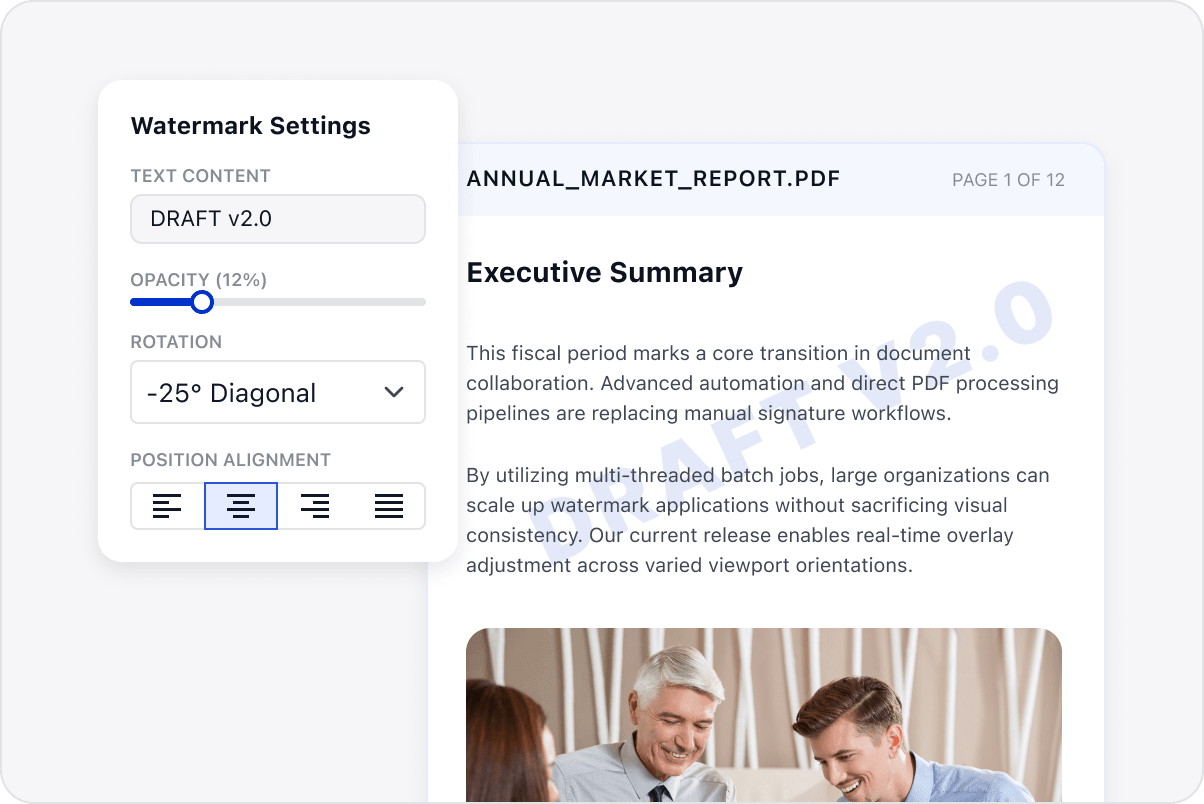
Add draft, internal-use, copyright, or confidentiality watermarks to a batch so teams can identify each document's purpose and stage.
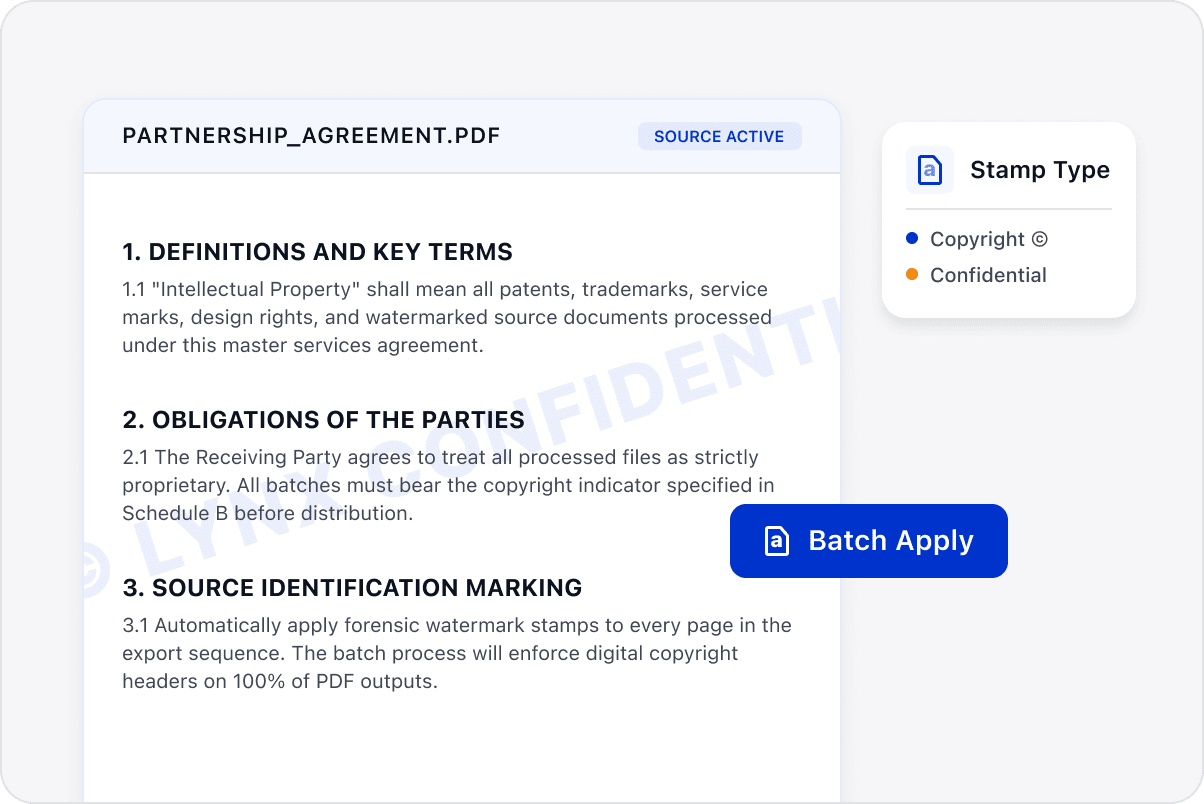
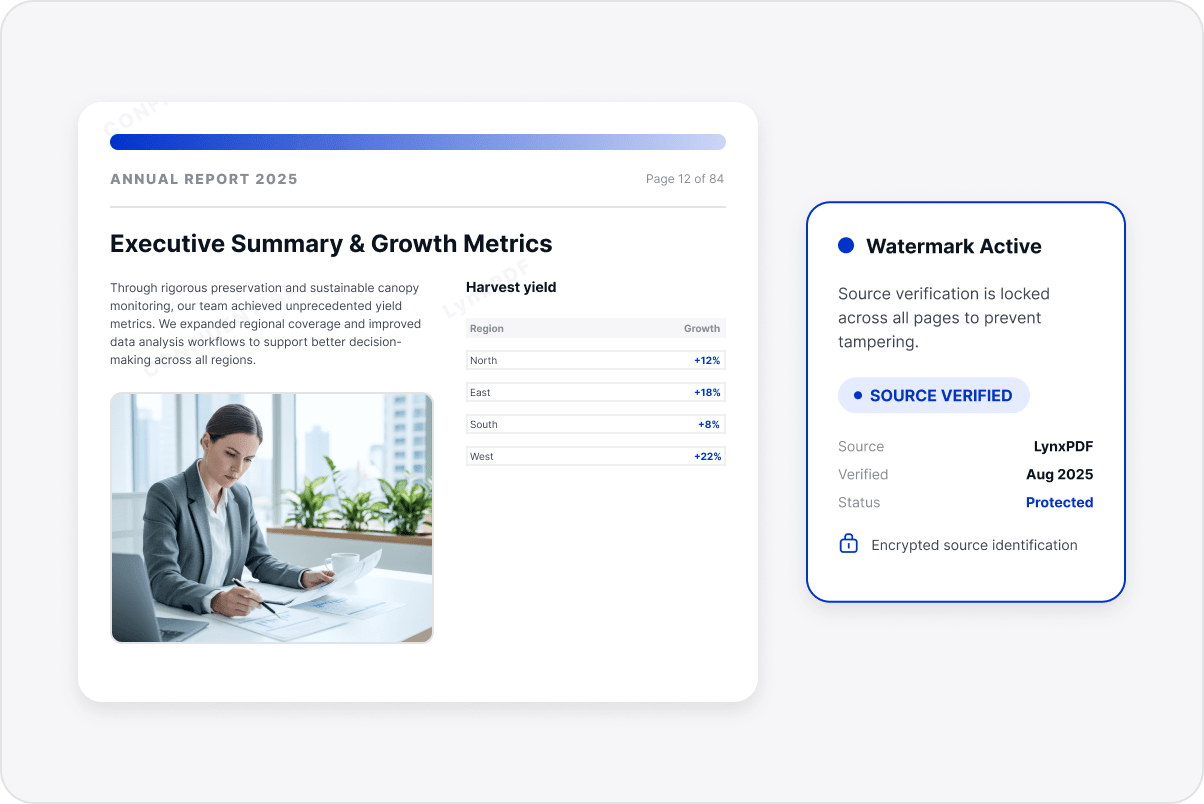
Identify Copyright and Source
Apply consistent copyright, source, or project labels to customer documents to help clarify ownership and intended use.
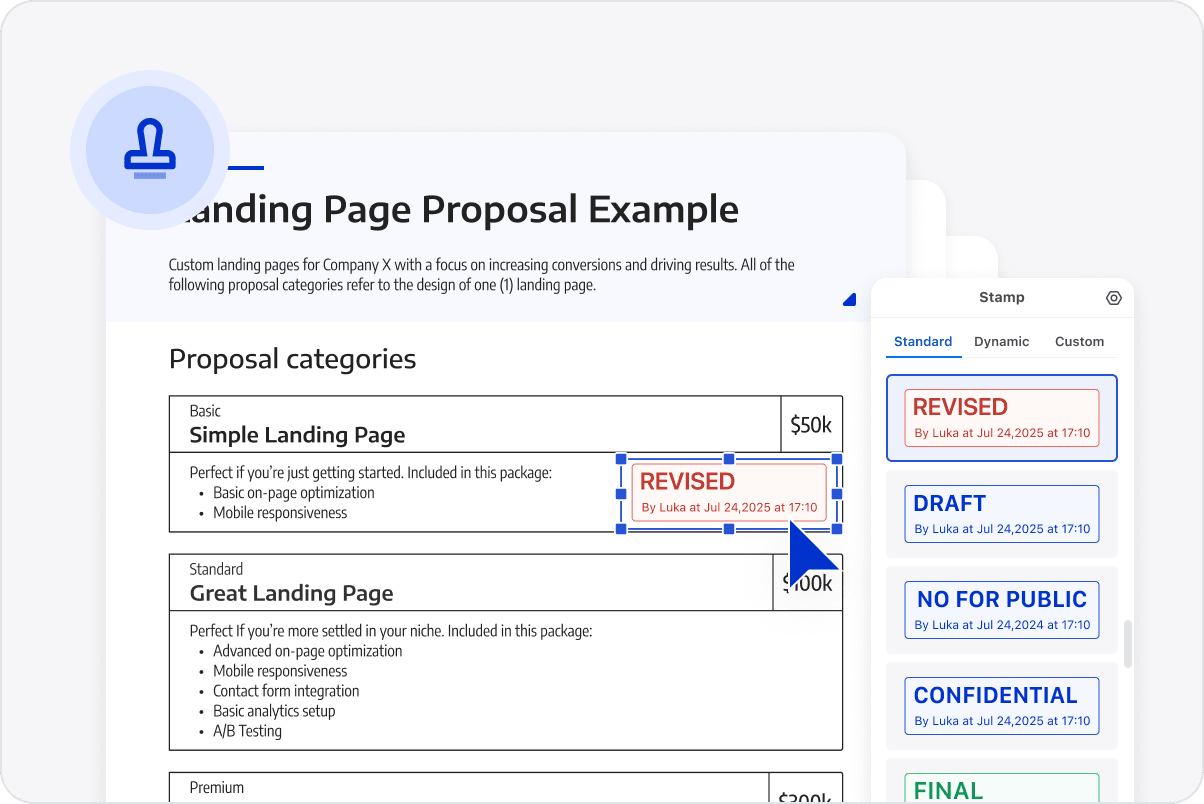
Mark File Versions Clearly
Adjust watermark position, style, and appearance so version labels remain visible without obscuring text, tables, or signatures.
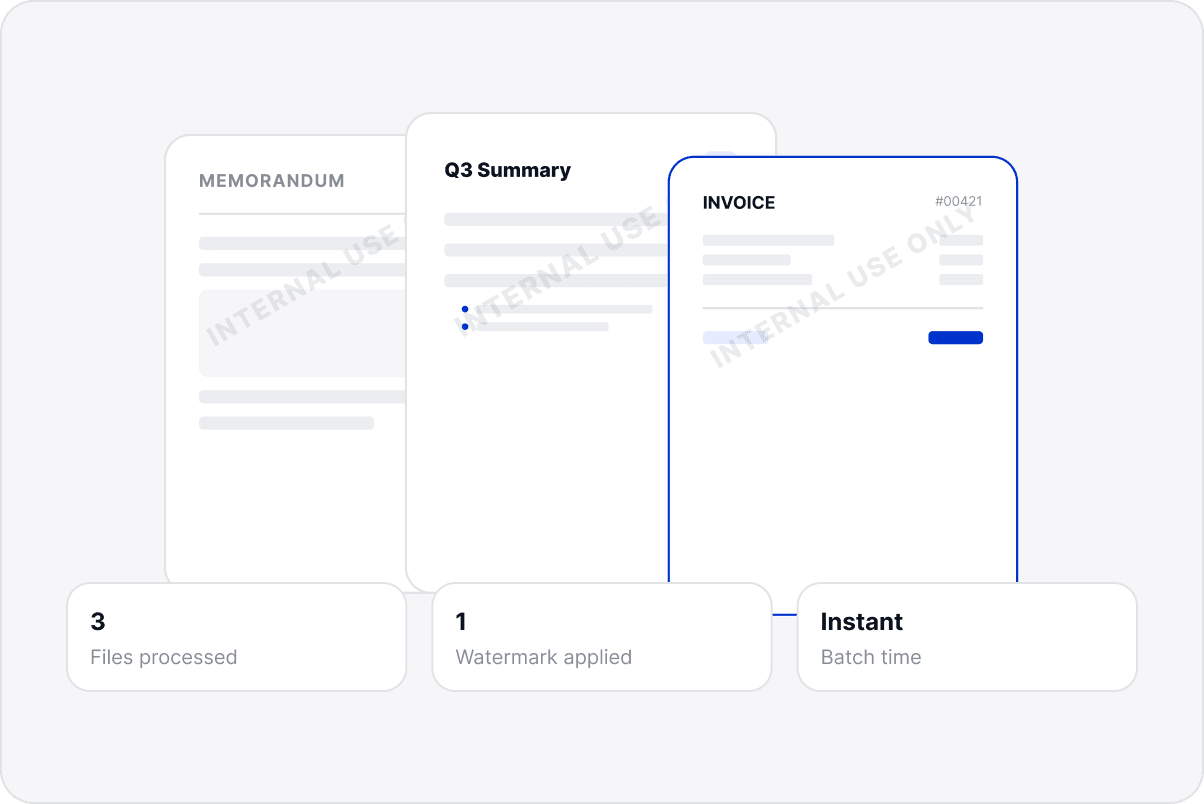
Apply Settings across a Document Set
Use the same watermark settings across reports, proposals, and other materials when preparing internal or external document sets.
Keep File Sources Visible
Keep status, copyright, and source information visible in business documents so recipients can distinguish their purpose, avoid version misuse, and understand responsibility during circulation.
Access LynxPDF Expert Library
Forward-looking insights and strategic guides for enterprise document management.