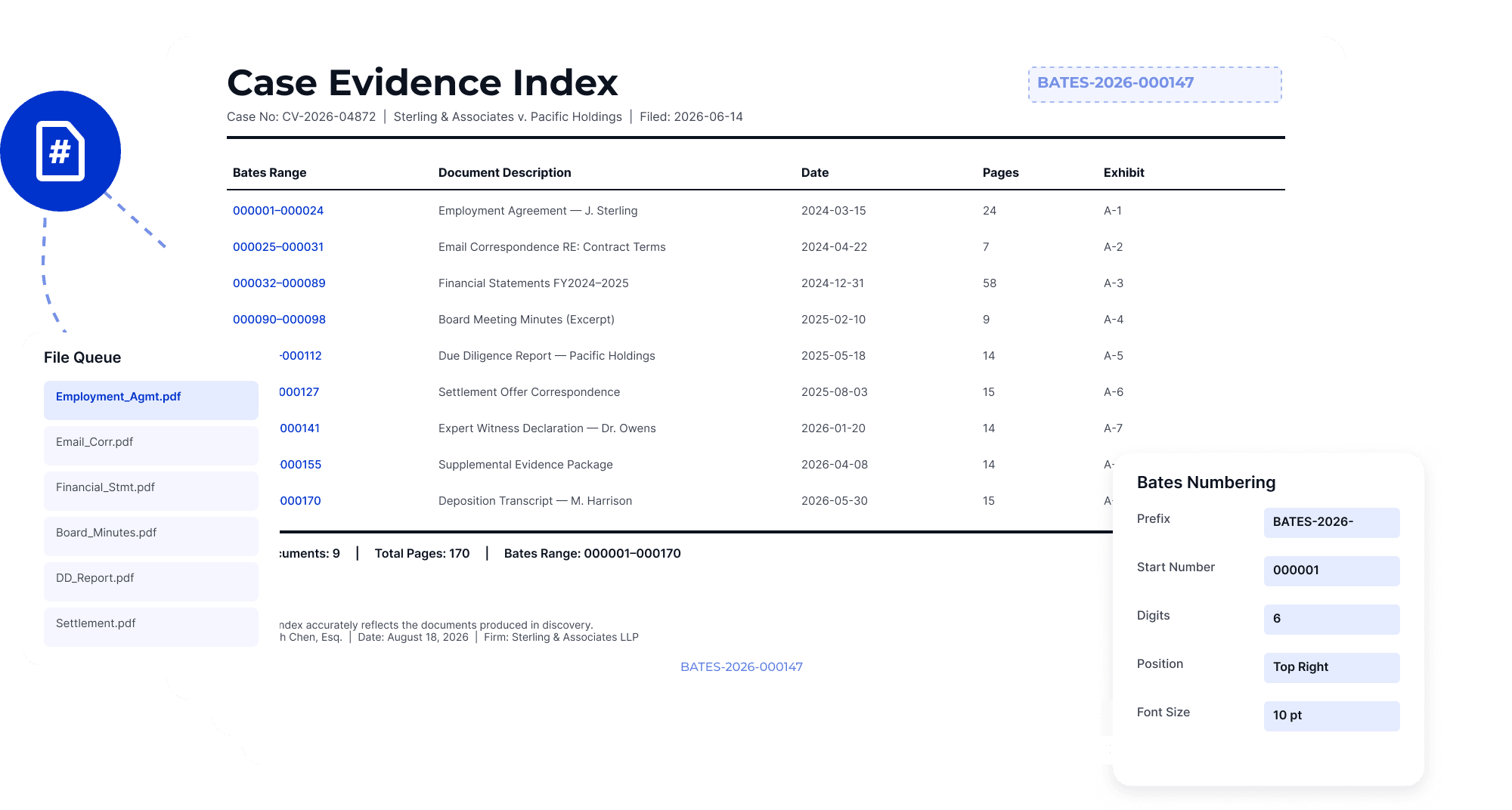
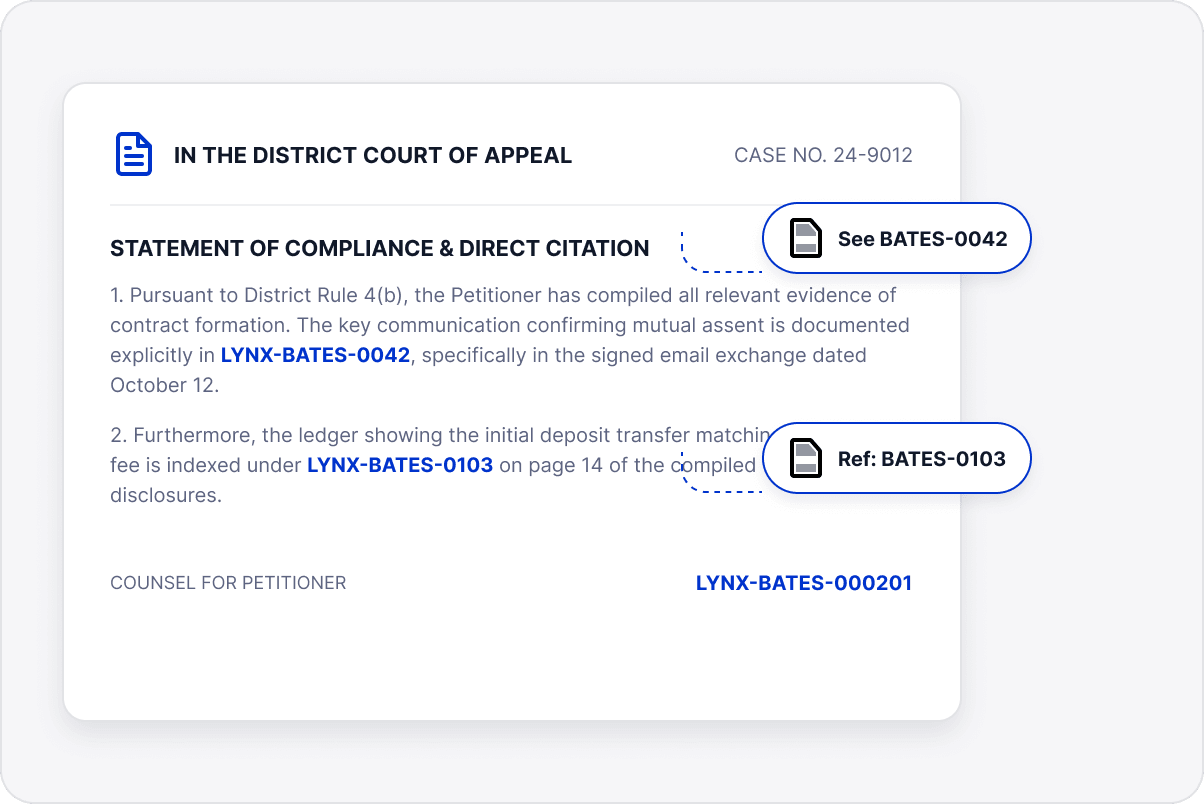
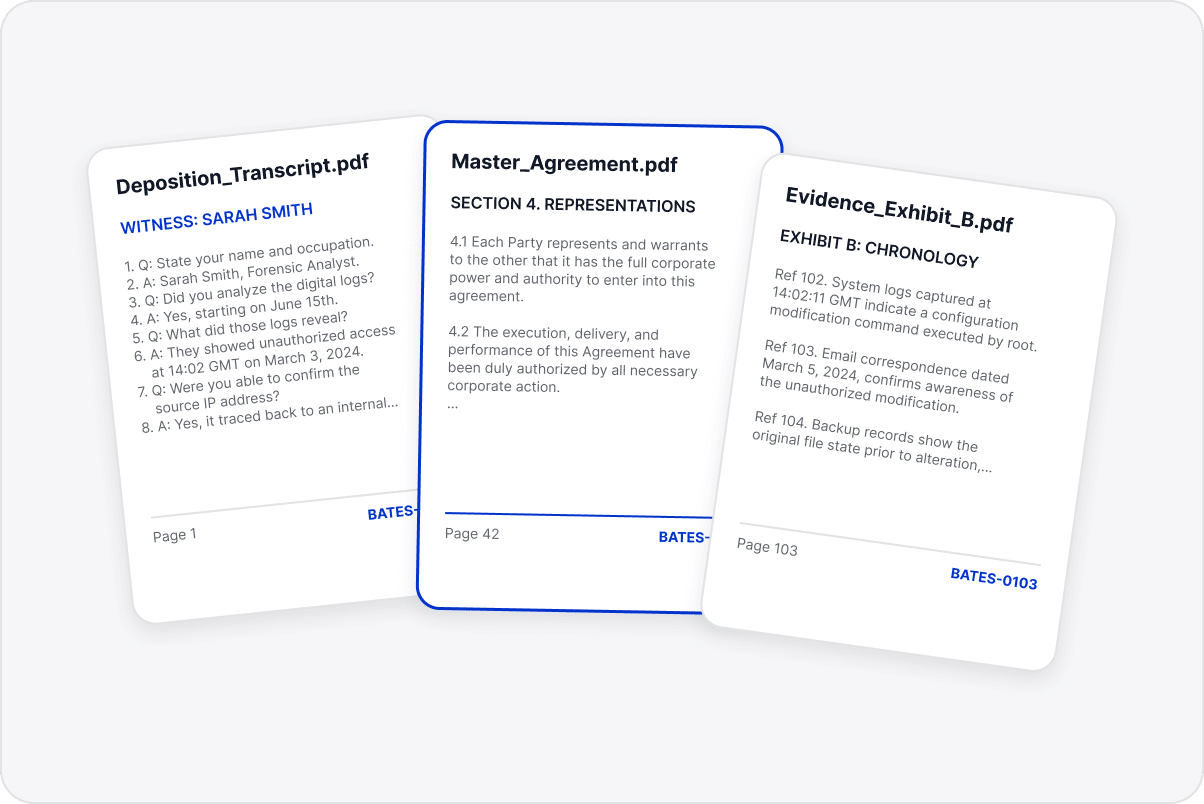
Add page references to contracts, evidence materials, financial records, and administrative documents for review and archiving.
Number Legal, Financial, and Administrative Documents
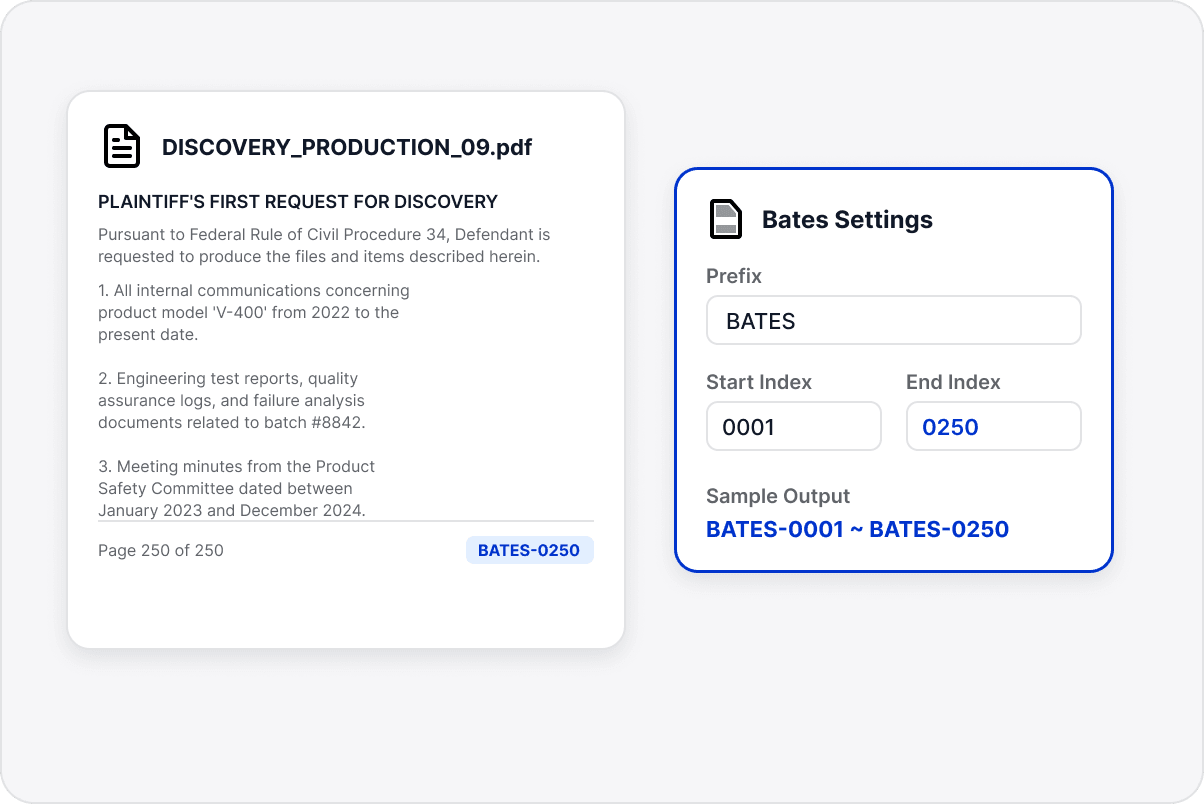
Apply common Bates numbering rules across documents from different sources instead of numbering pages manually.
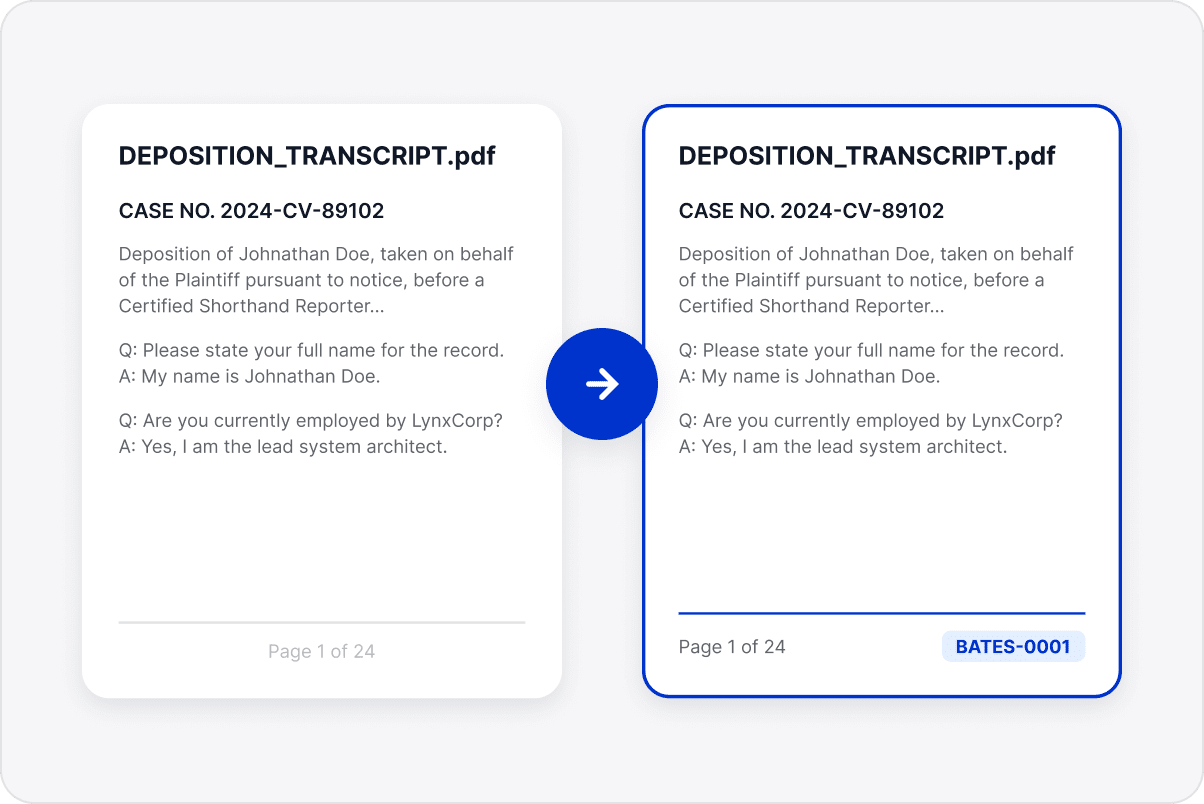
Keep References Continuous
Generate numbers in page order to reduce duplicates, gaps, and inconsistent references across a document set.
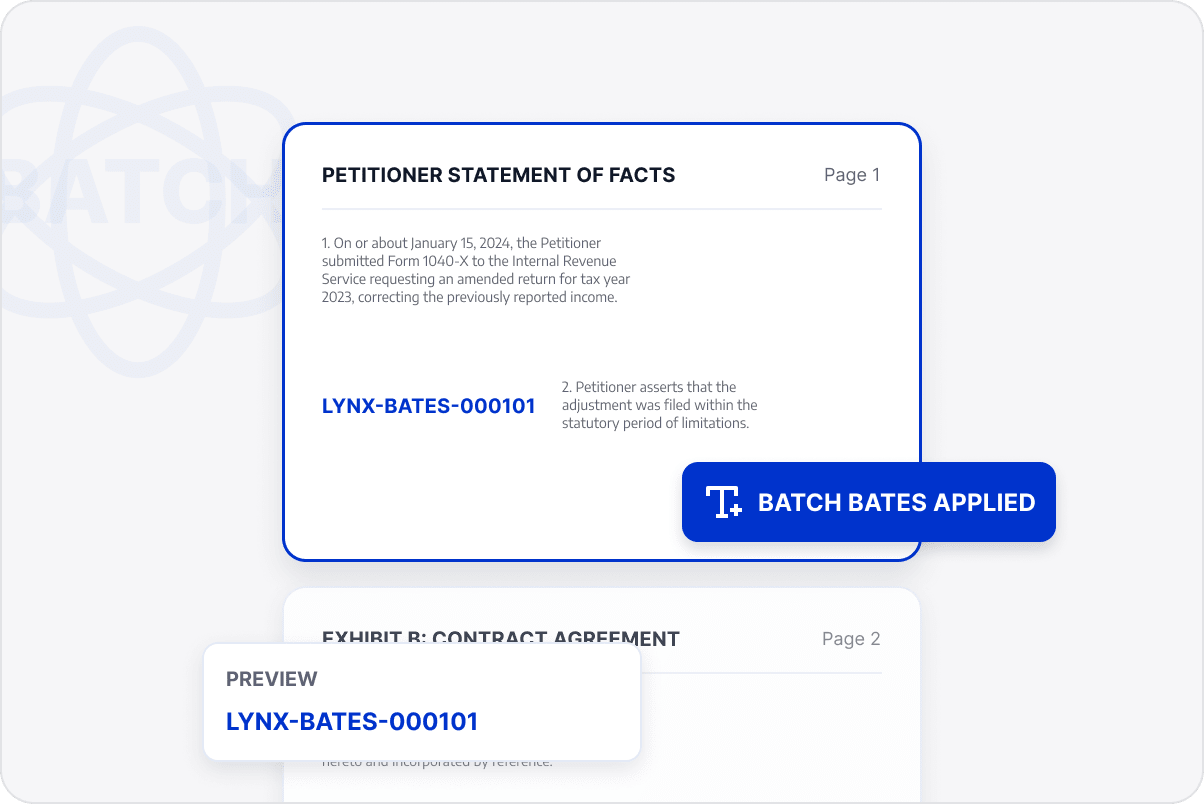
Apply Bates Numbers in Bulk
Apply the same rules across multiple files so teams can reference and archive the materials consistently.
Reference Documents More Easily
Use continuous numbering as a stable reference across business documents and archives so teams can locate content accurately during communication, approval, and later retrieval.
Access LynxPDF Expert Library
Forward-looking insights and strategic guides for enterprise document management.