Reduce Manual Document Handling
Use highlights, text boxes, shapes, and notes to mark key points in proposals, quotes, and contracts, and collect customer feedback in context.



Talk to the LynxPDF team about document workflows, supported features, deployment requirements, and pricing.
Use highlights, text boxes, shapes, and notes to mark key points in proposals, quotes, and contracts, and collect customer feedback in context.
Organize page order, annotations, form fields, and the final version for consistent team review.
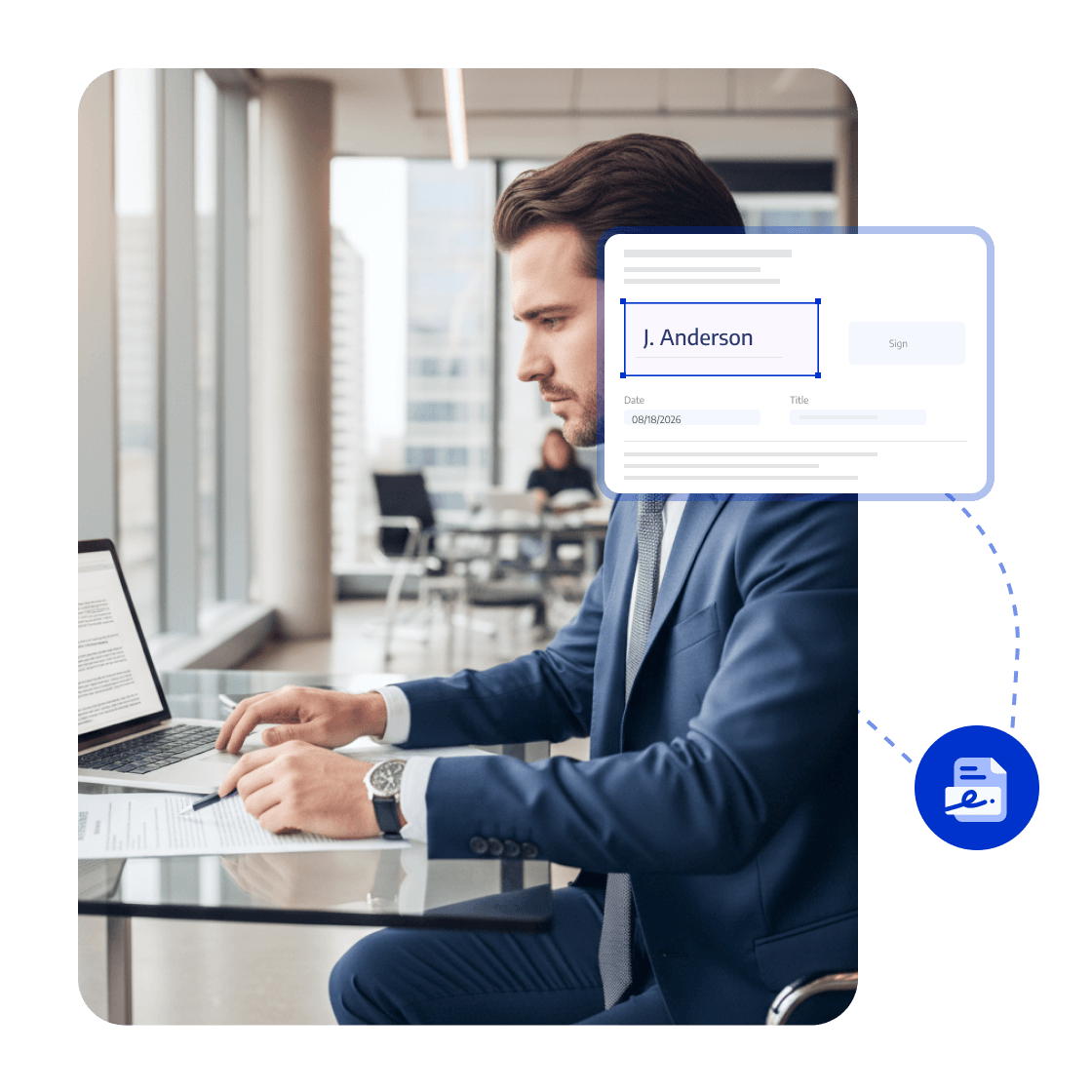
Use access permissions, redaction, password protection, watermarks, and e-signatures to protect sensitive documents.
Help sales teams explain, collect feedback, follow up, and complete signing in one file, reducing customer wait times and deal delays.



LynxPDF gave our teams everything we needed for PDF processing — advanced editing, solid compliance features, and smooth deployment — all without the sky-high subscription costs.

Hosting LynxPDF on our own server gave us complete control over our document workflows. Every PDF stays inside our system, making data security one less thing to worry about.

LynxPDF replaced all the PDF tools we used before. Reading, editing, signing, and converting files is now effortless — and our team's efficiency has skyrocketed!

LynxPDF gave our teams everything we needed for PDF processing — advanced editing, solid compliance features, and smooth deployment — all without the sky-high subscription costs.
Hosting LynxPDF on our own server gave us complete control over our document workflows. Every PDF stays inside our system, making data security one less thing to worry about.
LynxPDF replaced all the PDF tools we used before. Reading, editing, signing, and converting files is now effortless — and our team's efficiency has skyrocketed!






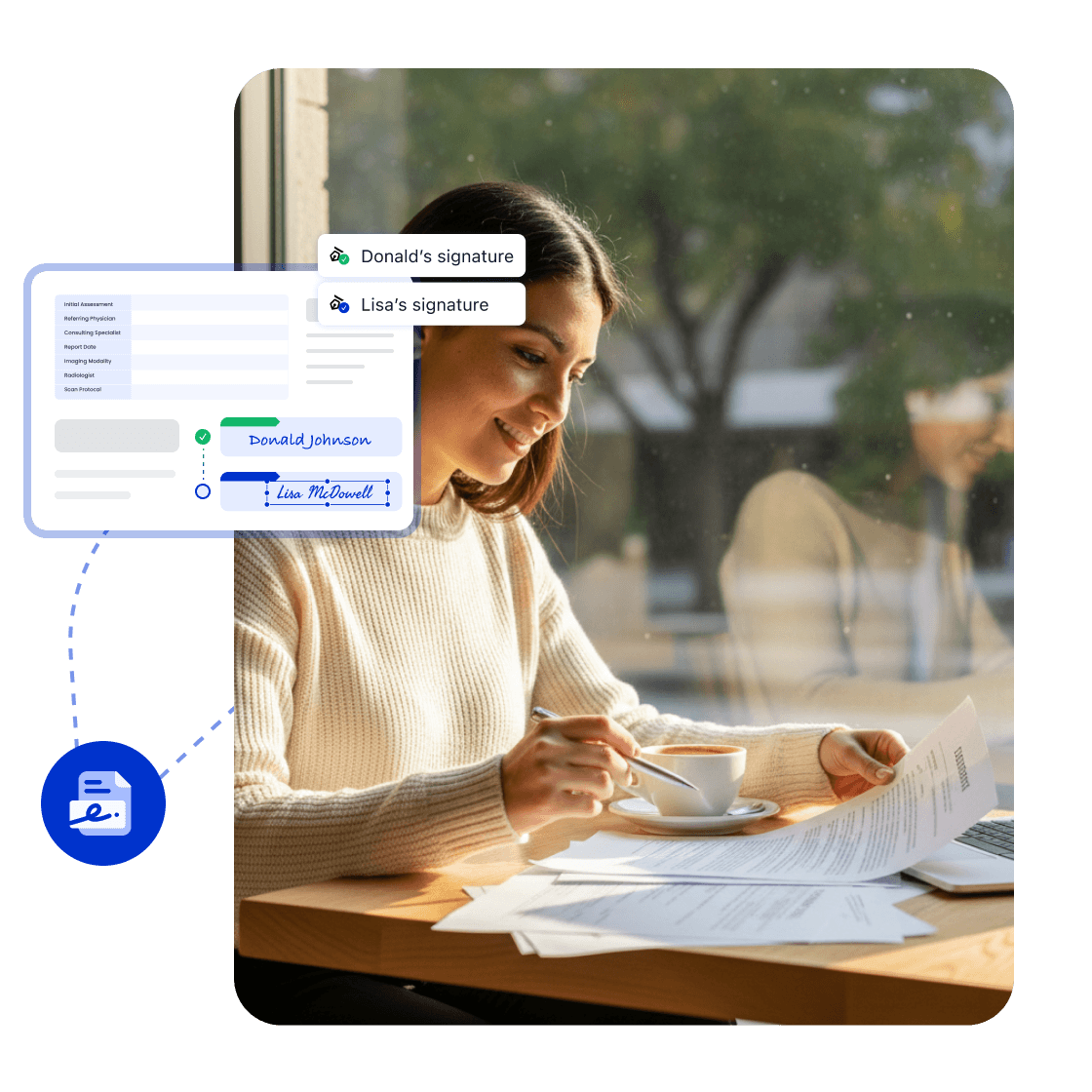
Mark key points in quotes and proposals, start eSign in customer and approval order, and monitor pending steps.
Track customer signing steps
Complete customer confirmation
Create the final file