


LynxPDF allows you to extract text from specific areas of a scanned or image-based PDF, so you only capture the content you need without processing the entire document.
1. Open scanned PDFs or image-based PDF files in LynxPDF;
2. Go to Scanned Document in the Toolbar, then click Extract Text from Selection;
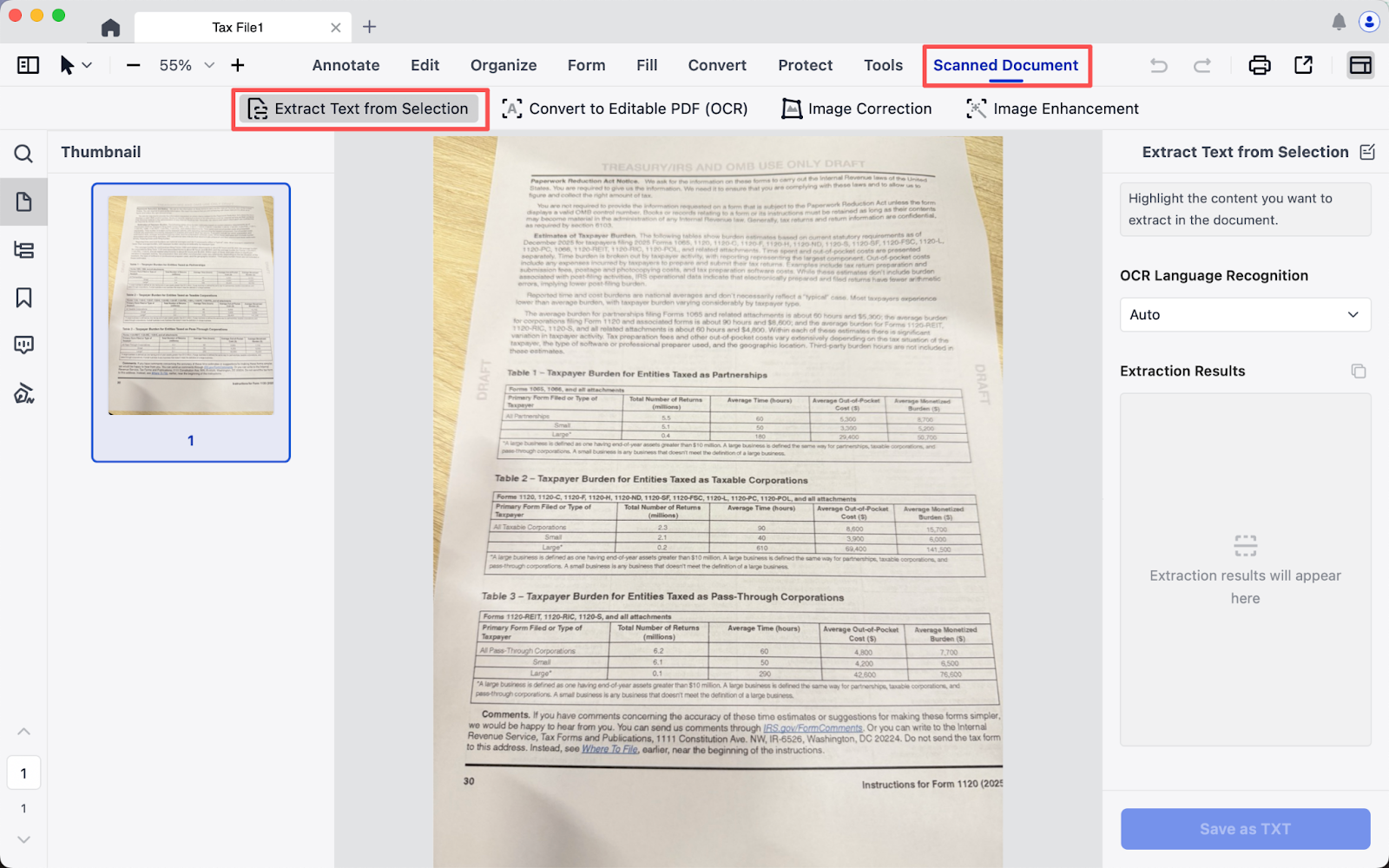
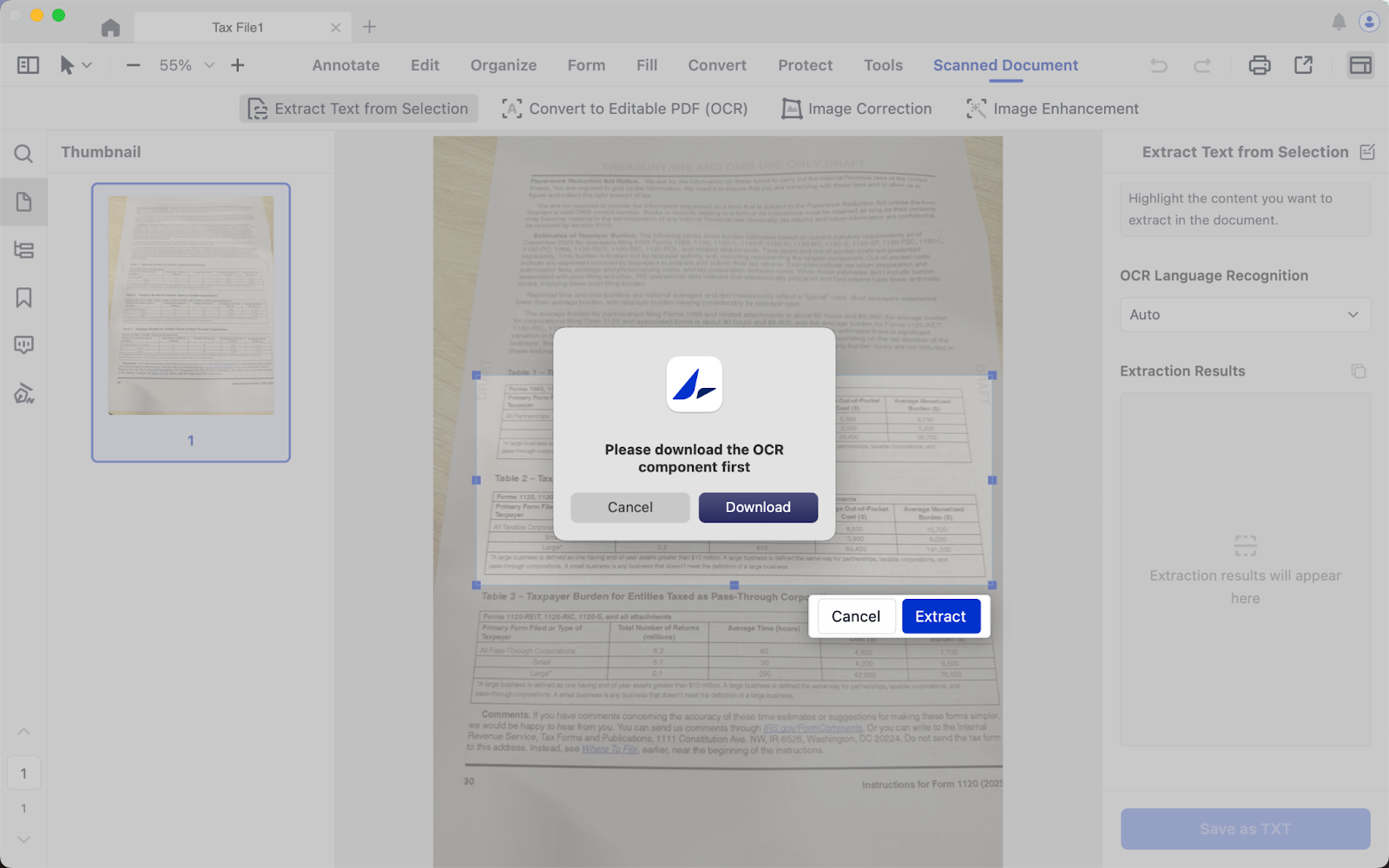
3. Select the area you want to recognize, and click Extract;
4. Download the OCR component;
5. Once completed, you can copy the recognized text in the Extraction Results, and Save as TXT.
Download LynxPDF and try selective OCR on your own documents.

