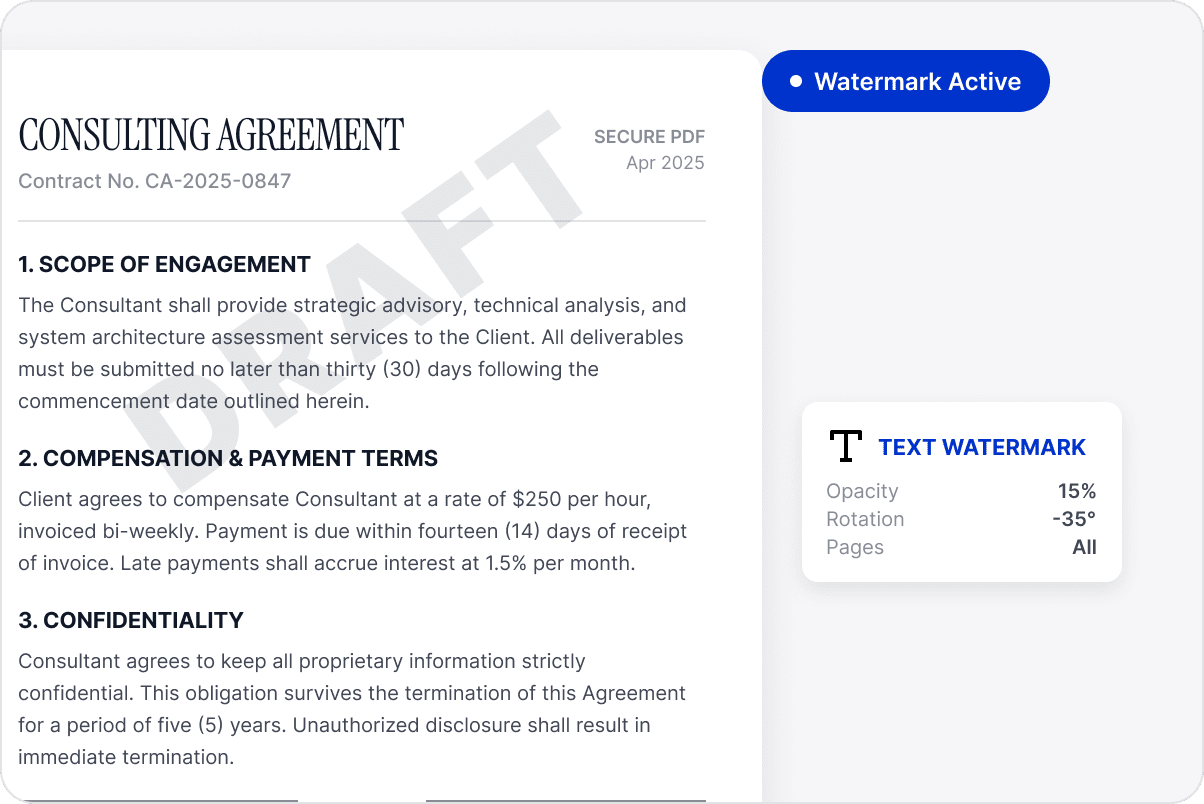
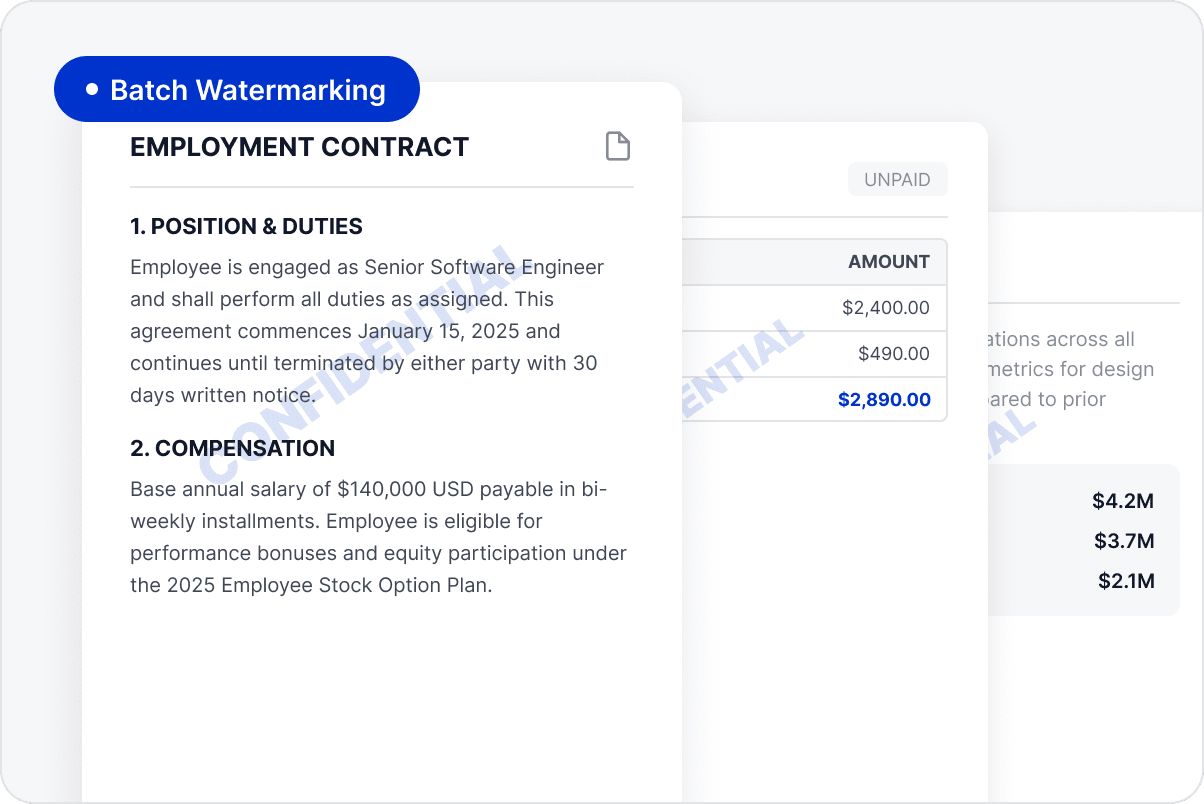
Add draft, internal-use, copyright, or confidentiality labels to clarify how a document should be used.
Identify Ownership and Source
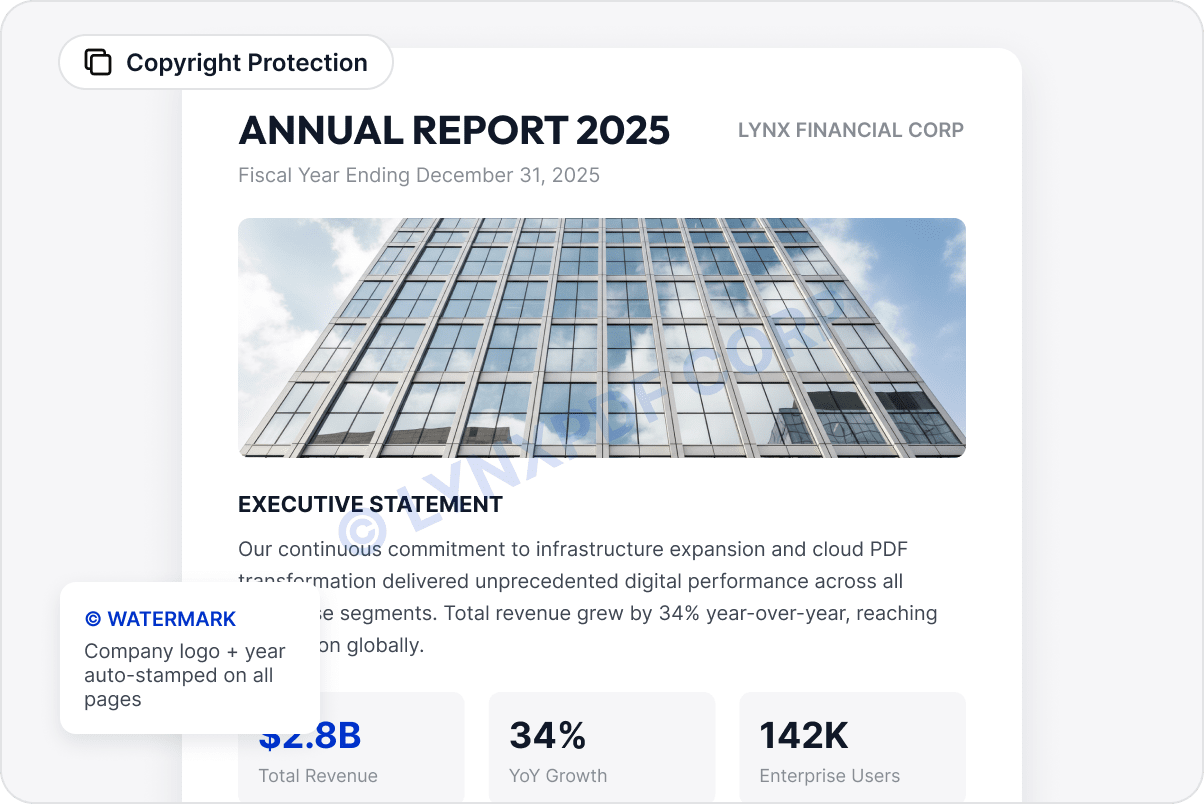
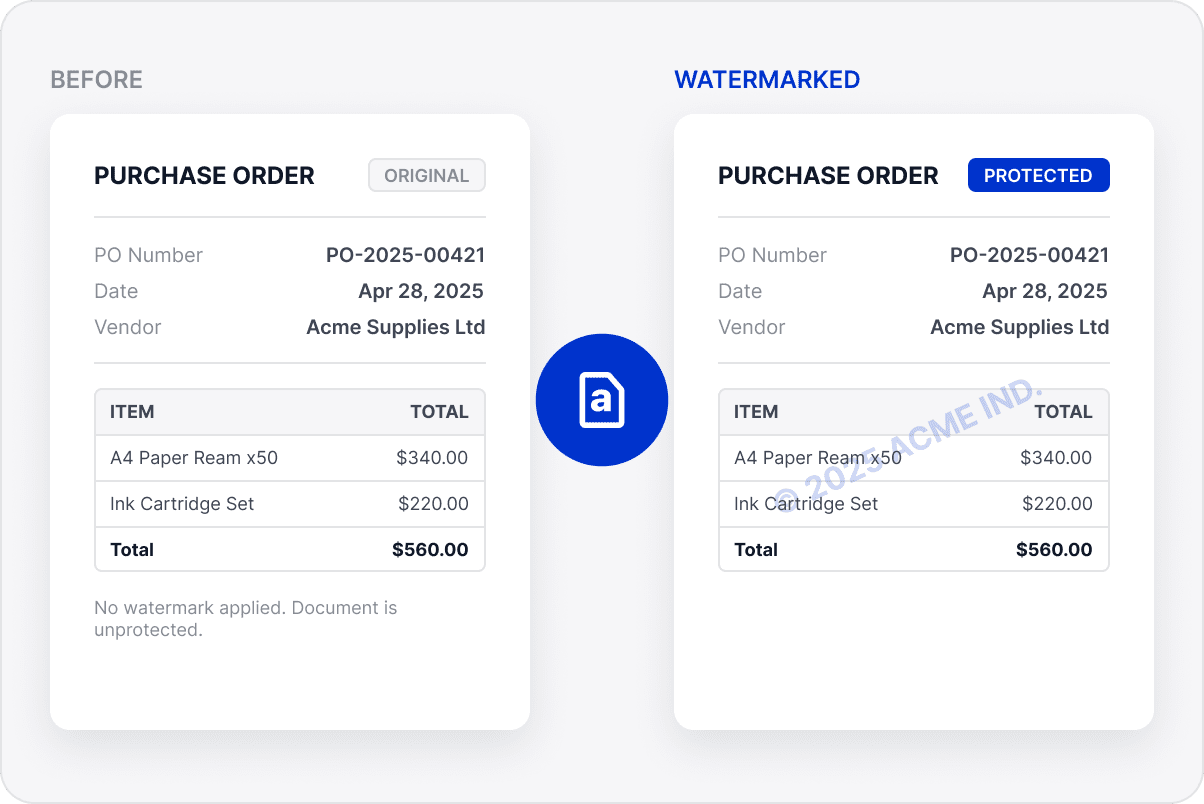
Add copyright information, source details, or project names to keep document identification clear and consistent.
Adjust Watermark Placement and Style
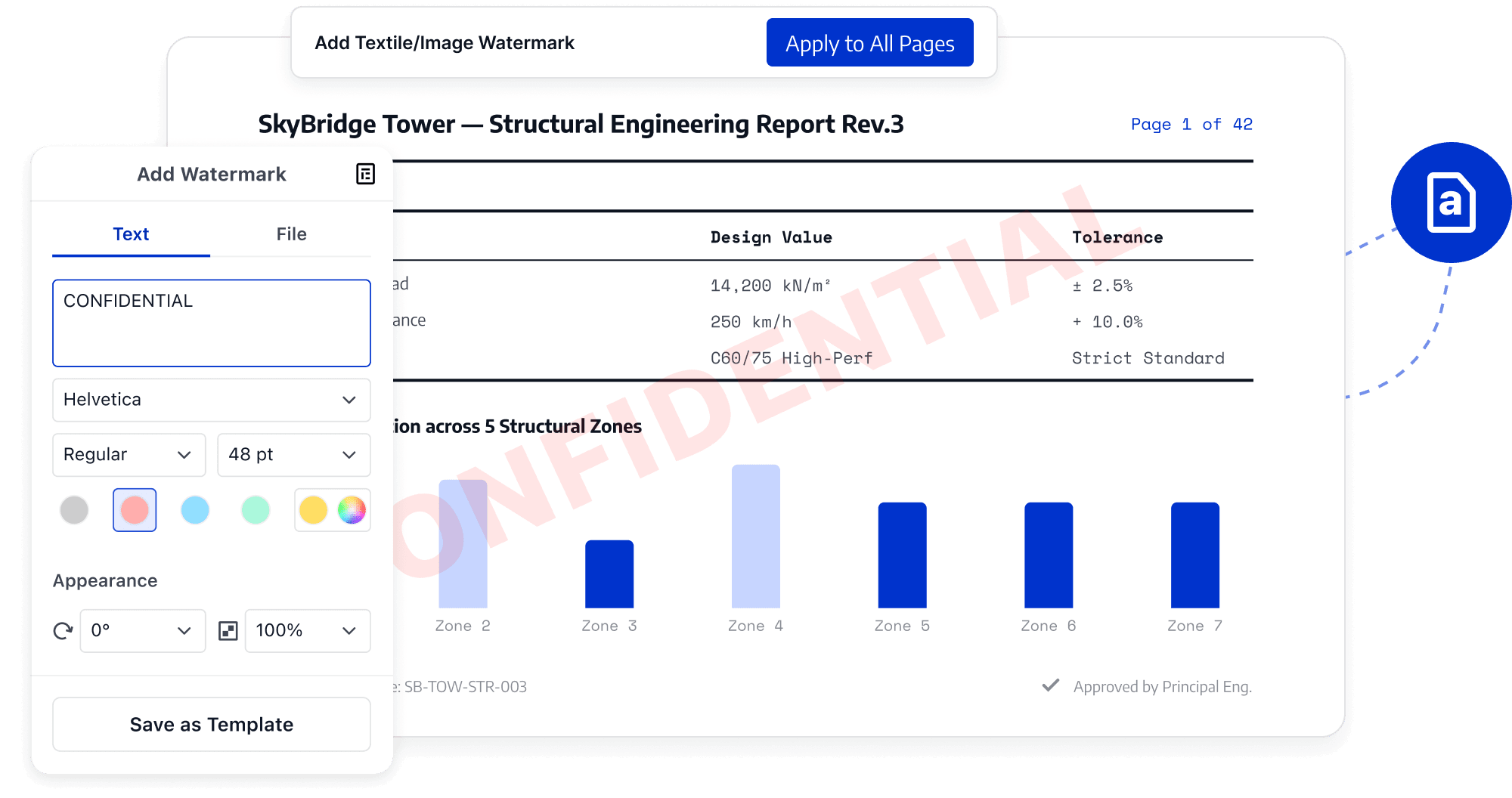
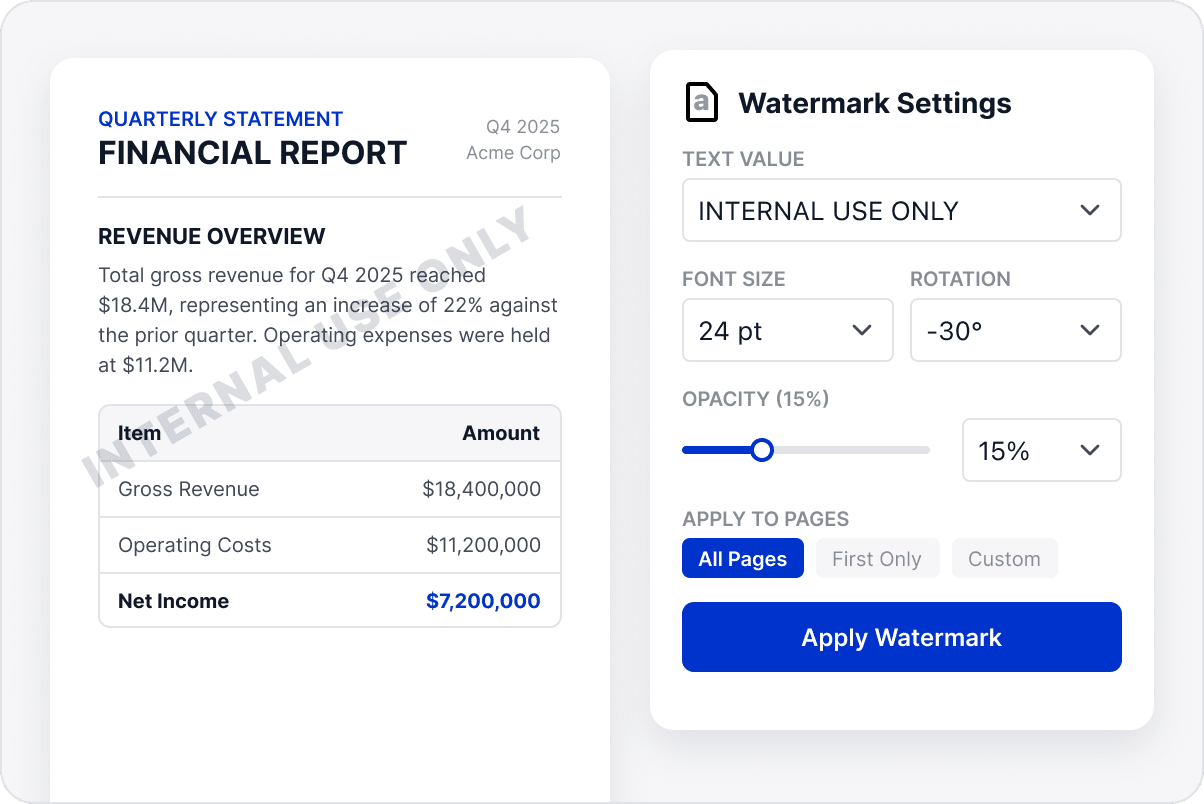
Set watermark text, position, opacity, and style to suit the page while keeping text and tables readable.
Adapt Watermarks to Different Page Layouts
Adapt watermarks to different layouts and page counts so they do not obscure signatures, images, forms, or other important content.
Keep File Sources Visible
Keep status, copyright, and source information visible in business documents. This allows recipients to distinguish their purpose, avoid version misuse, and understand responsibility during circulation.
Access LynxPDF Expert Library
Forward-looking insights and strategic guides for enterprise document management.
Our specialists are available to address your enquiries regarding LynxPDF. Please complete the form below, and a representative will contact you shortly:
Commence your 14-day trial of LynxPDF and the LynxPDF Admin Console.
Identify the optimal pricing structure for your organisation.
Explore bespoke implementation scenarios and enterprise case studies.