bg

LynxPDF for Windows

Advanced PDF solution for enterprise-grade editing, annotation, signing, conversion, and security.
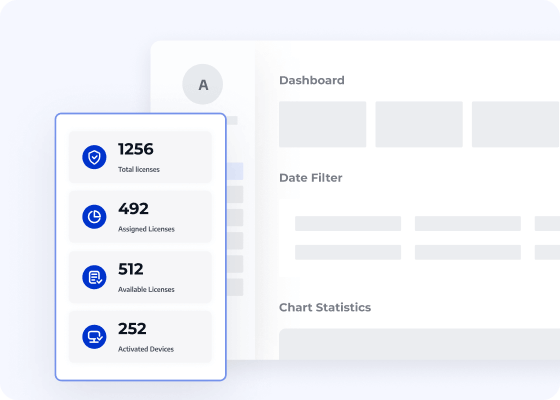
An intuitive Admin Console for licence allocation
Compatible with Windows 7~11
Trusted by 10 M+ active users worldwide
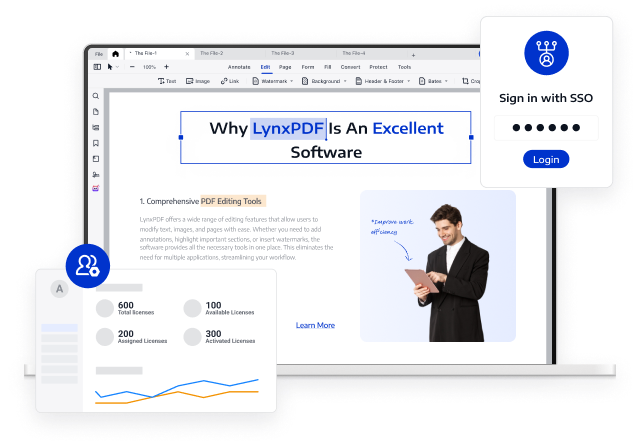
Access Volume Discounts up to 50%
Corporate Email
Authentication Code
Full Name
Company Website
Country/Region
Search and select
Contact Number
Search and select
-
Enquiry Details
0 / 1000
Announcing LynxPDF V1.6.5
Optimise your document workflows with precision OCR, high-fidelity conversions, and intelligent editing tools.
LynxPDF: Designed for Enterprise PDF Workflows
Edit
ConvertNew
Fill & Sign
Secure
Batch
OCRNew
Annotate
View All Features >>
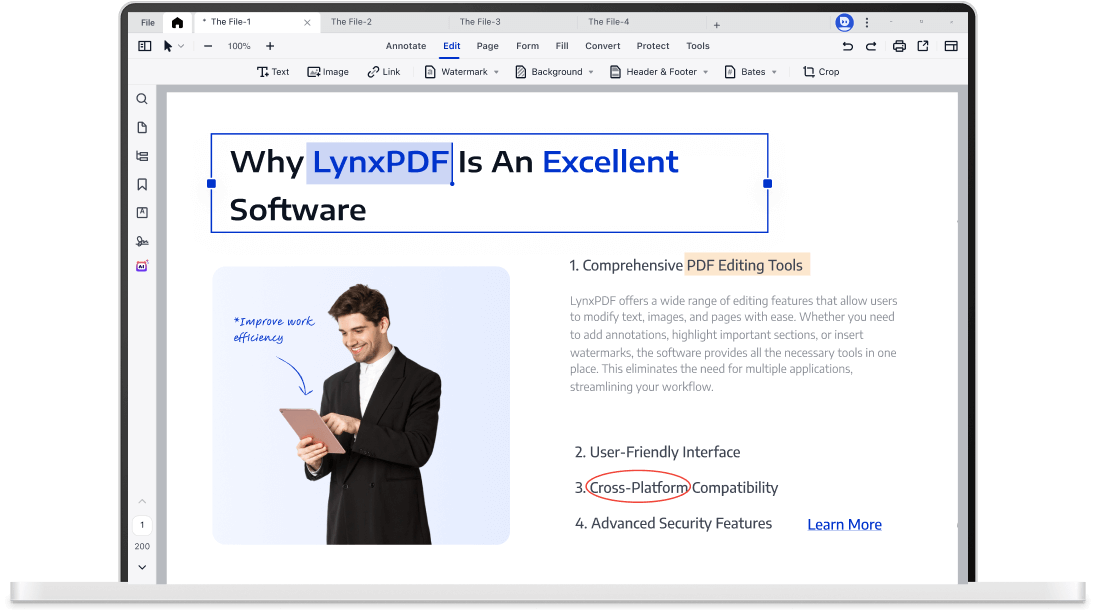
Edit PDF Elements with Absolute Precision
LynxPDF facilitates rapid correction of contract errors and corporate logo updates within digital PDFs.
Optimise document efficiency with intuitive page management tools: insert, extract, replace, delete, split, or merge pages.
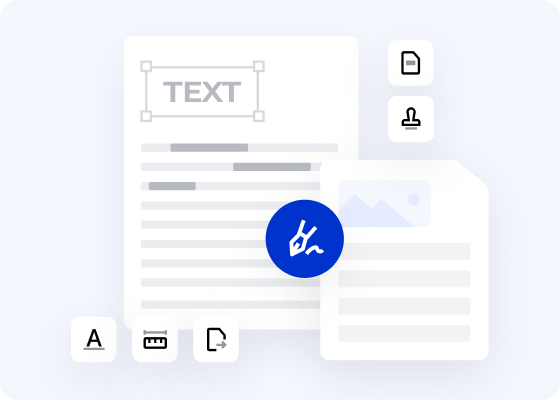
Ensure precise editing of all PDF components, including images, headers, footers, hyperlinks, watermarks, and backgrounds.
Strategic Resources for Digital Document Transformation
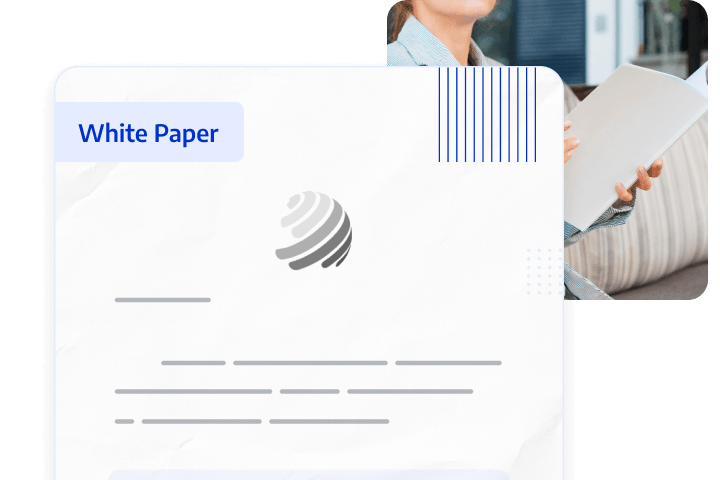
Enterprise Document Digital Transformation Strategy
Traditional document workflows are often inefficient, costly, and high-risk; digital transformation is essential for businesses to maintain a competitive edge. However, many digitisation initiatives fail to deliver the expected results.
This white paper analyses the root causes of enterprise digitisation failures, helping organisations transform static documents into searchable, actionable knowledge assets to improve efficiency, reduce costs, and maximise ROI.
paper

Volume Licensing Delivers Greater Value to Enterprises

The professional, secure, and efficient comprehensive enterprise PDF solution.
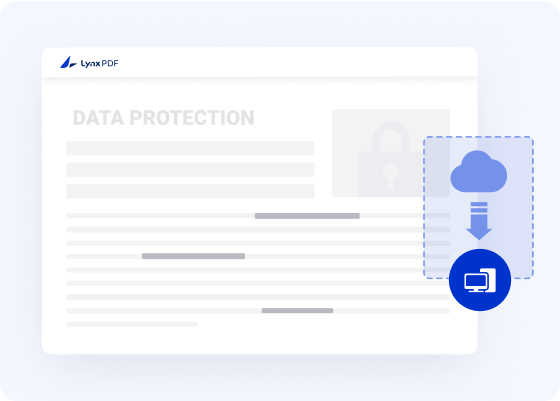
Self-hosted Deployment
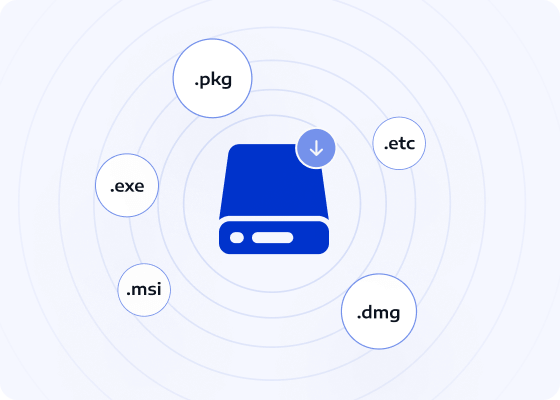
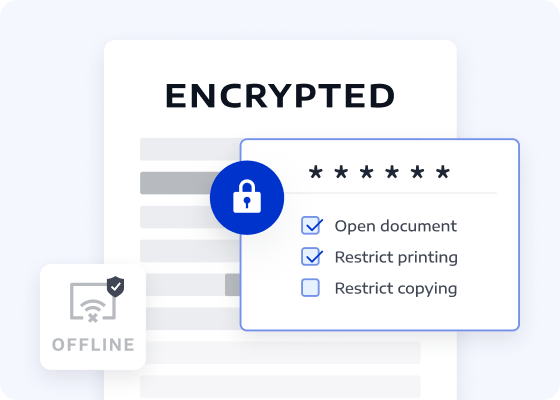
Deploy LynxPDF directly on your servers or private clouds to maintain complete control over core data. Organisations in finance, healthcare, and government can ensure strict data compliance requirements are met.
Self-hosted DeploymentContact Sales
Optimised LynxPDF for Windows
Hotkeys Tailored for Windows Users
Supports Windows shortcuts, drag-and-drop functionality, and context menus for intuitive navigation and rapid editing.
list image
Seamless Windows Compatibility
Fully compatible with the Windows ecosystem, ensuring peak performance on PCs and tablets of all configurations.
list image
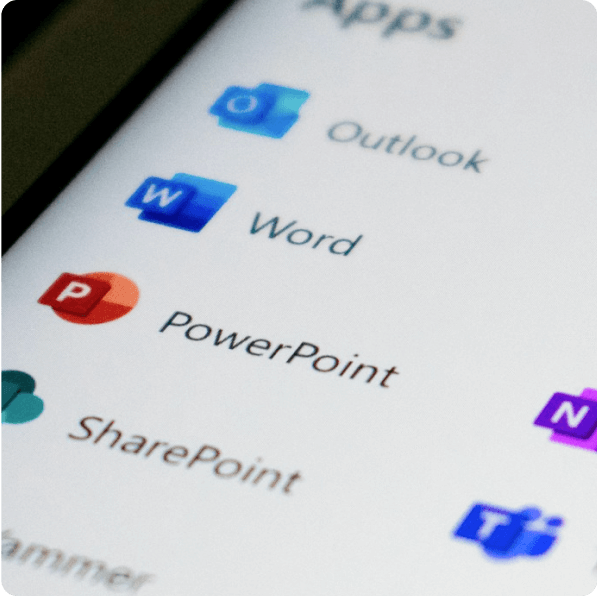
Seamless Microsoft Office Integration
Facilitates seamless conversion with Microsoft Office formats, ensuring file interoperability and enhanced productivity.
list image
Hotkeys Tailored for Windows Users
Supports Windows shortcuts, drag-and-drop functionality, and context menus for intuitive navigation and rapid editing.
list image
Seamless Windows Compatibility
Fully compatible with the Windows ecosystem, ensuring peak performance on PCs and tablets of all configurations.
list image
Seamless Microsoft Office Integration
Facilitates seamless conversion with Microsoft Office formats, ensuring file interoperability and enhanced productivity.
list image
Consult Our Sales Experts
Our specialists are available to address your enquiries regarding LynxPDF. Please complete the form below, and a representative will contact you shortly:
Commence your 14-day trial of LynxPDF and the LynxPDF Admin Console.
Identify the optimal pricing structure for your organisation.
Explore bespoke implementation scenarios and enterprise case studies.
Access Volume Discounts up to 50%
Corporate Email
Authentication Code
Full Name
Company Website
Country/Region
Search and select
Contact Number
Search and select
-
Enquiry Details
0 / 1000