Manage Compliant Proposals and Project Documents with LynxPDF

LynxPDF helps government contractors organize, review, annotate, prepare proposals and compliance reports.
Access Volume Discounts up to 50%
Corporate Email
Full Name
Company Website
Country/Region
Search and select
Contact Number
Search and select
-
Enquiry Details
0 / 1000
Benefits
Features
Resources
Endorsed by

Why Choose LynxPDF

Contact Sales

Talk to the LynxPDF team about document workflows, supported features, deployment requirements, and pricing.

Reduce Manual Document Handling

Convert policy documents, approval records, and public materials to PDF/A, PDF/X, PDF/E, or PDF/UA for long-term archiving, high-fidelity printing, engineering documents, and accessible reading.

Improve Review Consistency

Organize page order, annotations, form fields, and the final version for consistent team review.

Protect Sensitive Information

Use access permissions, redaction, password protection, watermarks, and e-signatures to protect sensitive documents.

Workflow Capabilities

Process documents, verify approvals, and prepare standardized archives without relying on the public internet, while maintaining clear file-control boundaries.
Secure Government Documents and Standardize Archiving

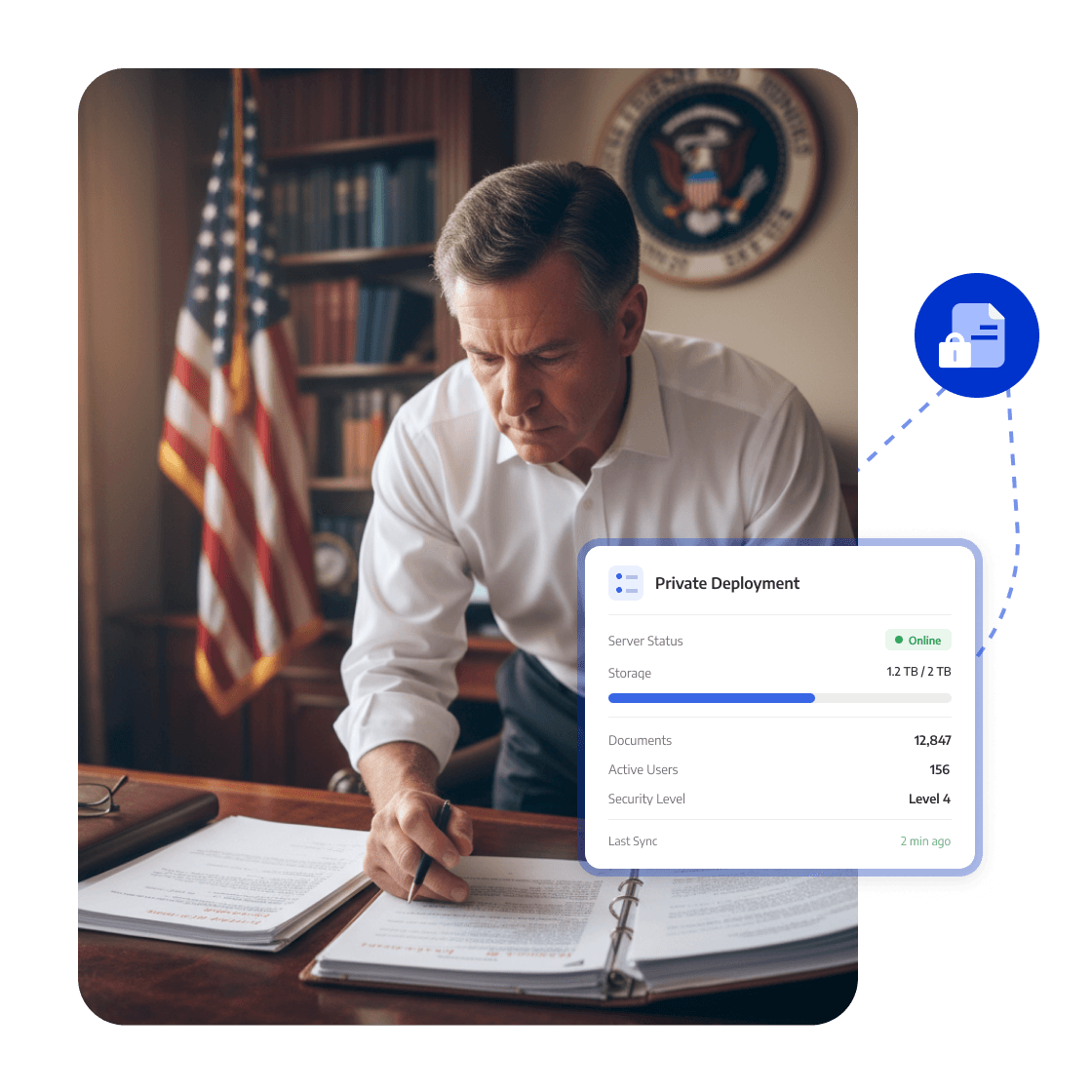
On-premise Deployment: Manage Government Files

Process official, project, and regulated PDFs on government-owned servers or in local environments.
Sensitive data stays in a controlled environment that supports local deployment, governance, and audits.
<span style="color:#0033CC">On-premise Deployment</span>: Manage Government Files

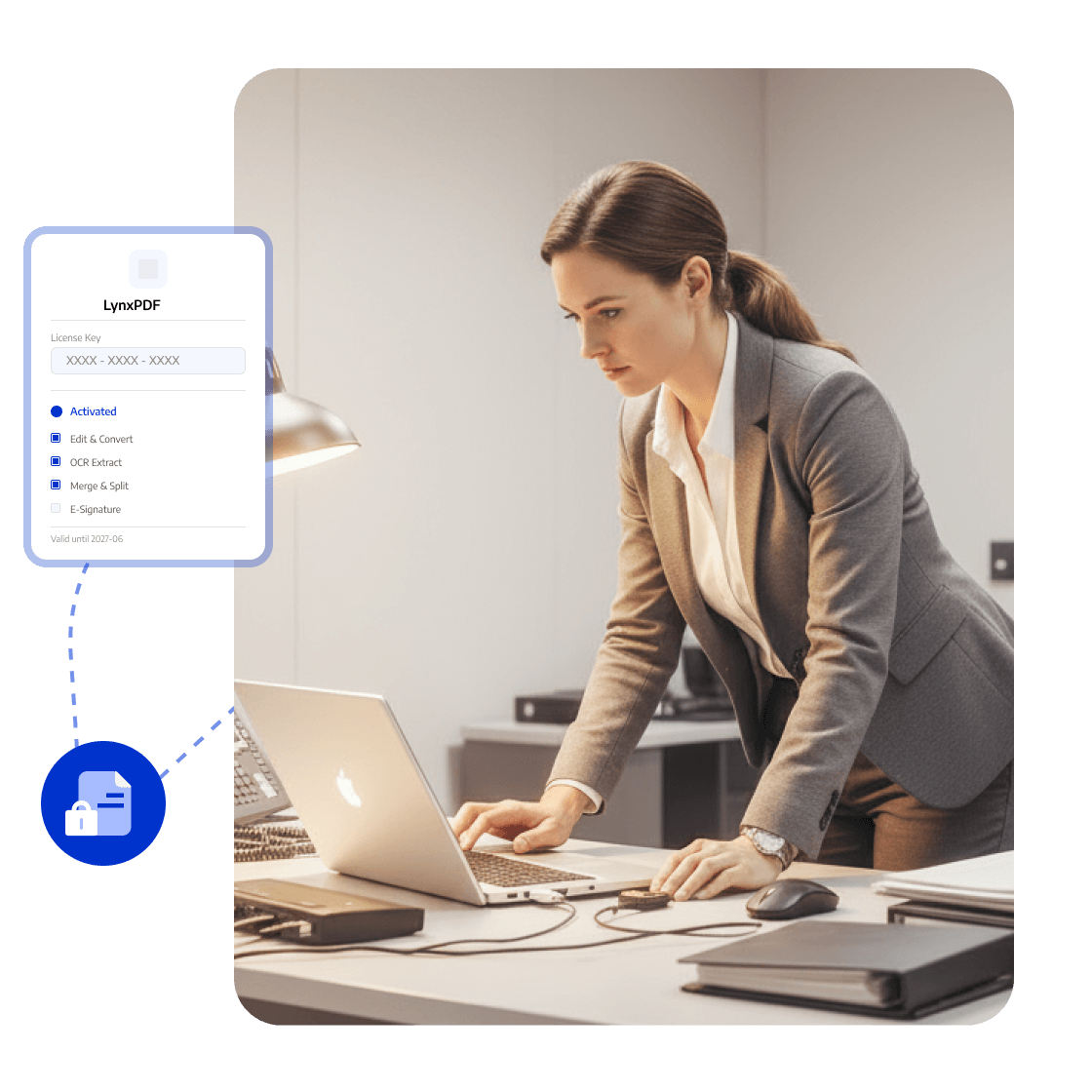
Offline Activation: Process Internal-Network PDFs

Activate LynxPDF and edit, convert, and organize PDFs without public internet access on isolated networks.
Critical files remain accessible without an external connection, reducing network constraints on public-sector workflows.
<span style="color:#0033CC">Offline Activation</span>: Process Internal-Network PDFs

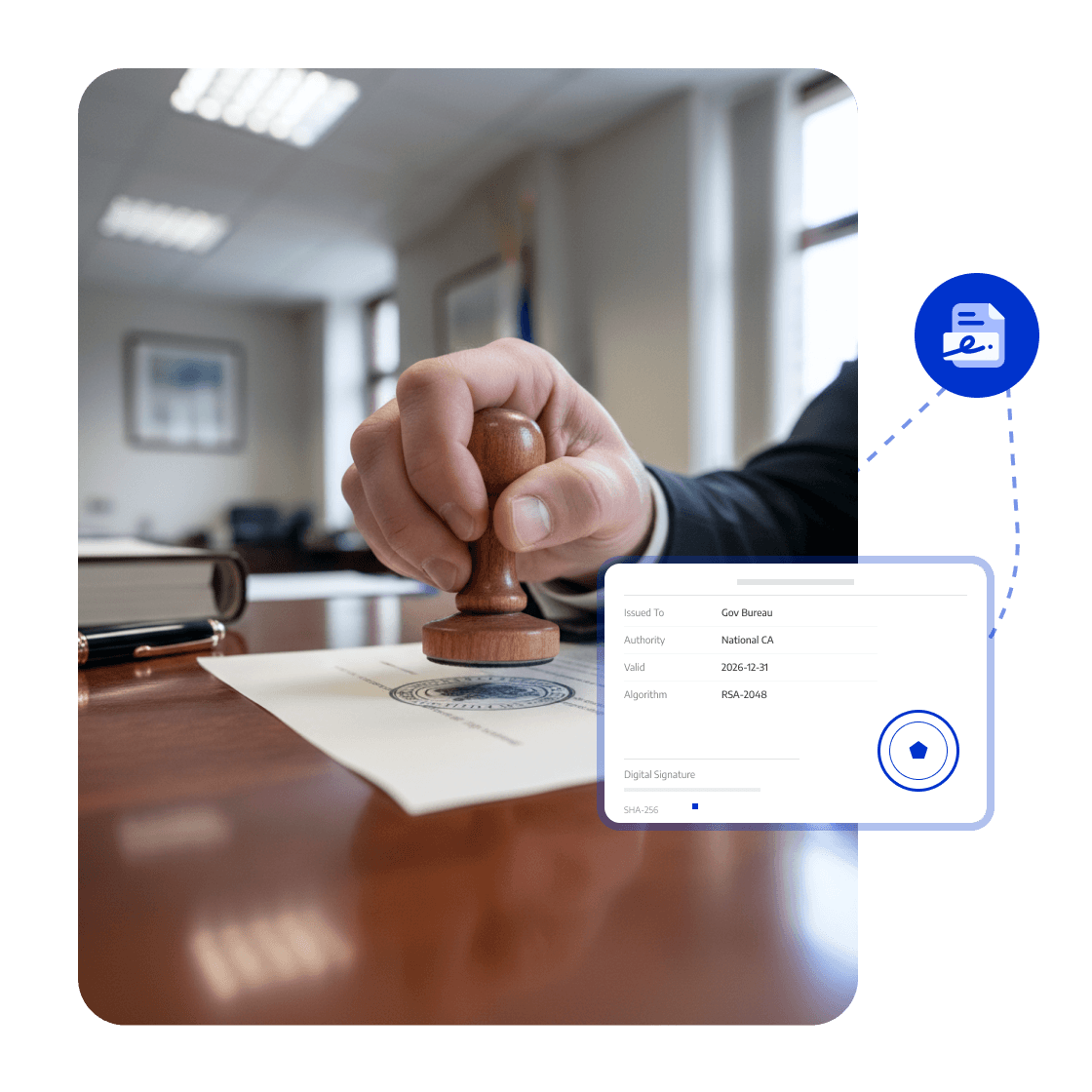
Digital Signatures: Verify Official Document Validity

Add digital signatures to approvals, official documents, and project files, checking signature status and file changes before circulation.
Recipients can verify the document source, content integrity, and approval validity, reducing tampering and version disputes.
<span style="color:#0033CC">Digital Signatures</span>: Verify Official Document Validity

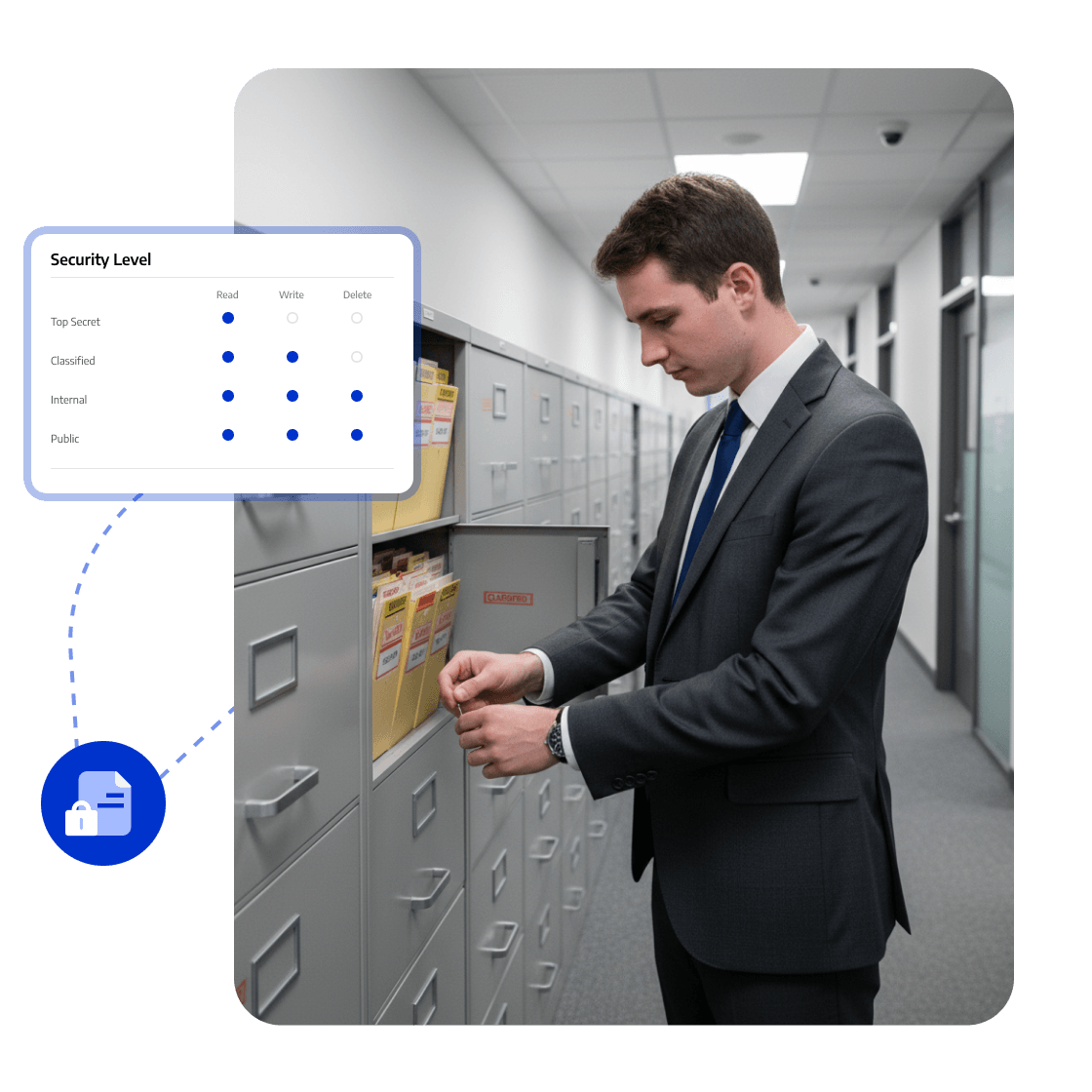
Permissions and Password Protection: Protect Government Materials

Set passwords and restrict printing, copying, editing, and annotation for official and sensitive PDFs according to internal policy.
Access and usage restrictions help reduce misuse and unnecessary sharing of government documents.
<span style="color:#0033CC">Permissions and Password Protection</span>: Protect Government Materials

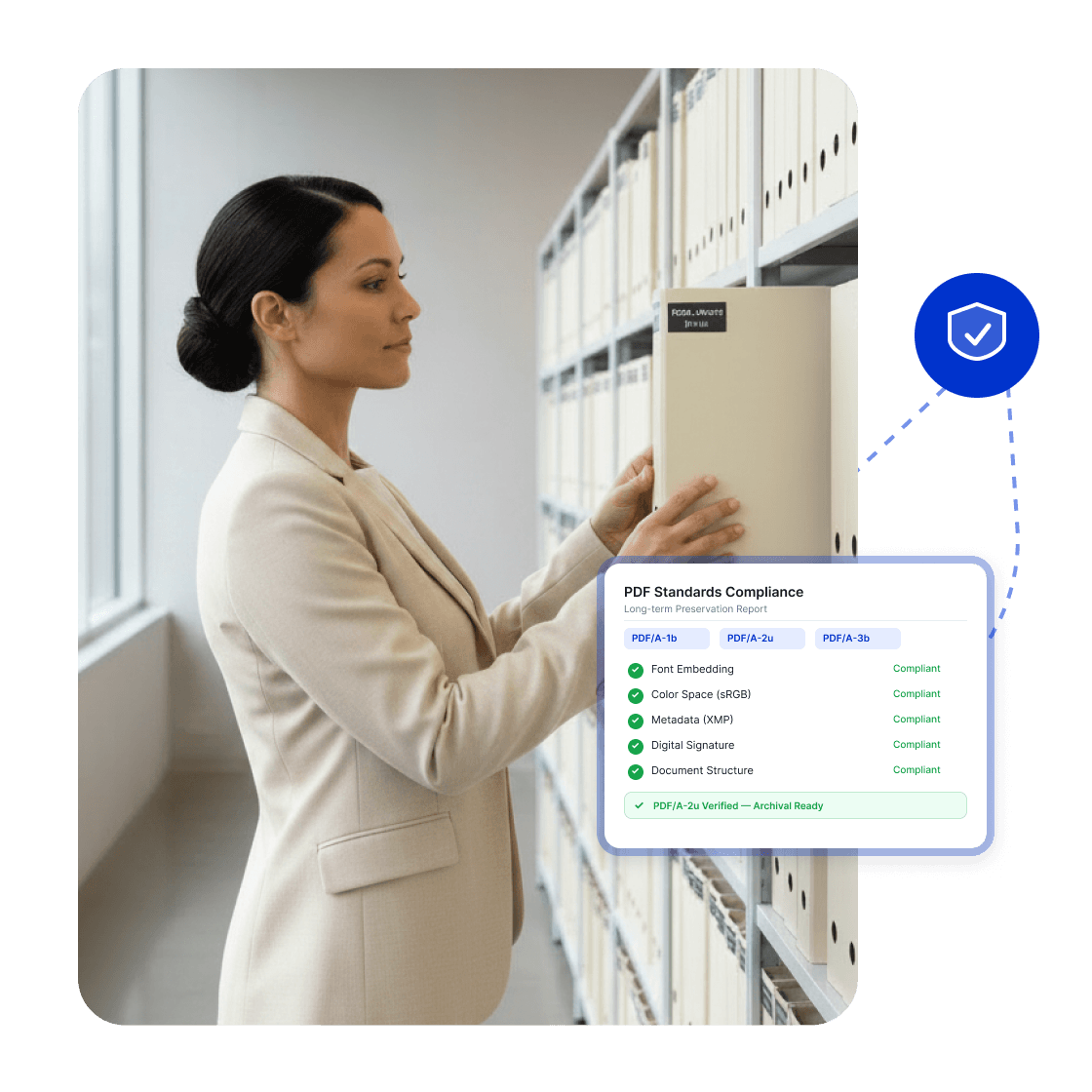
Standardized PDF Formats: Support Long-Term Preservation

Convert policy, approval, and public materials to PDF/A, PDF/X, PDF/E, or PDF/UA for archiving, print, engineering, and accessibility needs.
Create government files suited to preservation, professional output, access, and standardized delivery.
<span style="color:#0033CC">Standardized PDF Formats</span>: Support Long-Term Preservation
Whitepaper

PDF Digitization: Organize, Review, and Deliver Faster

whitepaper
Trusted by Organisations Worldwide

The Strategic Adobe Alternative

LynxPDF provides our teams with a complete PDF processing suite—offering professional editing, robust compliance features, and seamless deployment—without prohibitive subscription fees.

avatar
Laura Chen
Operations Manager

Enterprise-Grade Security & Automation

Deploying LynxPDF on-premise granted us absolute sovereignty over our document workflows. With all data retained within our internal systems, security is guaranteed.

avatar
Michael Torres
Chief Information Officer

Unified PDF Management

LynxPDF has consolidated our software stack. Reviewing, editing, signing, and converting files is now a frictionless process, significantly enhancing our operational efficiency.

avatar
Robert Kim
IT Project Manager

The Strategic Adobe Alternative

LynxPDF provides our teams with a complete PDF processing suite—offering professional editing, robust compliance features, and seamless deployment—without prohibitive subscription fees.

avatar
Laura Chen
Operations Manager

Enterprise-Grade Security & Automation

Deploying LynxPDF on-premise granted us absolute sovereignty over our document workflows. With all data retained within our internal systems, security is guaranteed.

avatar
Michael Torres
Chief Information Officer

Unified PDF Management

LynxPDF has consolidated our software stack. Reviewing, editing, signing, and converting files is now a frictionless process, significantly enhancing our operational efficiency.


avatar
Robert Kim
IT Project Manager
iconiconiconiconiconiconicon

Industry Workflow Case

Prepare Official Documents for Approval and Archiving

Process official and approval materials in an owned or isolated environment, verify integrity with digital signatures, and convert them to an archival standard.

Business OutcomeApproval files move through a controlled environment and are prepared for long-term preservation and reference.
Contact Sales
Industry Workflow

Process Government Documents

01

Open Files Locally or on the Internal Network

Complete approval and signing

02

Verify Signatures and File Integrity

Standardize the saved records

03

Convert to Archival or Accessible Formats

Create the final file

FAQ
How Does LynxPDF Support Government Document Processing?
LynxPDF supports official correspondence, policy documents, approval materials, and public records with private deployment, offline activation, digital signatures, permission controls, and conversion to PDF standards.