Preparing Management and Project Presentations
Organize project reports or business materials into overviews, highlights, questions, and recommendations so owners can quickly build a presentation framework and identify document priorities.


LynxPDF's PDF AI Report Generation organizes long PDFs into overviews, summaries, key data, questions, and recommendations. Page citations help teams verify the source before using the results.
For long reports, enterprises need more than a short summary: they need discussion-ready structure, key data, and source evidence. AI organizes the content first, then teams make judgments and prepare presentations.
Organize project reports or business materials into overviews, highlights, questions, and recommendations so owners can quickly build a presentation framework and identify document priorities.
Extract key numbers, metrics, and trends into a structured data-analysis section while preserving the original source through page citations.
Organize long research reports into summaries, data, conclusions, and use cases to help teams decide what needs further reading and discussion.
After you upload a long PDF, LynxPDF AI organizes an overview, core summary, data analysis, highlights and questions, recommendations, and use cases according to the report structure.
Organize a long PDF into a document overview, core summary, highlights, questions, and recommendations so teams can quickly build a complete content framework.
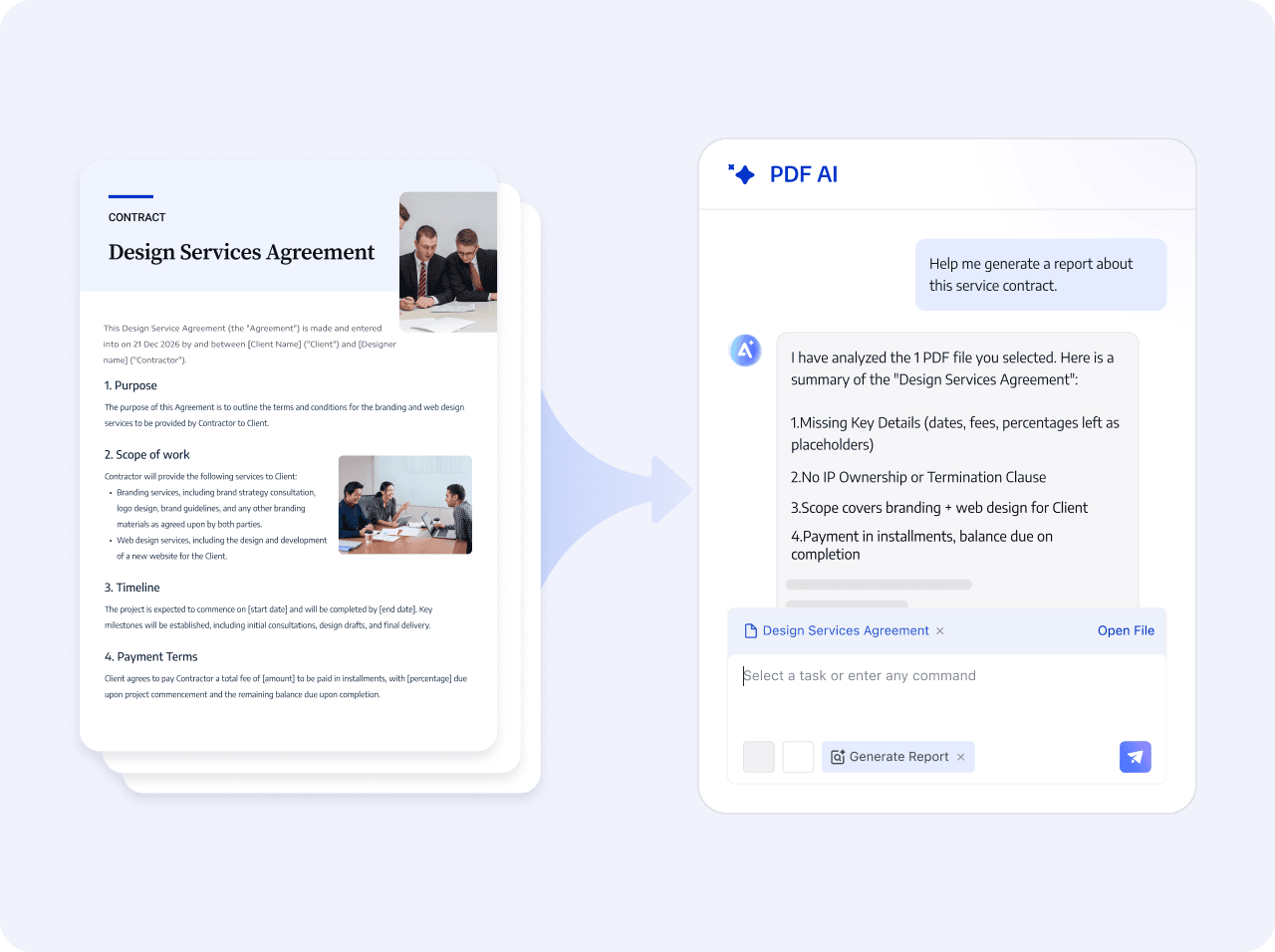
Identify and organize key numbers, metrics, and trends in the data-analysis section, reducing manual consolidation and repeated excerpting.
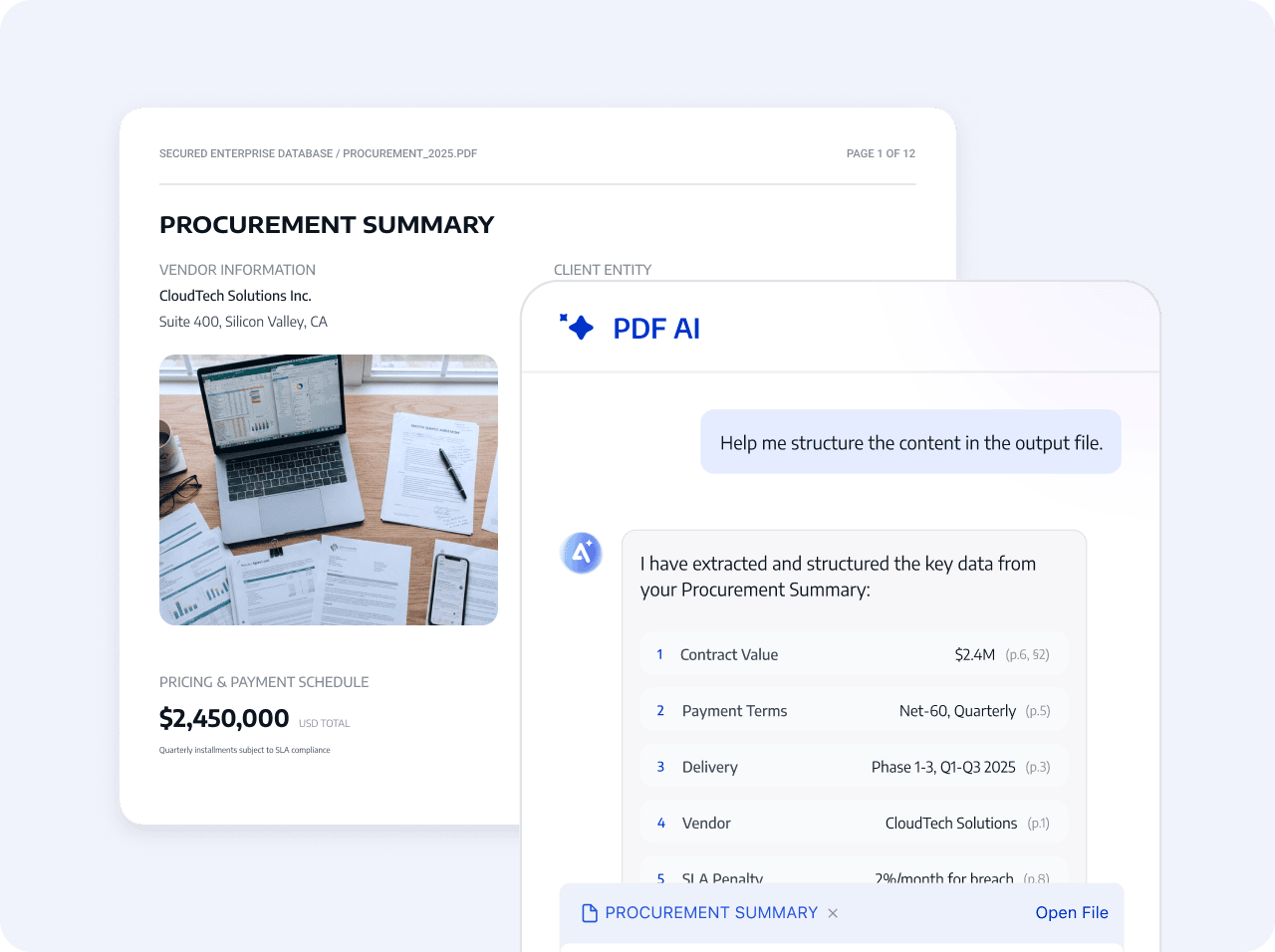
Click page citations for important conclusions and data to view the full context and understand the source of the information.
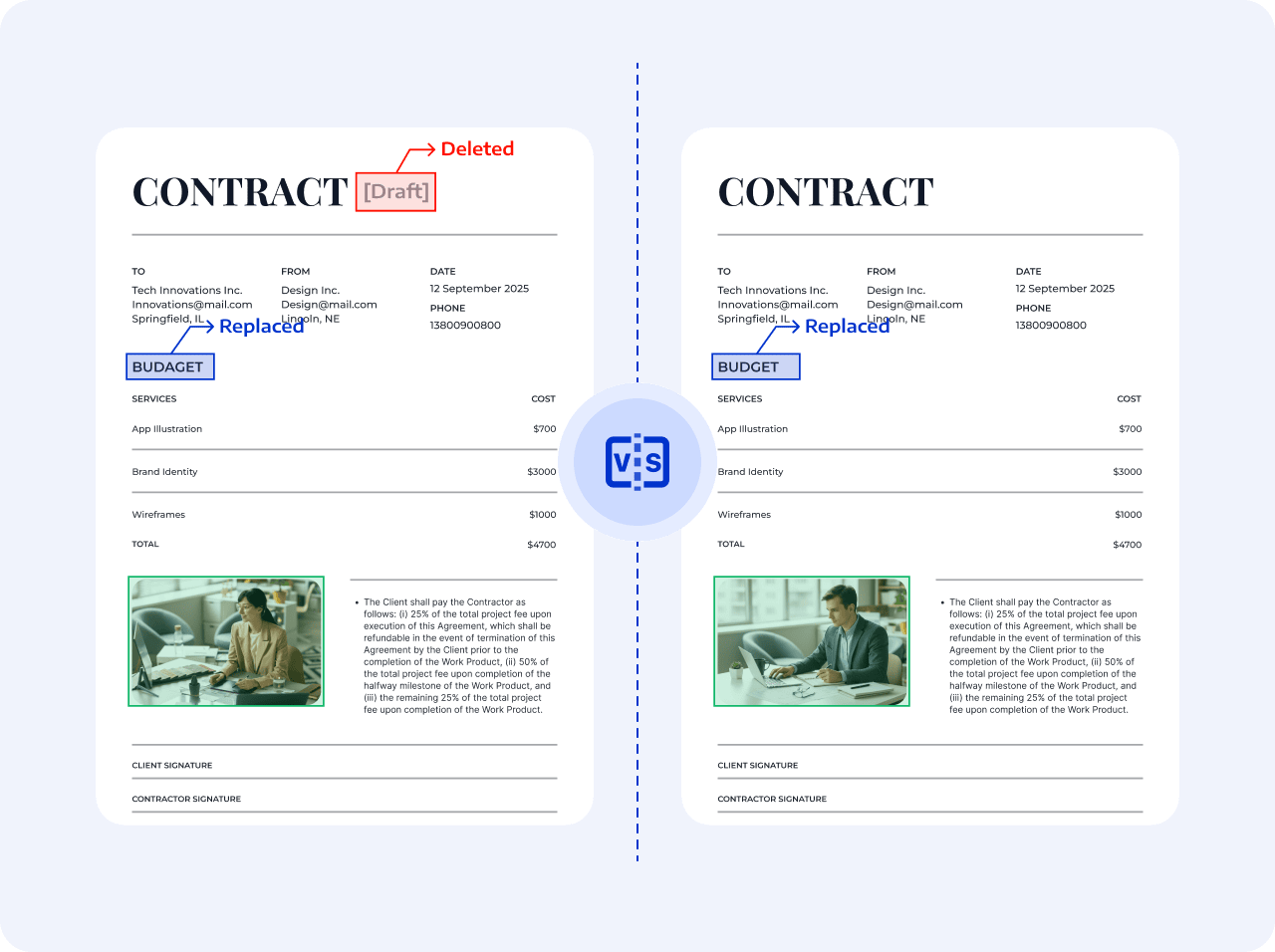
AI builds the report structure and extracts the priorities; people form the final analysis and presentation.
Upload a long PDF and start report generation
AI organizes summaries, data, questions, and recommendations
Check the original through page citations, then use the confirmed content for presentations or further analysis.
Upload a long PDF and start report generation
AI organizes summaries, data, questions, and recommendations
Check the original through page citations, then use the confirmed content for presentations or further analysis.
 Build the report structure automatically