Financial and Business Analysis
Extract metrics such as revenue, costs, profit margins, and time periods from annual reports, operating reports, or project materials, presenting definitions and trends consistently.


Use LynxPDF AI to extract fields, tables, numbers, and trends from reports, contracts, and reference PDFs based on your business goals. Organize the results into structured data for analysis and further use.
AI identifies key data scattered across body text, tables, and different layouts, unifying fields, time periods, units, and numerical relationships into clearly structured business data.
Extract metrics such as revenue, costs, profit margins, and time periods from annual reports, operating reports, or project materials, presenting definitions and trends consistently.
Extract contract amounts, service periods, payment milestones, supplier details, and other target fields into a consistent list so procurement and business teams can consolidate materials faster.
Organize key figures, lists, and trends from industry reports, research materials, and operations documents into structured data for comparison, review, and further analysis.
Describe exactly what you need to find. LynxPDF AI reads body text, tables, and lists in context, preserving the relationships between items, time periods, units, and values.
Describe the contract amount, quarterly revenue, project date, or key conclusion you need to find. AI locates the relevant content in context, reducing the limitations of fixed layouts and single keywords.
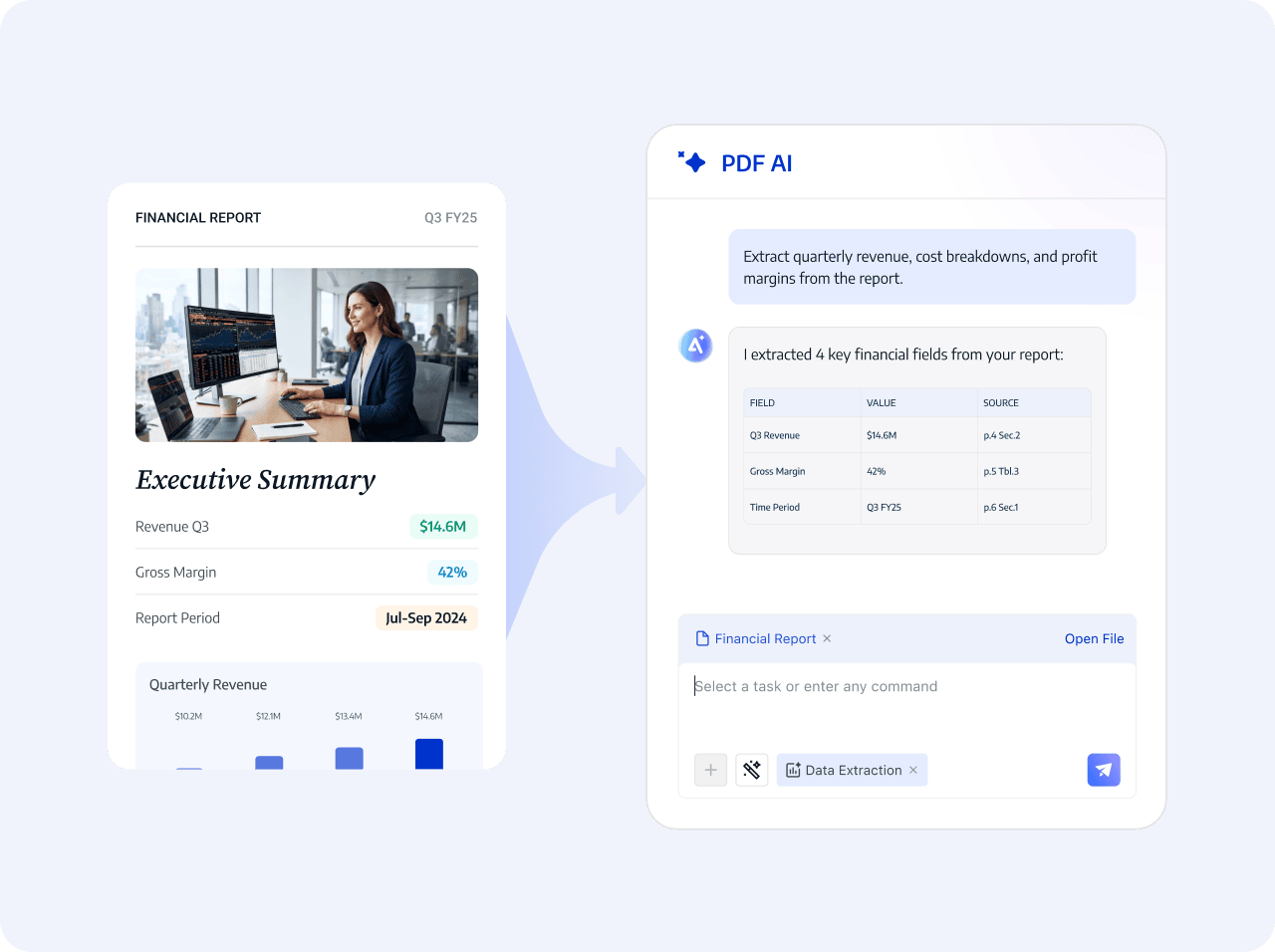
Place data scattered across body text and tables into clear fields, preserving the relationships between names, time periods, units, and values so completeness can be checked before saving.
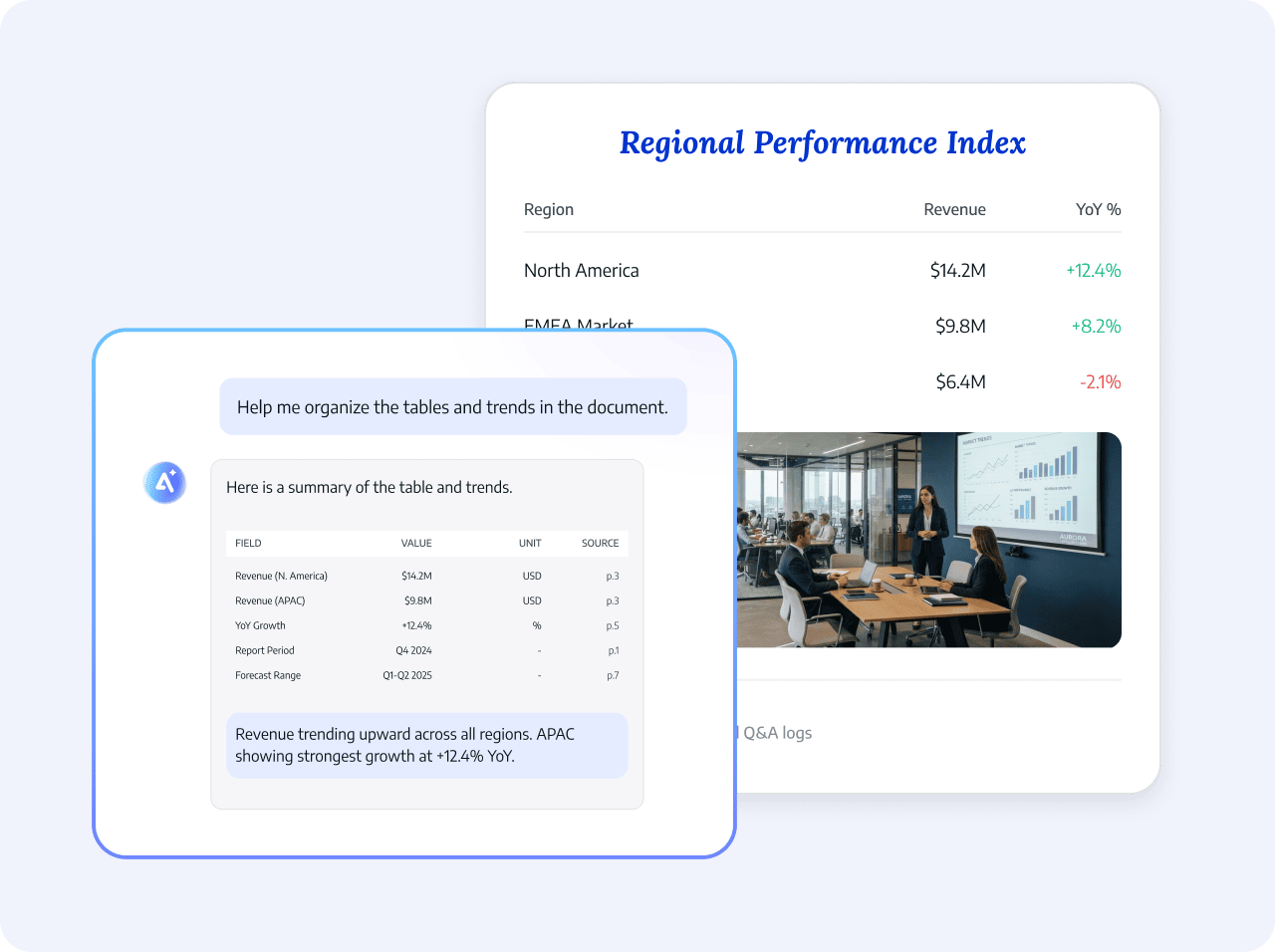
AI presents fields, values, units, and source locations together, creating clearly structured results and reusable data for enterprise databases or existing business systems.
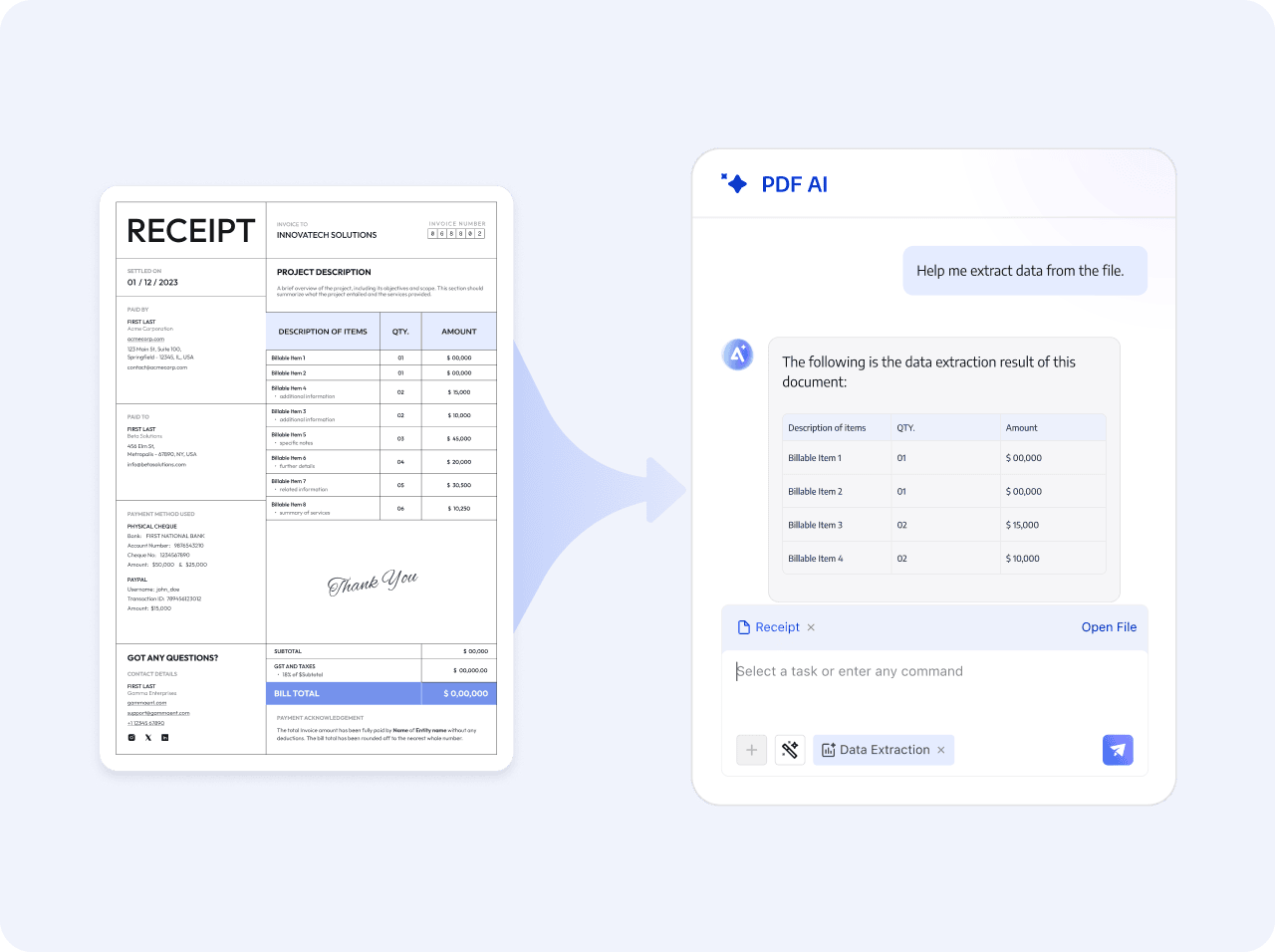
Define the extraction goal, let AI read and organize the content, then download and save the results.
Select a PDF and describe the target fields, metrics, or tables
AI identifies the content and organizes it by field, unit, and time dimension
Confirm and save the extracted data, then export it or enter it into your enterprise database.
Select a PDF and describe the target fields, metrics, or tables
AI identifies the content and organizes it by field, unit, and time dimension
Confirm and save the extracted data, then export it or enter it into your enterprise database.
 Define target fields for each task