Transform images and scanned documents into searchable, editable, and printable PDFs while maintaining original layout integrity.
Convert Scans to Searchable PDFs
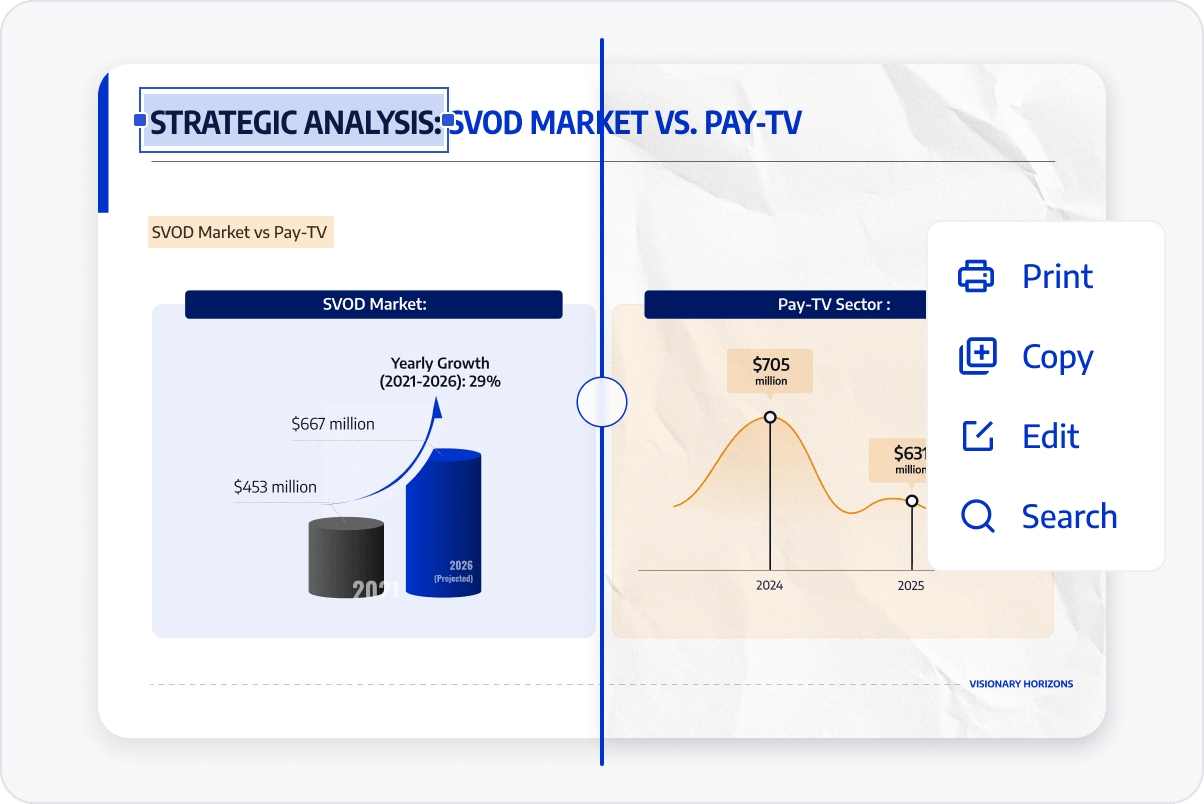
Search for keywords and locate information instantly. Recognize text within scanned files, allowing you to search for keywords and precisely locate specific information in long documents for quick retrieval.
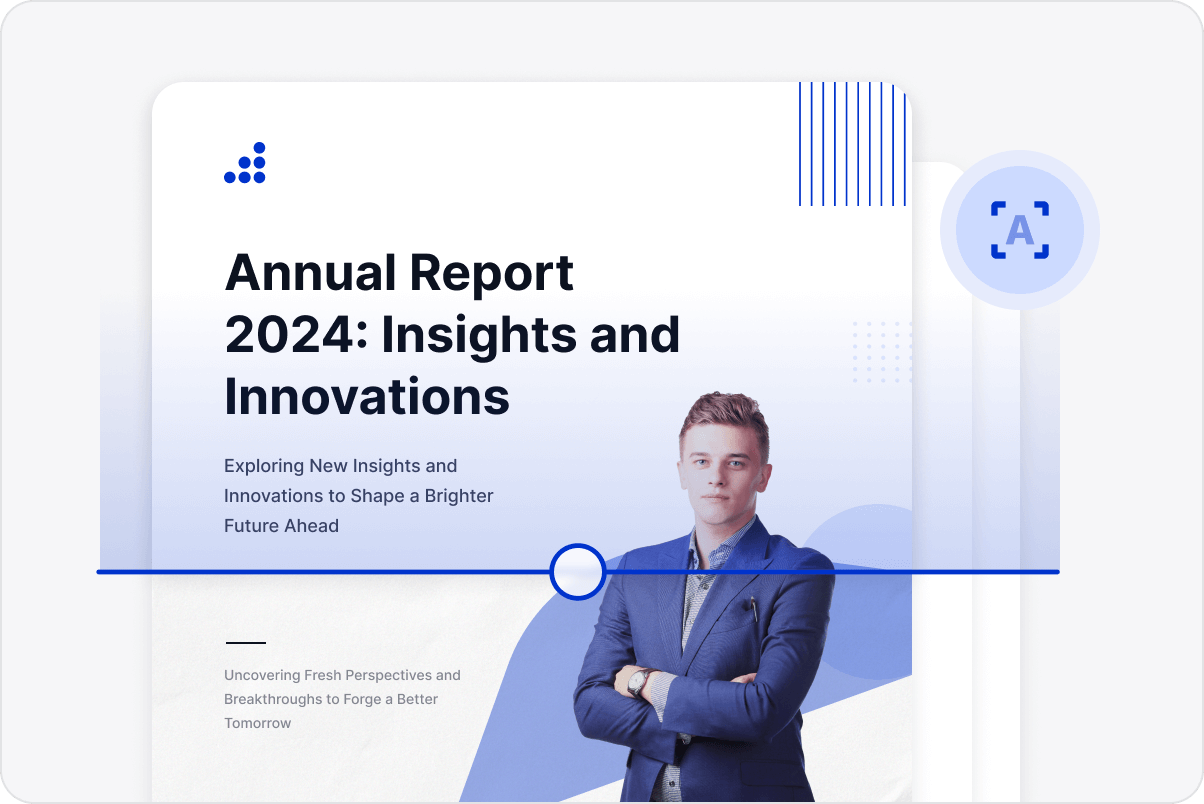
Optimisation of Low-Resolution Images
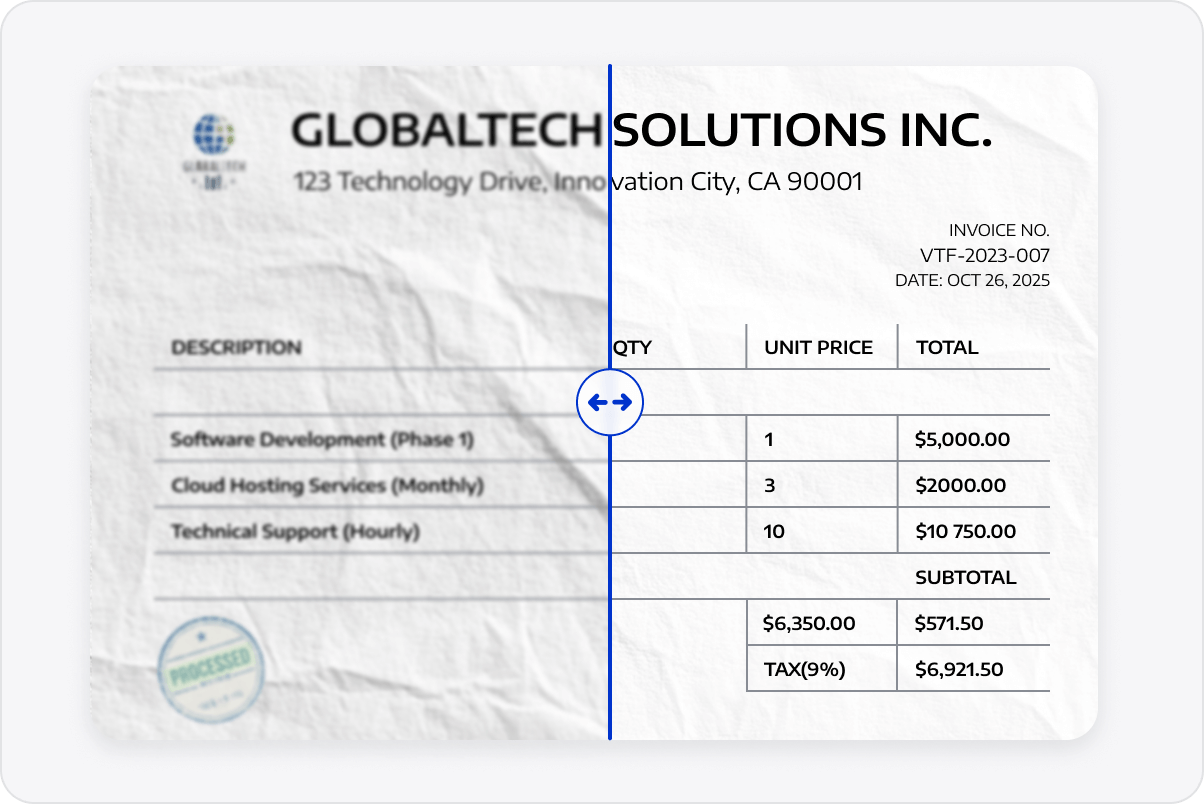
Enhance low-quality images with automatic deskewing and enhancement technologies, improving the accuracy of data extraction and format conversion.
Advanced Table Data Extraction
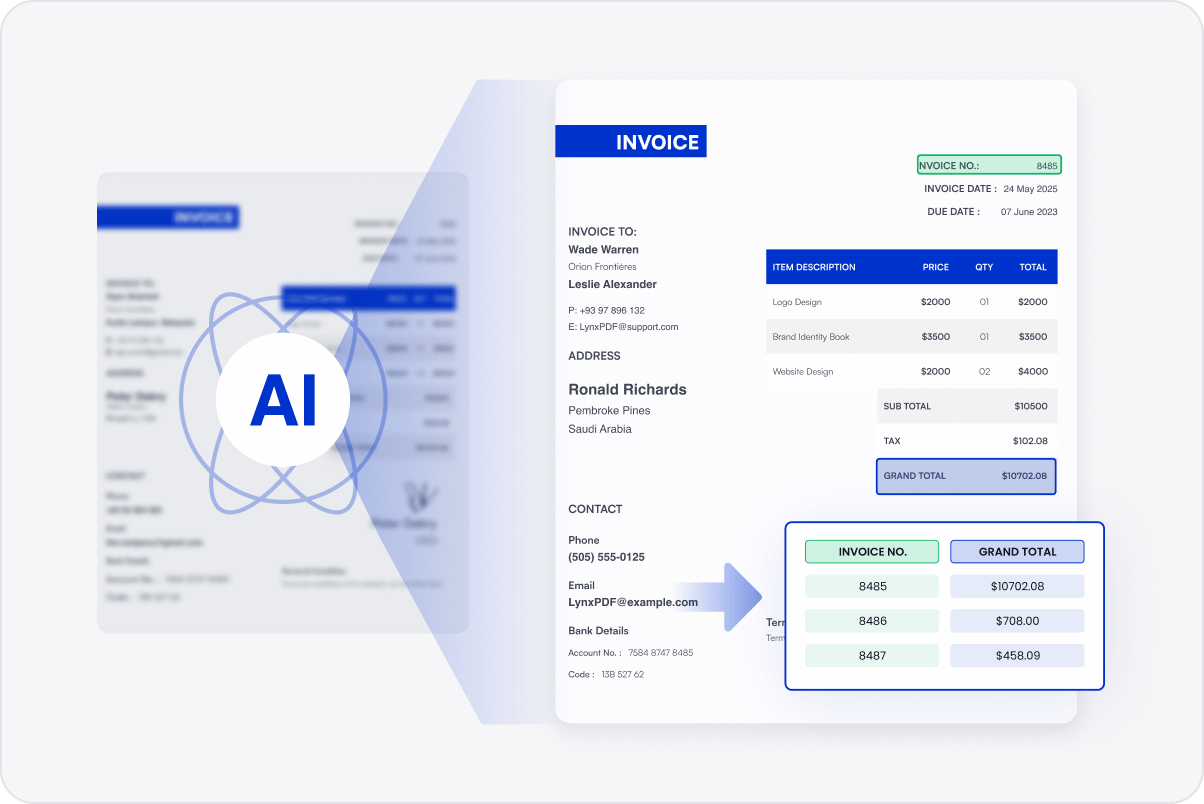
Accurately extract tabular data from scanned reports or invoices and export directly to Excel, preserving full structure and data integrity.
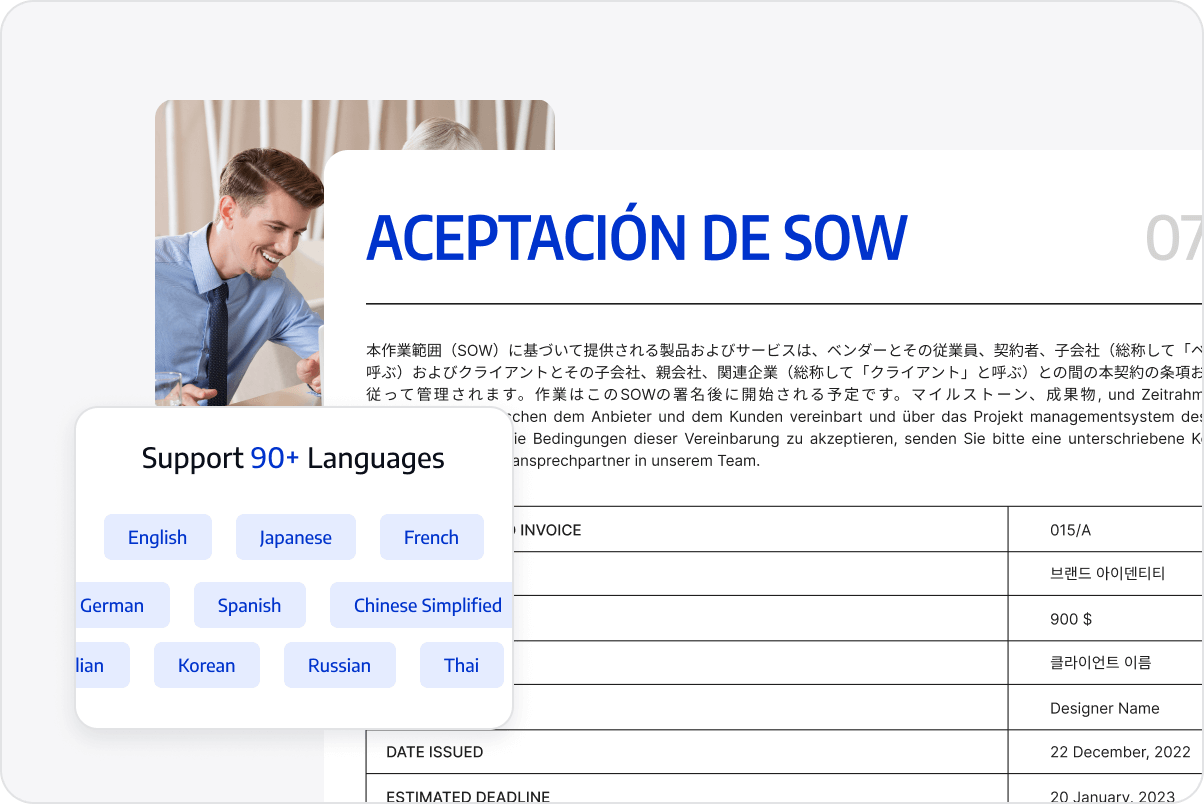
Multilingual OCR Support
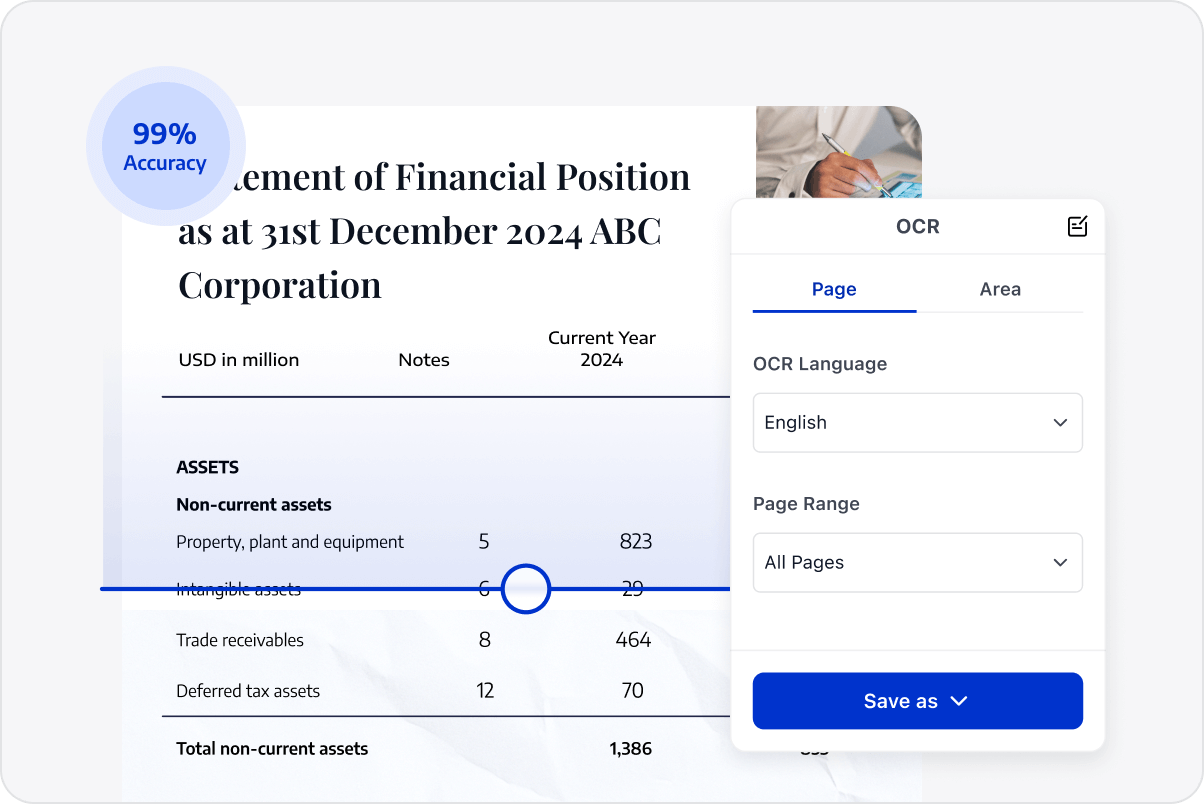
Recognise text in over 90 languages, including English, French, German, and Chinese. Automatic language detection ensures seamless handling of global documentation.
Batch OCR Processing
Convert multiple scanned images or files into interactive PDFs with a single click to accelerate workflows and facilitate a paperless office environment.
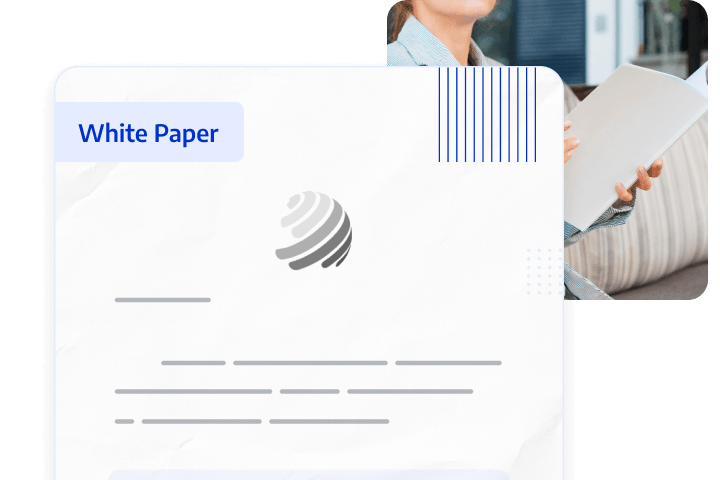
Access LynxPDF Expert Library
Forward-looking insights and strategic guides for enterprise document management.
Our specialists are available to address your enquiries regarding LynxPDF. Please complete the form below, and a representative will contact you shortly:
Commence your 14-day trial of LynxPDF and the LynxPDF Admin Console.
Identify the optimal pricing structure for your organisation.
Explore bespoke implementation scenarios and enterprise case studies.