Extract Images from PDF for Reuse

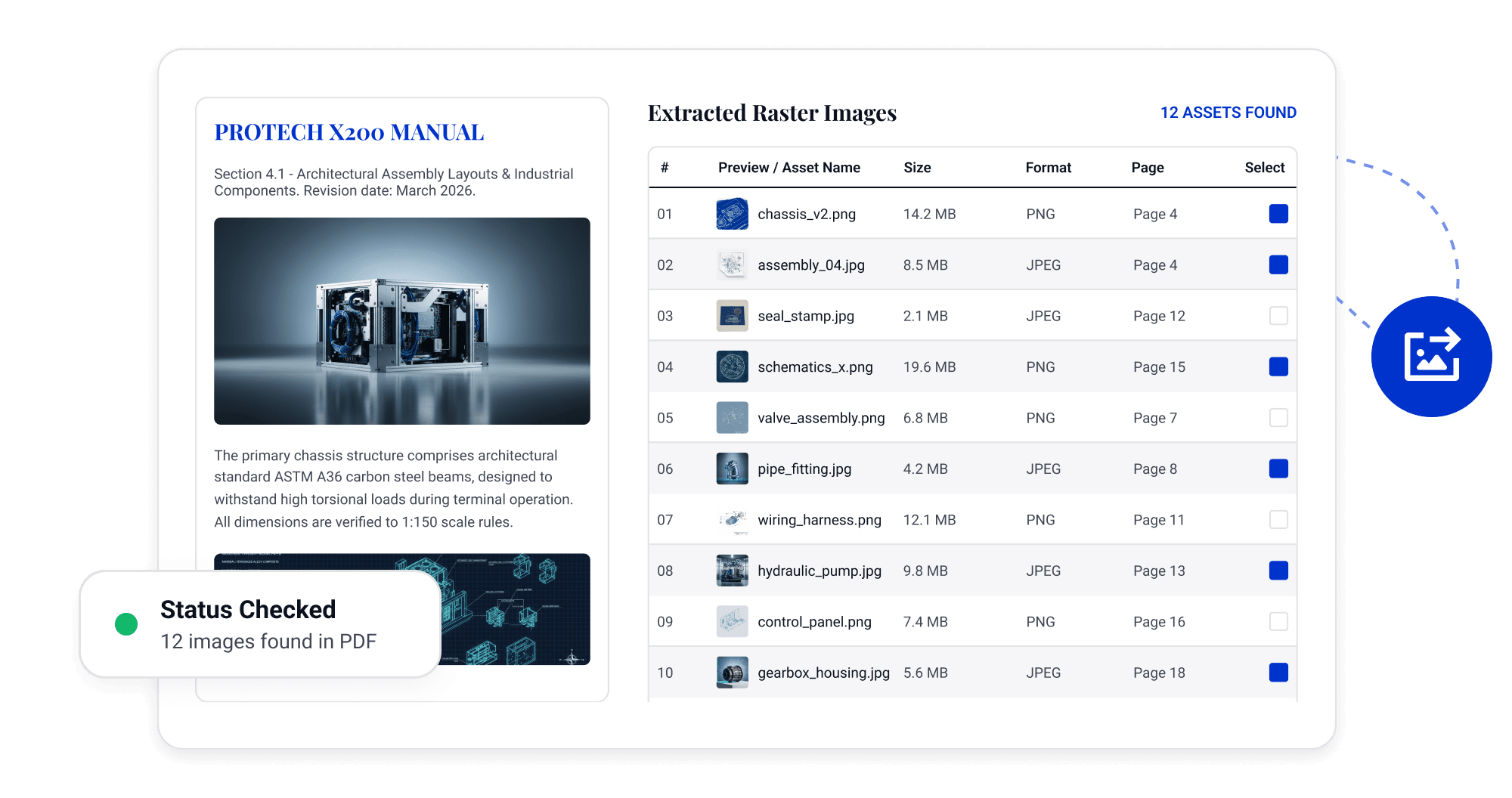
Extract PDF Images Directly
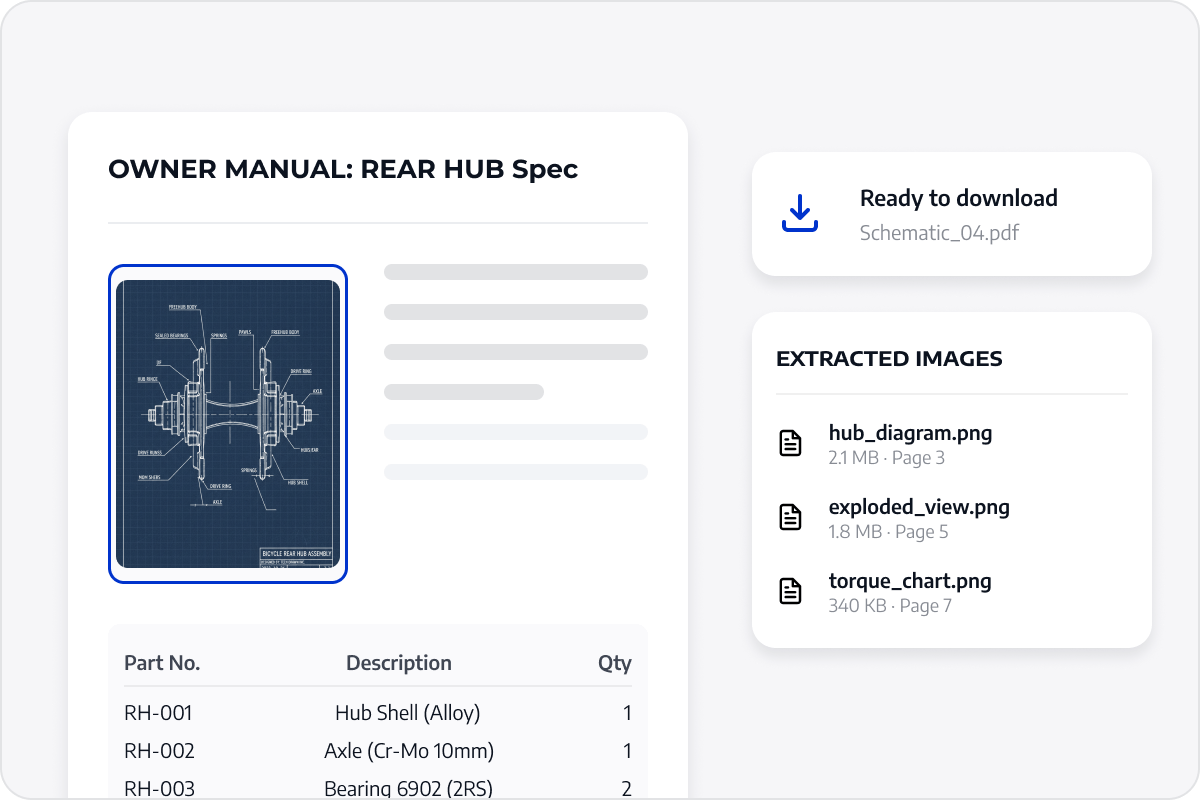
Extract charts and images from reports, manuals, and presentations instead of recreating them through screenshots.
Extract PDF Images Directly
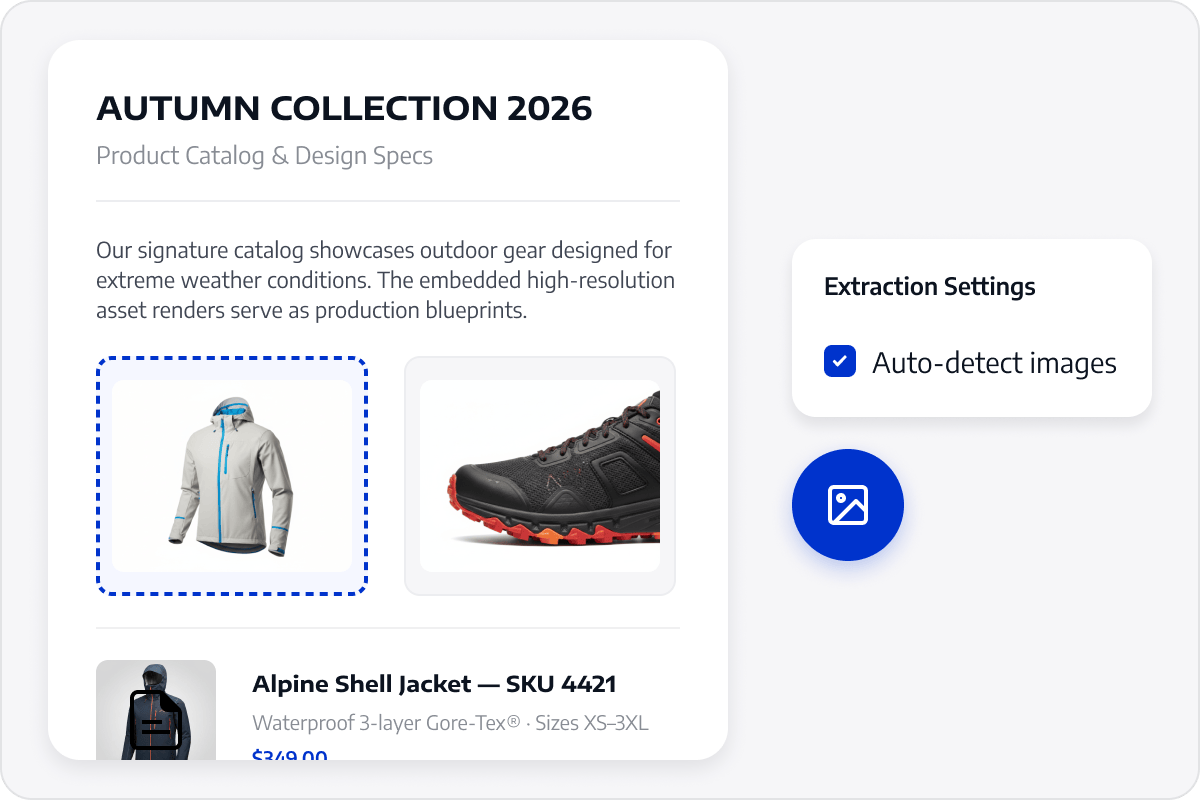
Preserve Image Content
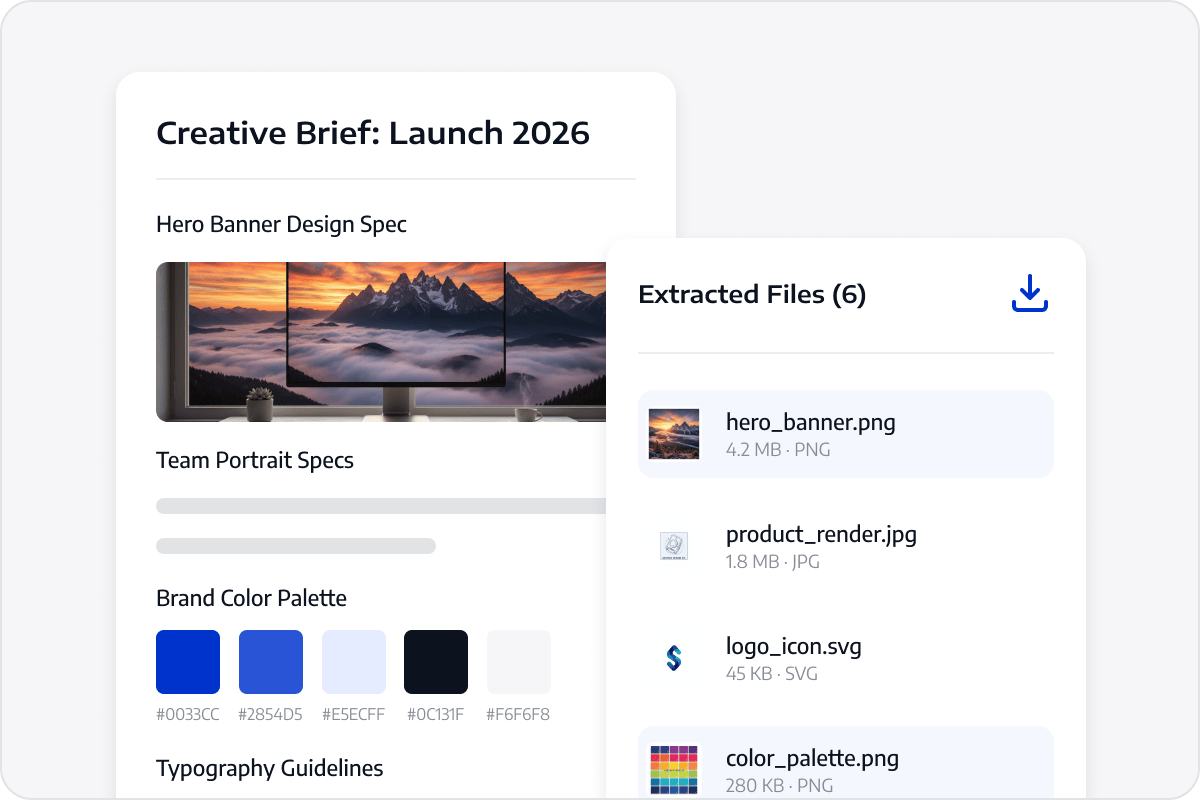
Save images from PDFs as separate files so design teams can rearrange, edit, and reuse existing visual assets with less preparation time.
Preserve Image Content
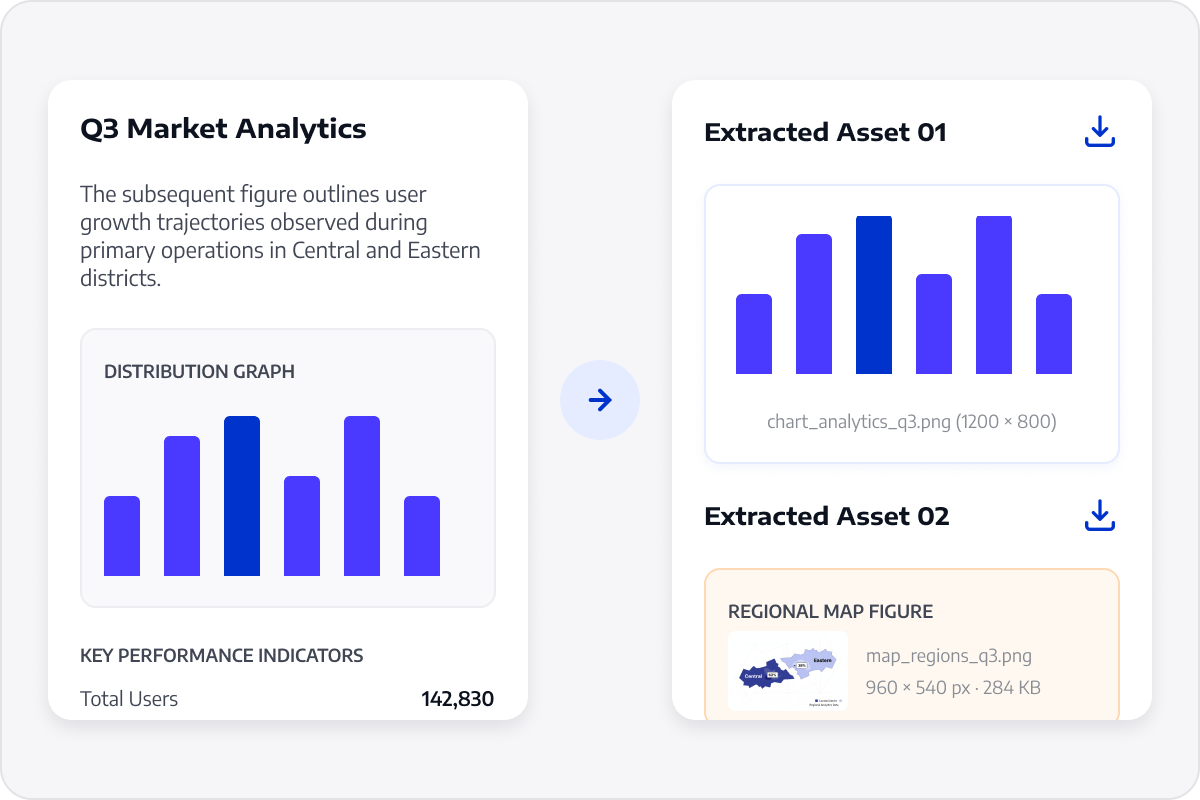
Reuse Charts and Attachments
Organize extracted charts, identification images, receipts, or image attachments for sharing, archiving, or preparing the next task.
Reuse Charts and Attachments
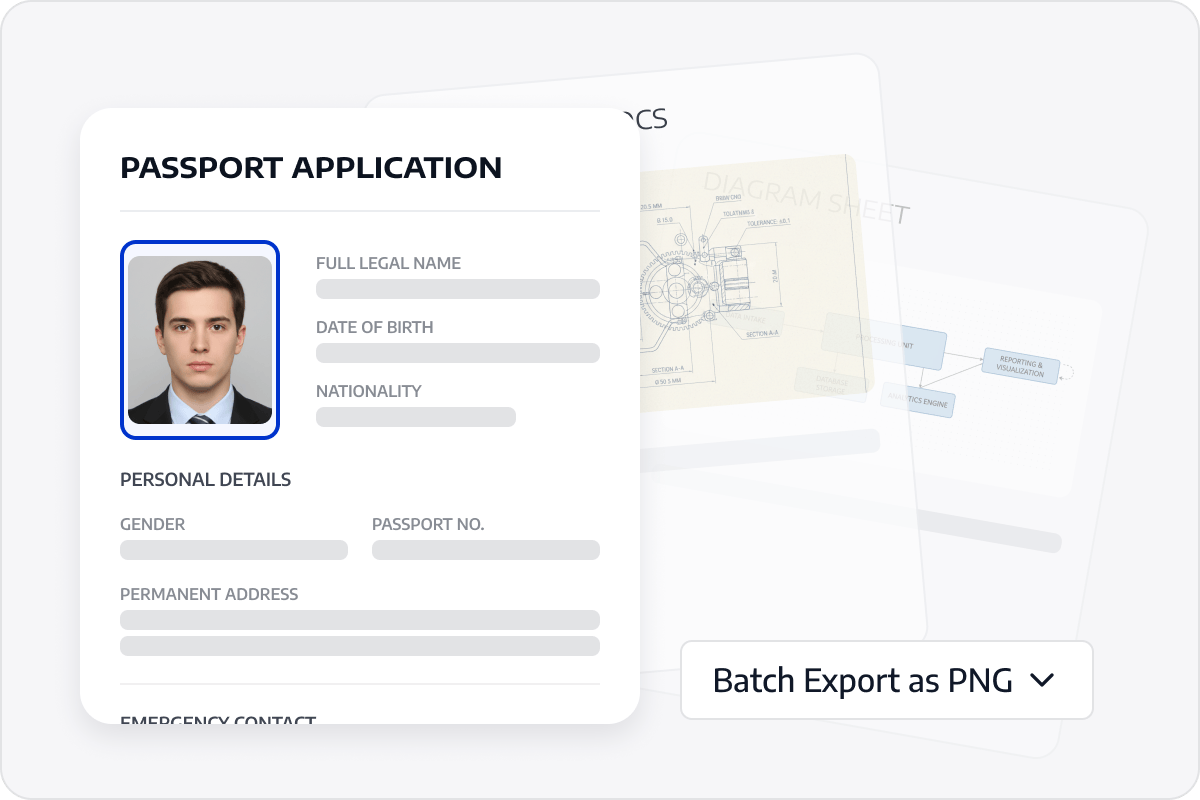
Extract Images Quickly
Retrieve page images from scanned PDFs while retaining their visual content for further organization and reuse.
Extract Images Quickly
Make Extracted Images Easier to Use
Organize extracted images as separate assets for naming, archiving, content creation, or continued use by design teams.
Make Extracted Images Easier to Use

Access LynxPDF Expert Library

Forward-looking insights and strategic guides for enterprise document management.
whitepaper
Explore Further Enterprise-Grade Features
Consult Our Sales Experts
Our specialists are available to address your enquiries regarding LynxPDF. Please complete the form below, and a representative will contact you shortly:
Commence your 14-day trial of LynxPDF and the LynxPDF Admin Console.
Identify the optimal pricing structure for your organisation.
Explore bespoke implementation scenarios and enterprise case studies.
Access Volume Discounts up to 50%
Corporate Email
Full Name
Company Website
Country/Region
Search and select
Contact Number
Search and select
-
Enquiry Details
0 / 1000