Create Fillable PDF Forms from Static Documents

Make Existing PDFs Fillable
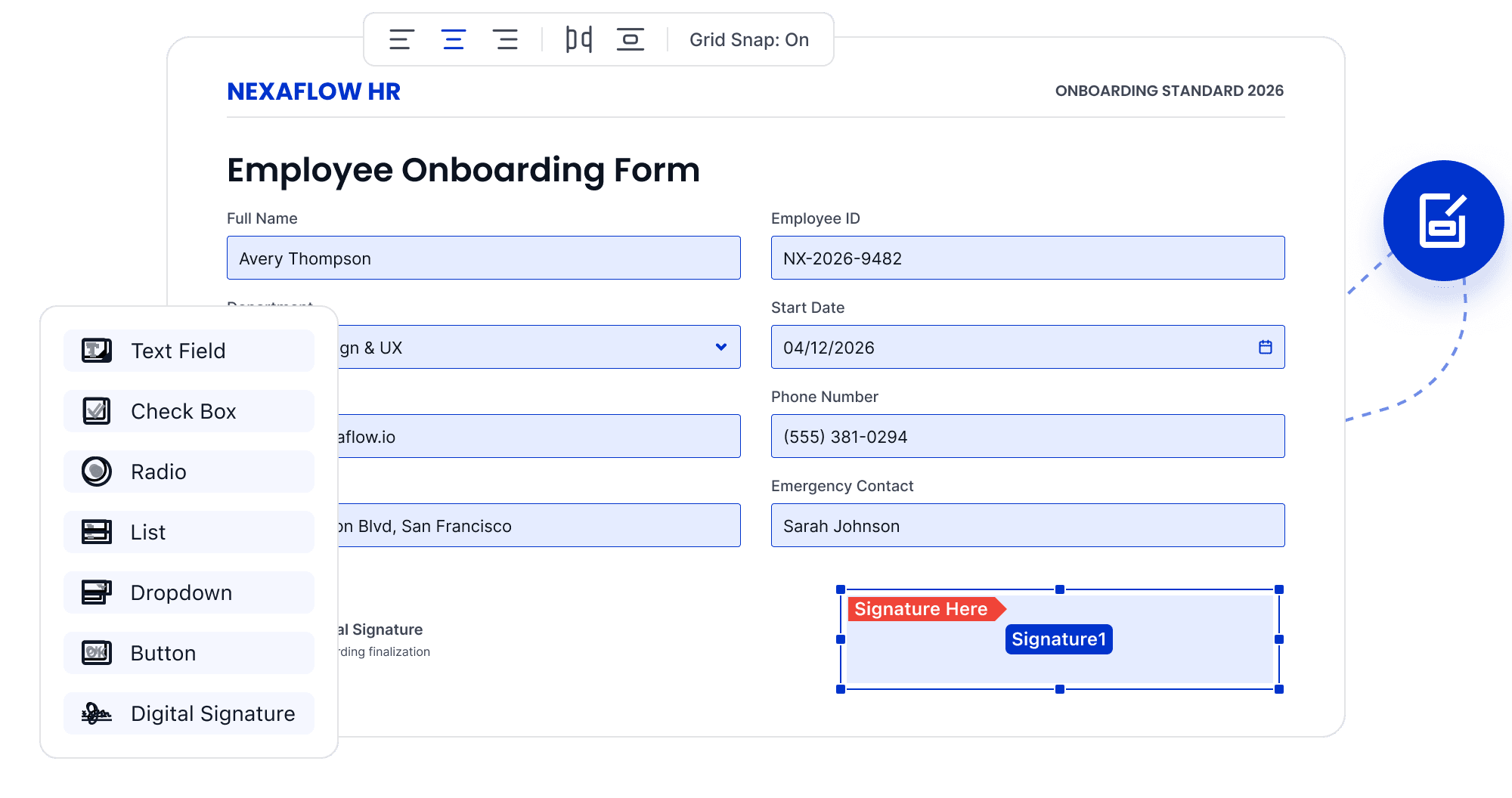
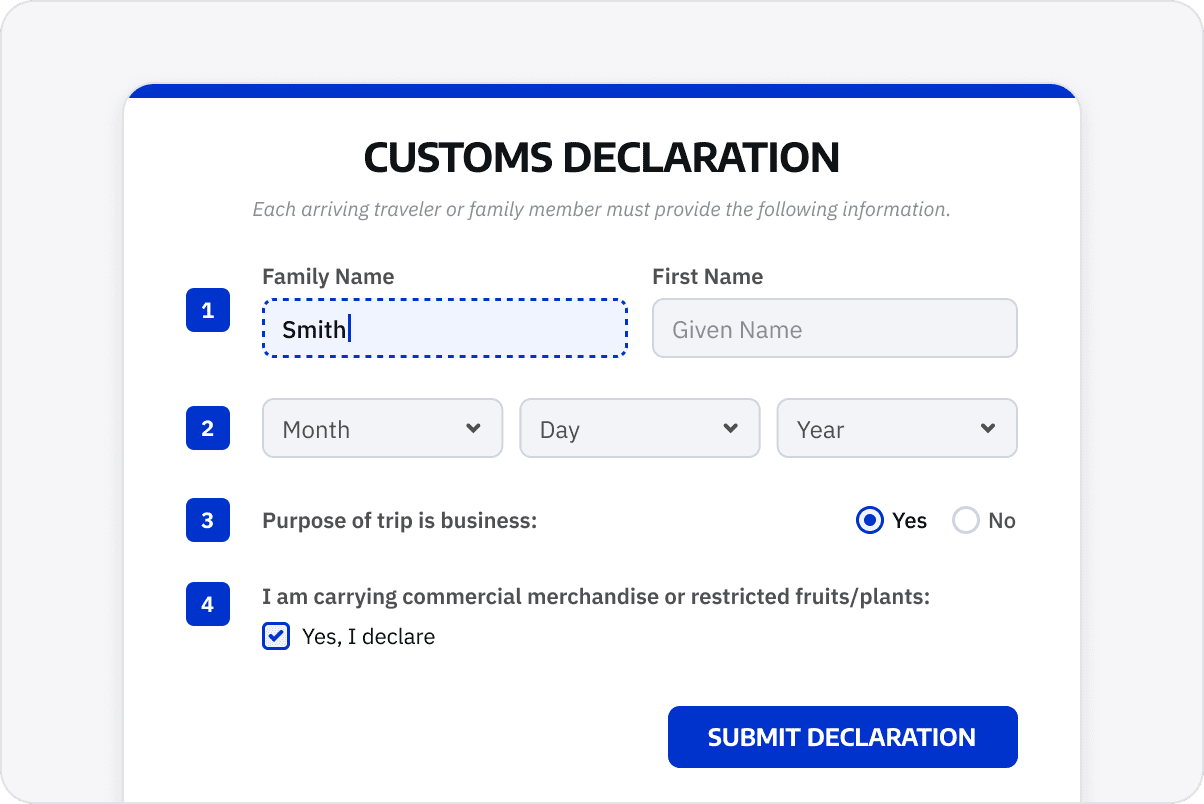
Add text fields, checkboxes, radio buttons, and drop-down lists so customers or employees can enter information without printing the form.
Make Existing PDFs Fillable
Add Fields for the Task
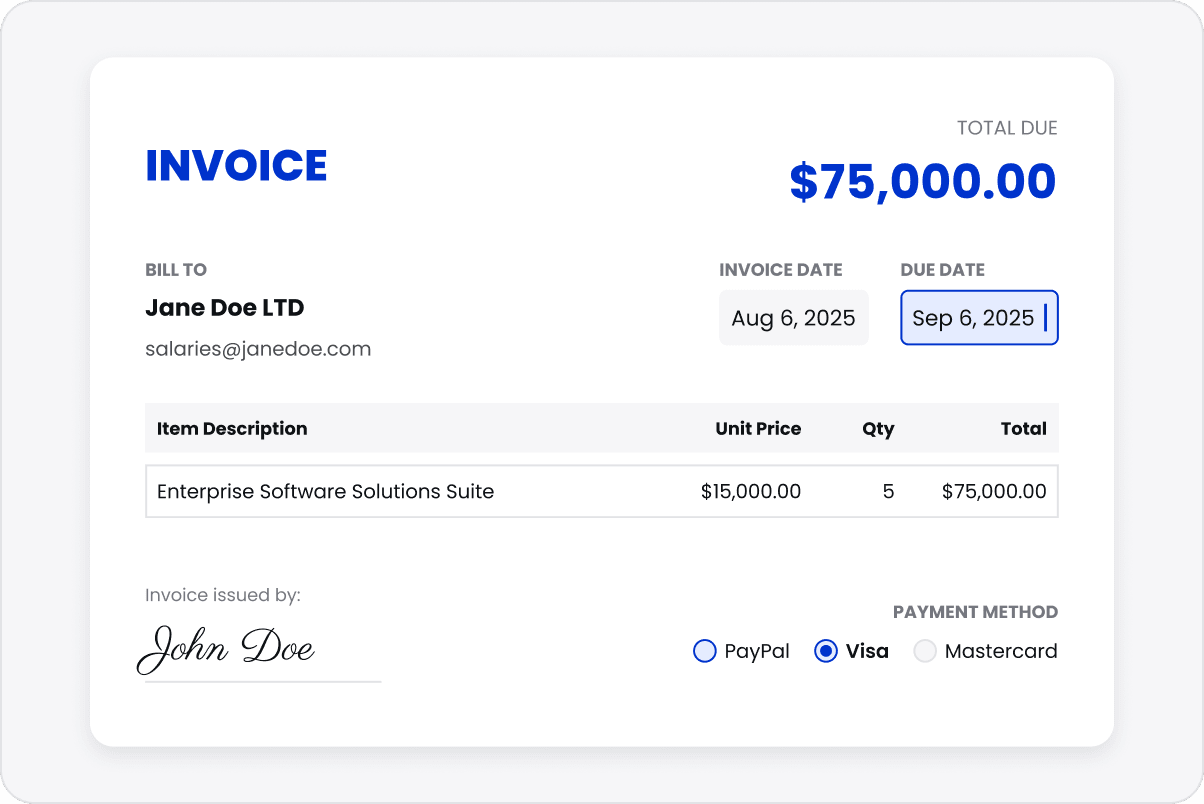
Include interactive fields such as signature areas to support applications, registration, approval documents, or information collection.
Add Fields for the Task
Align Fields Consistently
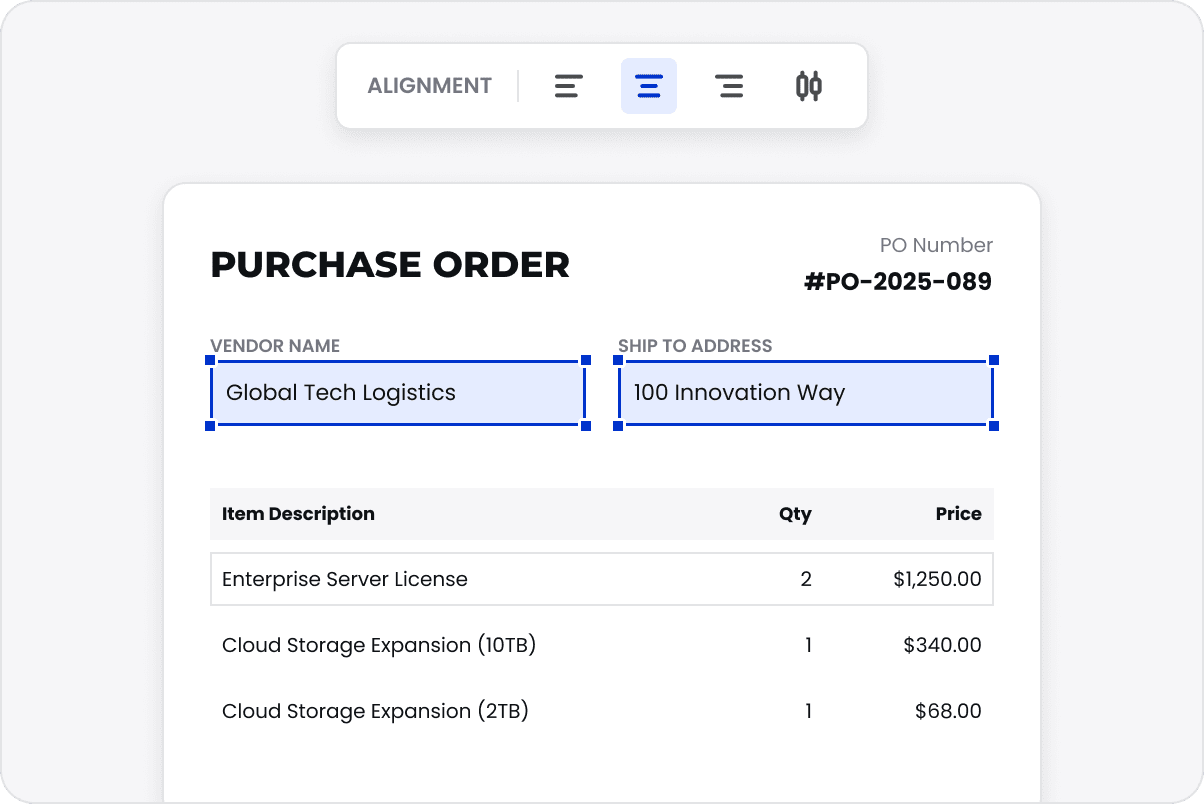
Select multiple fields and adjust their position and alignment together to reduce repeated manual layout work.
Align Fields Consistently
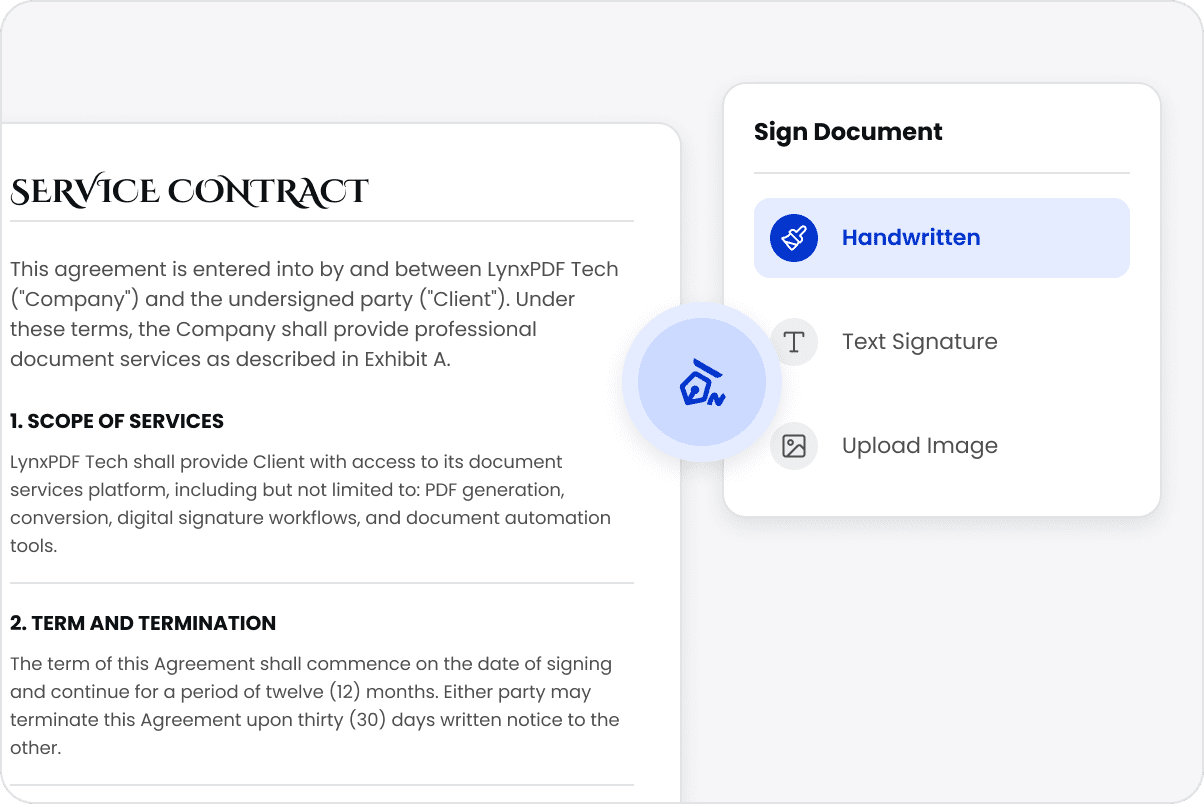
Add Electronic or Digital Signatures
Use typed, handwritten, image-based, or digital signatures as appropriate for the document's signing requirements.
Add Electronic or Digital Signatures
Make Forms Easier to Complete
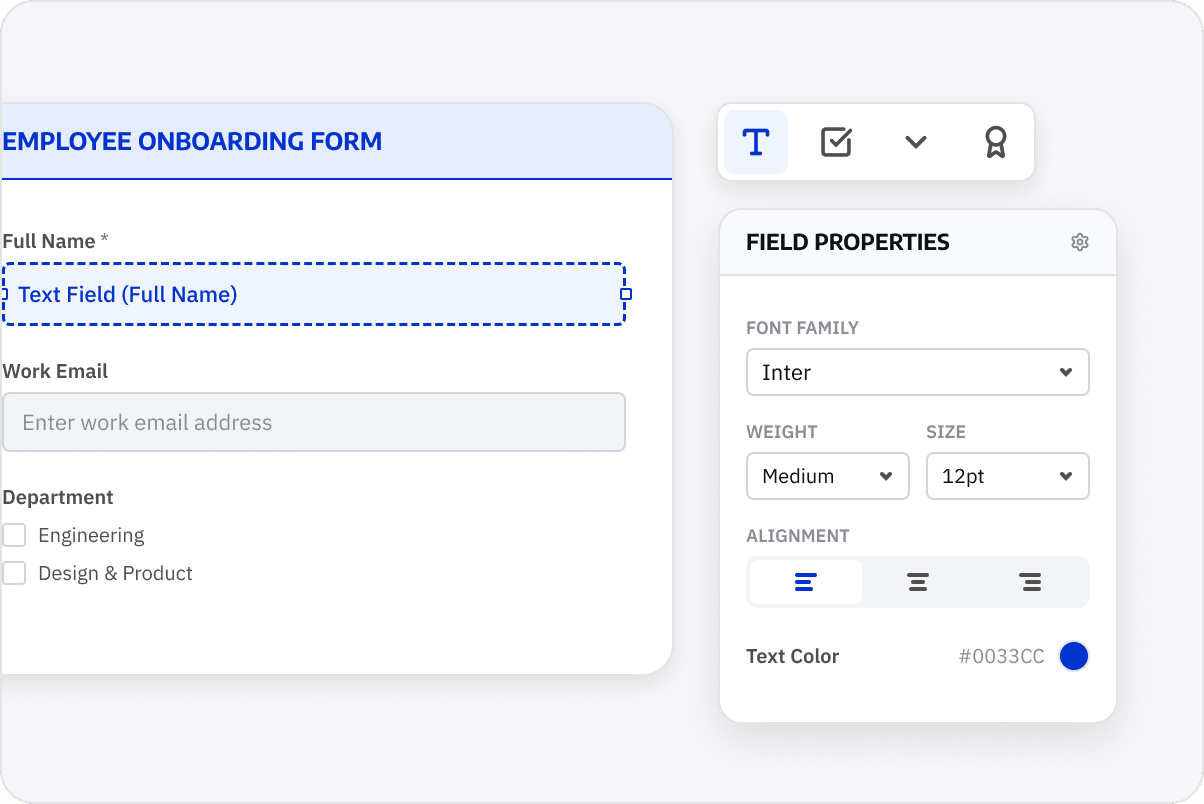
Review field order, required entries, signature areas, and the intended submission process so users can complete the form with fewer follow-ups.
Make Forms Easier to Complete

Access LynxPDF Expert Library

Forward-looking insights and strategic guides for enterprise document management.
whitepaper
Explore Further Enterprise-Grade Features
Consult Our Sales Experts
Our specialists are available to address your enquiries regarding LynxPDF. Please complete the form below, and a representative will contact you shortly:
Commence your 14-day trial of LynxPDF and the LynxPDF Admin Console.
Identify the optimal pricing structure for your organisation.
Explore bespoke implementation scenarios and enterprise case studies.
Access Volume Discounts up to 50%
Corporate Email
Full Name
Company Website
Country/Region
Search and select
Contact Number
Search and select
-
Enquiry Details
0 / 1000