Remove Unwanted Pages and Marks from Multiple PDFs

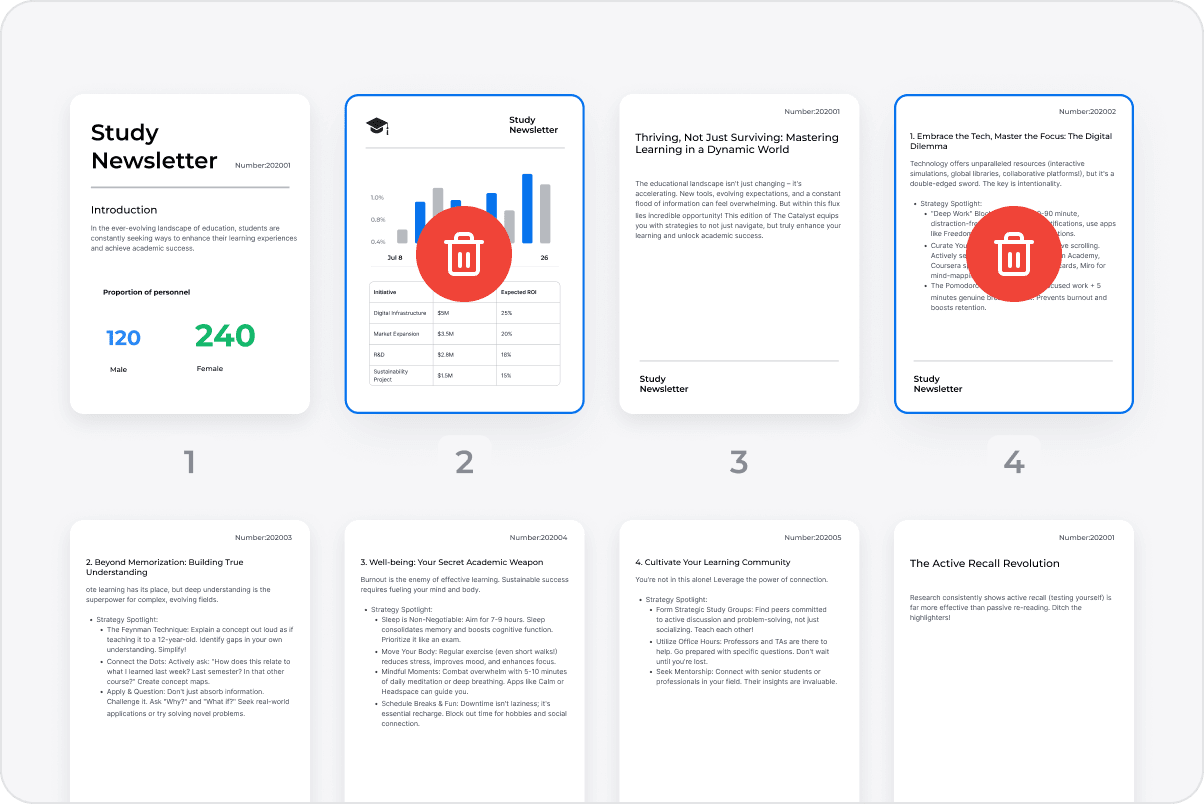
Remove Unnecessary Pages
Delete pages that are no longer needed from a batch of PDFs so each file contains content relevant to its next use.
Remove Unnecessary Pages
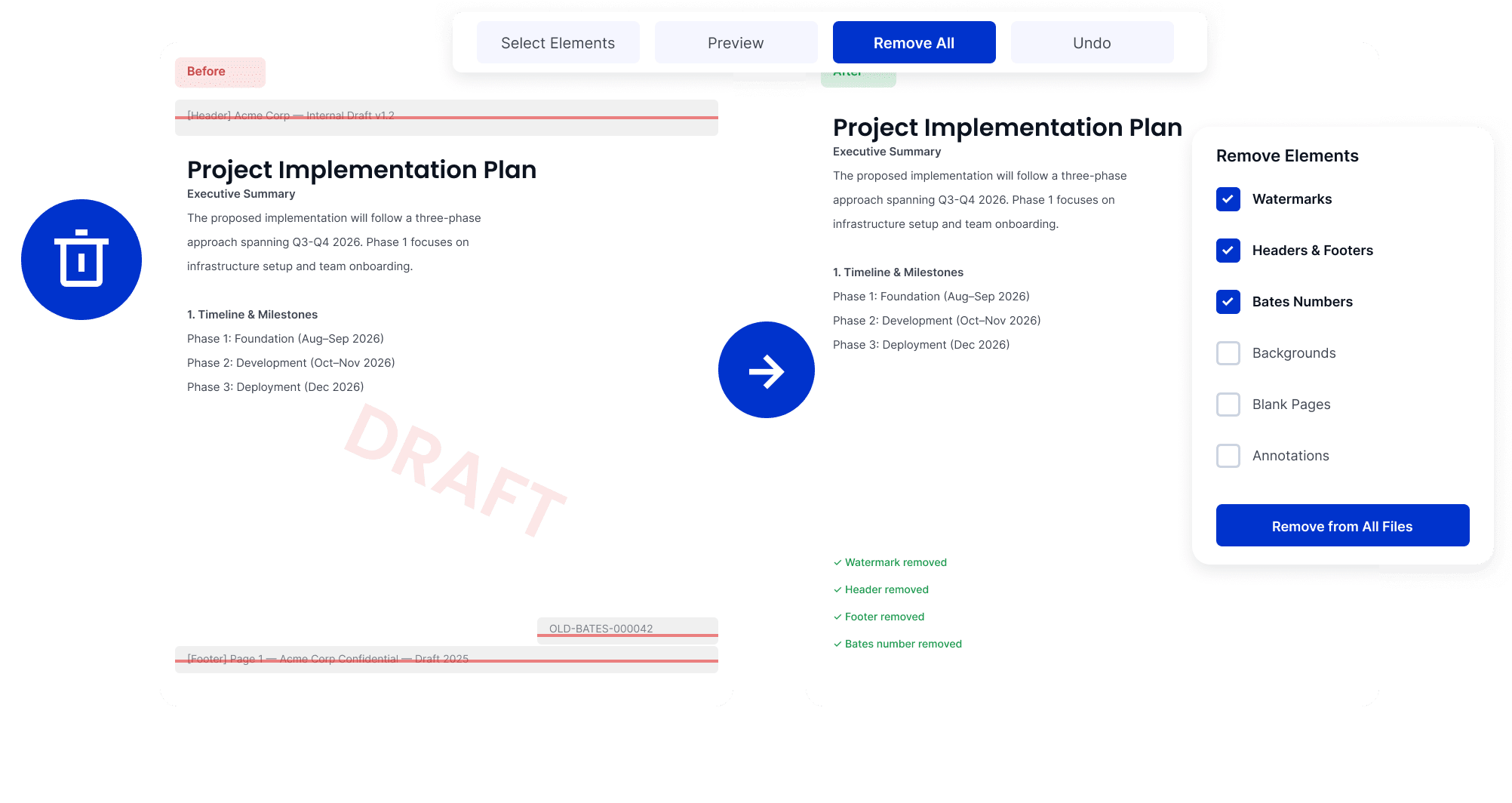
Remove Outdated Marks and Backgrounds
Clear old watermarks, backgrounds, or layout elements before preparing updated PDF versions.
Remove Outdated Marks and Backgrounds
Clear Obsolete Page Details
Remove outdated headers, footers, and page numbers while retaining the content needed for further editing and use.
Clear Obsolete Page Details
Remove Existing Bates Numbers
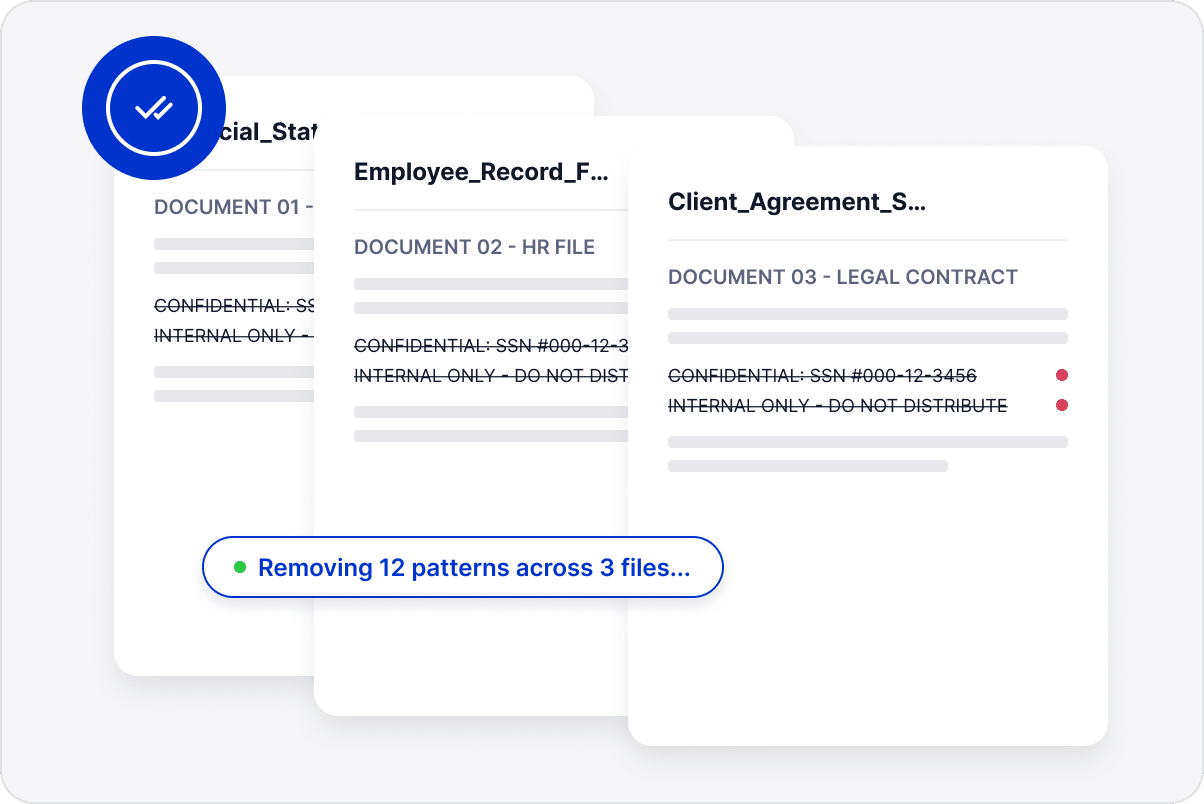
Delete previous Bates numbering across files before renumbering them or preparing copies without old reference marks.
Remove Existing Bates Numbers
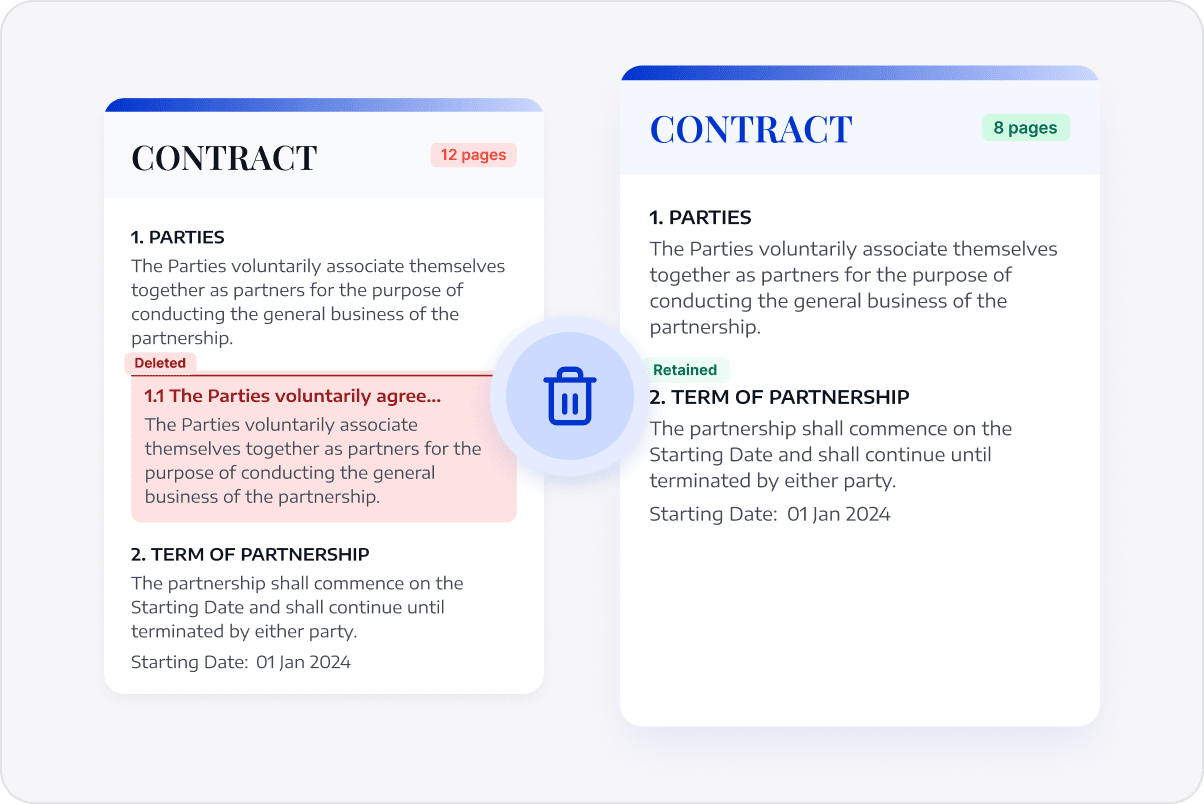
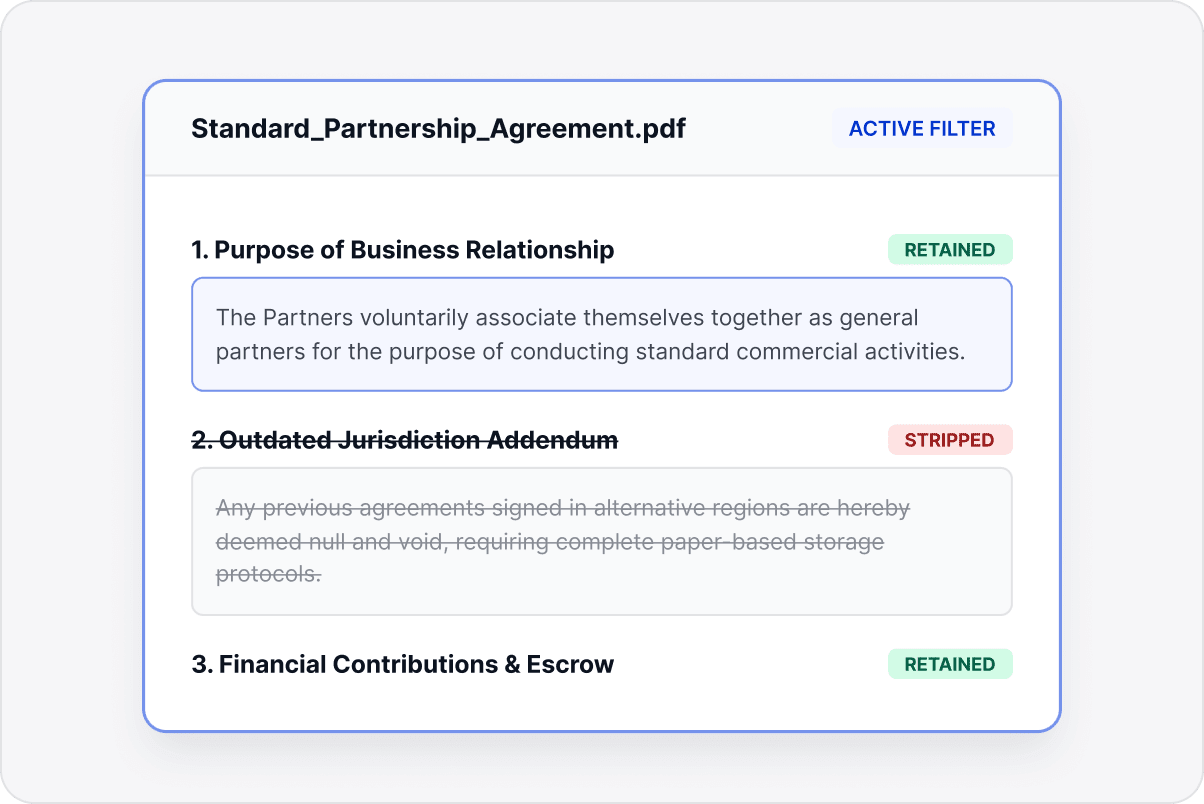
Create Clean, Usable PDFs
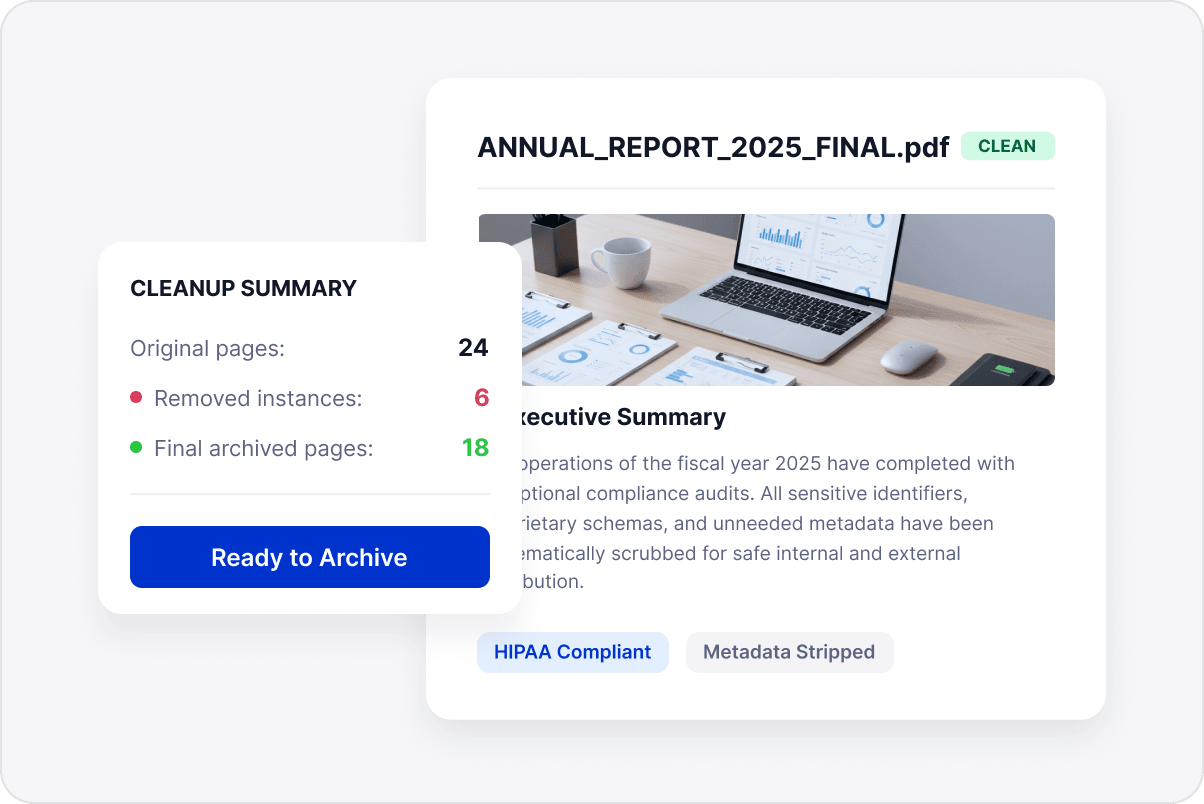
Remove unwanted pages and marks in bulk while retaining useful content, making PDFs cleaner and easier to manage.
Create Clean, Usable PDFs

Access LynxPDF Expert Library

Forward-looking insights and strategic guides for enterprise document management.
whitepaper
Explore Further Enterprise-Grade Features
Consult Our Sales Experts
Our specialists are available to address your enquiries regarding LynxPDF. Please complete the form below, and a representative will contact you shortly:
Commence your 14-day trial of LynxPDF and the LynxPDF Admin Console.
Identify the optimal pricing structure for your organisation.
Explore bespoke implementation scenarios and enterprise case studies.
Access Volume Discounts up to 50%
Corporate Email
Full Name
Company Website
Country/Region
Search and select
Contact Number
Search and select
-
Enquiry Details
0 / 1000