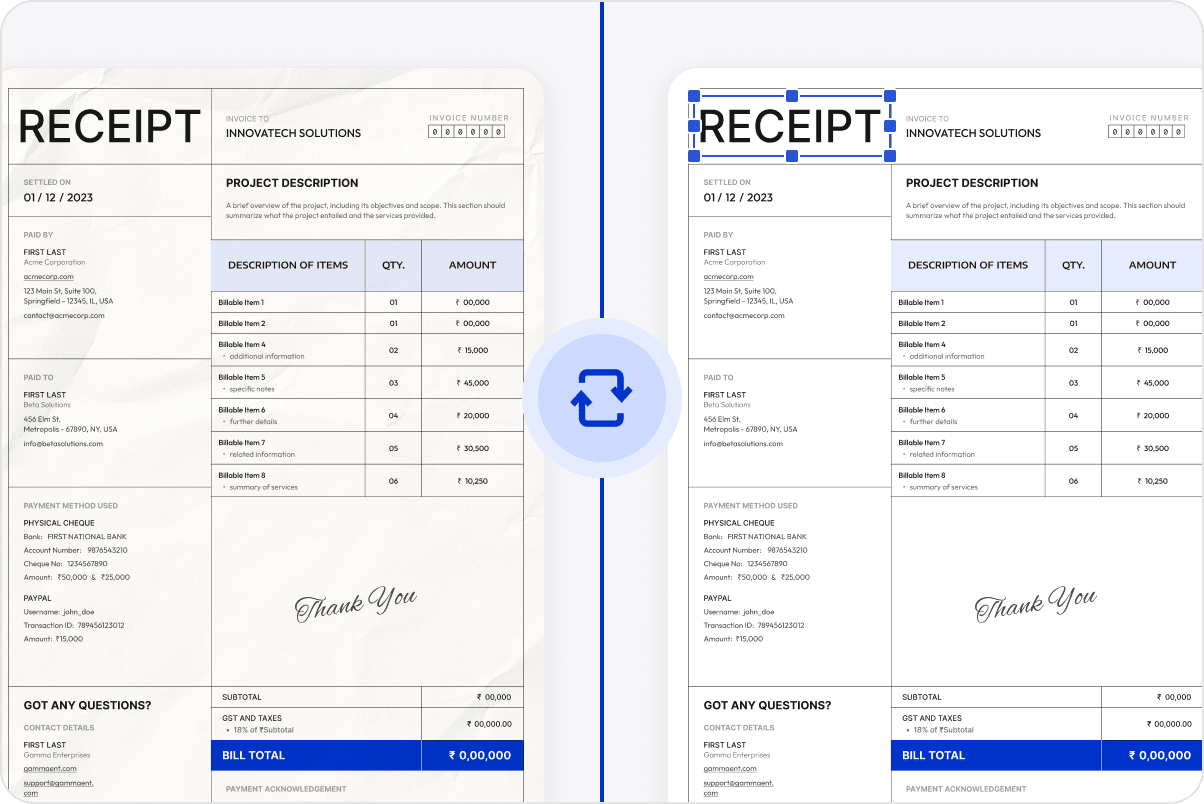
Complete Multiple PDF Tasks in One Batch

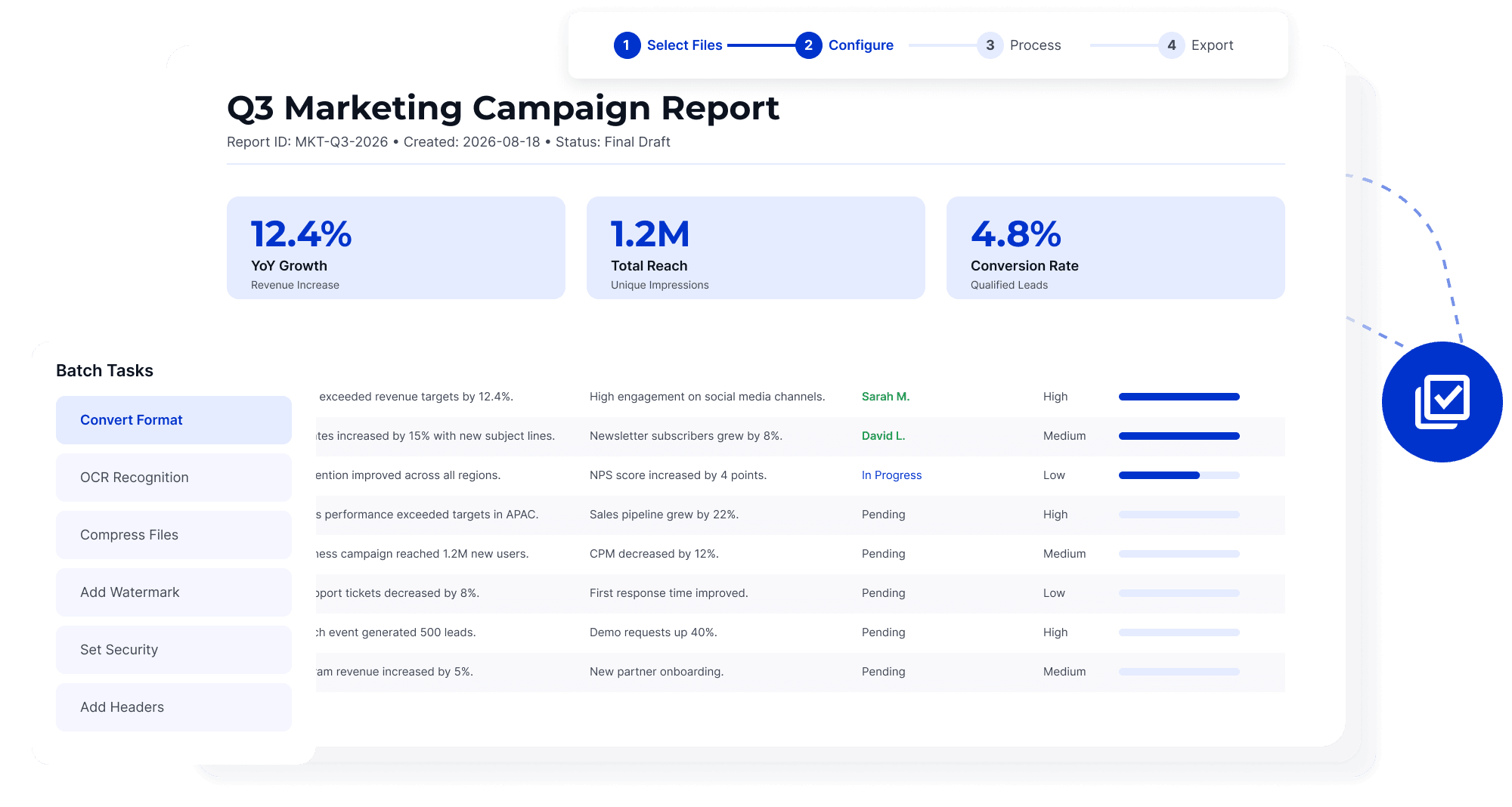
Batch Process Multiple Files
Group invoices, contracts, reports, and attachments for conversion, OCR, compression, or security processing with fewer individual steps.
Batch Process Multiple Files
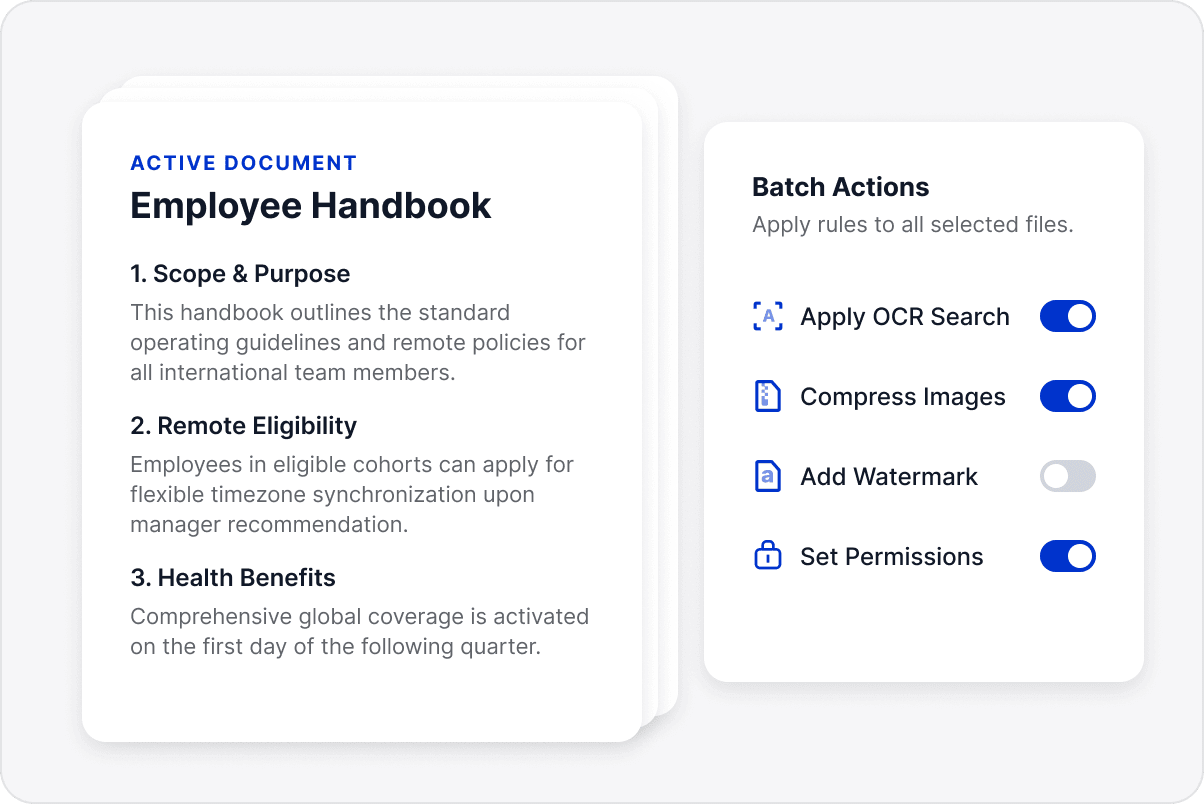
Apply Consistent Settings
Use the same processing rules across PDFs from different departments to reduce repeated setup and inconsistent results.
Apply Consistent Settings
Convert PDF Formats in Batch
Handle recurring conversion, text recognition, or compression tasks together rather than processing each PDF separately.
Convert PDF Formats in Batch
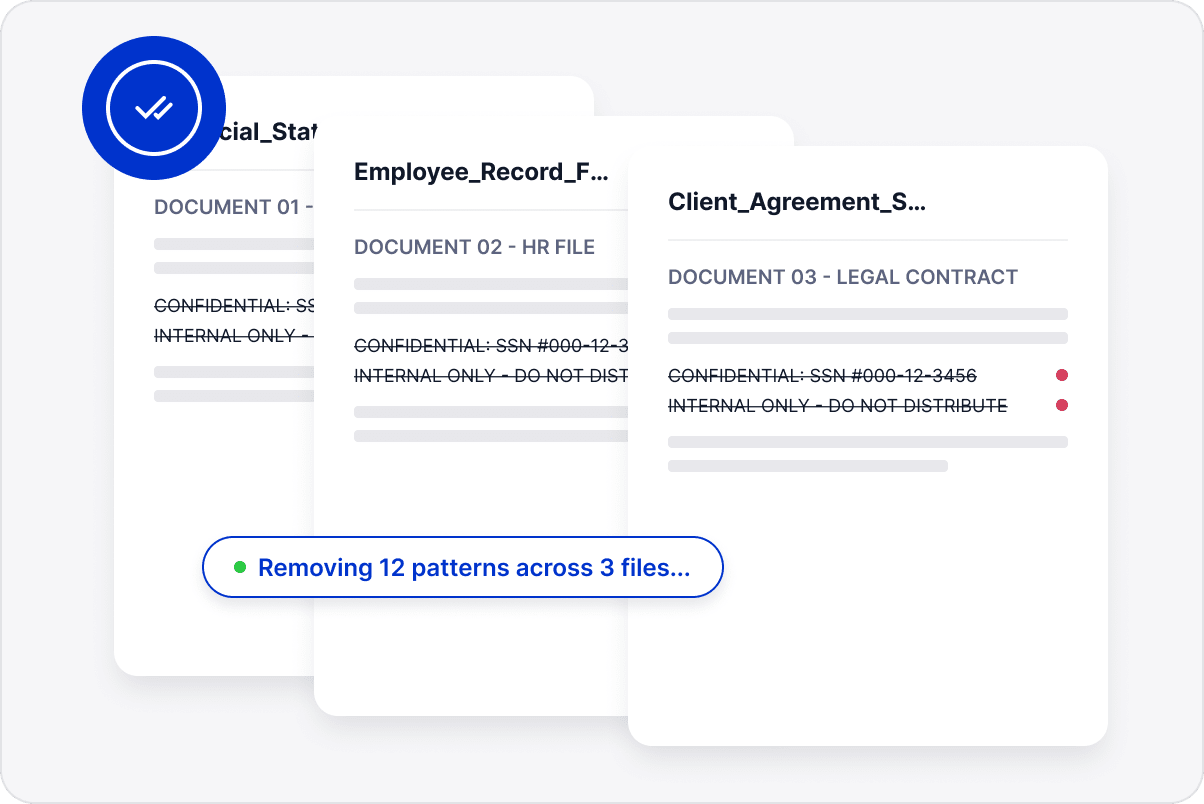
Standardize File Processing
Apply common PDF operations to a batch with consistent parameters so teams can follow the same preparation process.
Standardize File Processing
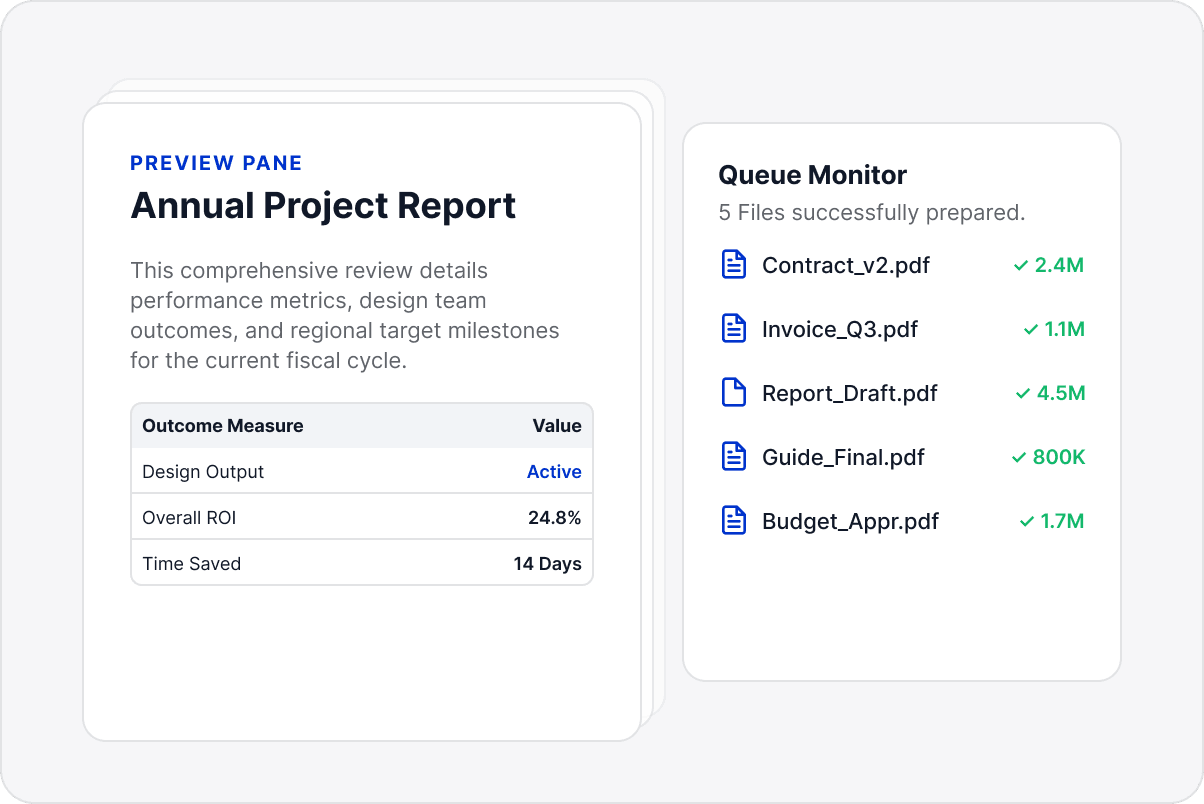
Manage Processed Files Together
Bring processed files into one organized workflow to reduce repeated opening and setup, while making them easier to find later.
Manage Processed Files Together

Access LynxPDF Expert Library

Forward-looking insights and strategic guides for enterprise document management.
whitepaper
Explore Further Enterprise-Grade Features
Consult Our Sales Experts
Our specialists are available to address your enquiries regarding LynxPDF. Please complete the form below, and a representative will contact you shortly:
Commence your 14-day trial of LynxPDF and the LynxPDF Admin Console.
Identify the optimal pricing structure for your organisation.
Explore bespoke implementation scenarios and enterprise case studies.
Access Volume Discounts up to 50%
Corporate Email
Full Name
Company Website
Country/Region
Search and select
Contact Number
Search and select
-
Enquiry Details
0 / 1000