View, Compare and Present PDFs

Strategic Resources for Digital Document Transformation
Enterprise Document Digital Transformation Strategy
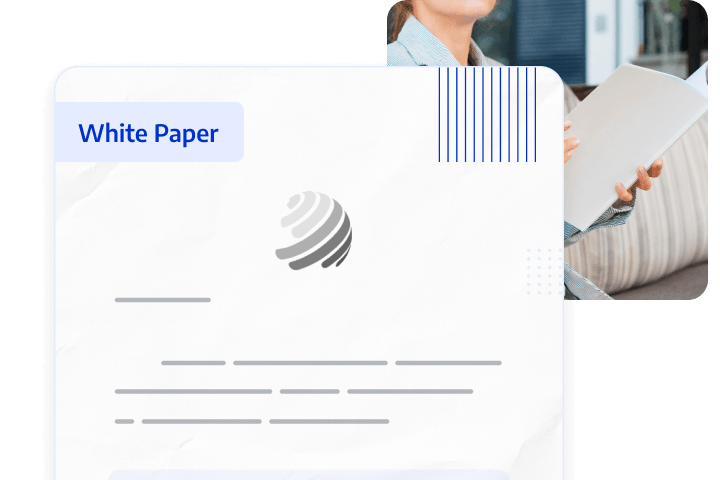
Traditional document workflows are inefficient, costly, and risky. Digital transformation is essential for businesses to enhance competitiveness; however, many digitisation efforts fail to achieve desired results.
This white paper analyses the root causes of enterprise document digitisation failures, helping companies transform static documents into searchable and actionable knowledge assets, thereby improving efficiency, reducing operating costs, and maximising return on investment (ROI).
paper
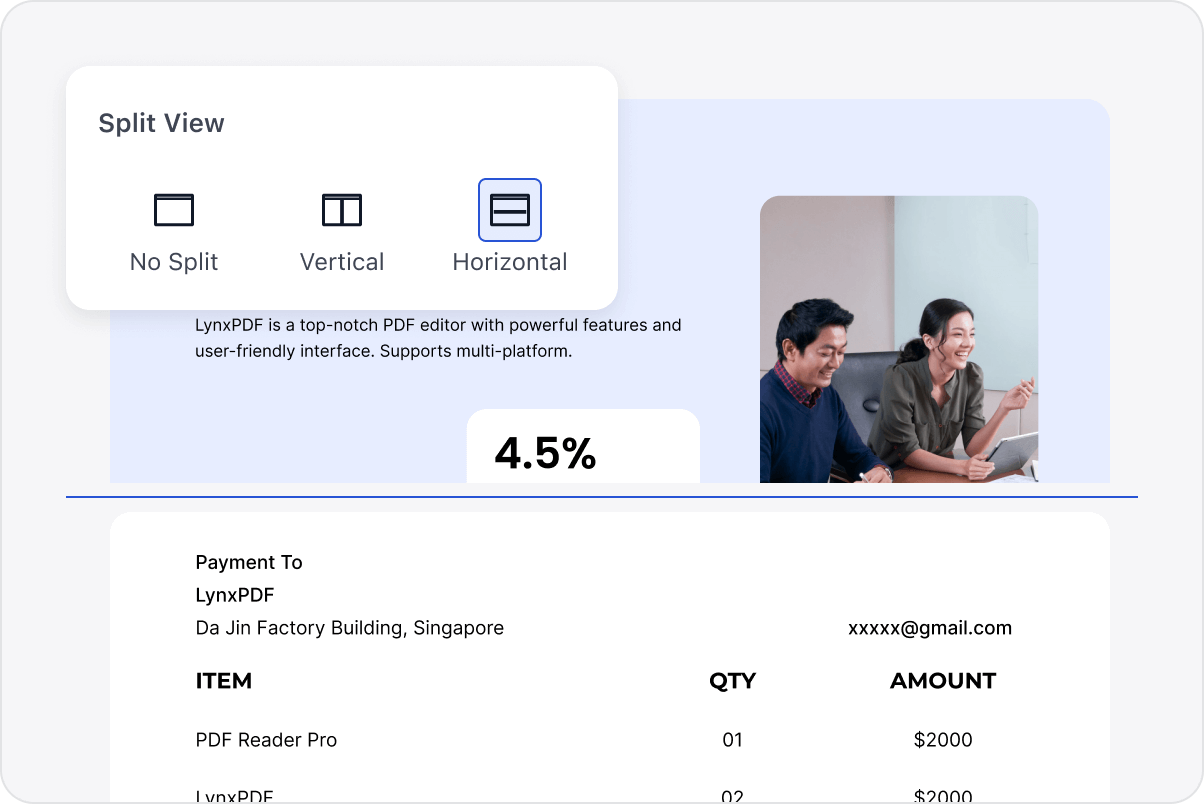
Split-View for Corporate Documents
Compare reports or proposals horizontally or vertically. Synchronise scrolling across both documents while adding real-time annotations.
Split-View for Corporate Documents
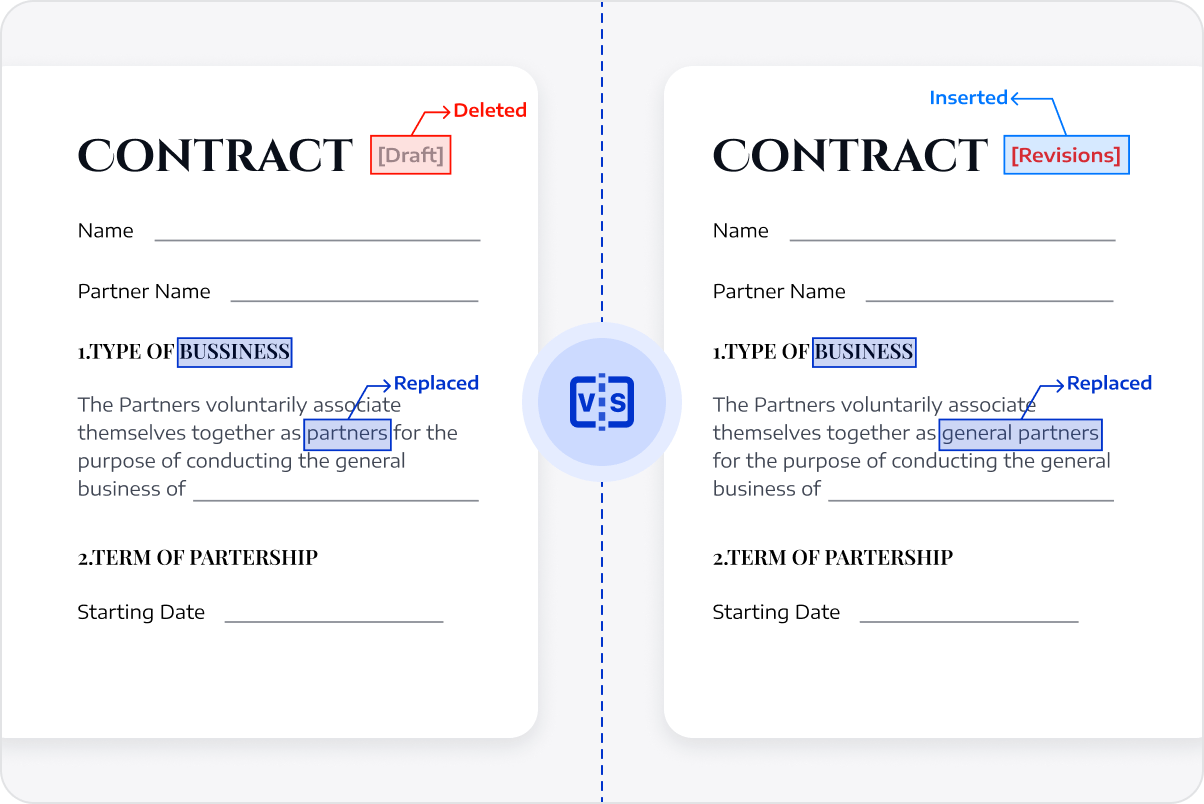
Compare Contract Iterations
Identify content discrepancies between contract versions using side-by-side or overlay modes, and export results for formal approval.
Compare Contract Iterations
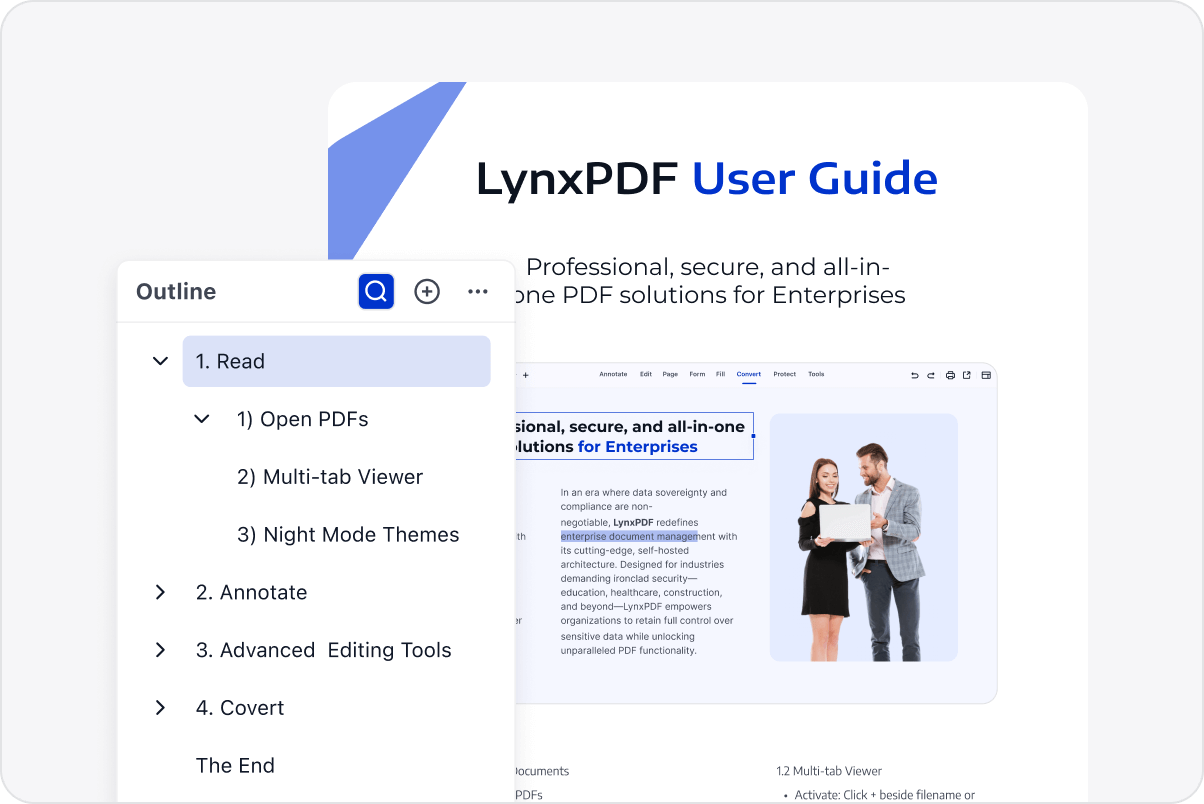
Intuitive Outlines for Rapid Navigation
Automatically generate navigable outlines for technical manuals and legal documents, allowing for instant jumps to specific sections.
Intuitive Outlines for Rapid Navigation
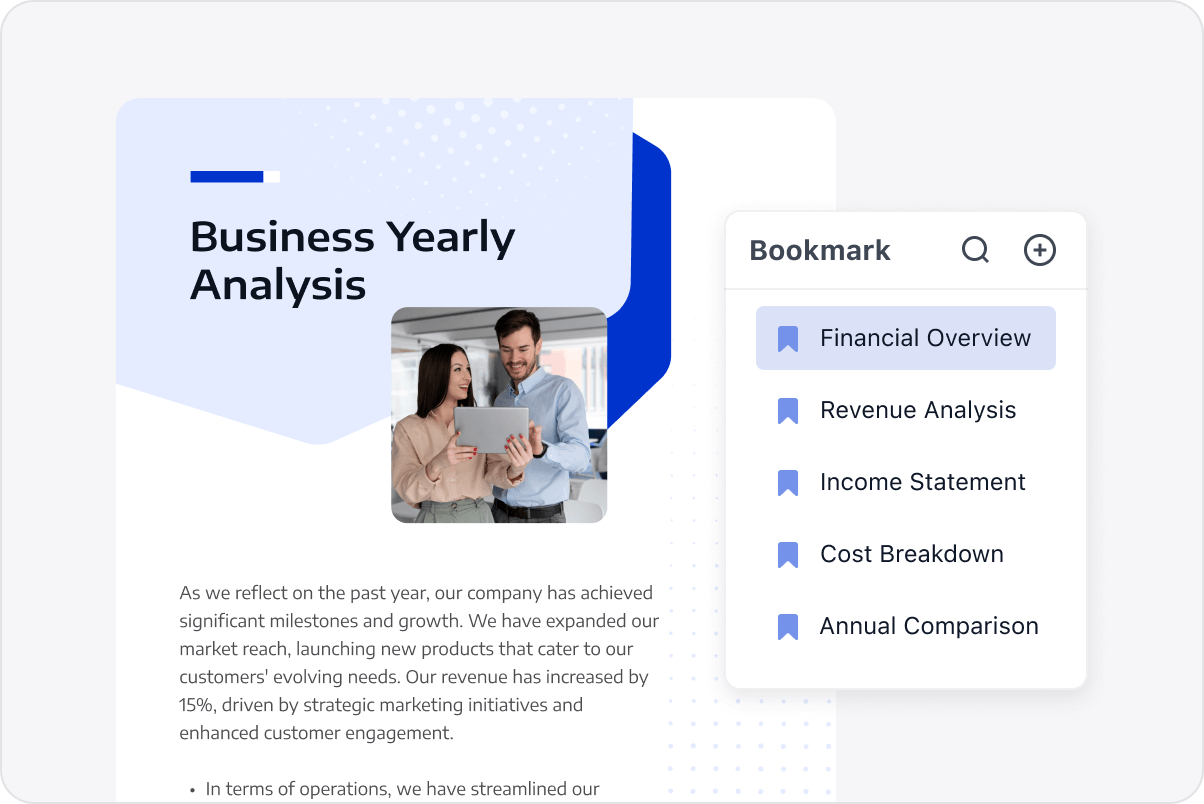
Enterprise-Grade Smart Bookmarking
Categorise critical clauses in financial reports or SOPs with smart bookmarks to facilitate rapid team collaboration.
Enterprise-Grade Smart Bookmarking
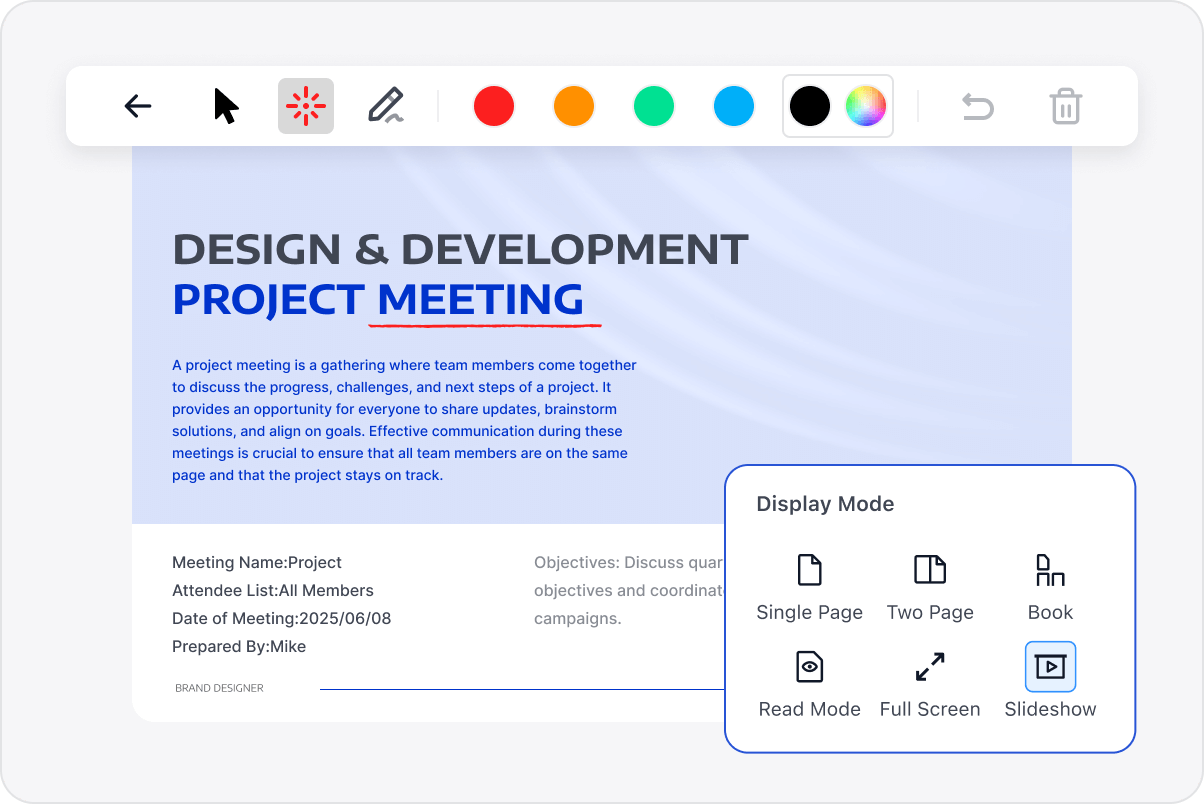
Professional Reading and Presentation Modes
Switch to distraction-free display modes or use the interactive slideshow feature with a laser pointer for high-stakes enterprise meetings.
Professional Reading and Presentation Modes
Explore Advanced Enterprise Features
Contact Our Sales Team
Please complete the form below, and a dedicated account manager will contact you shortly:
Initiate your 14-day trial of LynxPDF and the LynxPDF Administrative Console.
Identify the optimal pricing structure for your organisation.
Review relevant use cases and industry case studies.
Access Volume Discounts of Up to 50%
Corporate Email
Verification Code
Full Name
Organisation Website
Country/Region
Search and select
Contact Number
Search and select
-
Outline Your Requirements
0 / 1000