

How to Convert PDF to PPT Online?
Step 1
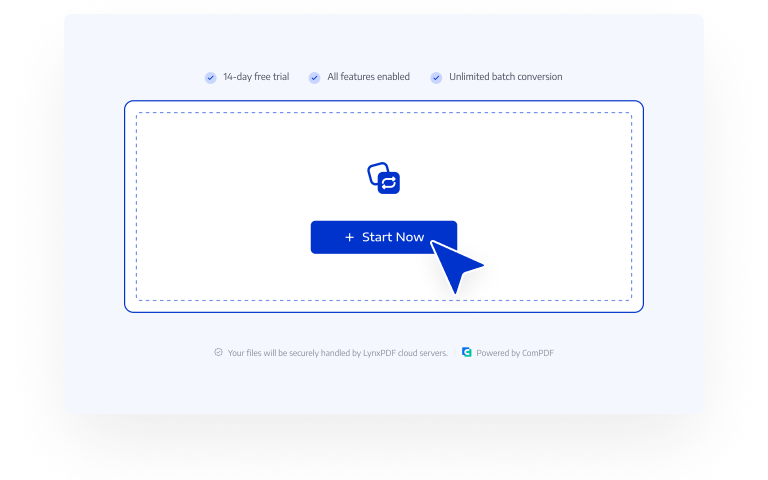
Click "Start Now"
Click "Start Now" and you will be navigated to LynxPDF Web Version.
Step 2
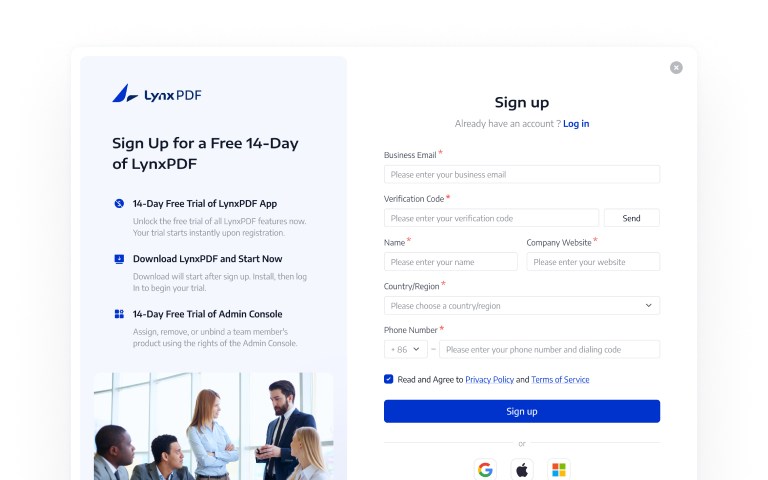
Log in
If you are not registered, please complete registration first;
Step 3
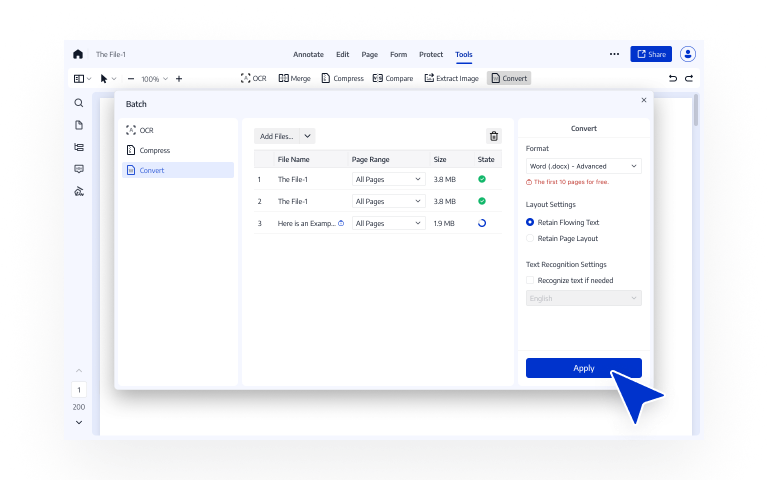
Upload File
Simply upload your file to start conversion to PPT.
Pick the Free PDF to PPT Converter Preferred by Users

Convert PDF to PPT with no Hidden Fees
With LynxPDF online converter, you can convert and download PPT files completely free - watermark-free, and no payment info needed.
Turn scanned PDFs to Editable PPT Files
Struggling with uneditable PPT files after conversion? LynxPDF enables OCR during conversion to recognize text in scanned documents and turn them into fully editable PPT files.
AI-driven PDF to PPT Converter
The AI-powered converter accurately analyzes document structure, even a complex PDF that contains paragraphs, images, and tables, can be converted into PPT files with highly consistent layout.
Free 2GB Cloud Storage for Team
Save converted files in your team's cloud storage, enabling fast archiving, secure access, and efficient collaboration across your team.
Use LynxPDF for Free, Enjoy 65+ Advanced Features
Sign UpSign up for a 14-day free trial with full access on both web and desktop.
2GB of free team cloud storage for registered users.
Annotate, convert, edit, secure, OCR, create forms, and sign PDFs - without any limitations or watermarks.
Download Desktop Version to Enjoy More Features
14-day free trial, no payment information required