bg

LynxPDF for Mac

Premier PDF solution for editing, annotating, signing, converting, and securing enterprise documentation.
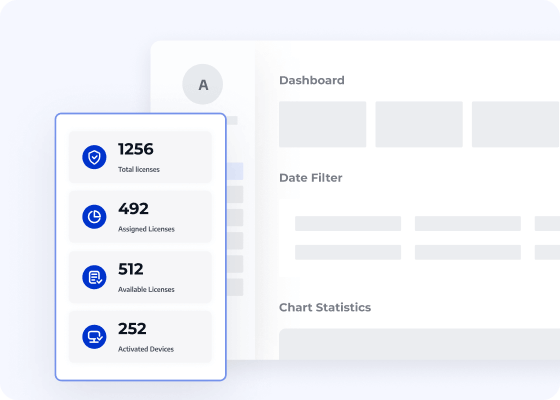
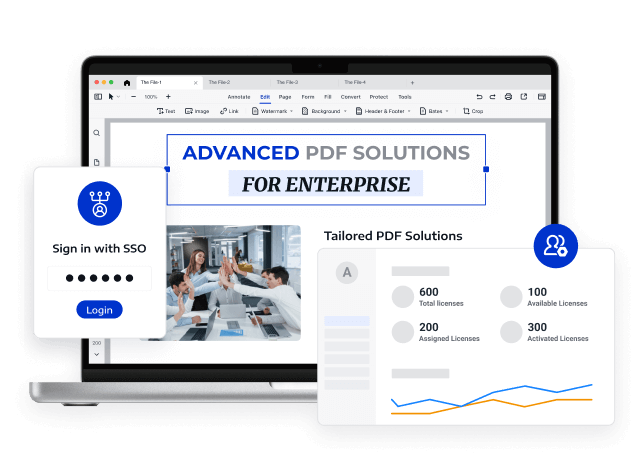
Optimise team administration via a centralised Admin Console for efficient licence allocation
Fully compatible with macOS 11 and subsequent versions
Endorsed by over 10 million active users globally
Access Volume Discounts of Up to 50%
Corporate Email
Verification Code
Full Name
Organisation Website
Country/Region
Search and select
Contact Number
Search and select
-
Outline Your Requirements
0 / 1000
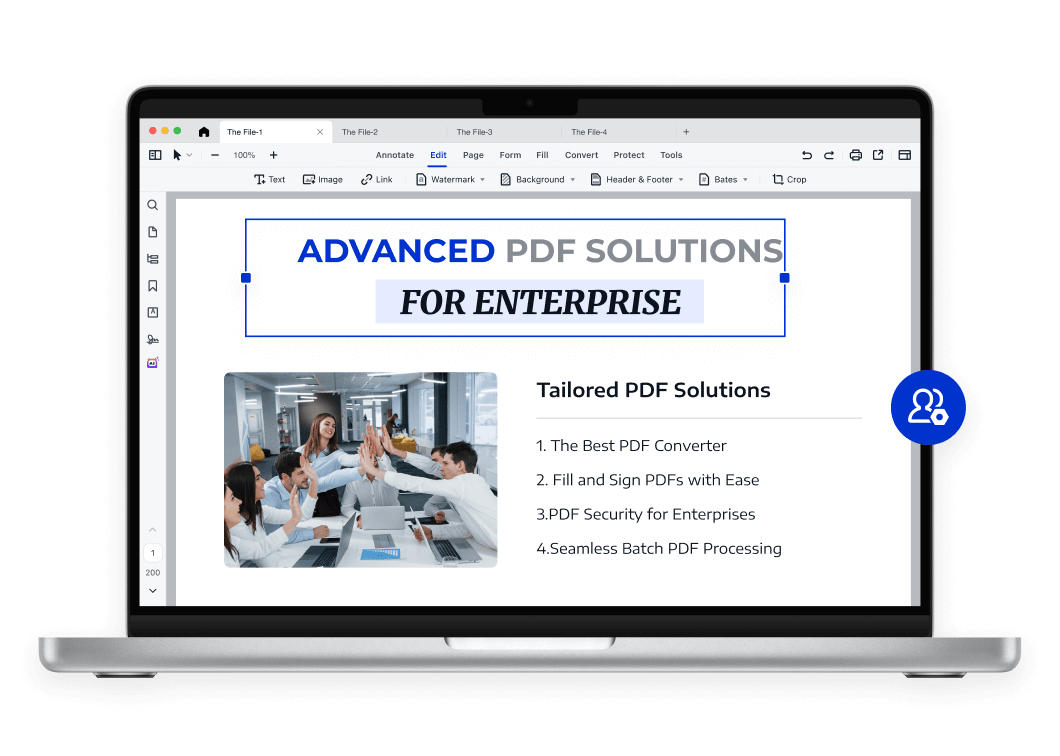
LynxPDF: The Tailored PDF Solution
for Enterprises
ConvertNew
Fill & Sign
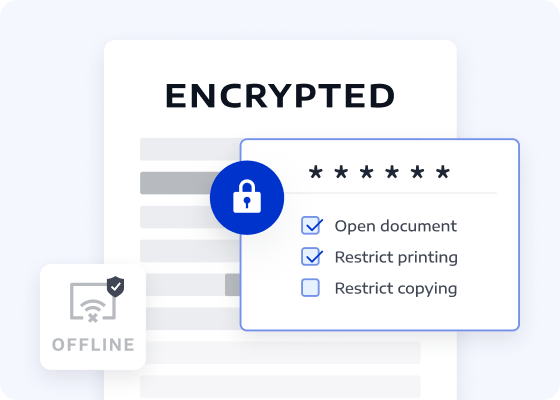
Security
Batch
OCRNew
Edit
Annotate
View all features >>
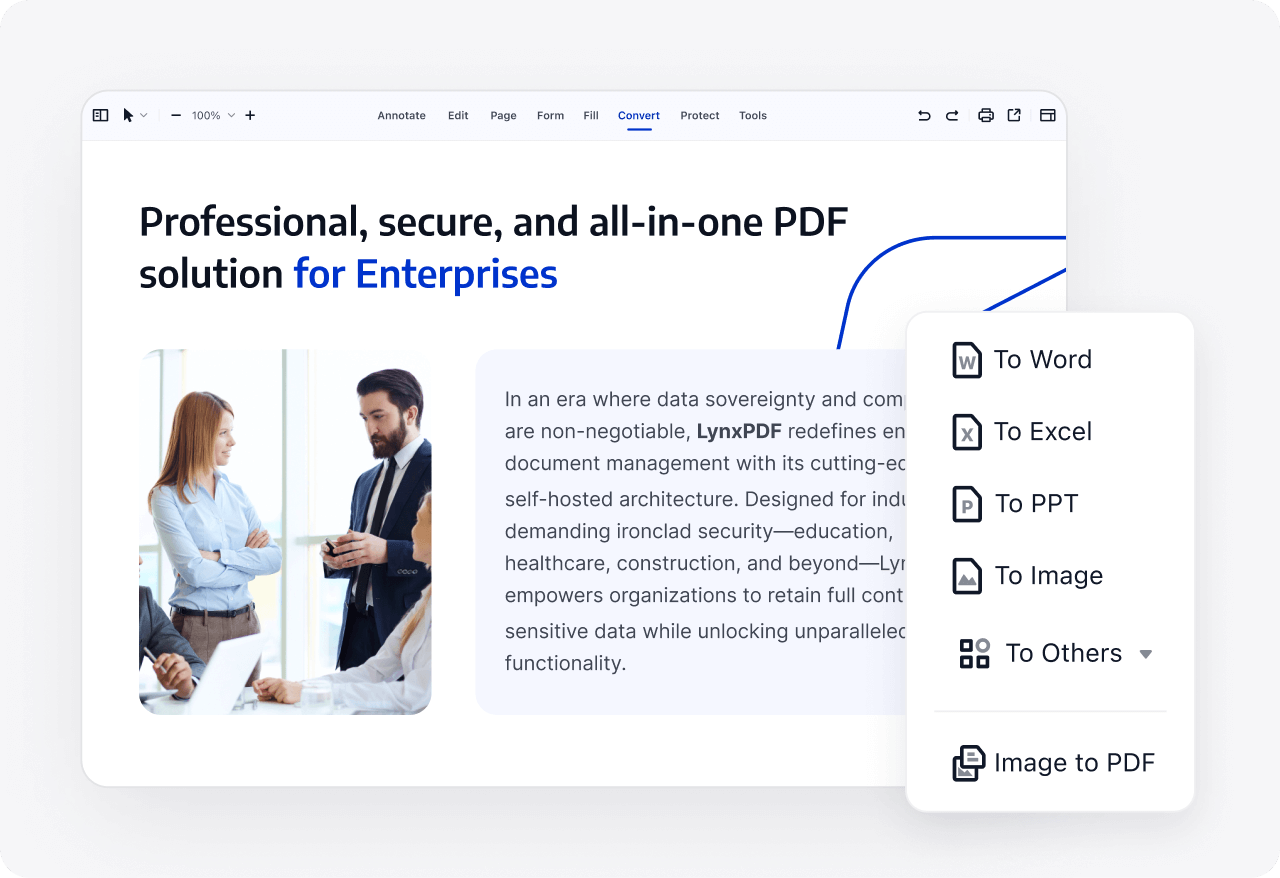
The Most Powerful PDF Conversion Tool
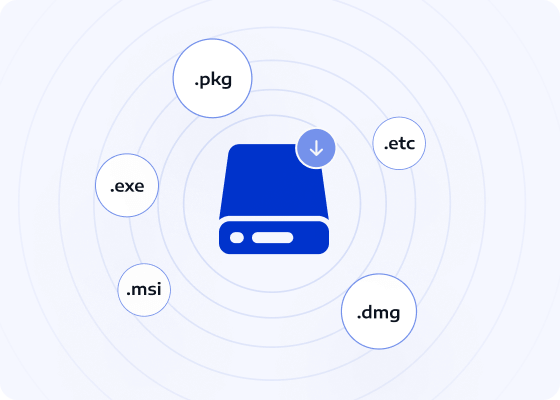
Convert PDFs to and from over 10 formats, including PDF/A, PDF/X, Word, Excel, PPT, images, CSV, HTML, and more. Manage every PDF conversion with ease.
Recognise content styles and embed fonts to guarantee consistent display across all converted documents, ensuring precise conversions.
Extract tables from PDFs directly into structured data formats such as Excel, improving data analysis, reporting, and collaborative decision-making.

Volume Licensing Delivers Greater Value to Enterprises

The professional, secure, and efficient all-in-one enterprise PDF solution.
Self-hosted Deployment
Self-hosted DeploymentUpdated
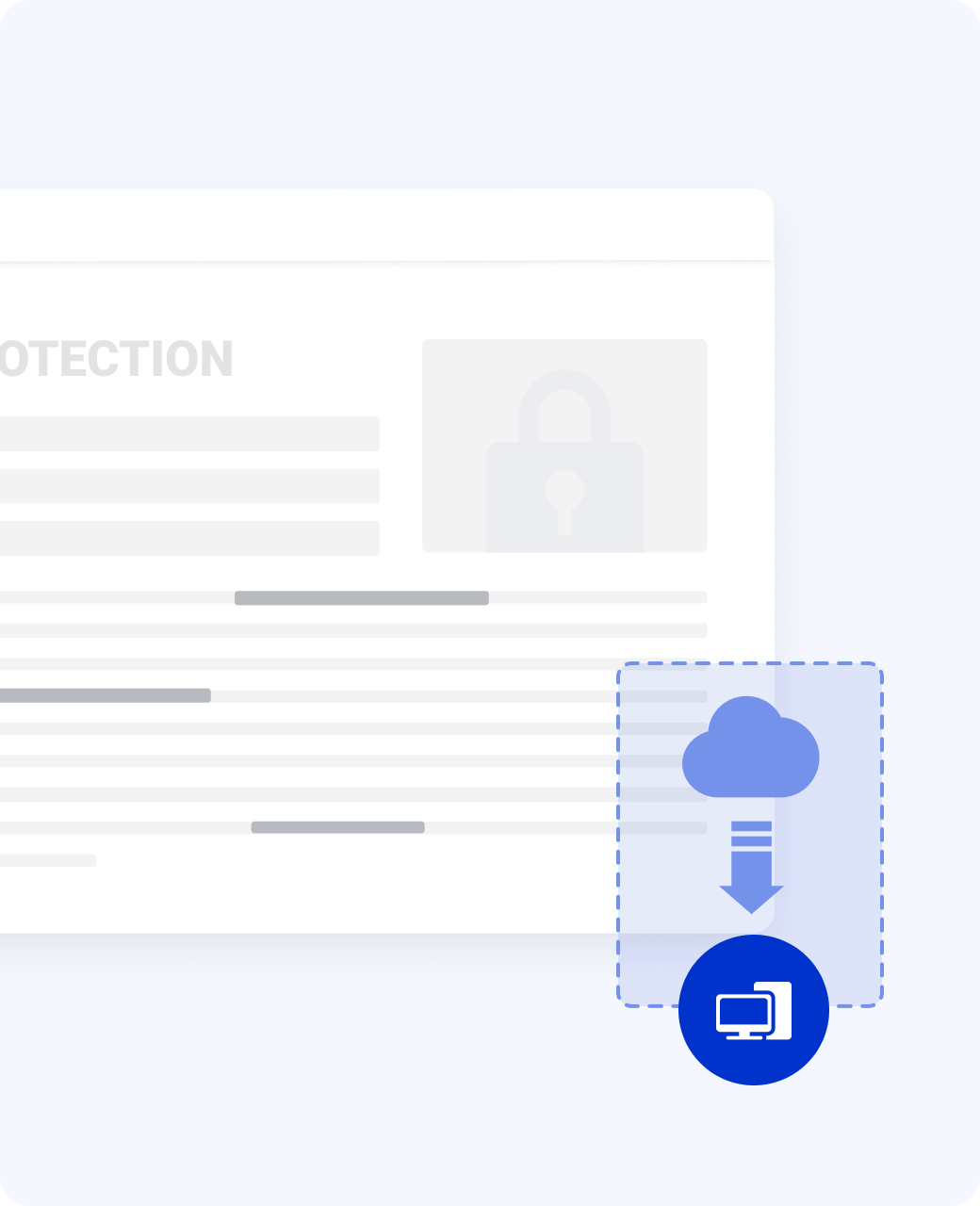
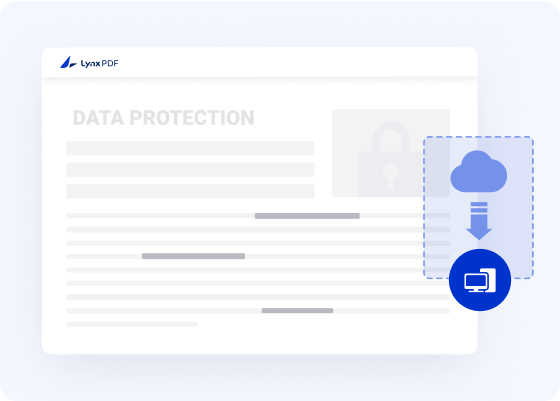
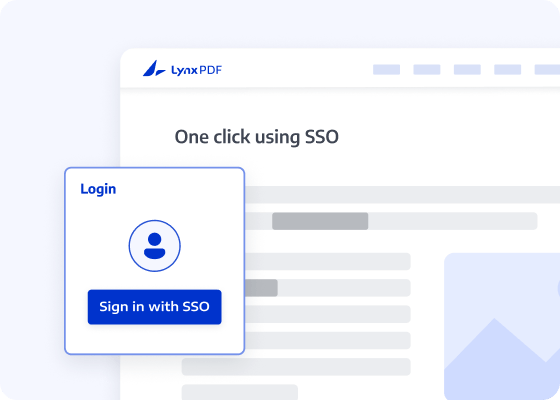
Supports self-hosted deployment of both the admin console and LynxPDF software, with optimized deployment settings to enable fast, time-saving deployment for enterprise users. Additionally, team members can sign in with their accounts to activate the software within a private network.
Self-hosted DeploymentContact sales
Optimised LynxPDF for macOS
Customised Hotkeys for Mac Environments
Integrates seamlessly with macOS shortcuts and gestures, enhancing navigational speed and user intuition.
list image
Native Apple Silicon Integration
LynxPDF operates natively on M1, M2, and M3 architecture, ensuring superior performance, velocity, and system stability.
list image
Full Compatibility with macOS Sequoia
LynxPDF maintains peak performance across macOS versions from 11 (Big Sur) through to the most recent releases.
list image
Customised Hotkeys for Mac Environments
Integrates seamlessly with macOS shortcuts and gestures, enhancing navigational speed and user intuition.
list image
Native Apple Silicon Integration
LynxPDF operates natively on M1, M2, and M3 architecture, ensuring superior performance, velocity, and system stability.
list image
Full Compatibility with macOS Sequoia
LynxPDF maintains peak performance across macOS versions from 11 (Big Sur) through to the most recent releases.
list image

Access LynxPDF Expert Library

Forward-looking insights and strategic guides for enterprise document management.
whitepaper
Contact Our Sales Team
Please complete the form below, and a dedicated account manager will contact you shortly:
Initiate your 14-day trial of LynxPDF and the LynxPDF Administrative Console.
Identify the optimal pricing structure for your organisation.
Review relevant use cases and industry case studies.
Access Volume Discounts of Up to 50%
Corporate Email
Verification Code
Full Name
Organisation Website
Country/Region
Search and select
Contact Number
Search and select
-
Outline Your Requirements
0 / 1000