Reduce Manual Document Handling
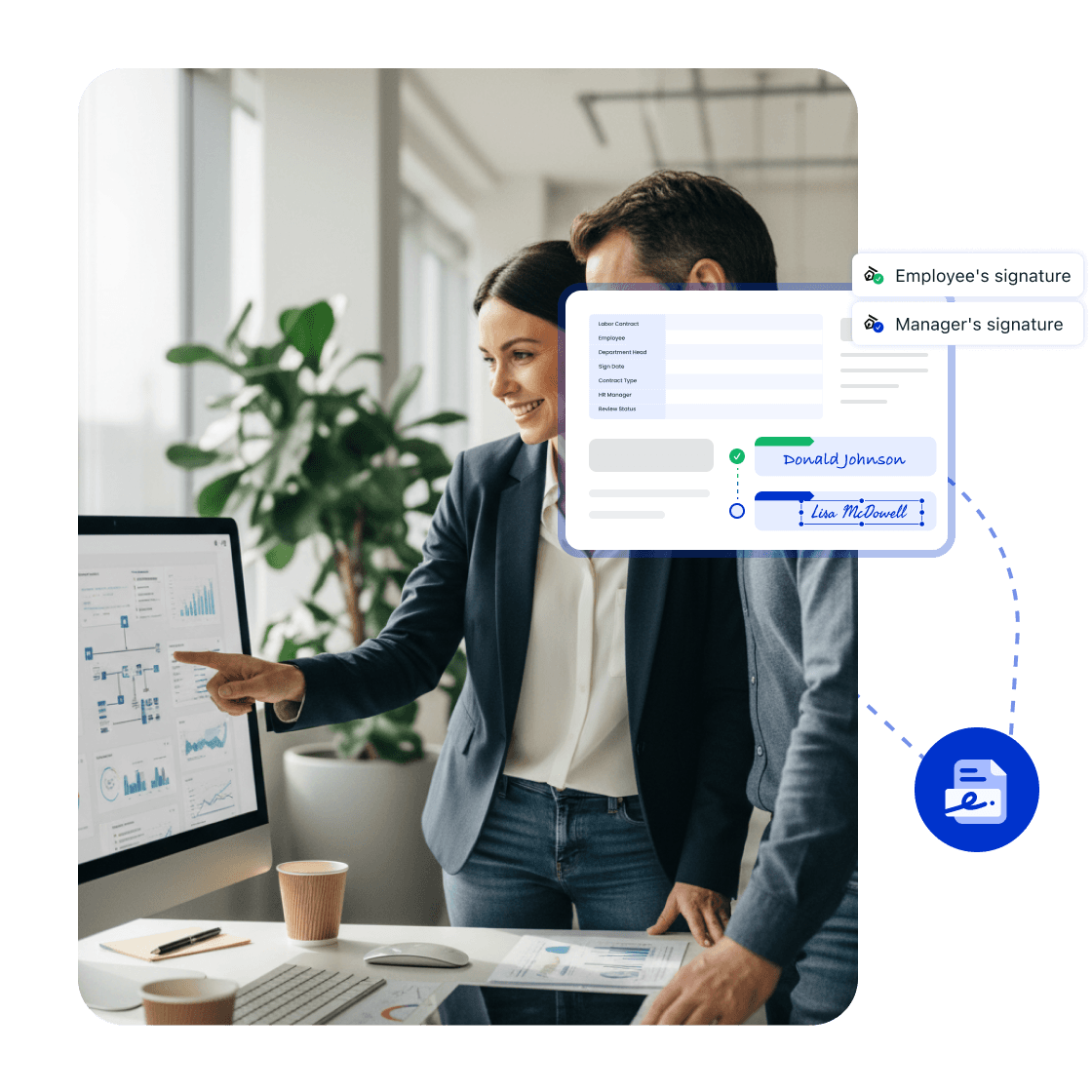
Set signing orders for employment contracts, confidentiality agreements, and employee acknowledgments, then track pending steps and returned files.



Talk to the LynxPDF team about document workflows, supported features, deployment requirements, and pricing.
Set signing orders for employment contracts, confidentiality agreements, and employee acknowledgments, then track pending steps and returned files.
Organize page order, annotations, form fields, and the final version for consistent team review.
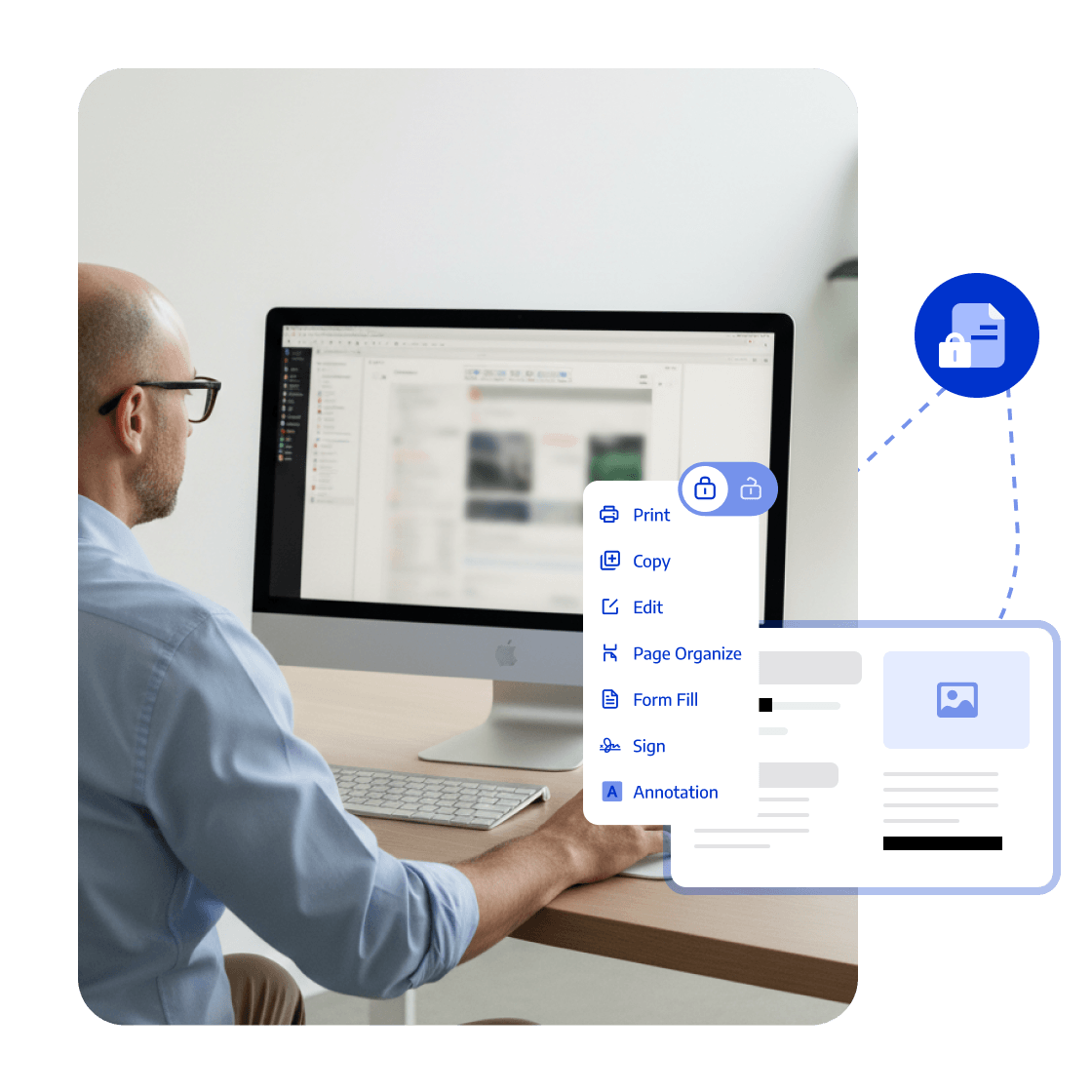
Use access permissions, redaction, password protection, watermarks, and e-signatures to protect sensitive documents.
Reduce paper exchanges and prepare complete, signed HR files for the right recipients.


LynxPDF provided our teams with a comprehensive PDF suite—advanced editing, robust compliance features, and seamless deployment—all without prohibitive subscription costs.

Deploying LynxPDF on-premise provided absolute control over our document workflows. Every PDF remains within our infrastructure, ensuring total data security.

LynxPDF has consolidated our PDF toolset. Viewing, editing, signing, and converting files is now seamless, significantly enhancing our team's productivity.

LynxPDF provided our teams with a comprehensive PDF suite—advanced editing, robust compliance features, and seamless deployment—all without prohibitive subscription costs.
Deploying LynxPDF on-premise provided absolute control over our document workflows. Every PDF remains within our infrastructure, ensuring total data security.
LynxPDF has consolidated our PDF toolset. Viewing, editing, signing, and converting files is now seamless, significantly enhancing our team's productivity.






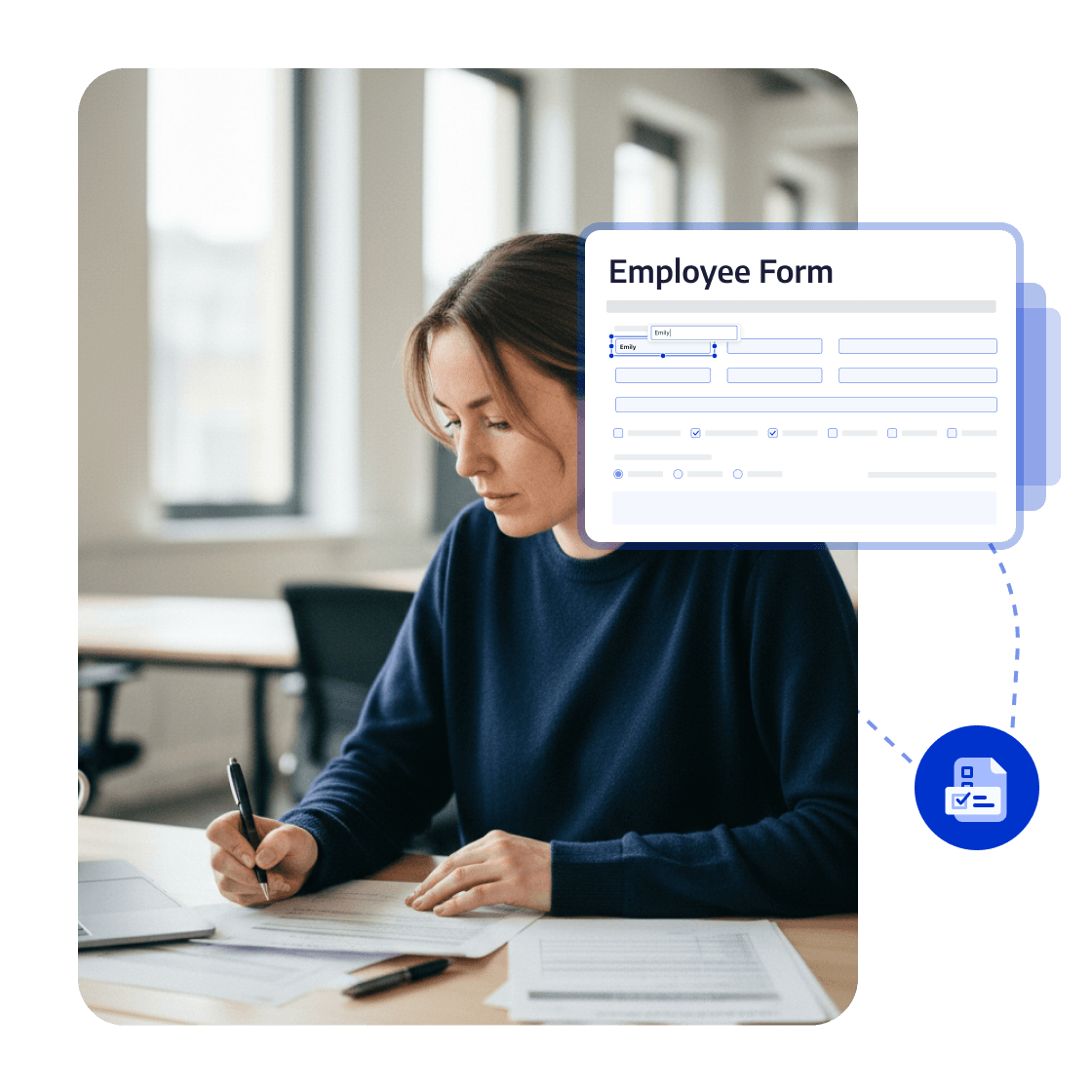
Organize onboarding forms, employment contracts, and policy acknowledgments, then send signing tasks in correct order.
Complete multi-party signing
Distribute files with control
Create the final file