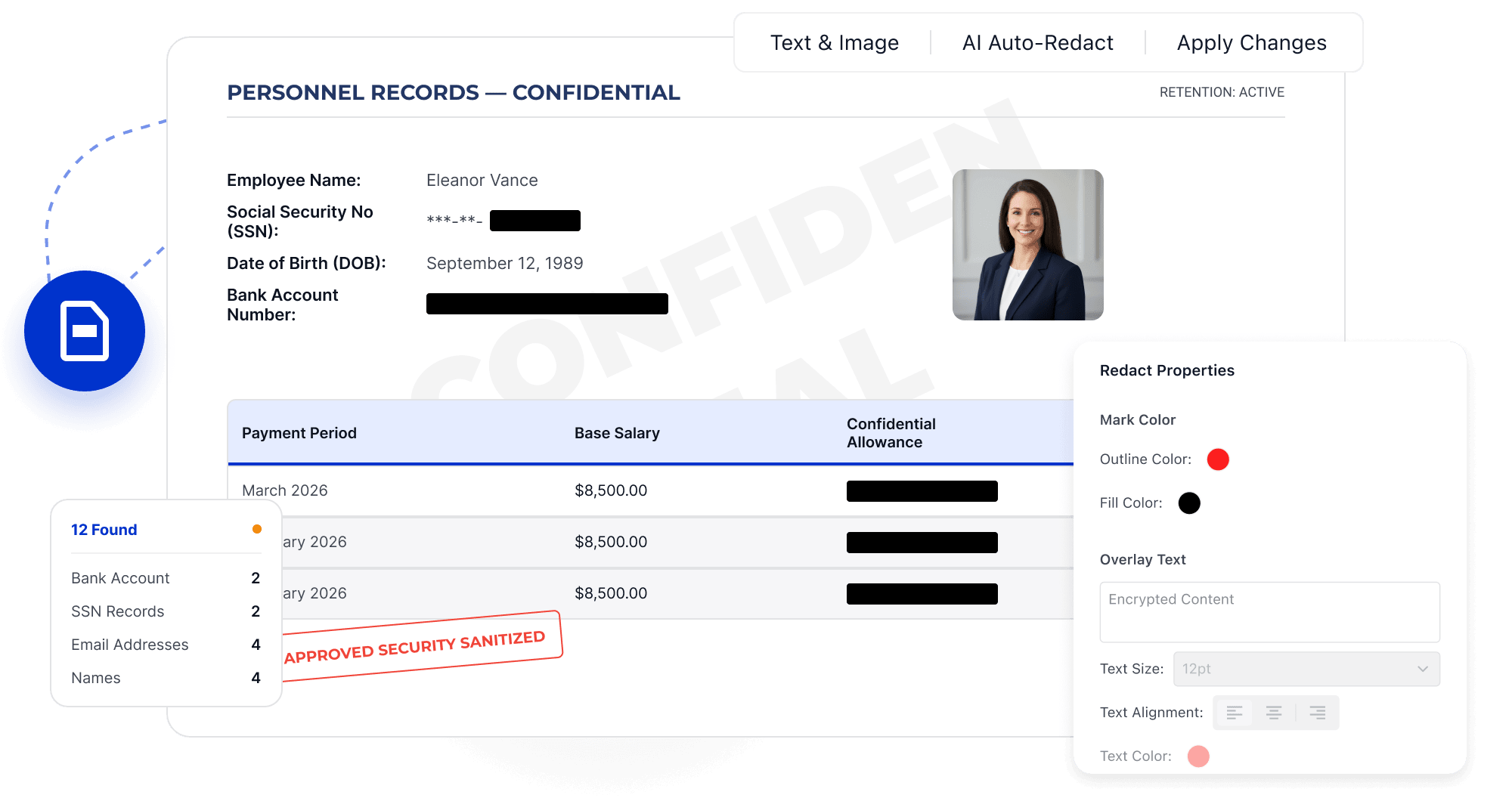
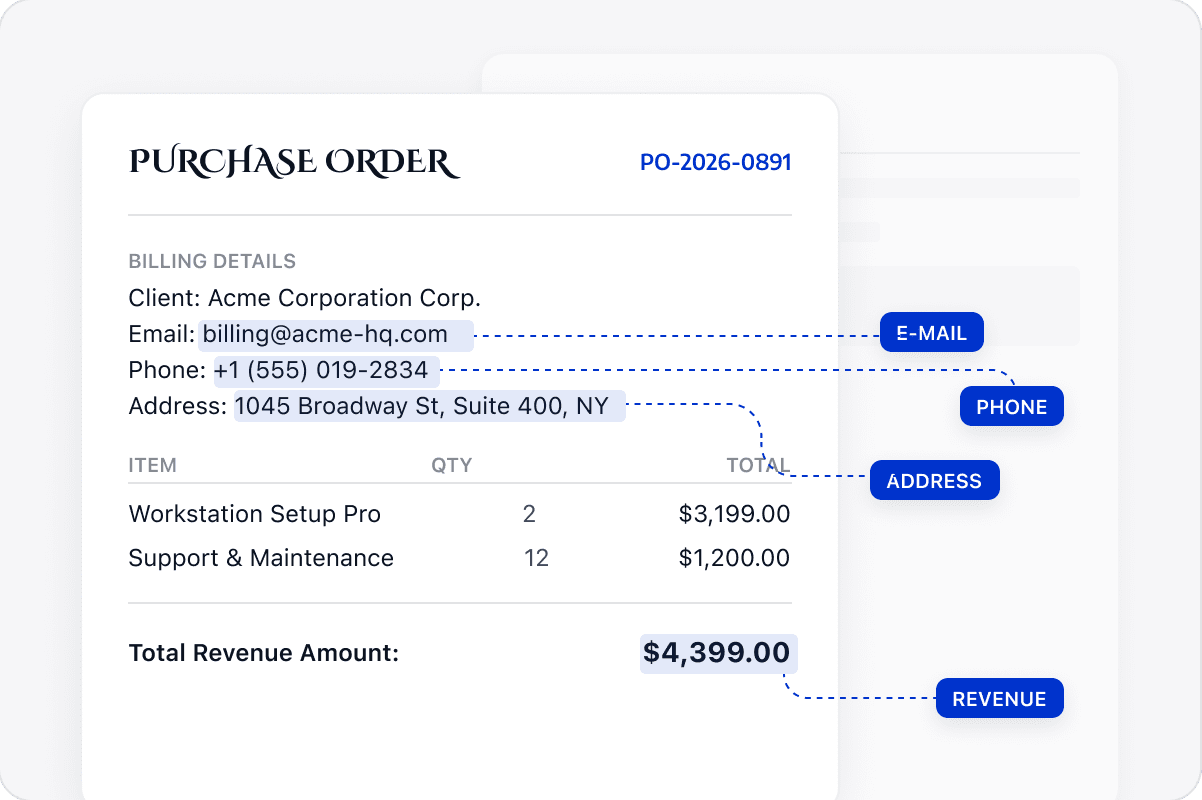
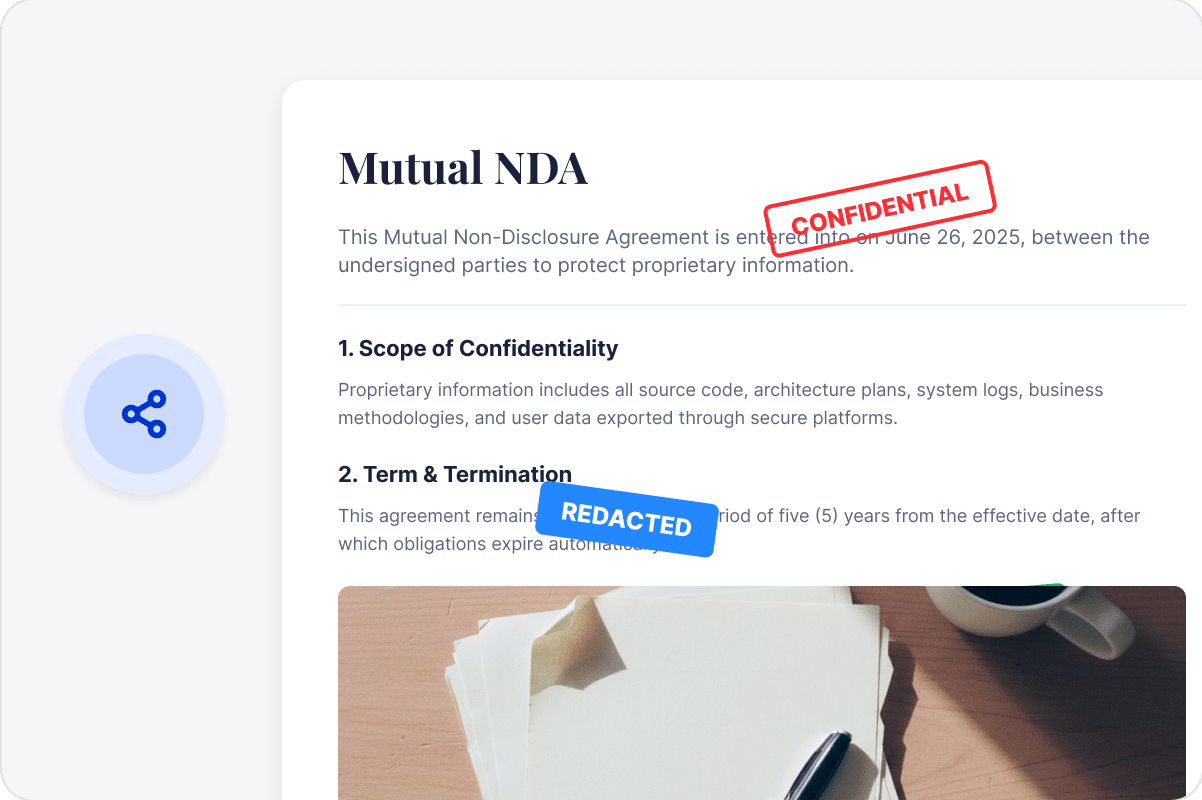
Identify names, identification numbers, financial details, and other sensitive information in contracts, reports, or customer documents.
Remove Selected Content Permanently
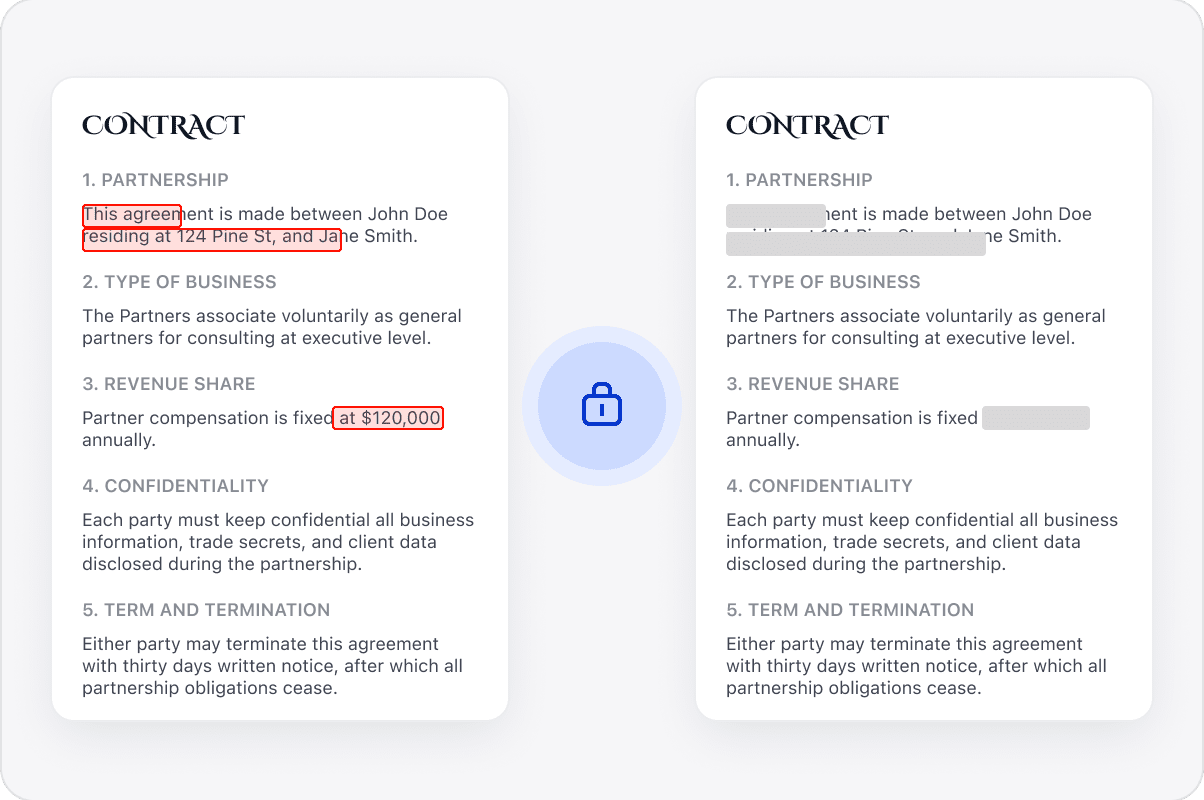
Apply redaction to selected text or page areas to remove sensitive content.
Create a Separate External Copy
Save the redacted result as a separate PDF while retaining the original internally for the appropriate workflow.
Reduce Exposure before Delivery
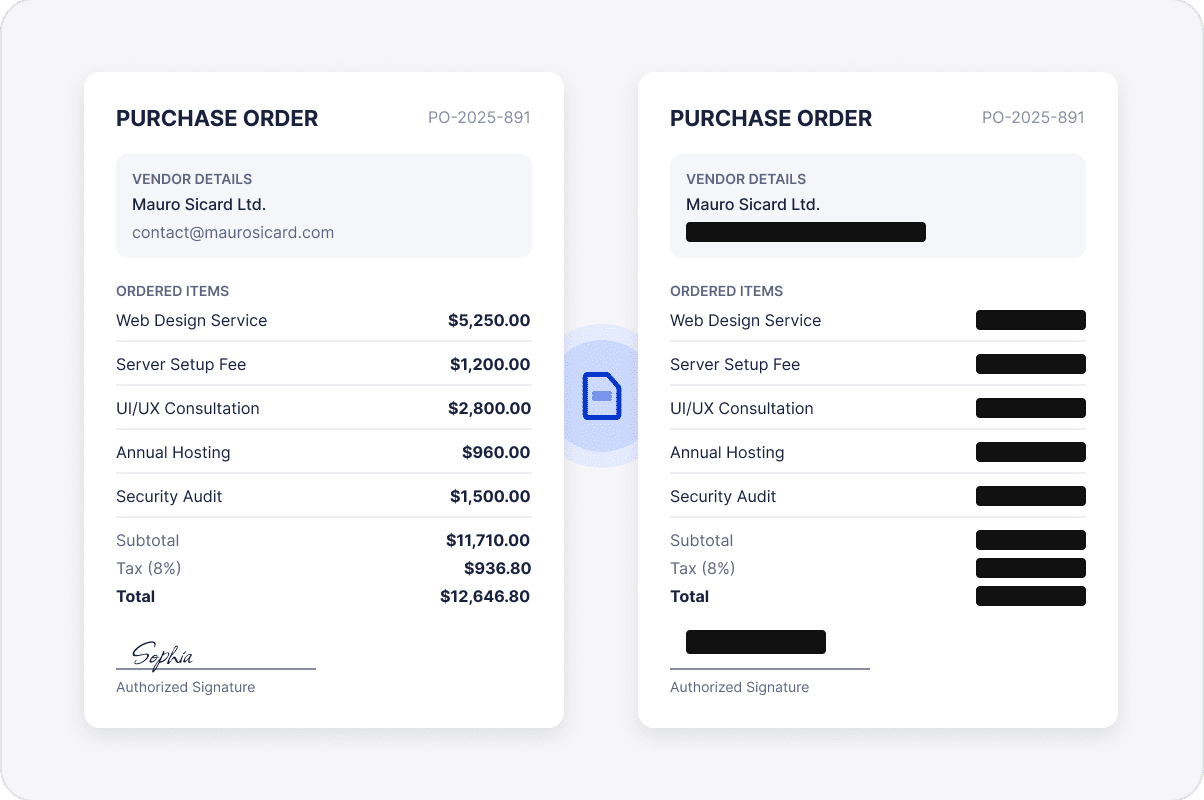
Remove personal information, account details, or financial information before external sharing to help reduce privacy and compliance risks.
Share Business Documents More Safely
Check that sensitive content has been removed and necessary business information remains before sharing the copy with customers, partners, or other recipients.
Access LynxPDF Expert Library
Forward-looking insights and strategic guides for enterprise document management.