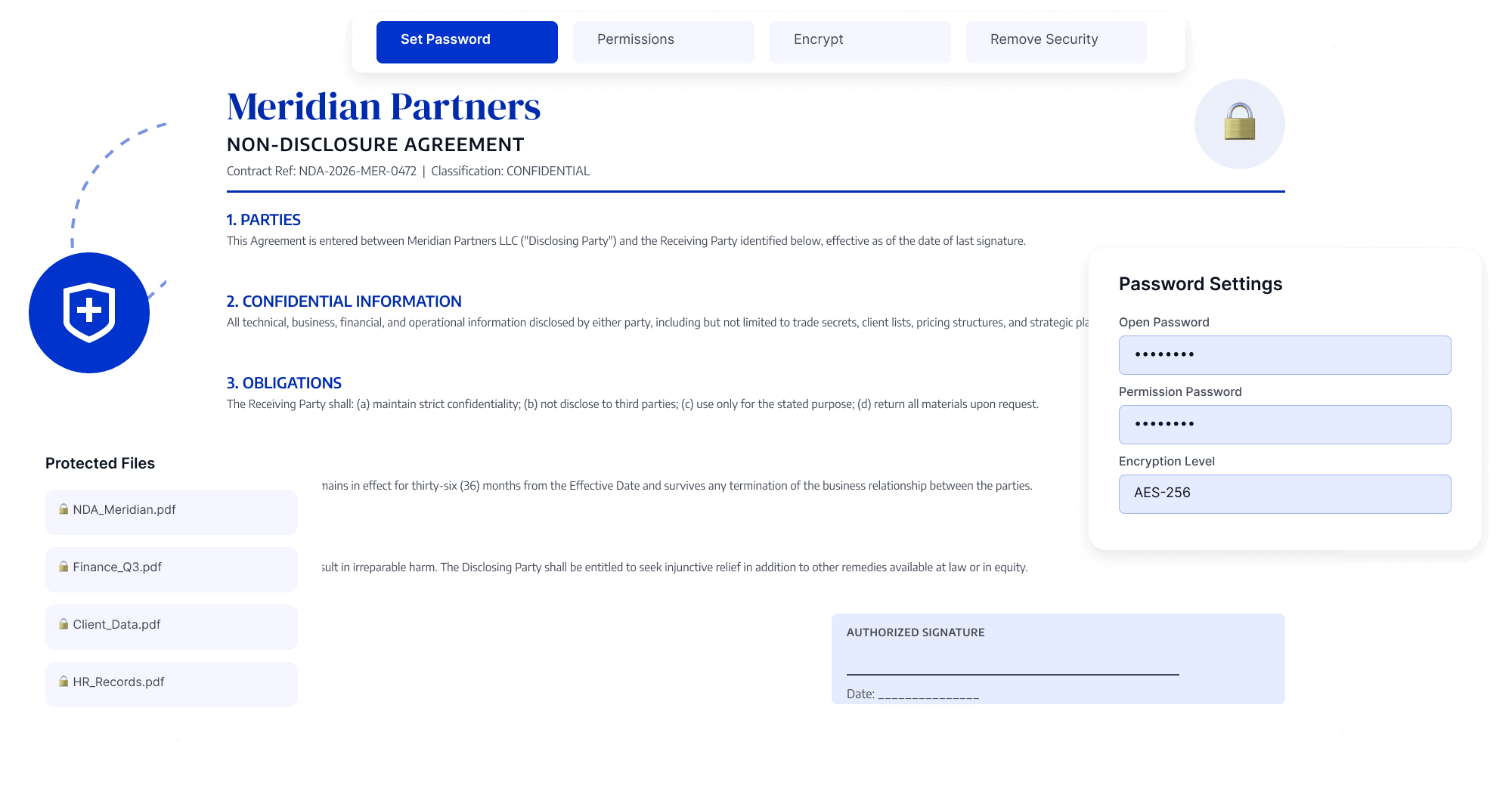
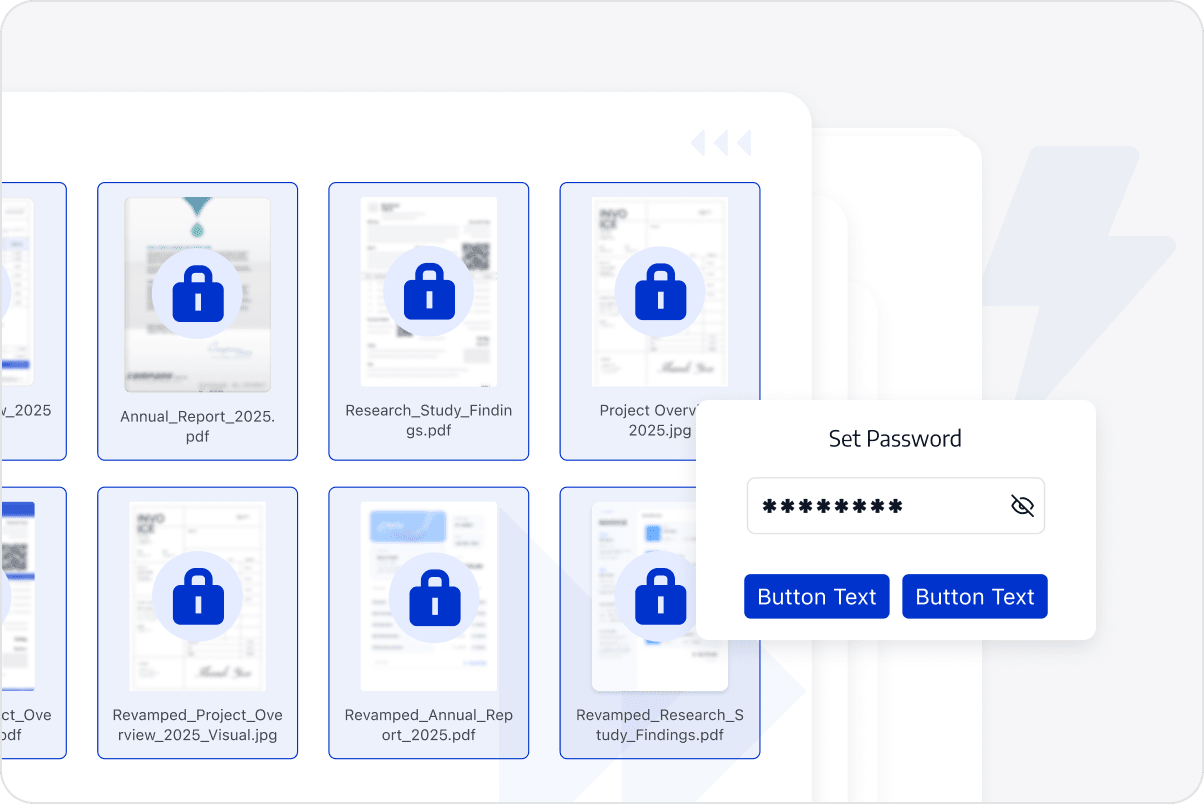
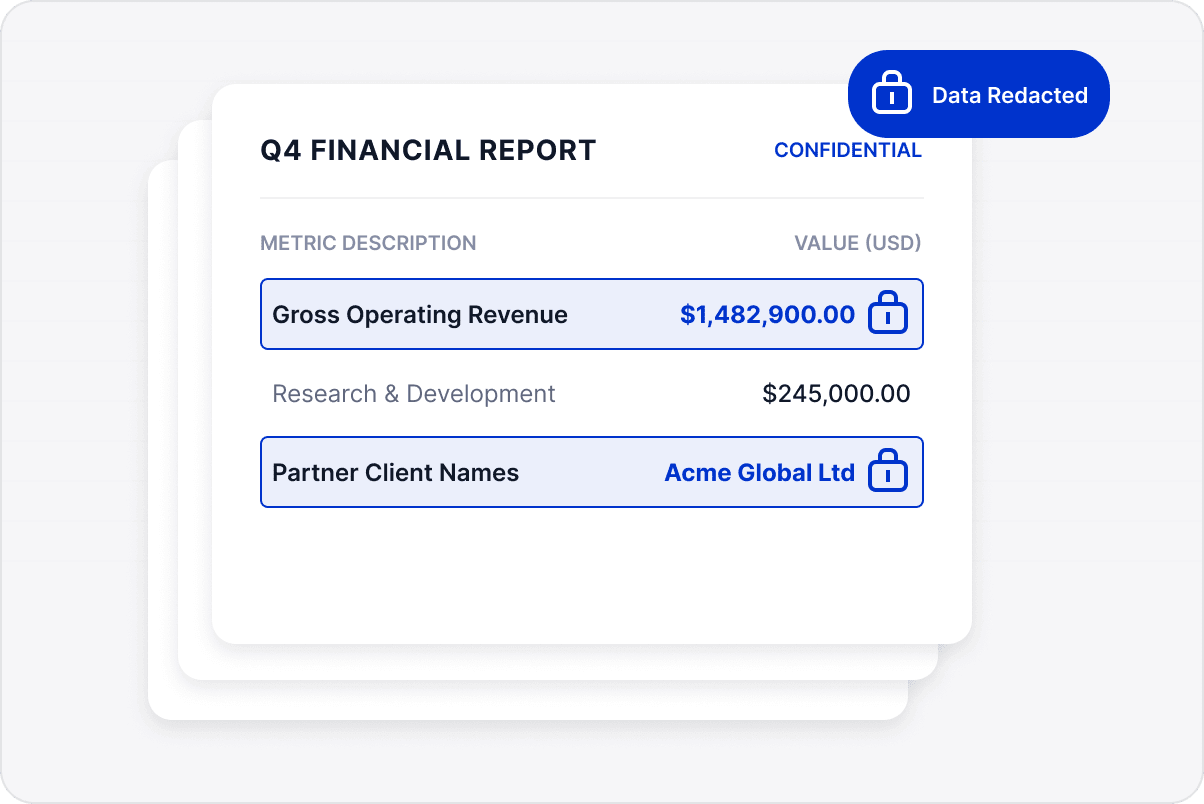
Apply opening passwords to contracts, quotations, financial reports, and internal documents to help restrict unauthorized access.
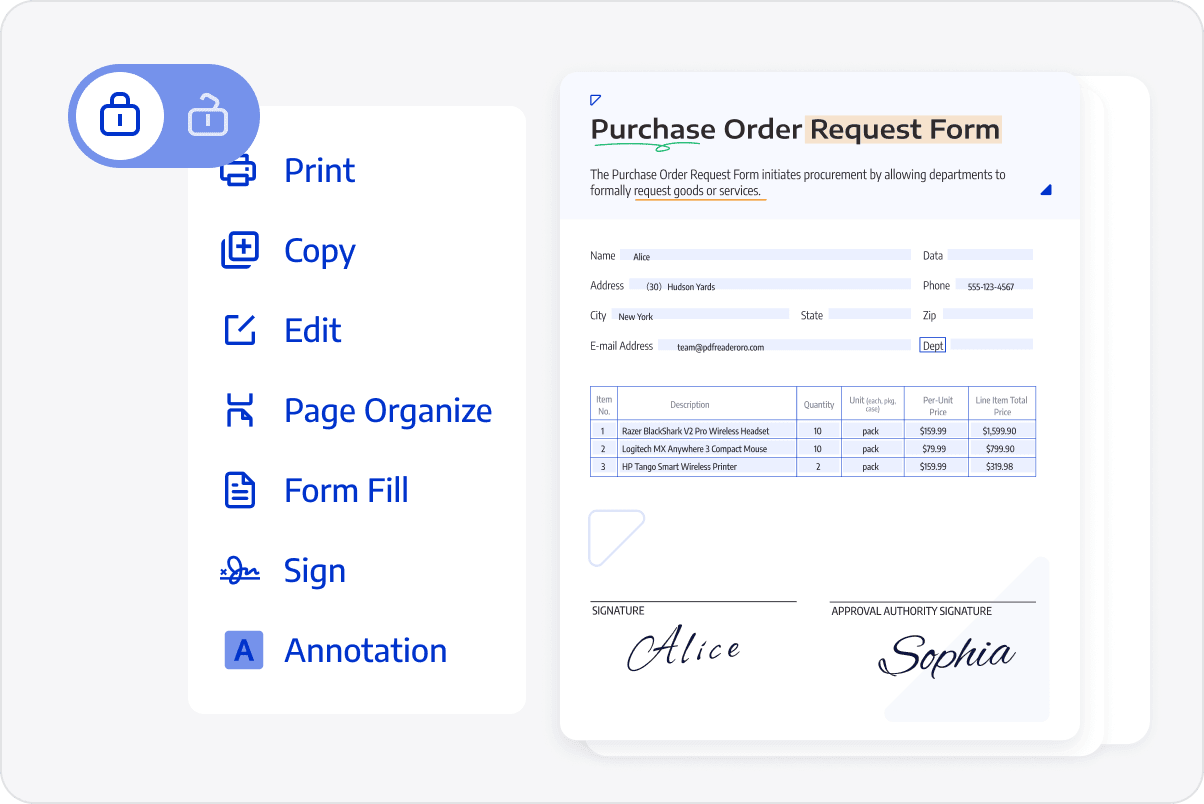
Set Permitted Actions
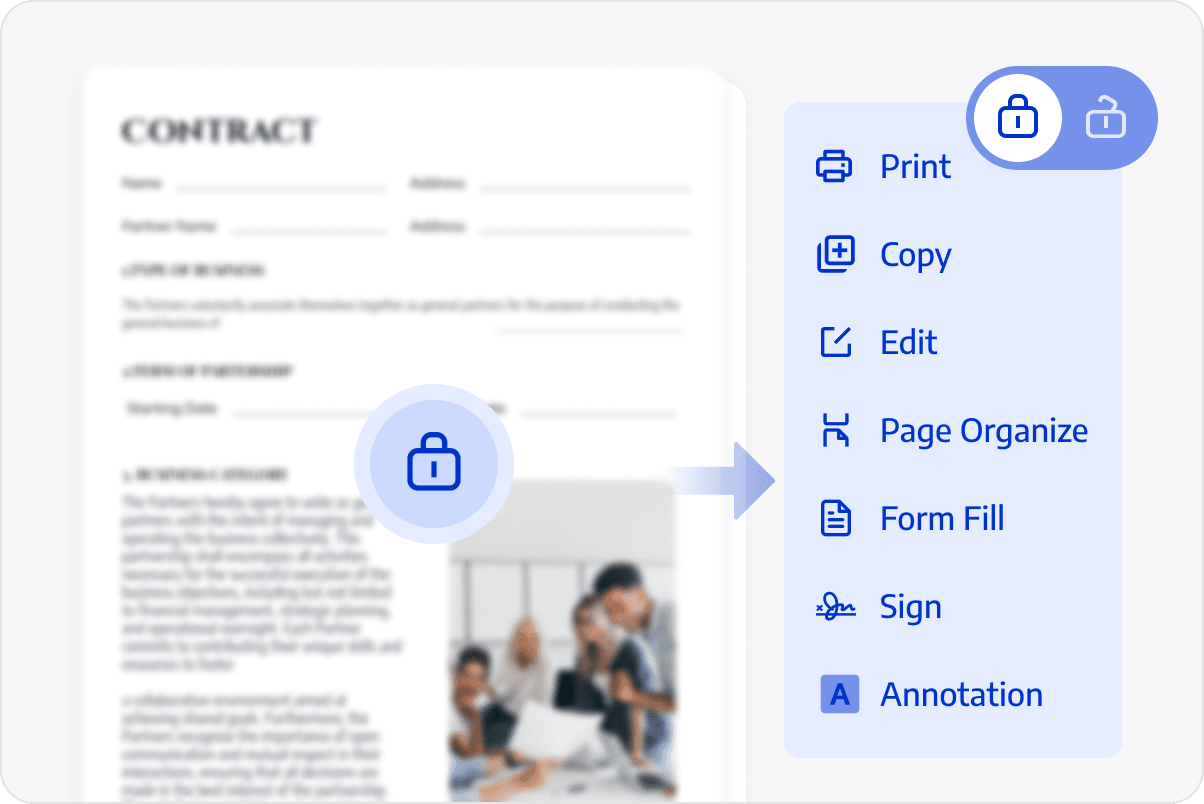
Configure restrictions on editing, commenting, printing, copying, or rotation according to the document's intended use.
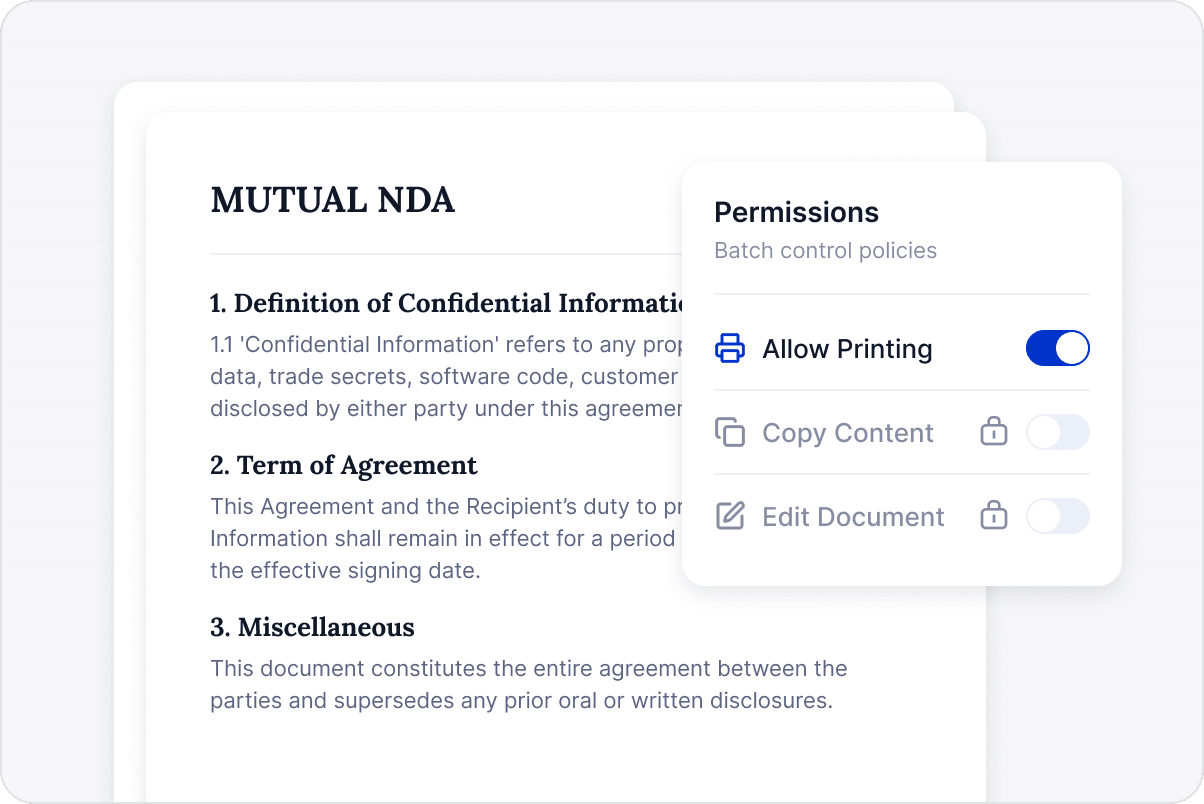
Control Printing and Copying
Apply consistent rules for printing, copying, and other permitted actions across PDFs containing customer or internal data, reducing omissions for individual setup.
Protect Sensitive Documents Consistently
Encrypt files and set usage restrictions before handover so documents follow consistent access rules.
Set Document Permissions
Keep contracts, quotations, and internal documents under consistent access and usage restrictions during delivery to reduce the risk of data exposure.
Access LynxPDF Expert Library
Forward-looking insights and strategic guides for enterprise document management.