Reduce Manual Document Handling
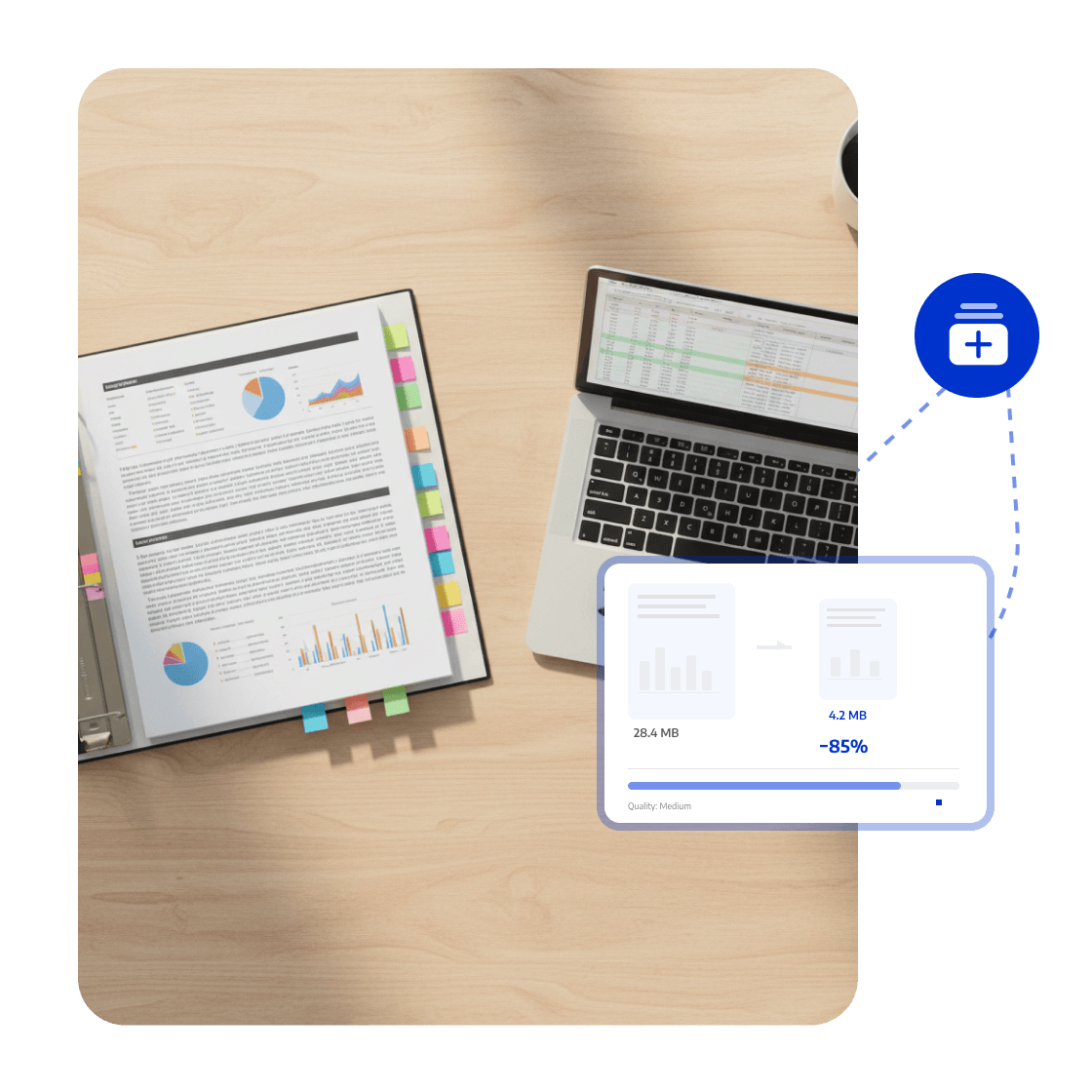
Compress research reports, chart attachments, and deliverables using quality modes or custom settings to balance file size and readability.



Talk to the LynxPDF team about document workflows, supported features, deployment requirements, and pricing.
Compress research reports, chart attachments, and deliverables using quality modes or custom settings to balance file size and readability.
Organize page order, annotations, form fields, and the final version for consistent team review.
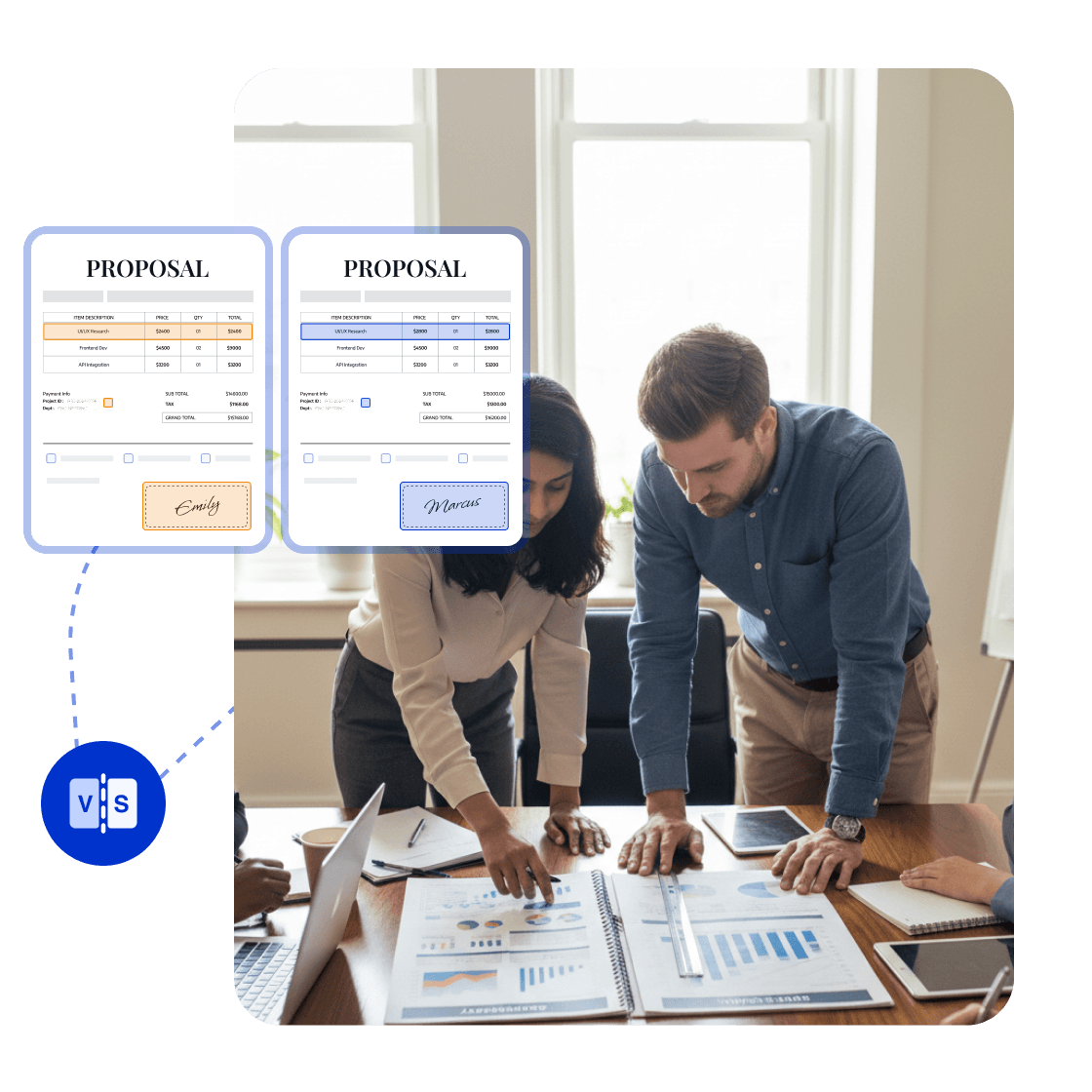
Use access permissions, redaction, password protection, watermarks, and e-signatures to protect sensitive documents.
Give project leads a clear view of which feedback has been addressed, which version is ready to deliver, and whether the final client file meets requirements.


LynxPDF gave our teams everything we needed for PDF processing — advanced editing, solid compliance features, and smooth deployment — all without the sky-high subscription costs.

Hosting LynxPDF on our own server gave us complete control over our document workflows. Every PDF stays inside our system, making data security one less thing to worry about.

LynxPDF replaced all the PDF tools we used before. Reading, editing, signing, and converting files is now effortless — and our team's efficiency has skyrocketed!

LynxPDF gave our teams everything we needed for PDF processing — advanced editing, solid compliance features, and smooth deployment — all without the sky-high subscription costs.
Hosting LynxPDF on our own server gave us complete control over our document workflows. Every PDF stays inside our system, making data security one less thing to worry about.
LynxPDF replaced all the PDF tools we used before. Reading, editing, signing, and converting files is now effortless — and our team's efficiency has skyrocketed!






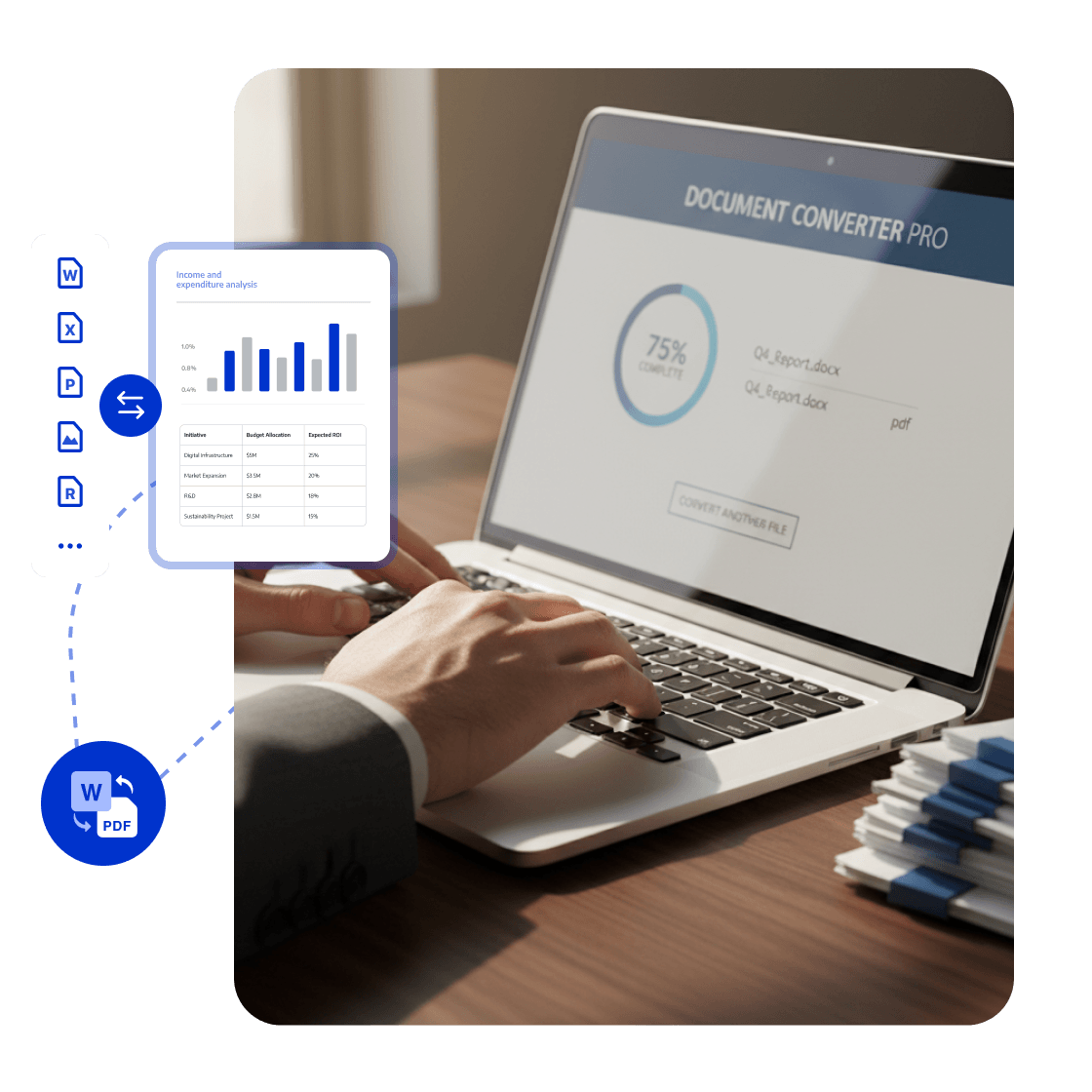
Add annotations to reports and deliverables, reply in threads around specific pages, then convert and compress the final files as required.
Collaborate and confirm feedback
Prepare client deliverables
Create the final file