

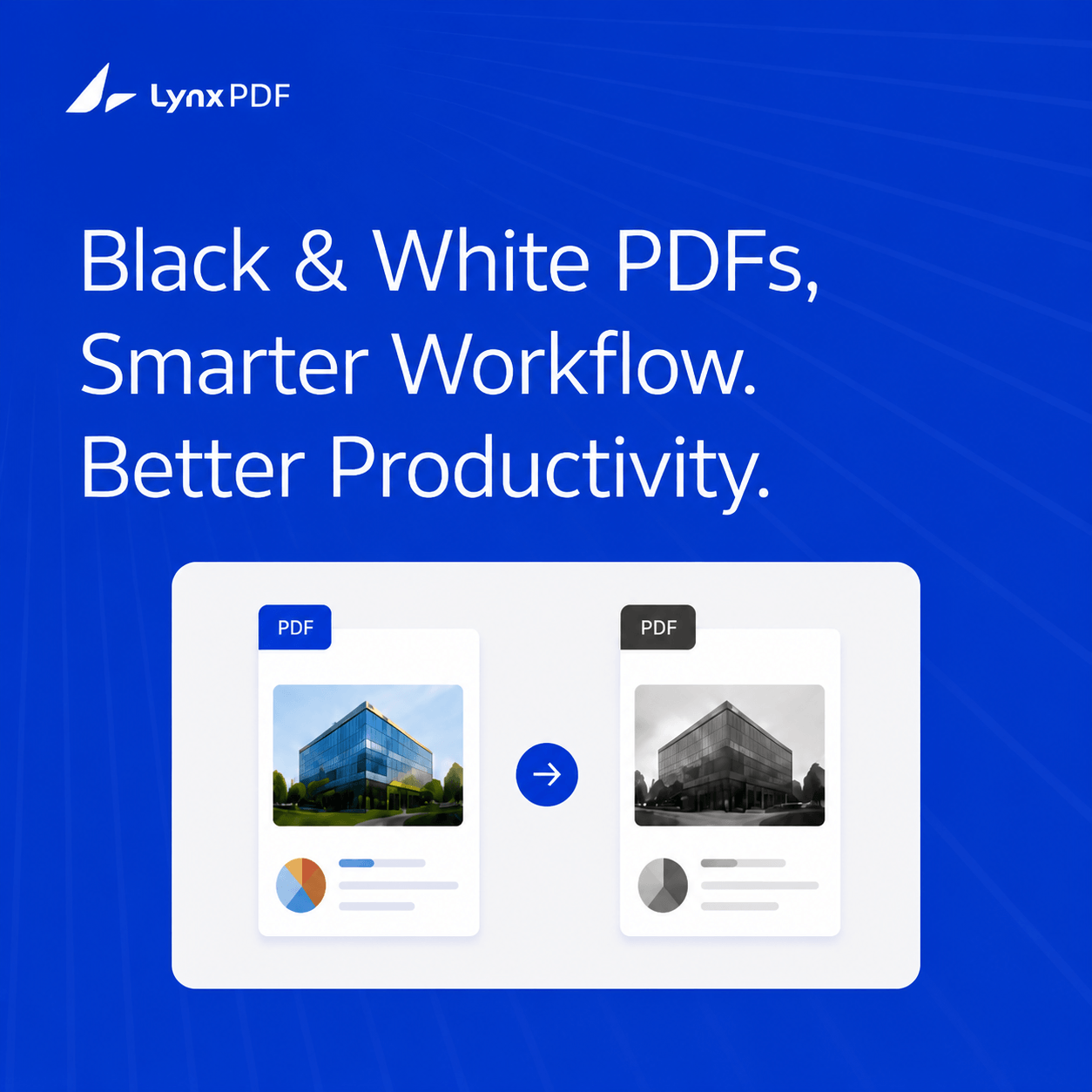
Free online services that convert PDFs to black and white include ILovePDF (Grayscale PDF tool), PDF2Go, and PDF24—all three preserve the text layer, so documents remain searchable after conversion. For most personal documents, these tools work reliably. However, free online converters require uploading your file to a third-party server, which is unsuitable for confidential business documents. Enterprise teams handling sensitive content often use PDF tools like LynxPDF that process files locally without uploading data to third-party servers.
You have a color PDF—a report, a form, a contract—and you need it in black and white.
Maybe the printer only does monochrome. Maybe you want a smaller file size. Maybe the archive standard requires grayscale.
Free online converters seem like the obvious answer. But not all of them work the same way, and a surprisingly common concern goes unspoken:
Does the converted PDF still let me search the text?
This guide tests the most reliable free online options, explains exactly what happens to searchability, and flags when a desktop tool is the better call.
What "Black and White" Actually Means for a PDF
Before comparing tools, it helps to understand that a PDF is not a single image. It contains:
- A visual layer — colors, images, backgrounds
- A text layer — selectable, searchable characters
- Sometimes an OCR layer — extracted text from scanned documents
When you "convert to black and white," a good converter changes the visual layer only. The text and OCR layers stay intact. A poorly implemented converter rasterizes the whole page into an image, destroying the text layer entirely.
Top Free Online PDF to Black and White Converters
1. ILovePDF — Grayscale PDF
ILovePDF's dedicated grayscale tool is one of the most widely used free options. It converts color images to grayscale, preserves the text layer, and typically outputs a smaller file.
| Text searchability preserved | ✅ Yes |
| File size limit | 200 MB |
| Page selection | ❌ Whole file only |
| Requires account | No |
| Processing | Cloud (EU servers) |
| Output format | |
| Speed | Fast (under 30 seconds for most files) |
2. PDF2Go — Grayscale Conversion
PDF2Go offers a "Grayscale" option under its PDF editing tools. Files can be uploaded directly or pulled from Dropbox, Google Drive, or URL. Output preserves the text layer.
| Text searchability preserved | ✅ Yes |
| File size limit | 50 MB (free); larger with account |
| Page selection | ❌ Whole file only |
| Requires account | No |
| Processing | Cloud |
| Output format | |
| Speed | Moderate |
Best for: Users who need to import from cloud storage and want a clean, no-signup interface.
3. PDF24 — Color to Grayscale
PDF24 is notable for two reasons: it has no file size limit in its online version, and it also offers a free offline desktop app (PDF24 Creator) for Windows.
| Text searchability preserved | ✅ Yes |
| File size limit | None (online) |
| Page selection | ❌ Whole file only |
| Requires account | No |
| Processing | Cloud (Germany) |
| Output format | |
| Offline option | ✅ PDF24 Creator (Windows) |
Best for: Large files that exceed ILovePDF or PDF2Go's free limits; users who want a companion offline tool.
4. Adobe Acrobat Online
Adobe's online version offers limited tools without a subscription. Color-to-grayscale conversion is not available as a standalone online tool—it requires Adobe Acrobat Pro (desktop).
| B&W / Grayscale conversion (online) | ❌ Not available |
| B&W / Grayscale conversion (desktop Pro) | ✅ Via Preflight or Output Preview |
| Requires subscription | Yes (Acrobat Pro, paid plan) |
Note: If you already have Acrobat Pro, use it—it gives the highest-quality grayscale output. But for free online conversion, it is not an option.
Head-to-Head Comparison
The Searchability Question: What the Tools Actually Do
All three recommended tools (ILovePDF, PDF2Go, PDF24) preserve text searchability because they process PDFs at the color profile level—they change how colors are rendered without rasterizing the text layer.
-
Open the converted PDF in any viewer
-
Press Ctrl + F (Windows) or Command + F (Mac)
-
Search for a word you know is in the document
-
If the search finds it, the text layer is intact ✅
If search returns no results, the conversion tool rasterized the document (converted it to images). This is a known issue with some lower-quality tools. Avoid converters that output image-only PDFs.
When Free Online Tools Are Not the Right Choice
Free online converters are convenient for personal use. But for enterprise workflows, they create problems that are easy to underestimate:
Every file you upload to a free online tool leaves your network. Even tools with GDPR-compliant privacy policies temporarily store your file on a third-party server. For contracts, HR records, financial reports, or any document covered by compliance requirements (HIPAA, GDPR, ISO 27001), uploading to a third-party server is a policy violation.
If 50 employees each use a different online tool, you have no visibility or consistency. Files may be processed on servers in unknown jurisdictions.
The enterprise alternative: LynxPDF processes files entirely on the user's device—no upload, no third-party server. IT teams can deploy it across the organization via GPO, SCCM, or Microsoft Intune. Documents stay within the corporate network, and users can print in black and white directly from the application.
For step-by-step instructions using LynxPDF on Windows and Mac, see How to Make a PDF Black and White.Which Online Tool Should You Use?
|
Your Situation |
Recommendation |
|---|---|
|
Non-sensitive document, one-off conversion |
ILovePDF (simplest interface) |
|
File over 200 MB |
PDF24 (no size limit) |
|
Need to import from Google Drive or Dropbox |
PDF2Go |
|
Enterprise team, sensitive documents |
LynxPDF (desktop, processes locally) |
|
Highest print quality needed |
Adobe Acrobat Pro (desktop) |
Frequently Asked Questions
Q: Are there free online services that reliably convert PDFs to black and white and preserve text searchability?
A: Yes. ILovePDF, PDF2Go, and PDF24 all preserve the text layer during grayscale conversion. After converting, open the PDF and use Ctrl+F (Windows) or Command+F (Mac) to confirm text search still works.
Q: Do free online PDF converters store my files?
A: Most reputable services delete uploaded files automatically after processing (typically within 1–24 hours). ILovePDF and PDF2Go both state files are deleted after download. However, the file is still transmitted and temporarily stored on a third-party server—this is a risk for sensitive documents.
Q: Is there a free way to convert PDFs to black and white without uploading?
A: Yes. PDF24 Creator is a free Windows desktop app that performs the conversion locally. LynxPDF offers a 14-day free trial and also processes files locally without upload.
Q: Will converting a PDF to grayscale reduce its file size?
A: Usually yes. Color image data is larger than grayscale. For image-heavy PDFs, file size can drop by 30–60%. For text-only PDFs, the reduction is minimal.
Summary
For free online PDF-to-black-and-white conversion:
- ILovePDF is the easiest option for most users
- PDF24 handles large files and has a free offline app for Windows
- All three top tools preserve text searchability
For enterprise use:
- Avoid uploading confidential files to online tools
- LynxPDF processes locally, support IT deployment at scale, and delivers consistent results across Windows and Mac


