Related PDF Features
Explore conversion, OCR, page management, editing, annotations, compression, and protection.


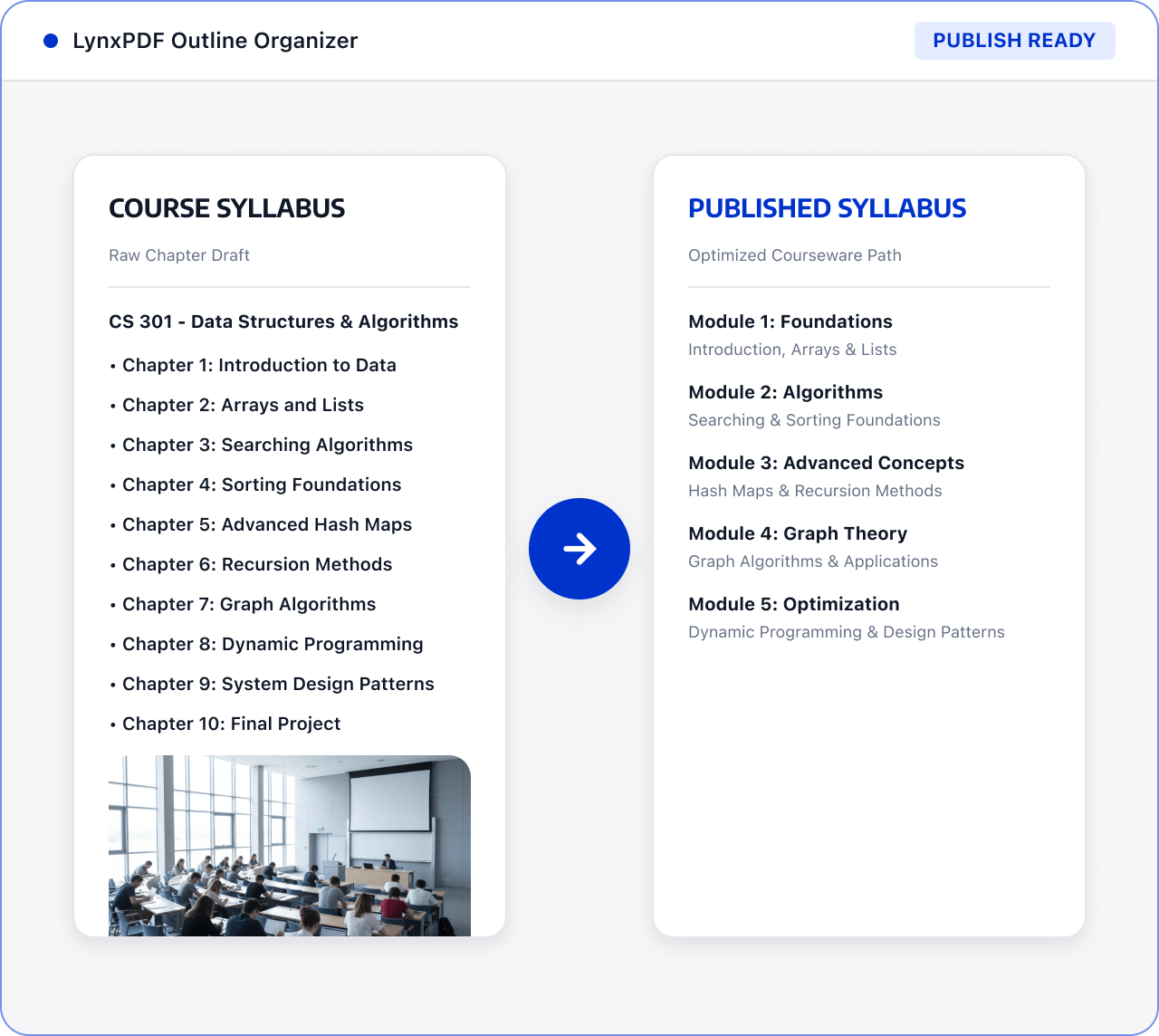
Extract reusable content from courseware, handouts, and older materials, then revise the order and text for classroom or online publishing.

Roles: Teachers, course coordinators, and training teams

Input: Course materials, handouts, scans, and attachments

Output: An organized set of teaching materials ready to publish
Files are often scattered across sources and formats, with manual checks and version exchanges. This raises costs and makes changes and handoffs harder to track.
 Files are scattered across sources, versions, and page orders.
 Teams must find, check, and organize key content manually.
 Sensitive information and final versions require review before handoff.
Use LynxPDF to reuse relevant pages, revise content, and prepare an organized file for classroom or online use.
Import courseware, handouts, scanned materials, and course attachments, then identify the chapters to update.

Use page extraction, sorting, editing, and merging tools to retain reusable content and adjust the course structure.

Revise the copy and page content, check reading order and file size, and create a handout PDF for classroom or online publishing.

Convert scans or other formats into editable documents.
Split, order, and merge content by course chapter.
Prepare course files that are easier to share.