Related PDF Features
Explore conversion, OCR, page management, editing, annotations, compression, and protection.


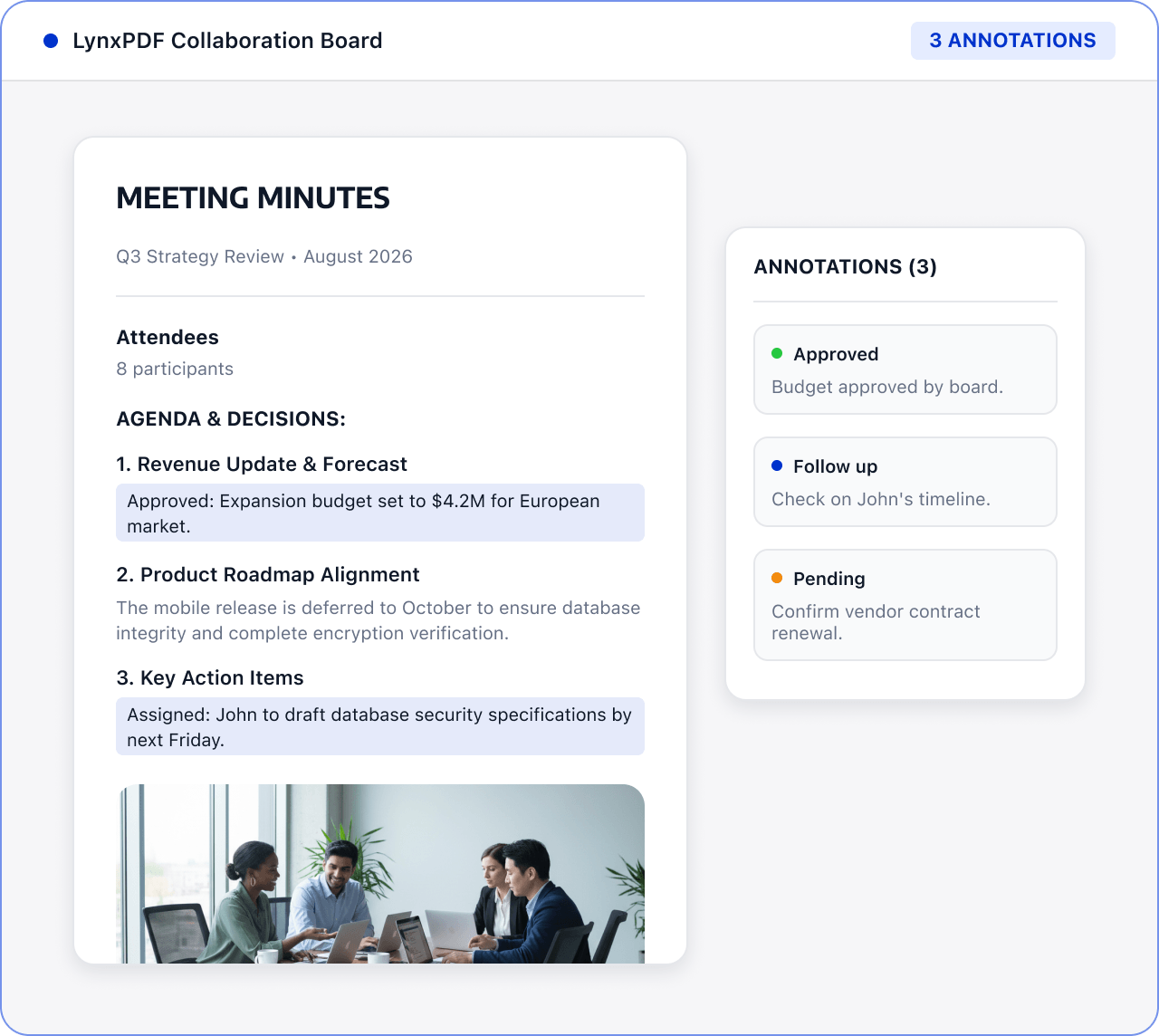
Combine agendas, presentations, and notes into one PDF so teams can review decisions and next actions after the meeting.

Roles: Administrative teams, project managers, and meeting organizers

Input: Agendas, presentations, meeting minutes, and attachments

Output: Meeting package with a consistent order, ready for distribution
Files are often scattered across sources and formats, with manual checks and version exchanges. This raises costs and makes changes and handoffs harder to track.
 Files are scattered across sources, versions, and page orders.
 Teams must find, check, and organize key content manually.
 Sensitive information and final versions require review before handoff.
Use LynxPDF to bring meeting documents together, record decisions and follow-up tasks, and prepare a consistent file for distribution.
Import the agenda, presentations, meeting notes, and attachments, and define the material scope.

Use editing and annotation tools to organize discussion points, decisions, owners, and follow-up tasks.

Adjust page order, check the content and file size, and prepare a meeting record for post-meeting reference.
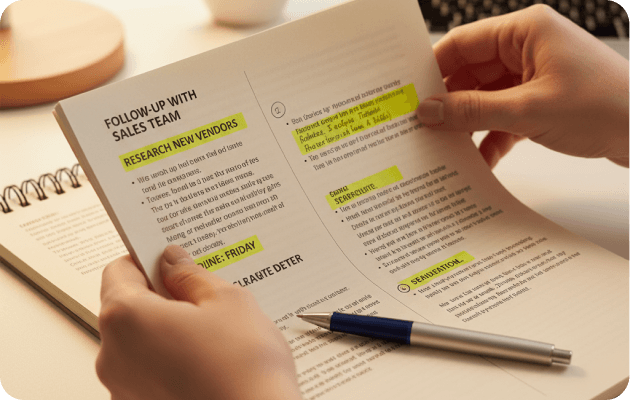
Bring different formats into a manageable document flow.
Organize pages by agenda or meeting flow.
Reduce file size or add document protection when needed.