Related PDF Features
Explore conversion, OCR, page management, editing, annotations, compression, and protection.


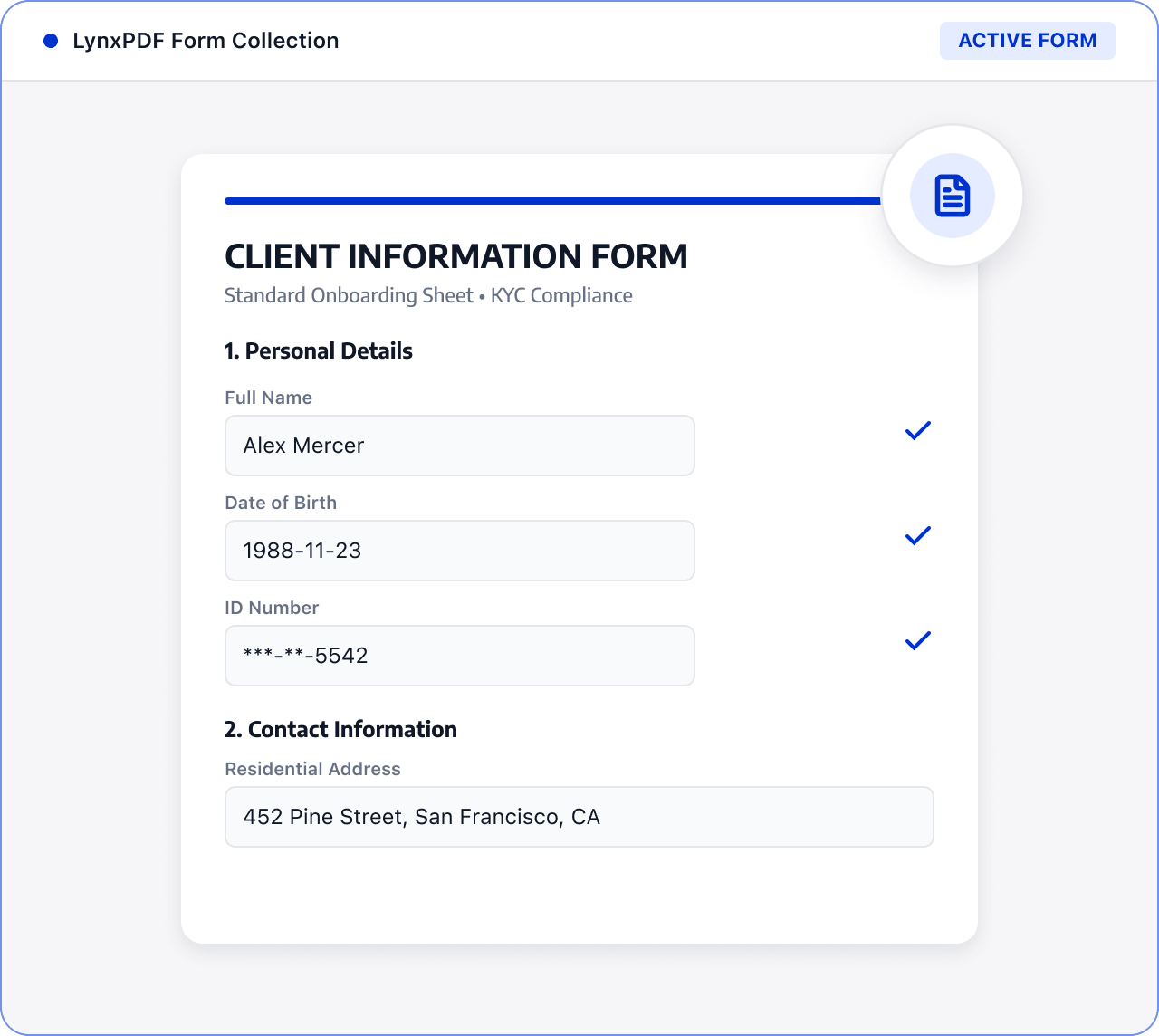
Bring customer forms and supporting documents together, identify missing information, and prepare a clear review record.

Roles: Sales, customer success, and operations teams

Input: Customer forms, supporting documents, and contract attachments

Output: An organized set of customer documents for review
Files are often scattered across sources and formats, with manual checks and version exchanges. This raises costs and makes changes and handoffs harder to track.
 Files are scattered across sources, versions, and page orders.
 Teams must find, check, and organize key content manually.
 Sensitive information and final versions require review before handoff.
Use LynxPDF to organize customer materials, check completeness, and prepare a protected document set for review.
Import customer forms, supporting documents, and contract attachments, and define the review scope.

Organize pages by type and use forms and editing tools to find missing fields, duplicate pages, and hard-to-read content.
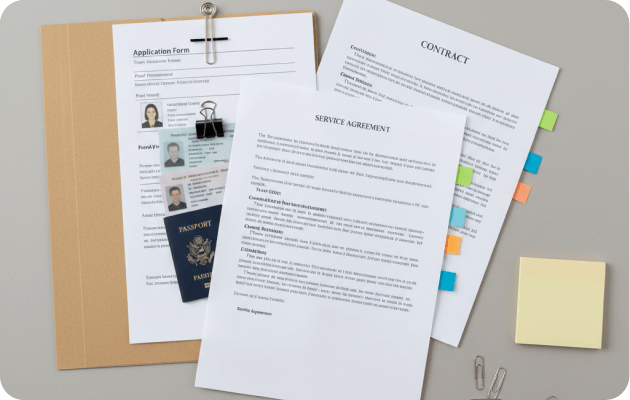
Add required information, adjust page order, and use protection tools to prepare customer files for review.

Prepare and complete supported PDF forms.
Merge, order, and check customer materials.
Protect sensitive files within the confirmed security scope.