Related PDF Features
Explore conversion, OCR, page management, editing, annotations, compression, and protection.


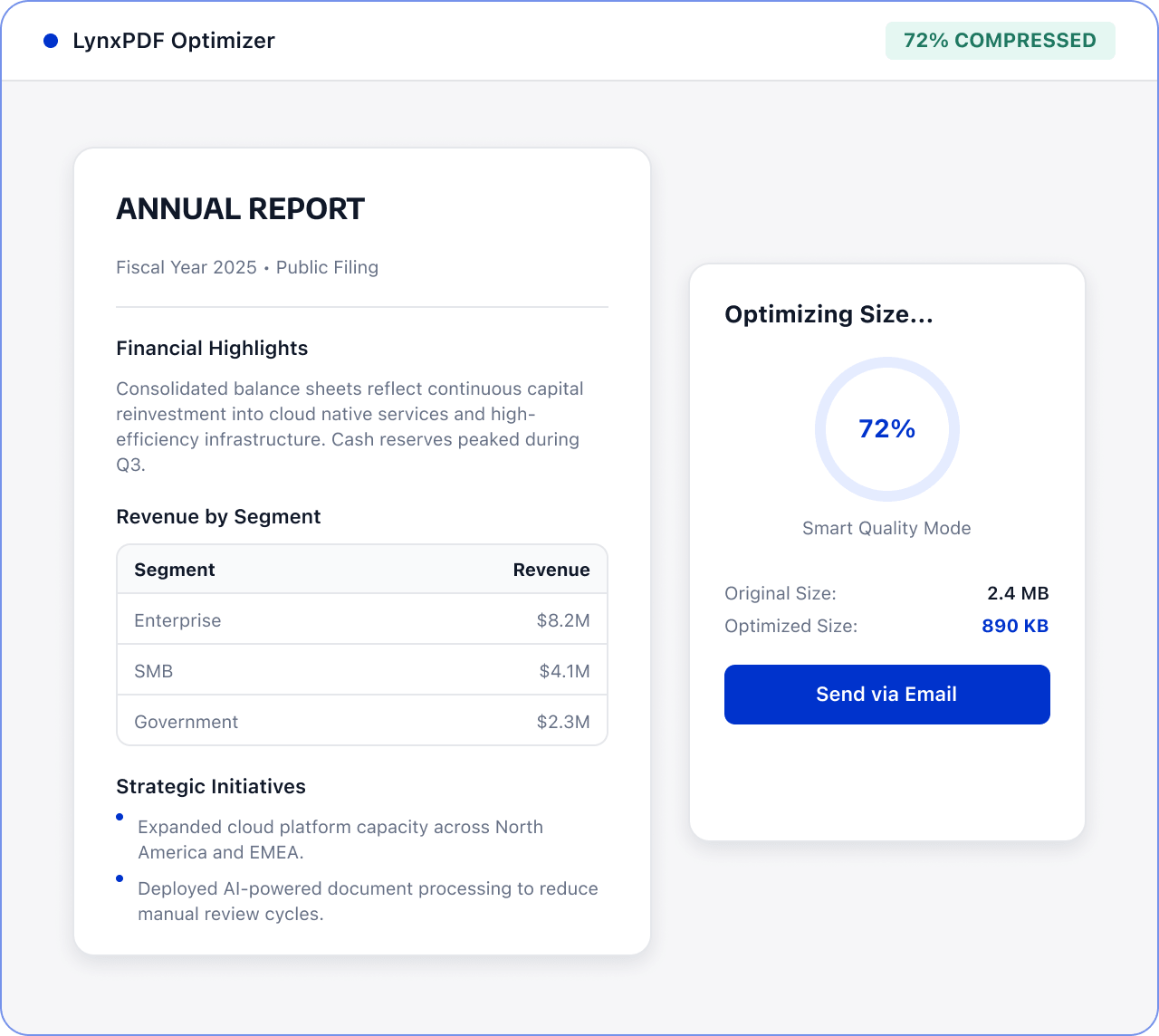
Before email or team sharing, use LynxPDF to control PDF size through image quality, resolution, and document-data cleanup settings.

Roles: Team members who share documents by email

Input: PDF files to be shared

Output: A smaller PDF reviewed before sending
Files are often scattered across sources and formats, with manual checks and version exchanges. This raises costs and makes changes and handoffs harder to track.
 Files are scattered across sources, versions, and page orders.
 Teams must find, check, and organize key content manually.
 Sensitive information and final versions require review before handoff.
Use LynxPDF to choose compression settings, review the output, and prepare the PDF for your email workflow.
Import the PDF to be shared by email and confirm the file version.

Choose the image quality, adjust the image threshold and target PPI as needed, and remove unnecessary document data.
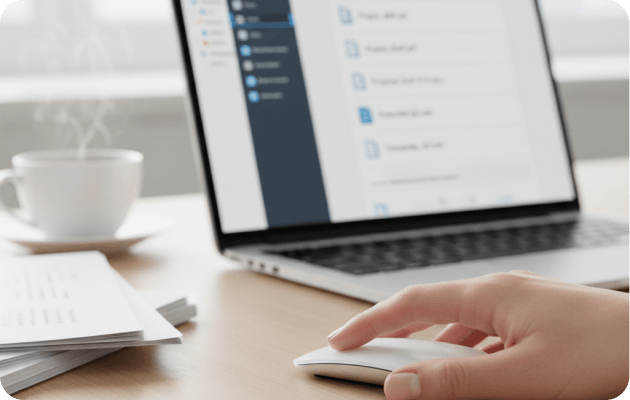
Use editing and protection tools to handle required content, adjust file size and protection settings, and prepare the PDF for email sharing.
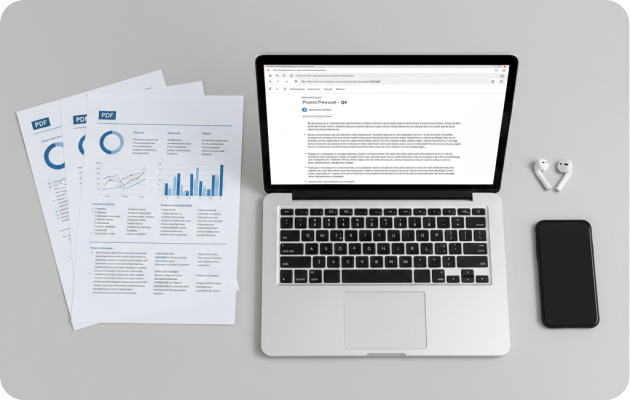
Choose a high, medium, or low quality preset to balance file size and image clarity.
Adjust the image threshold, target PPI, and font embedding as needed.
Remove scripts, forms, annotations, metadata, attachments, and other data that does not need to be retained.