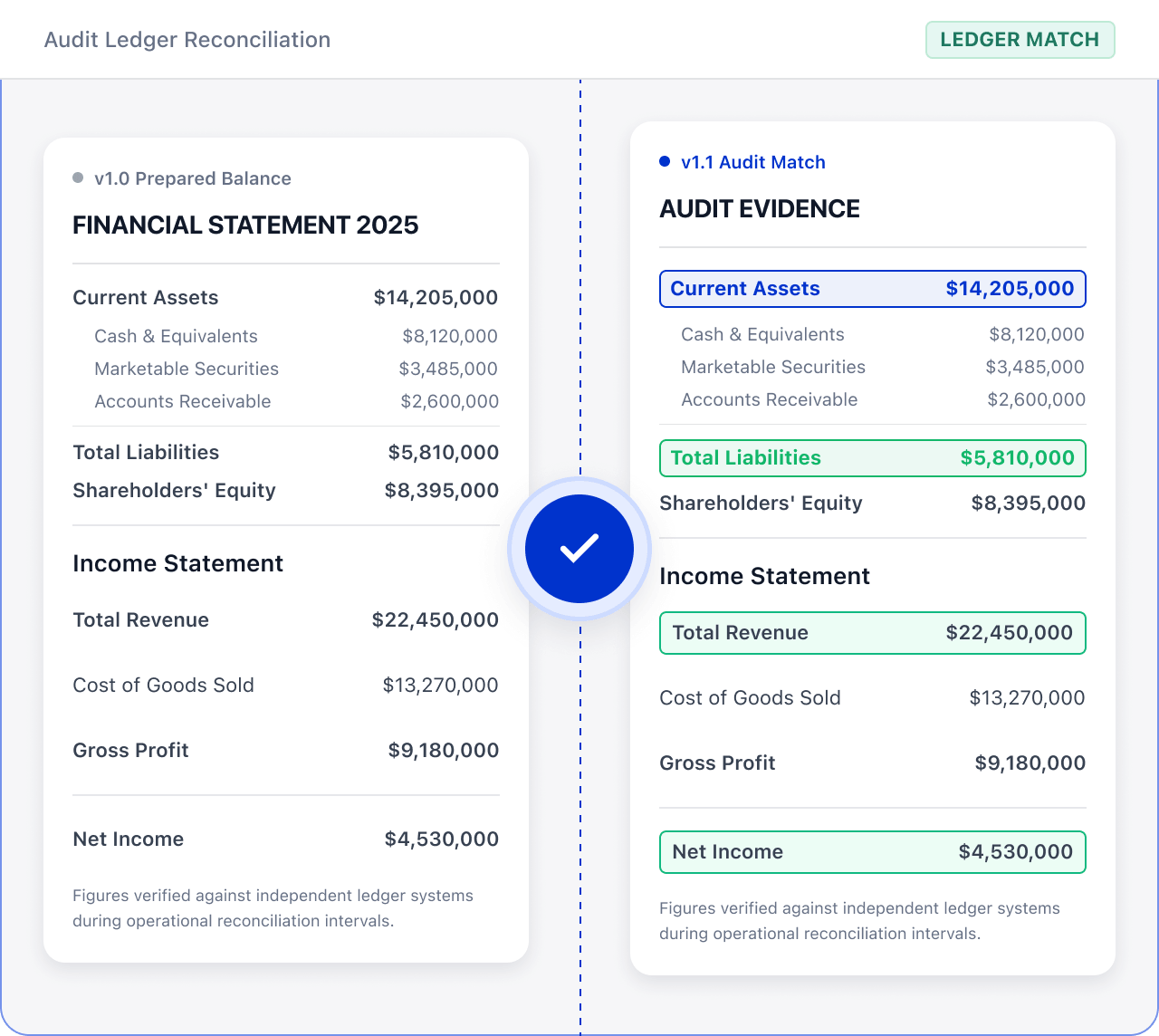
Related PDF Features
Explore conversion, OCR, page management, editing, annotations, compression, and protection.


Use OCR, page management, version comparison, annotations, and compression to help audit teams prepare clearer evidence files.

Roles: Audit, finance, and compliance teams

Input: Audit evidence, scans, versions, and supporting files

Output: Audit evidence package ready for professional verification
Files are often scattered across sources and formats, with manual checks and version exchanges. This raises costs and makes changes and handoffs harder to track.
 Files are scattered across sources, versions, and page orders.
 Teams must find, check, and organize key content manually.
 Sensitive information and final versions require review before handoff.
Use LynxPDF to organize evidence, mark differences and open questions, and prepare files for the responsible reviewers.
Import audit evidence, scans, versions, and supporting files, and confirm the audit-material scope.

Use OCR, page management, version comparison, annotations, compression, and protection tools to create a clearly structured audit package.
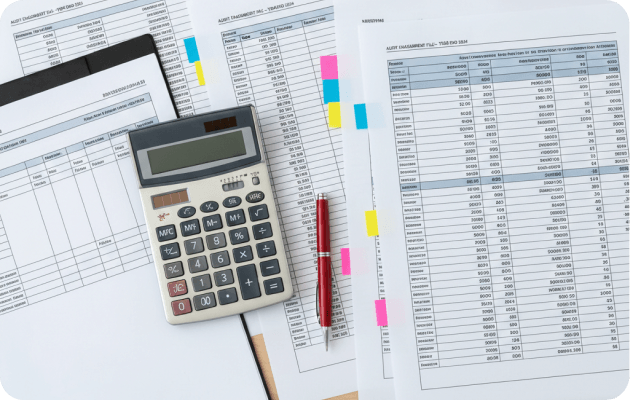
Use comparison, annotation, editing, compression, and protection tools to mark differences, add explanations, and improve the document structure.

Turn scanned evidence into files that are easier to check.
Locate differences and keep review notes.
Prepare a package for controlled sharing.