Reduce Manual Document Handling
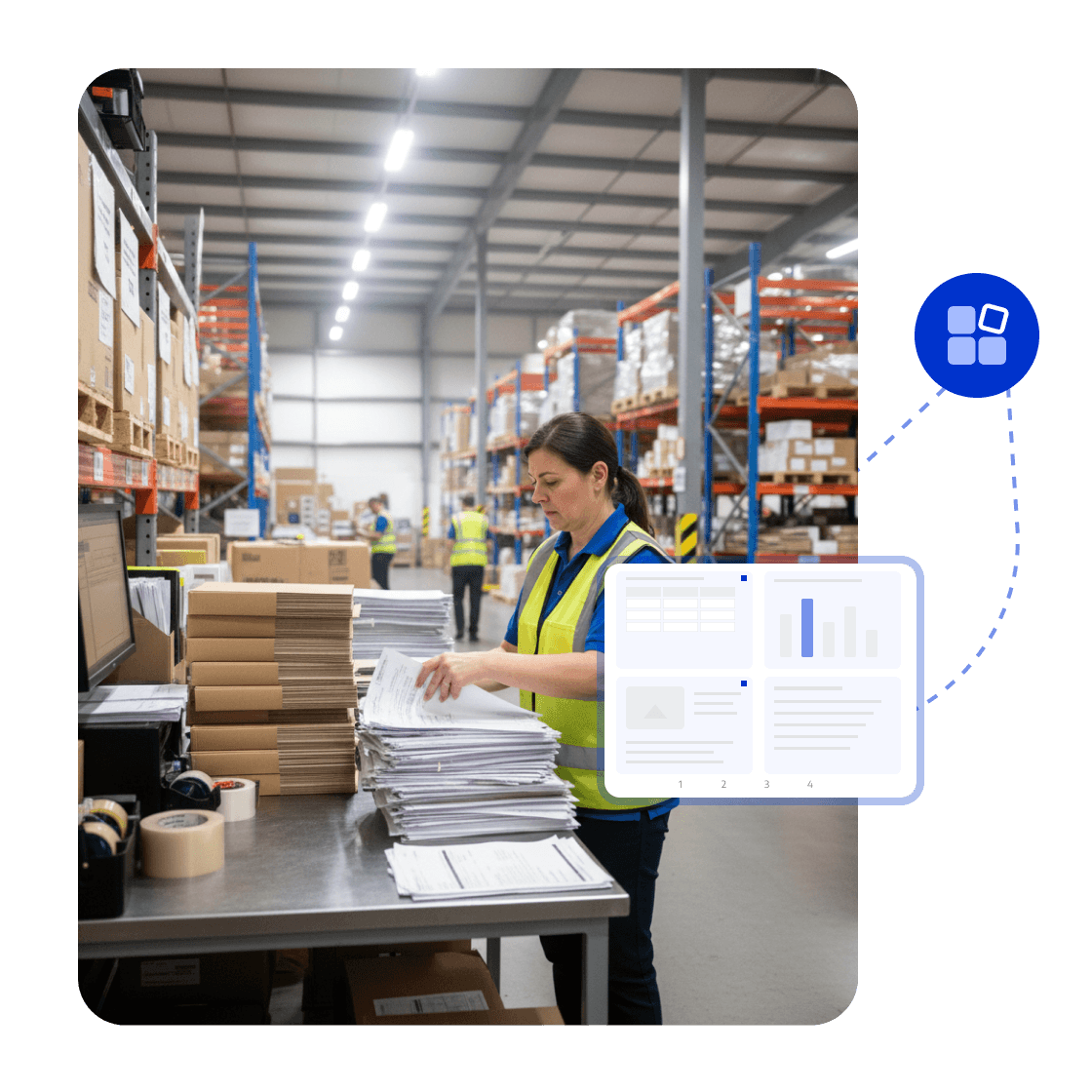
Merge orders, invoices, shipping records, and after-sales documents by transaction or case, then reorder and save the pages as one file.



Talk to the LynxPDF team about document workflows, supported features, deployment requirements, and pricing.
Merge orders, invoices, shipping records, and after-sales documents by transaction or case, then reorder and save the pages as one file.
Organize page order, annotations, form fields, and the final version for consistent team review.
Use access permissions, redaction, password protection, watermarks, and e-signatures to protect sensitive documents.
Give operations and finance teams searchable, transferable, and connected business records instead of hard-to-find scanned attachments.


LynxPDF provides our teams with a complete PDF processing suite—offering professional editing, robust compliance features, and seamless deployment—without prohibitive subscription fees.

Deploying LynxPDF on-premise granted us absolute sovereignty over our document workflows. With all data retained within our internal systems, security is guaranteed.

LynxPDF has consolidated our software stack. Reviewing, editing, signing, and converting files is now a frictionless process, significantly enhancing our operational efficiency.

LynxPDF provides our teams with a complete PDF processing suite—offering professional editing, robust compliance features, and seamless deployment—without prohibitive subscription fees.
Deploying LynxPDF on-premise granted us absolute sovereignty over our document workflows. With all data retained within our internal systems, security is guaranteed.
LynxPDF has consolidated our software stack. Reviewing, editing, signing, and converting files is now a frictionless process, significantly enhancing our operational efficiency.






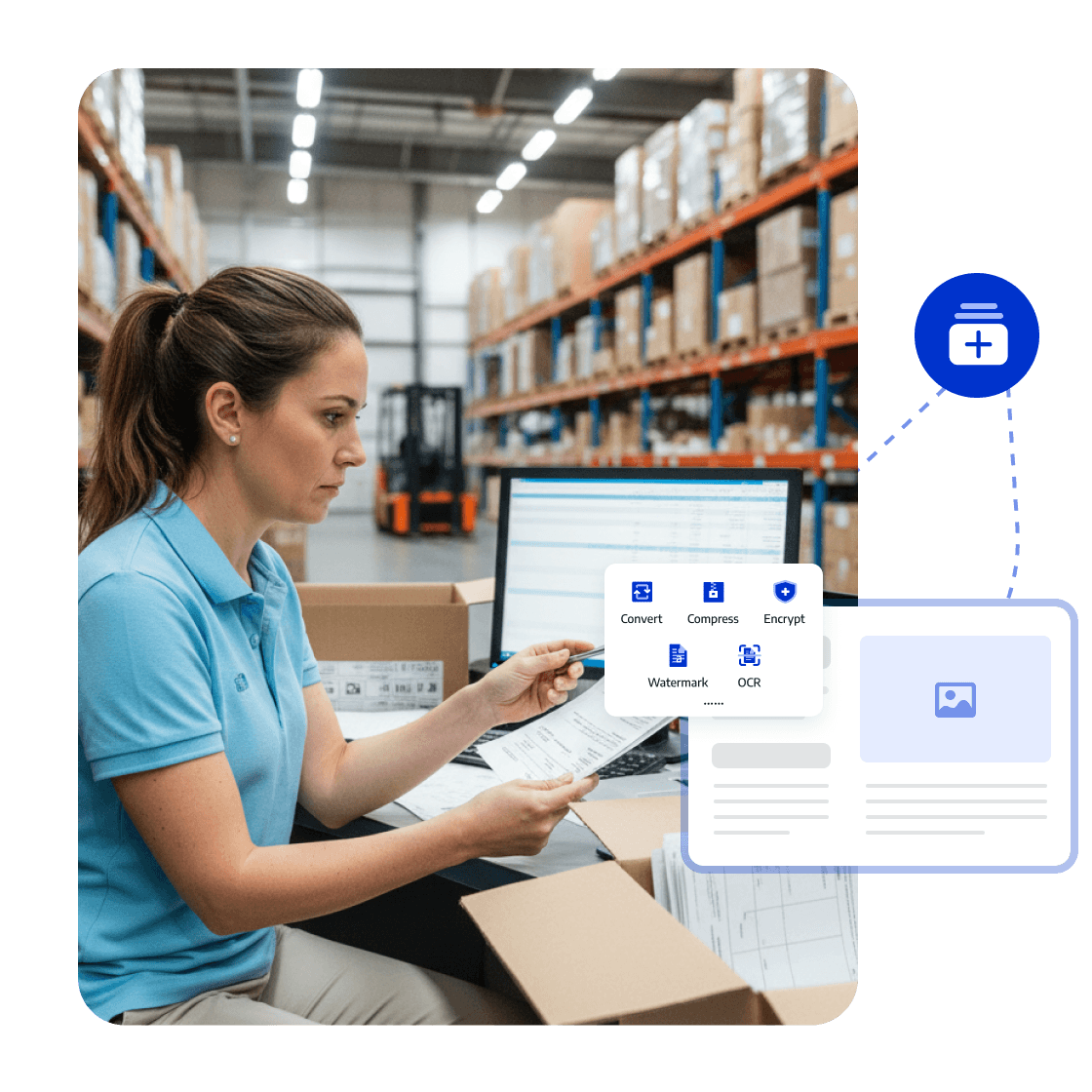
Batch-process orders, invoices, and shipping proofs, run OCR on scans, and convert needed content into organized data formats.
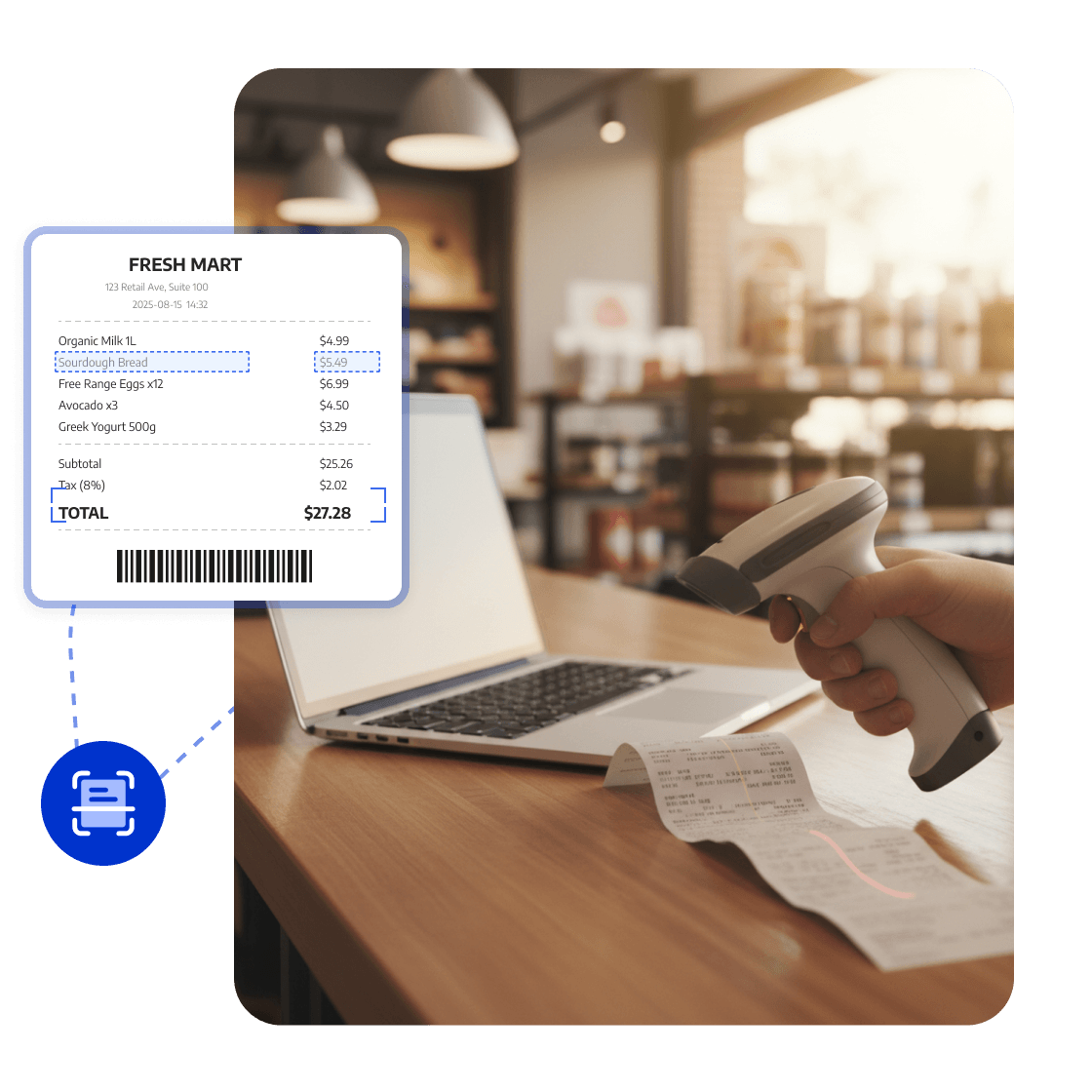
Recognize and extract key information
Create a complete business record
Create the final file