Improve Project Report and Client Delivery Efficiency with LynxPDF

LynxPDF helps consulting teams organize proposals, research, project reports, and client deliverables for more efficient collaboration and delivery.
Access Volume Discounts up to 50%
Corporate Email
Full Name
Company Website
Country/Region
Search and select
Contact Number
Search and select
-
Enquiry Details
0 / 1000
Benefits
Features
Resources
Endorsed by

Why Choose LynxPDF

Contact Sales

Talk to the LynxPDF team about document workflows, supported features, deployment requirements, and pricing.

Reduce Manual Document Handling

Compress research reports, chart attachments, and deliverables using quality modes or custom settings to balance file size and readability.

Improve Review Consistency

Organize page order, annotations, form fields, and the final version for consistent team review.

Protect Sensitive Information

Use access permissions, redaction, password protection, watermarks, and e-signatures to protect sensitive documents.

Workflow Capabilities

Give project leads a clear view of which feedback has been addressed, which version is ready to deliver, and whether the final client file meets requirements.

LynxPDF Keeps Report Feedback Visible and Version Changes Traceable

PDF Annotations: Centralize Project Feedback

Add comments, replies, and change notes to reports and deliverables, linking discussions to pages and issues.
Feedback stays beside the relevant content, helping project managers avoid omissions and confirm decisions.
<span style="color:#0033CC">PDF Annotations</span>: Centralize Project Feedback

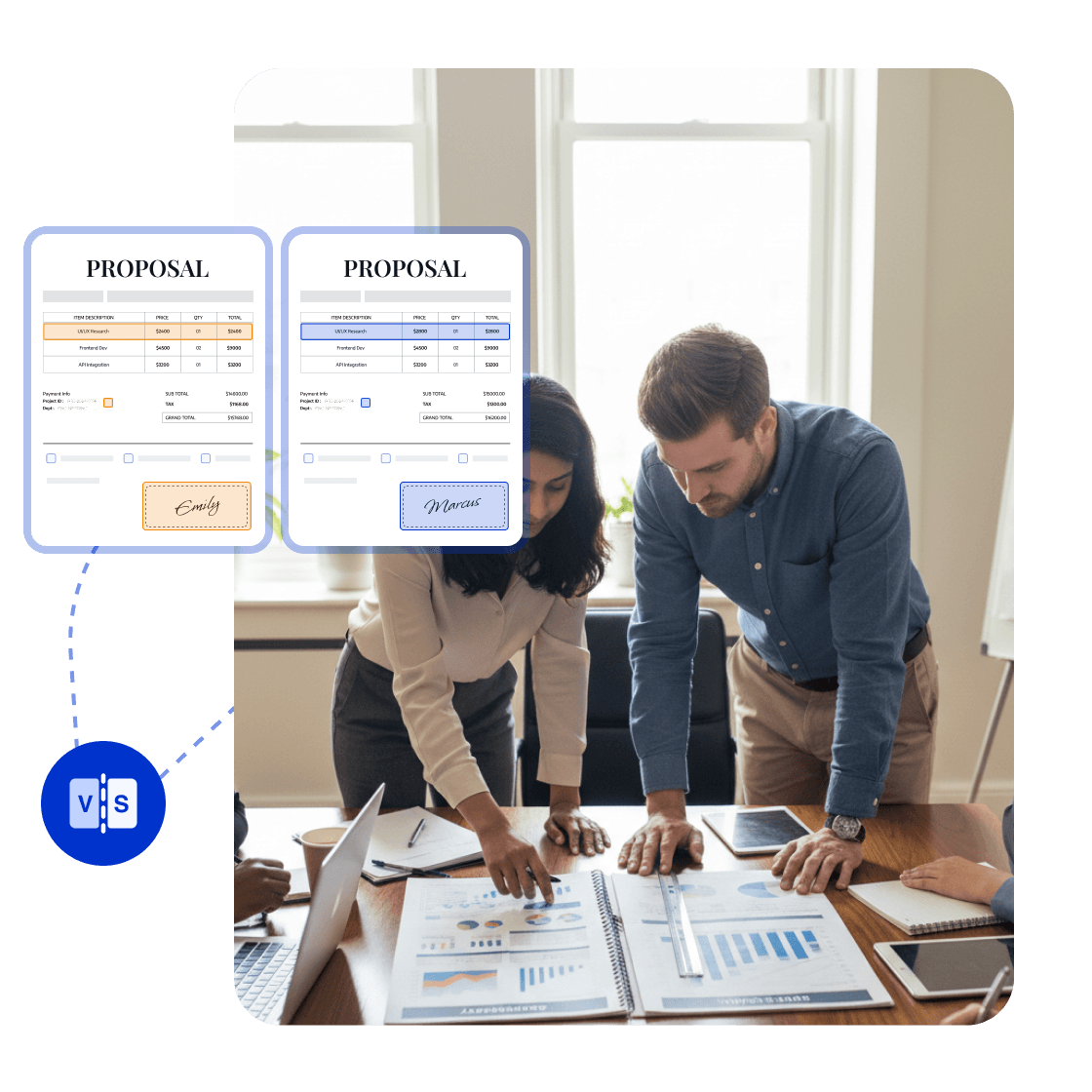
PDF Comparison: Track Report Changes

Compare report versions, analysis results, and recommendation pages to locate changes in text, charts, and page structure.
Consultants can explain the current changes clearly and prevent clients from reviewing outdated versions or missing important updates.
<span style="color:#0033CC">PDF Comparison</span>: Track Report Changes

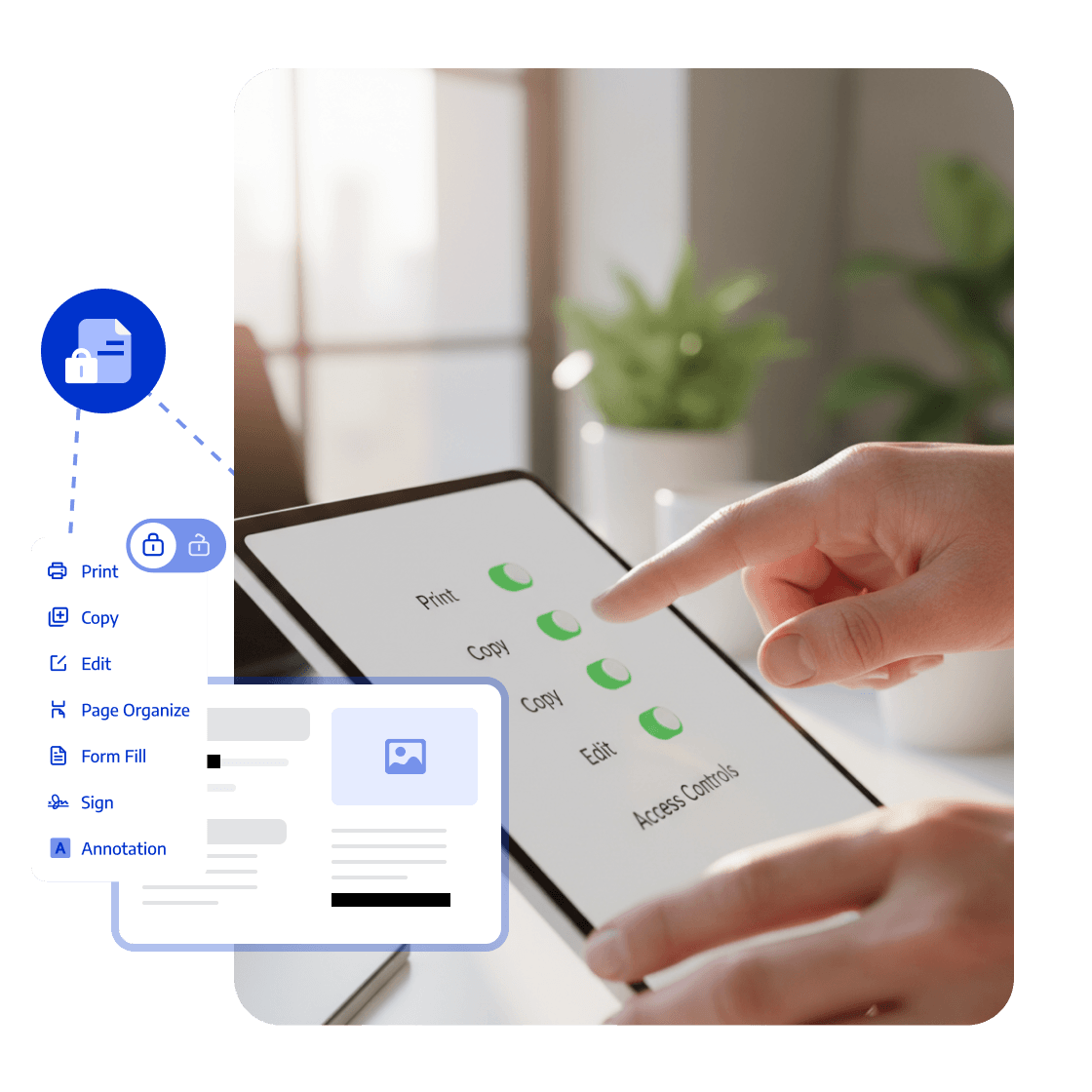
Sharing Permissions: Control Client Access

Set different view, comment, and edit permissions for clients, consultants, and managers by project stage.
Each role gets the right access while internal analysis and client materials stay protected.
<span style="color:#0033CC">Sharing Permissions</span>: Control Client Access

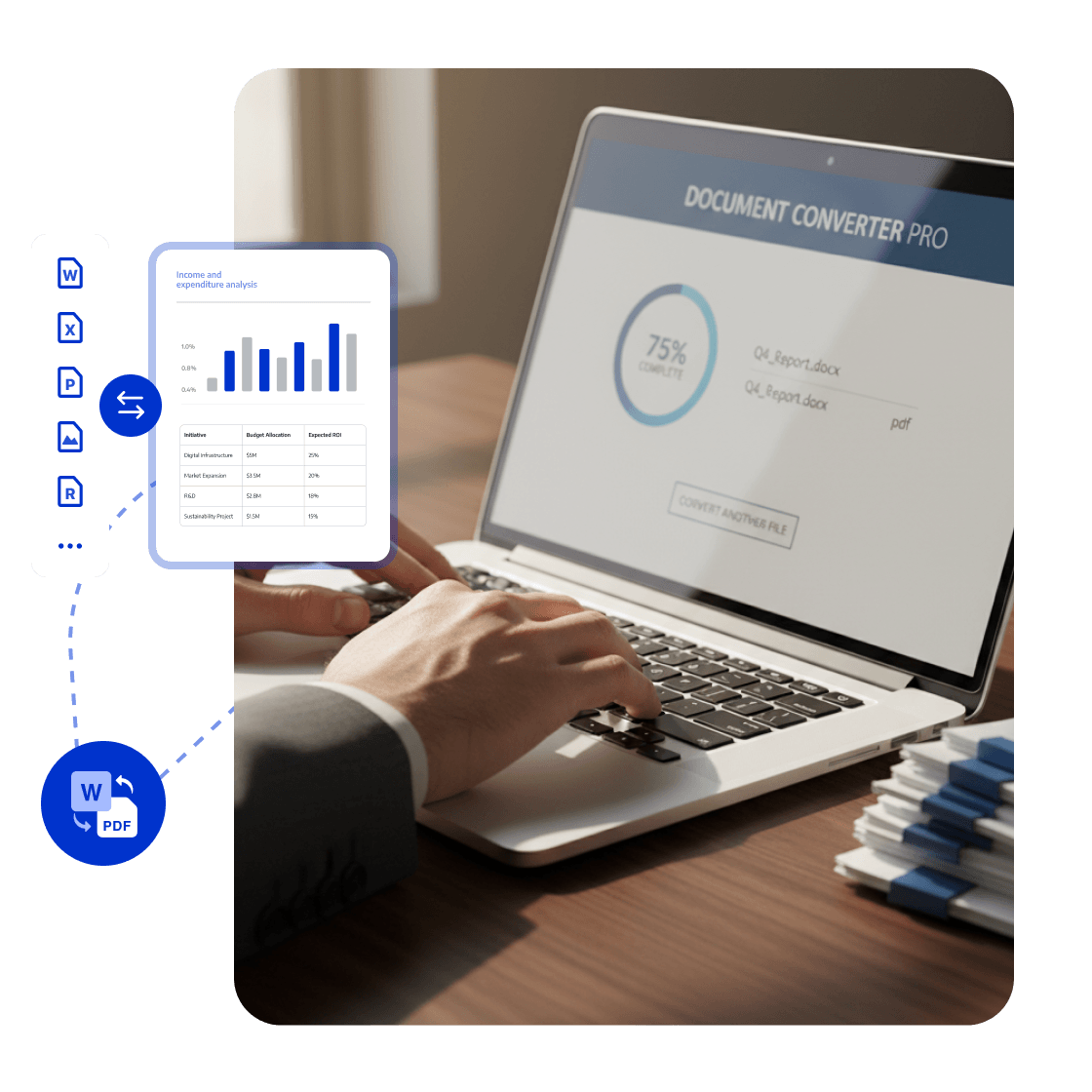
PDF Conversion: Match Project Delivery Formats

Convert reports, proposals, and data attachments between PDF, Word, PowerPoint, and Excel while retaining a formal PDF version.
Provide the right format for each recipient and reduce repeated formatting work.
<span style="color:#0033CC">PDF Conversion</span>: Match Project Delivery Formats

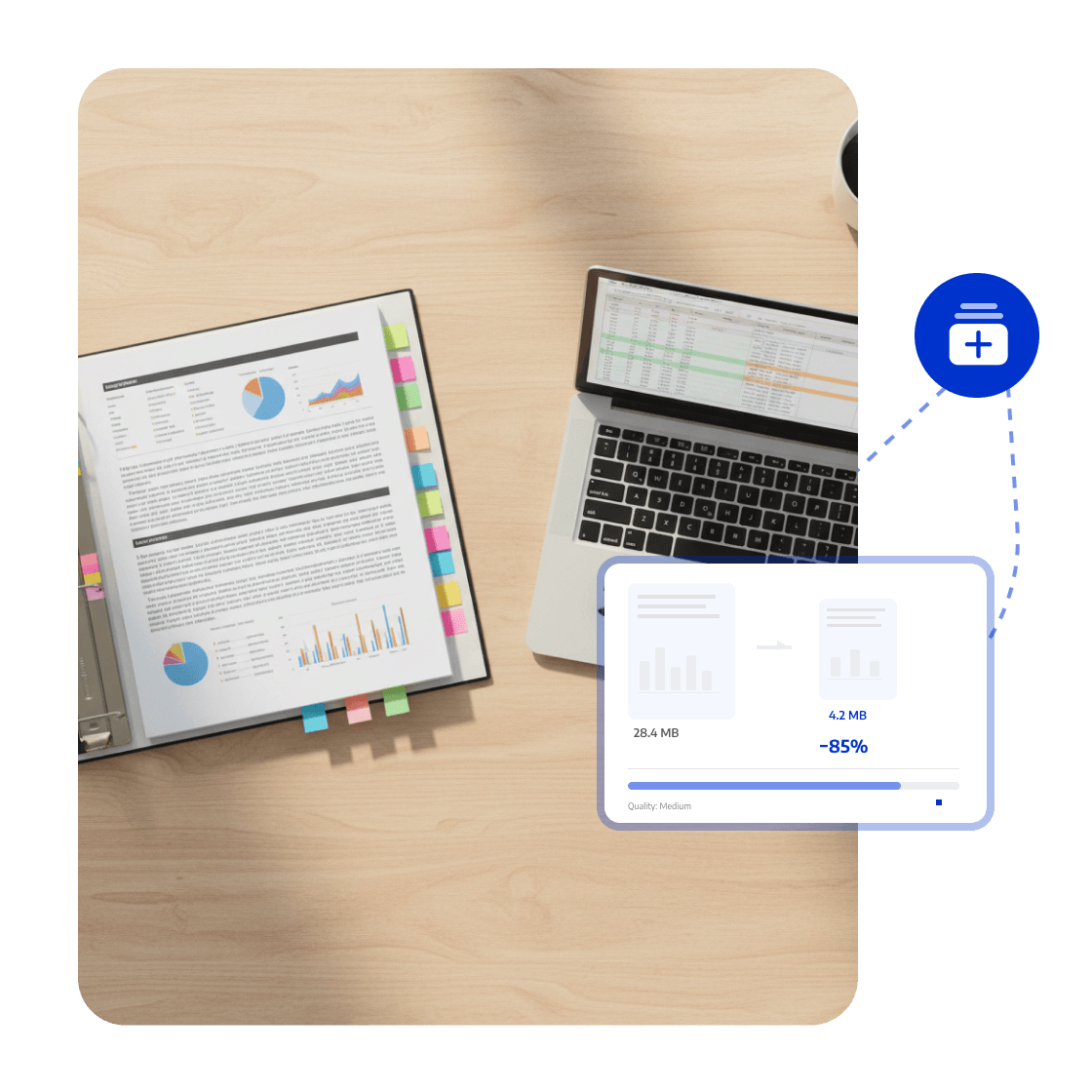
PDF Compression: Send Large Project Files

Compress research reports, chart attachments, and deliverables using quality modes or custom settings to balance file size and readability.

Large project files are easier to send by email, upload to client portals, and open across devices.
<span style="color:#0033CC">PDF Compression</span>: Send Large Project Files
Whitepaper

PDF Digitization: Organize, Review, and Deliver Faster

whitepaper
Trusted by Organisations Worldwide

The Strategic Adobe Alternative

LynxPDF provides our teams with a complete PDF processing suite—offering professional editing, robust compliance features, and seamless deployment—without prohibitive subscription fees.

avatar
Laura Chen
Operations Manager

Enterprise-Grade Security & Automation

Deploying LynxPDF on-premise granted us absolute sovereignty over our document workflows. With all data retained within our internal systems, security is guaranteed.

avatar
Michael Torres
Chief Information Officer

Unified PDF Management

LynxPDF has consolidated our software stack. Reviewing, editing, signing, and converting files is now a frictionless process, significantly enhancing our operational efficiency.

avatar
Robert Kim
IT Project Manager

The Strategic Adobe Alternative

LynxPDF provides our teams with a complete PDF processing suite—offering professional editing, robust compliance features, and seamless deployment—without prohibitive subscription fees.

avatar
Laura Chen
Operations Manager

Enterprise-Grade Security & Automation

Deploying LynxPDF on-premise granted us absolute sovereignty over our document workflows. With all data retained within our internal systems, security is guaranteed.

avatar
Michael Torres
Chief Information Officer

Unified PDF Management

LynxPDF has consolidated our software stack. Reviewing, editing, signing, and converting files is now a frictionless process, significantly enhancing our operational efficiency.


avatar
Robert Kim
IT Project Manager
iconiconiconiconiconiconicon

Industry Workflow Case

Keep Project Feedback beside the Original Report

Add annotations to reports and deliverables, reply in threads around specific pages, then convert and compress the final files as required.

Business OutcomeKeep client feedback, decisions, and final deliverables aligned, with fewer missed comments and repeated formatting changes.
Contact Sales
Industry Workflow

Deliver Project Reports

01

Organize Research, Reports, and Attachments

Collaborate and confirm feedback

02

Reply to Feedback in One Place

Prepare client deliverables

03

Convert and Compress for Delivery

Create the final file

FAQ
How Does LynxPDF Support Consulting Project Delivery?
LynxPDF helps teams work with project reports, research materials, client proposals, and deliverables through PDF annotation, document comparison, conversion, and compression.