Digitizing Archives and Historical Materials
Convert scanned archives into searchable PDFs or text, recognizing text and layout structure for easier retrieval and content reuse.


LynxPDF AI understands the digitization goals of archives, administrative, and business teams, uses OCR and scanning tools, and generates editable PDFs or TXT files
Enterprise scans are often view-only and difficult to search, edit, or reuse. AI matches OCR and enhancement methods to the intended use so scanned content becomes searchable, editable, and reusable again.
Convert scanned archives into searchable PDFs or text, recognizing text and layout structure for easier retrieval and content reuse.
Convert forms, certificates, and internal materials into searchable or editable files, reducing manual re-entry and unlocking the information value in scans.
Apply OCR and quality enhancement to scanned reports, records, or project materials, generating files that can be read, searched, or have text extracted.
Describe the document-processing need. LynxPDF AI adds necessary parameters, calls OCR and scanning tools, and returns files suited for subsequent use.
Recognize text on scanned pages and convert previously unsearchable images into searchable information; results depend on clarity, layout, and text quality.
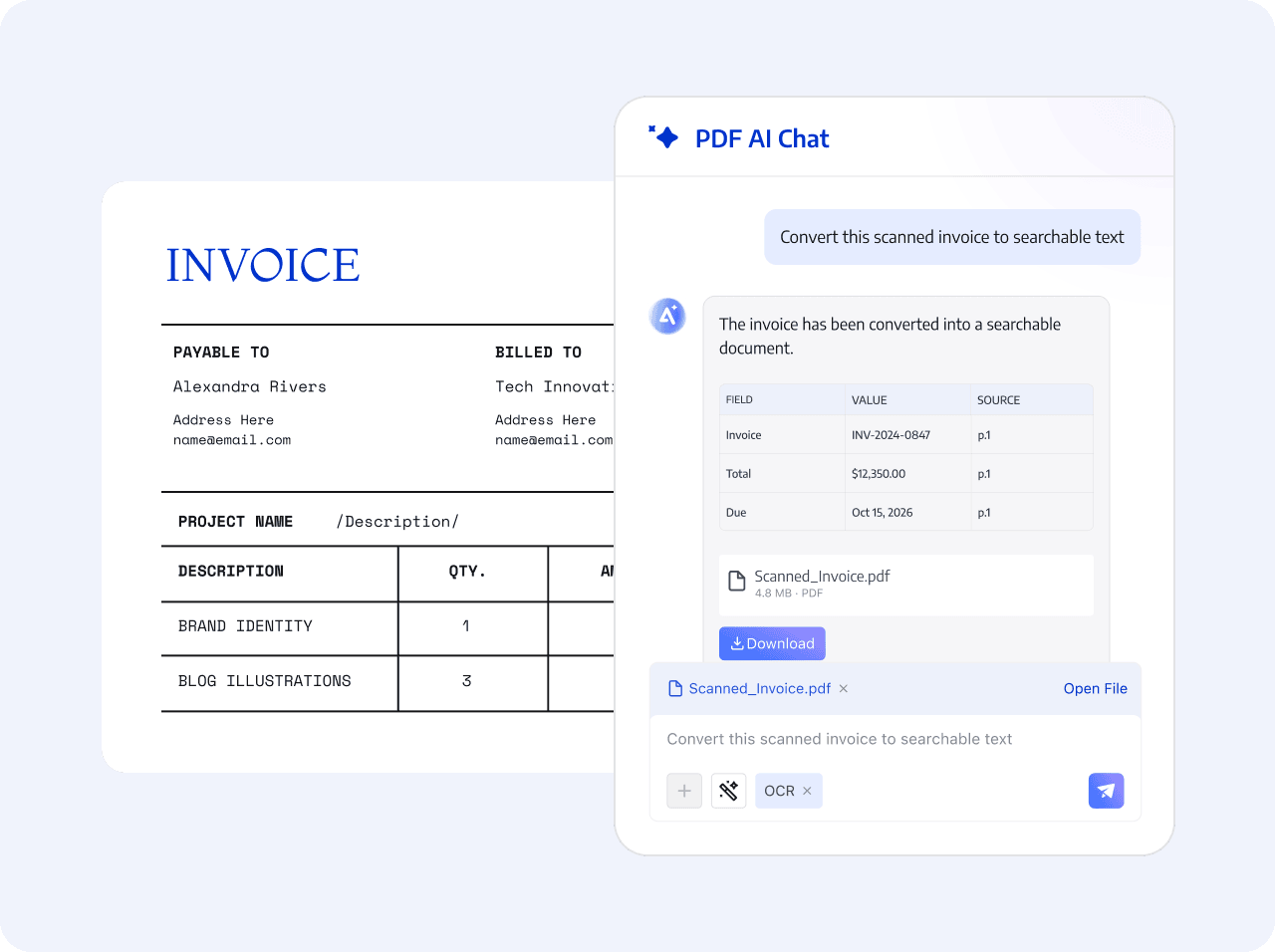
Select the target PDF and page range, enable OCR as needed, and set the output to an editable PDF, searchable PDF, or TXT.
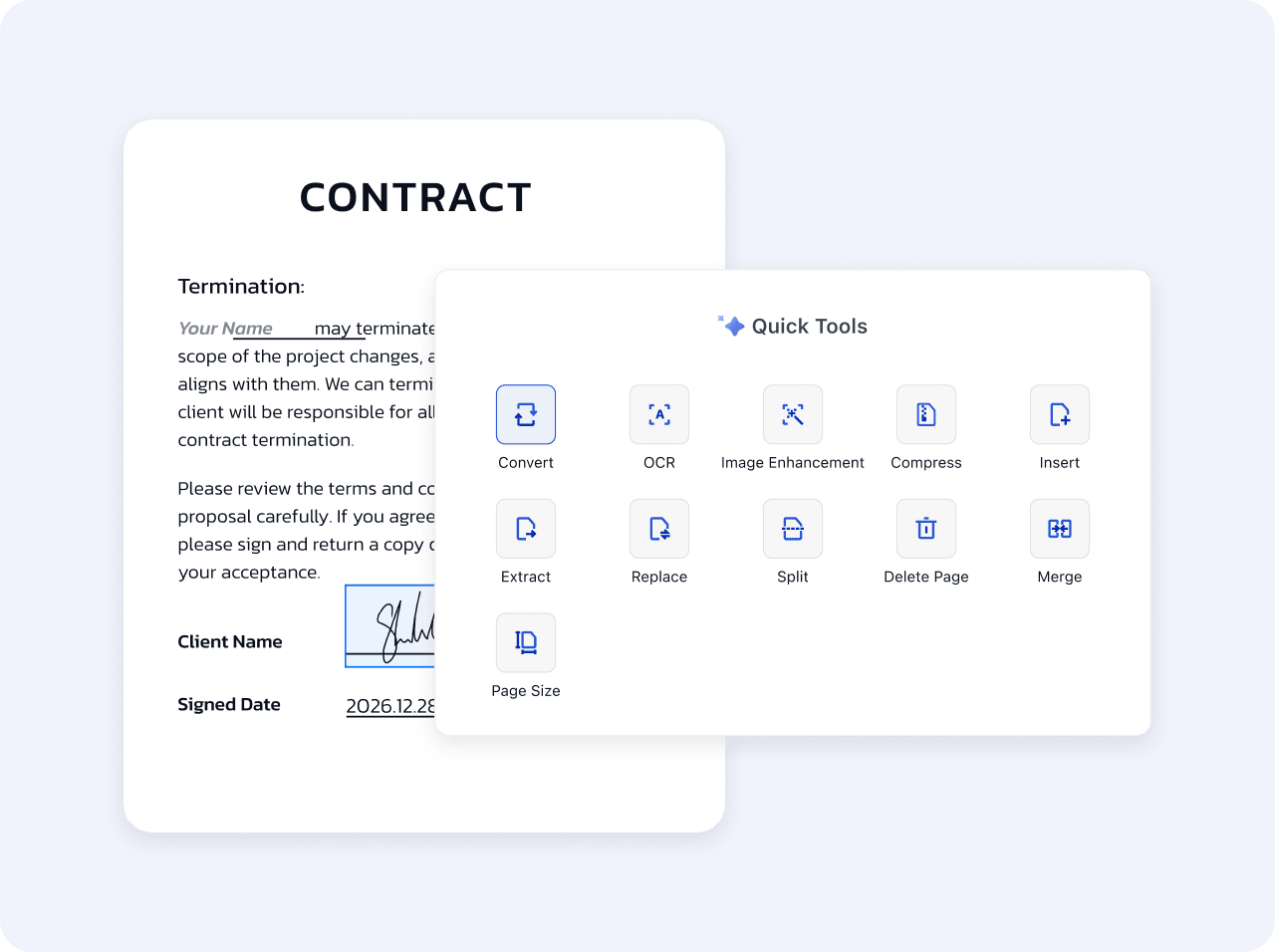
Use scan enhancement before enabling OCR to improve page quality, provide clearer input for recognition, and generate the required file.
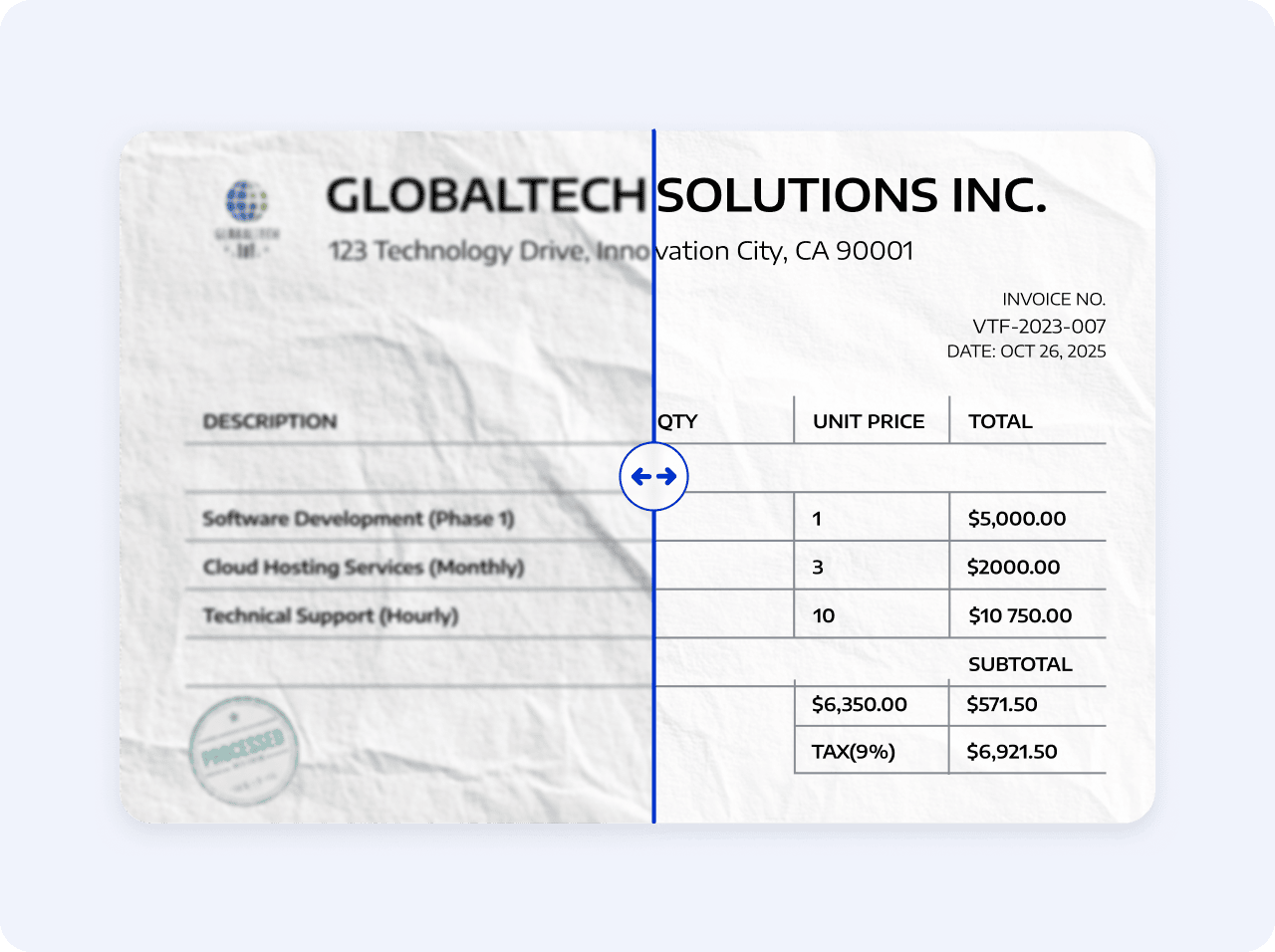
State the intended use, run OCR or enhancement, then download and save the document.
Open a scanned PDF and describe the search, editing, or text-extraction goal
AI adds parameters and calls OCR or scan-enhancement tools
Download the required format and save the data to the enterprise repository.
Open a scanned PDF and describe the search, editing, or text-extraction goal
AI adds parameters and calls OCR or scan-enhancement tools
Download the required format and save the data to the enterprise repository.
 Turn scanned text into searchable content