Related PDF Features
Explore conversion, OCR, page management, editing, annotations, compression, and protection.


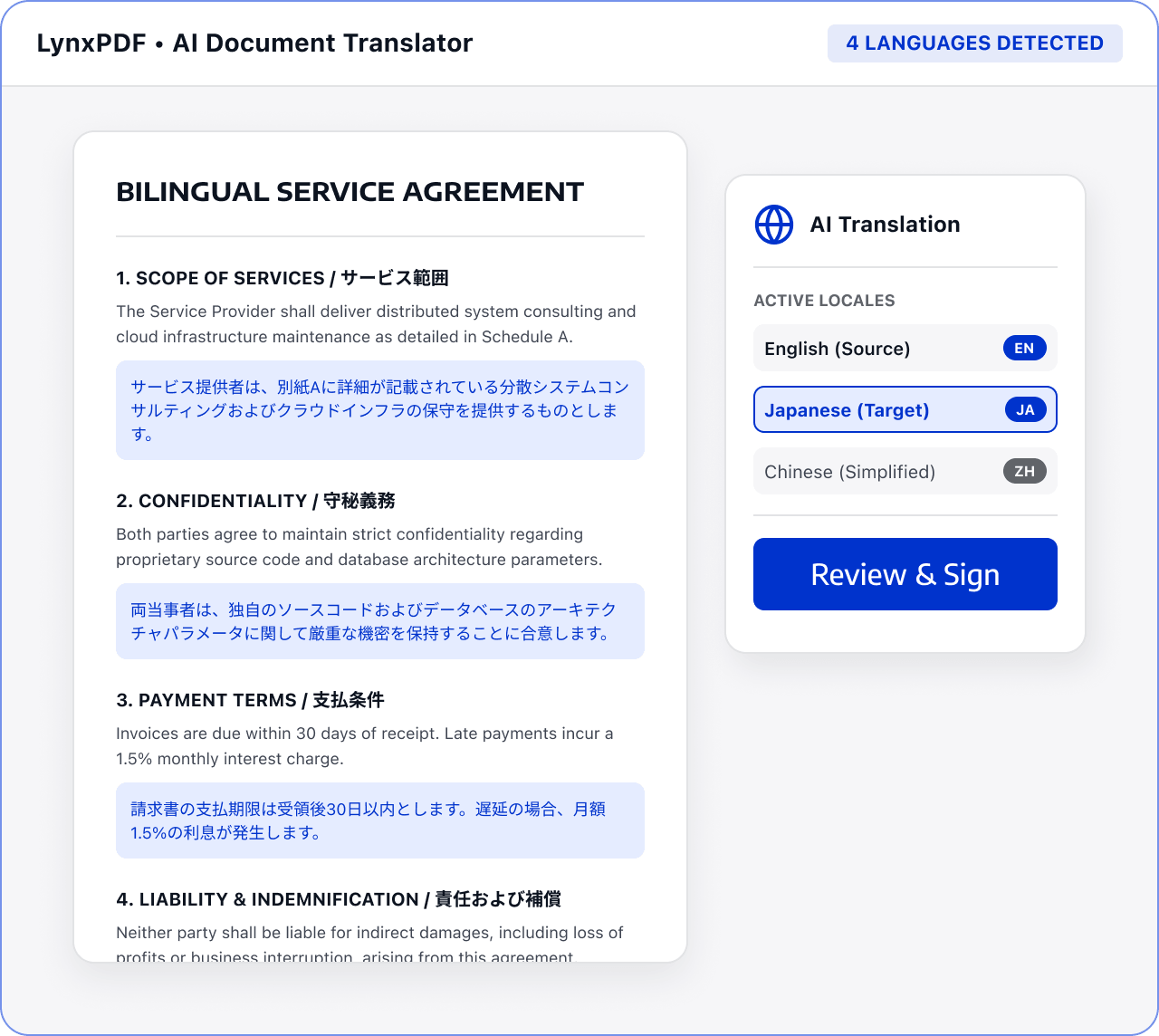
Bring translation, key-point extraction, version comparison, and review into one multilingual document workflow.

Applicable roles: International business, legal, and project teams

Input: Contracts, project reports, and multilingual versions

Output: Multilingual reviewed or delivery documents
Files are often scattered across sources and formats, with manual checks and version exchanges. This raises costs and makes changes and handoffs harder to track.
 Files are scattered across sources, versions, and page orders.
 Teams must find, check, and organize key content manually.
 Sensitive information and final versions require review before handoff.
Use LynxPDF to keep source versions, translations, and review notes together while your team checks the final documents.
Collect the source document, translations, attachments, and previous versions.

Use confirmed AI or translation capabilities to organize important content.
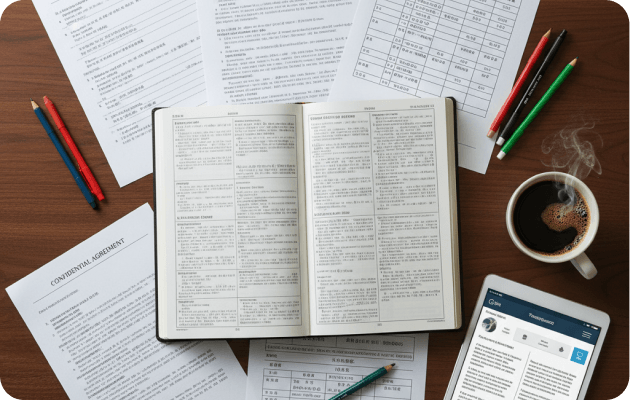
Compare versions, annotate differences, and confirm terms and key numbers.

Support document understanding within confirmed capabilities.
Check differences between originals, translations, and revisions.
Keep open questions and create a delivery version.