Reorganizing Legal and Procurement Files
Describe the page ranges to insert, extract, replace, or delete. AI identifies the task, prompts for necessary parameters, and calls the corresponding page-editing tool.


Describe your PDF task to LynxPDF AI. It identifies the required pages, source files, and output settings, then runs supported tools to create a new file and reduce repetitive work.
Enterprise document processing often involves multiple page operations and parameter requirements. AI parses natural-language instructions into clear tasks and collects source files, page ranges, and output types through conversation.
Describe the page ranges to insert, extract, replace, or delete. AI identifies the task, prompts for necessary parameters, and calls the corresponding page-editing tool.
Insert, split, convert, or compress pages in proposals, attachments, and project materials without repeatedly configuring multiple tools.
Describe frequent PDF tasks in natural language. AI recognizes the operation, collects required parameters, and performs page editing, splitting, merging, or conversion.
Describe your goal in natural language. AI identifies the task, collects the required settings, and runs supported tools for conversion, OCR, page organization, and file optimization.
Describe the content to convert, recognize, or organize in natural language. AI identifies the editing intent and matches the right tool, reducing searches and repeated setup.

AI understands page-processing requirements from the file and page range, calls insert, extract, replace, or split tools, and reduces repeated setup and tool switching.
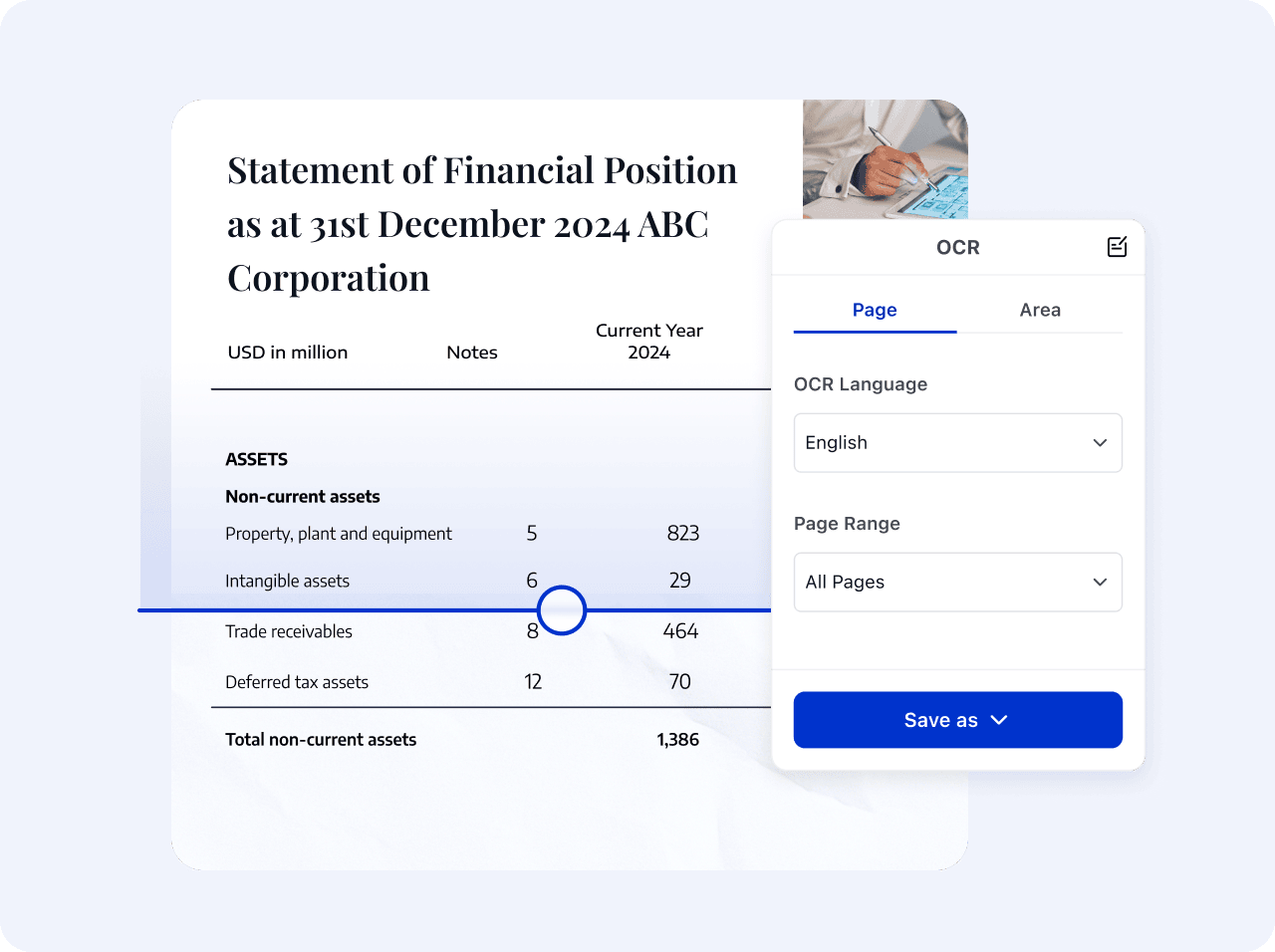
Call format conversion, OCR, insert, extract, replace, split, delete, or merge capabilities based on the recognized task and process the PDF within the specified page range.

Describe the goal in natural language. AI recognizes the intent and collects parameters, while LynxPDF tools perform the operation.
Describe the page-editing or file-processing goal
AI identifies the operation and collects the required file, page range, output type, and other details.
After validation, call the corresponding PDF tool and return the result.
Describe the page-editing or file-processing goal
AI identifies the operation and collects the required file, page range, output type, and other details.
After validation, call the corresponding PDF tool and return the result.
 Recognize the file-processing goal