Speed Up Contract Review and Legal Document Delivery with LynxPDF

LynxPDF helps law firms review, edit, annotate, redact, organize, and share PDFs without relying on cumbersome enterprise software.
Secure Volume Discounts Up to 50%
Corporate Email
Full Name
Corporate Website
Country/Region
Search and select
Telephone Number
Search and select
-
Project Requirements
0 / 1000
Benefits
Features
Resources
Trusted by

Why Choose LynxPDF

Consult Sales

Talk to the LynxPDF team about document workflows, supported features, deployment requirements, and pricing.

Reduce Manual Document Handling

Extract, merge, reorder, or replace pages from evidence, case files, and litigation materials to organize scattered documents into a clearly structured case PDF.

Improve Review Consistency

Organize page order, annotations, form fields, and the final version for consistent team review.

Protect Sensitive Information

Use access permissions, redaction, password protection, watermarks, and e-signatures to protect sensitive documents.

Workflow Capabilities

Create a complete, reviewable, citable case file.
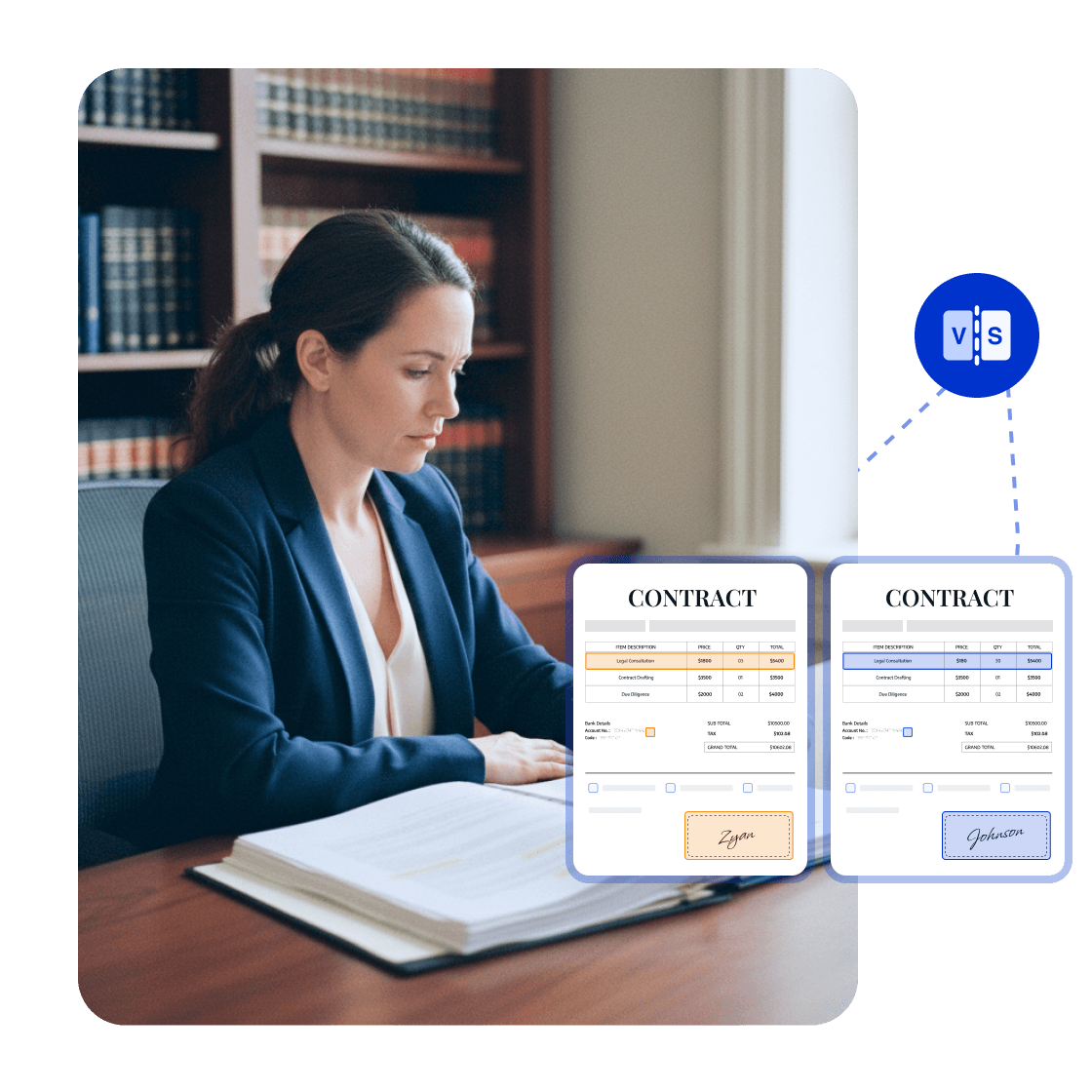
LynxPDF Makes Case Materials Easier to Compare, Reference, and Deliver

PDF Comparison: Review Contracts

Compare contract drafts, pleadings, and evidence versions to highlight additions, deletions, and changes without searching page by page.
Reviewers can confirm the correct version together, reducing the risk of outdated drafts and missed changes.
<span style="color:#0033CC">PDF Comparison</span>: Review Contracts

Redaction: Protect Case Information

Permanently redact personal, contact, financial, and other sensitive case information, then review the redacted areas before sending the file.
Sensitive information is removed, reducing privacy exposure in submissions to courts, opposing counsel, or clients.
<span style="color:#0033CC">Redaction</span>: Protect Case Information

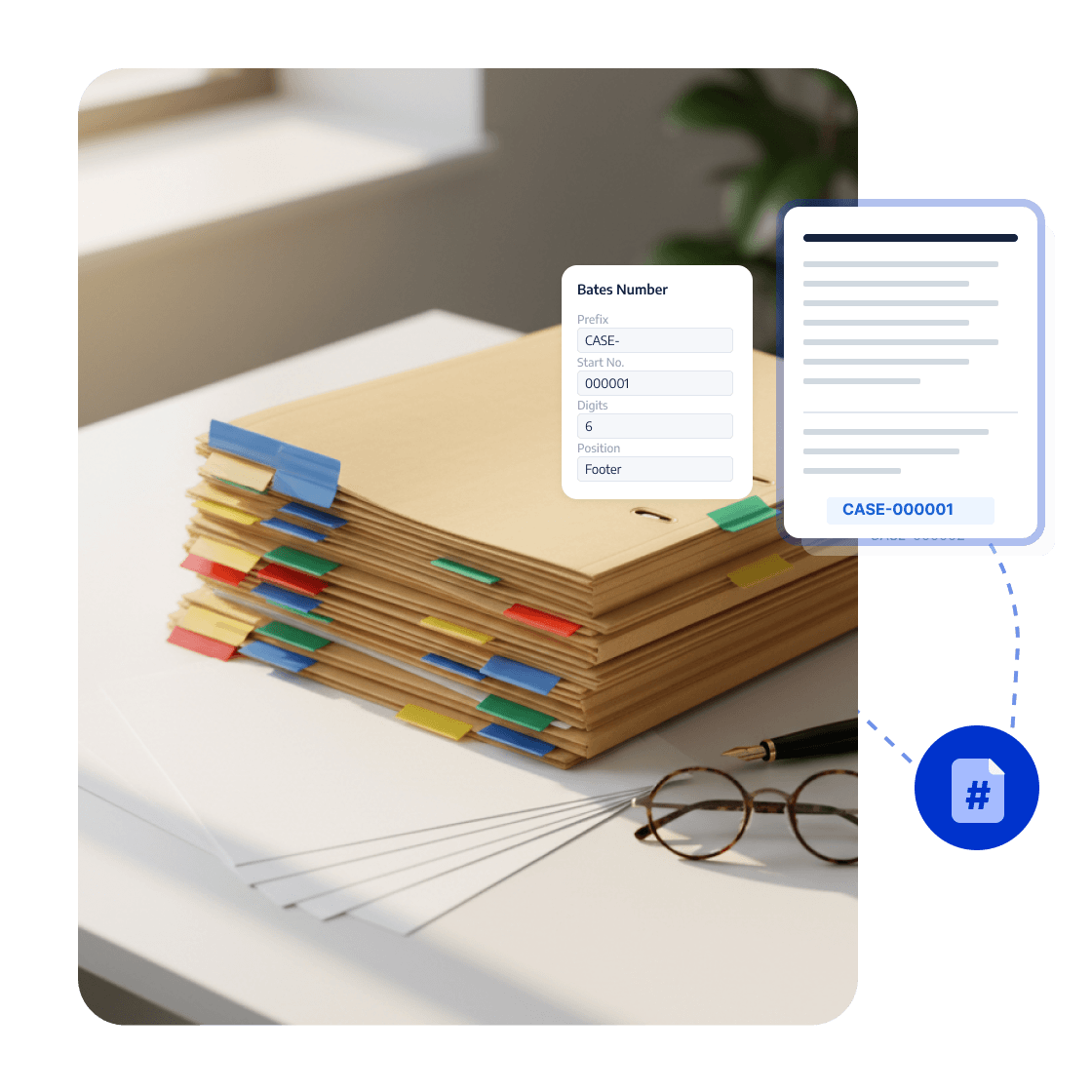
Bates Numbering: Track Evidence

Add and standardize Bates numbers on evidence, case files, and litigation materials for consistent citation and management.
Teams can quickly locate and cite materials, improving discovery, review, and trial preparation.
<span style="color:#0033CC">Bates Numbering</span>: Track Evidence

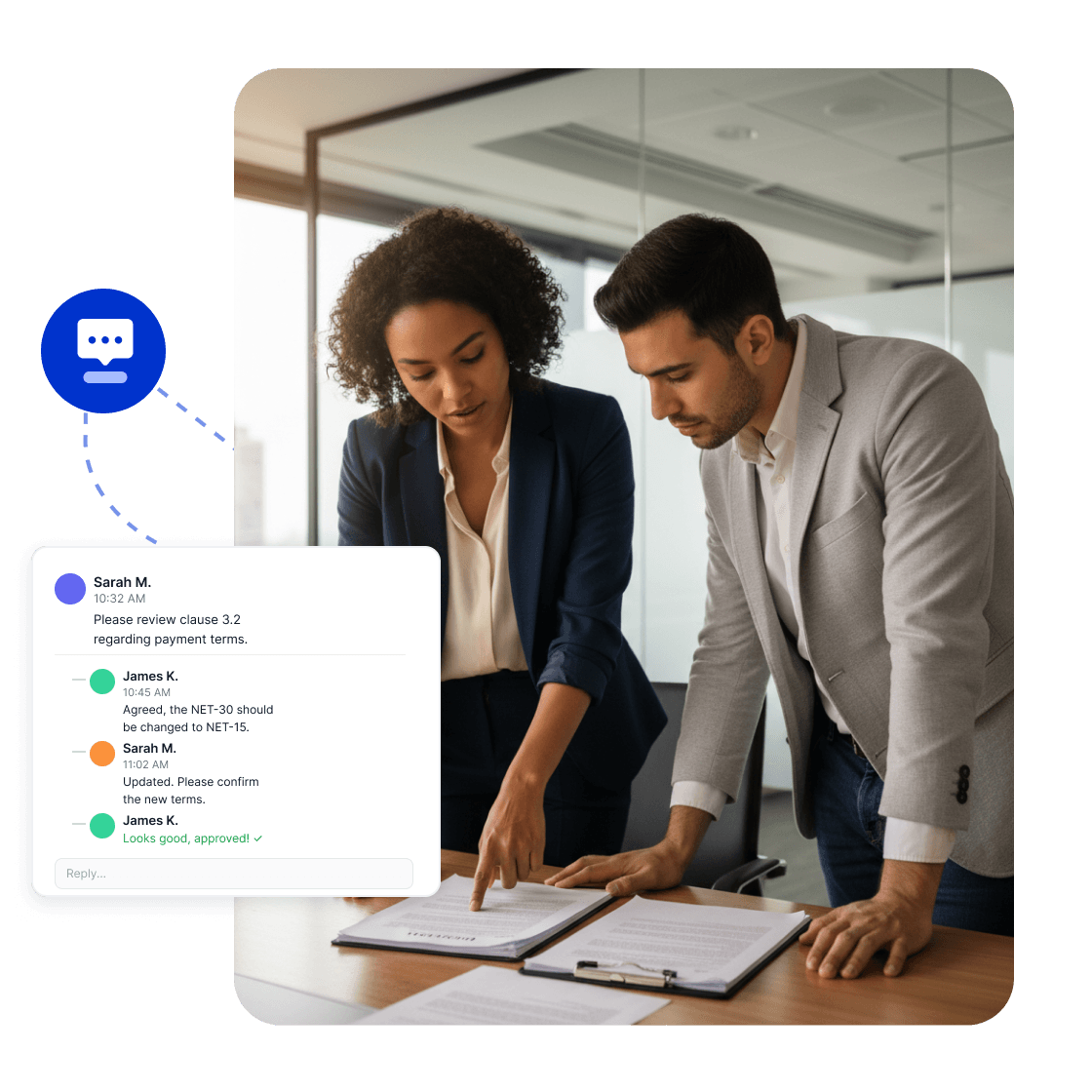
Annotations and Threaded Replies: Review Case Files Together

Annotate clauses, evidence explanations, and legal opinions, then discuss them in threaded comments at the relevant location.
Comments and replies stay organized by page and clause, reducing omissions and helping reviewers align on conclusions.
<span style="color:#0033CC">Annotations and Threaded Replies</span>: Review Case Files Together

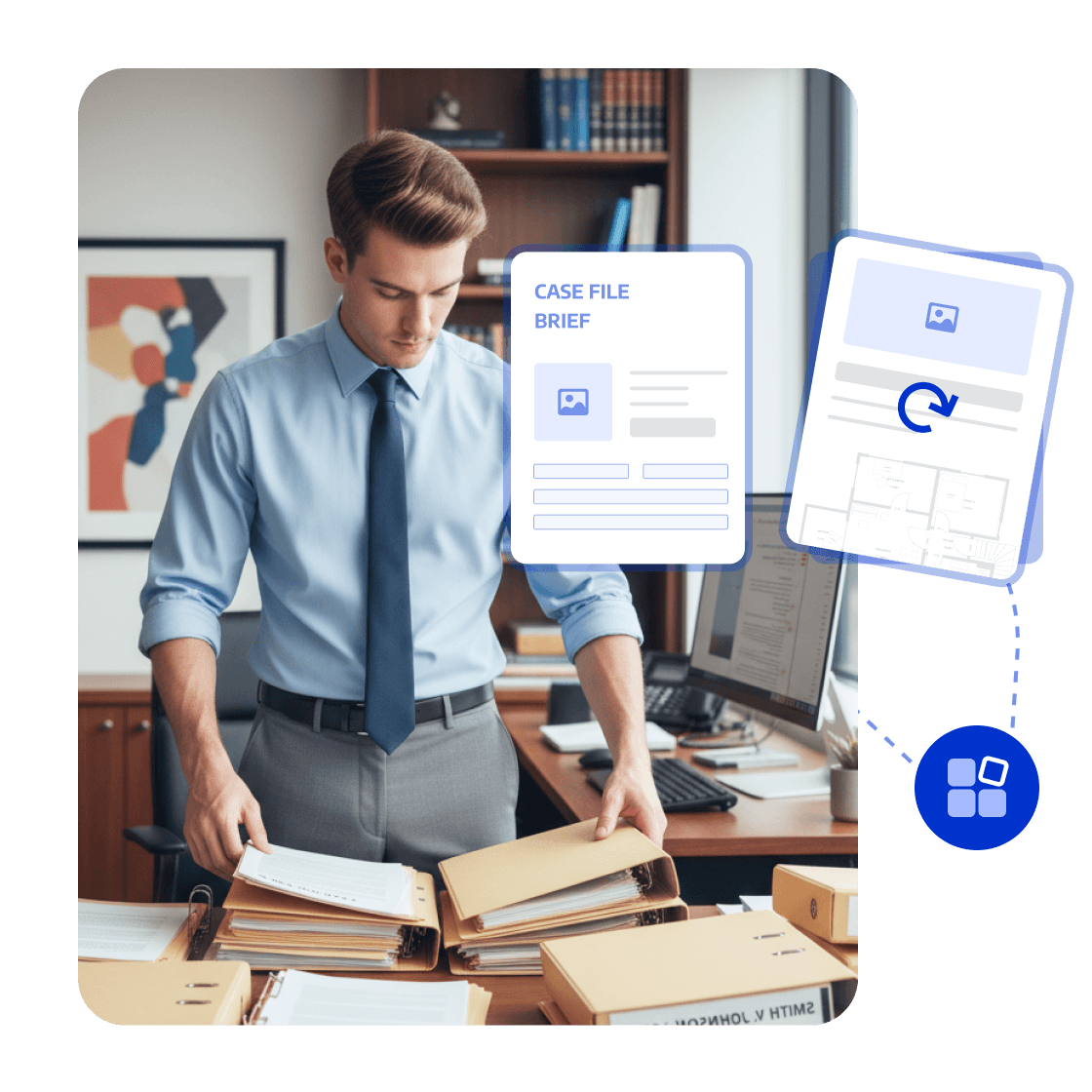
Page Management: Organize Deliverable Case Materials

Extract, merge, reorder, or replace pages from evidence, case files, and litigation materials to create a clearly structured case PDF.
Create accurate, citable, submission- and archive-ready files with fewer omissions.
<span style="color:#0033CC">Page Management</span>: Organize Deliverable Case Materials
Whitepaper

PDF Digitization: Organize, Review, and Deliver Faster

whitepaper
Trusted by Enterprises Globally

The Strategic Adobe Alternative

LynxPDF provided our teams with a comprehensive PDF suite—featuring advanced editing, robust compliance, and seamless deployment—without the burden of exorbitant subscription fees.

avatar
Laura Chen
Operations Manager

Enterprise-Grade Security & Automation

Deploying LynxPDF on-premise ensured total sovereignty over our document workflows. By maintaining all data within our internal infrastructure, we have significantly mitigated security risks.

avatar
Michael Torres
Chief Information Officer

Unified Document Management

LynxPDF consolidated our fragmented toolset. Reviewing, editing, signing, and converting files is now a streamlined process, resulting in a measurable increase in organizational efficiency.

avatar
Robert Kim
IT Project Manager

The Strategic Adobe Alternative

LynxPDF provided our teams with a comprehensive PDF suite—featuring advanced editing, robust compliance, and seamless deployment—without the burden of exorbitant subscription fees.

avatar
Laura Chen
Operations Manager

Enterprise-Grade Security & Automation

Deploying LynxPDF on-premise ensured total sovereignty over our document workflows. By maintaining all data within our internal infrastructure, we have significantly mitigated security risks.

avatar
Michael Torres
Chief Information Officer

Unified Document Management

LynxPDF consolidated our fragmented toolset. Reviewing, editing, signing, and converting files is now a streamlined process, resulting in a measurable increase in organizational efficiency.


avatar
Robert Kim
IT Project Manager
iconiconiconiconiconiconicon

Industry Workflow Case

Compare Contract Versions and Confirm Final Terms

Compare contract drafts, revisions, and related evidence in one PDF workflow to see changes to liability, terms, indemnity, and termination.

Business OutcomeHelp lawyers confirm the final contract version with fewer outdated drafts and missed changes.
Consult Sales
Industry Workflow

Organize Case Files

01

Import Contracts, Pleadings, and Evidence

Compare and mark changes

02

Check Clause and Material Differences

Create a citable case file

03

Standardize Numbers and Deliver the Case File

Create the final file

FAQ
How Does LynxPDF Help Legal Teams Review Case Materials?
LynxPDF helps teams work with contracts, evidence, litigation materials, and signed legal documents through PDF comparison, redaction, Bates numbering, annotation replies, and page management.