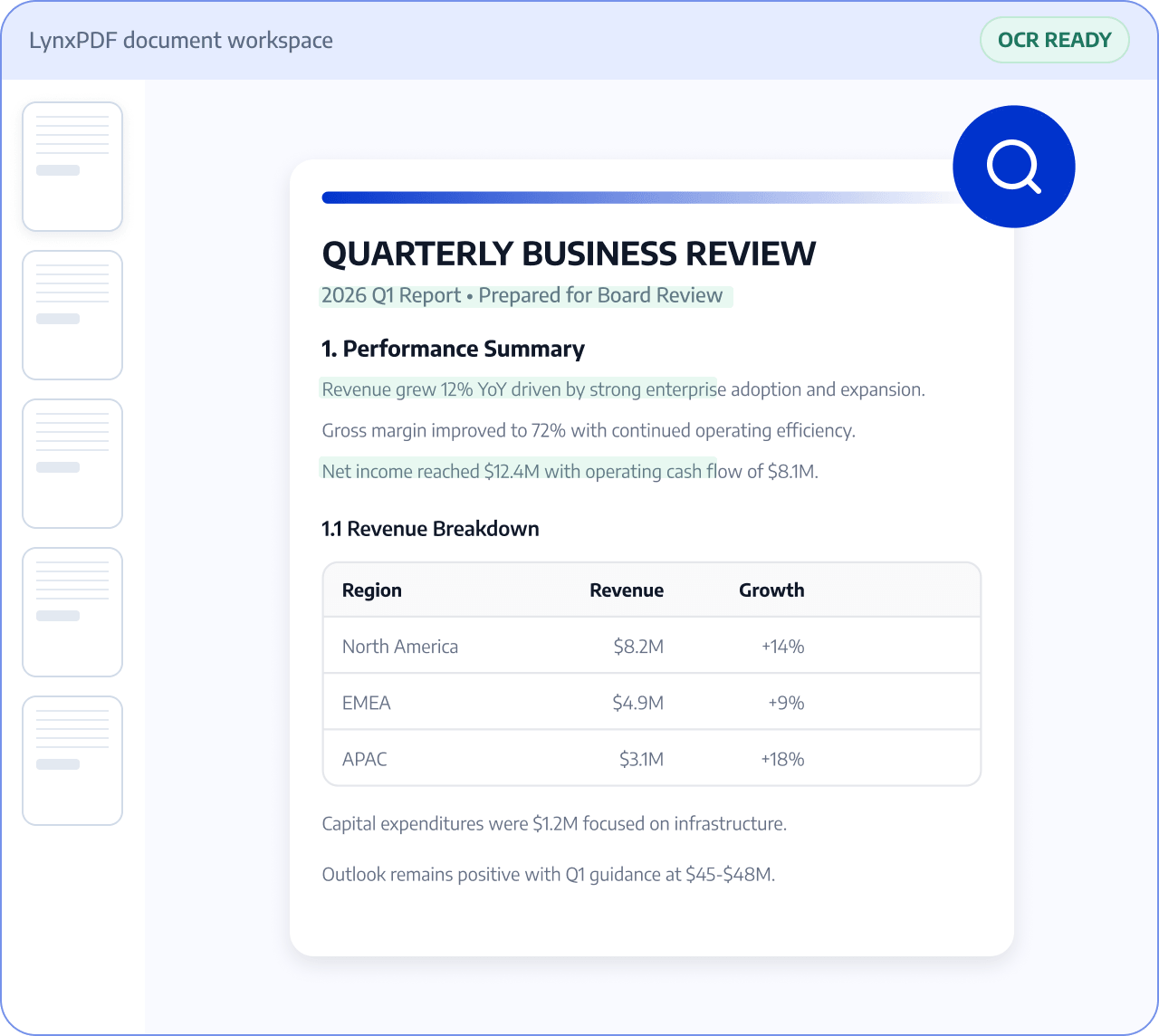
Related PDF Features
Explore conversion, OCR, page management, editing, annotation, compression, and protection.


Turn scans and image-based PDFs into searchable, editable PDFs with OCR. Improve scan quality, organize pages, and review the result before sharing.

Roles: Records managers, administrative teams, and operations teams

Input: Paper documents, scans, images, and paper forms

Output: Searchable, organized digital PDF files
Files are often scattered across sources and formats, with manual checks and version exchanges. This raises costs and makes changes and handoffs harder to track.
 Files are scattered across sources, versions, and page orders.
 Teams must find, check, and organize key content manually.
 Sensitive information and final versions require review before handoff.
Use LynxPDF to improve scanned files, recognize their content, and prepare organized PDFs for your next business process.
Upload scans or images and check page completeness.
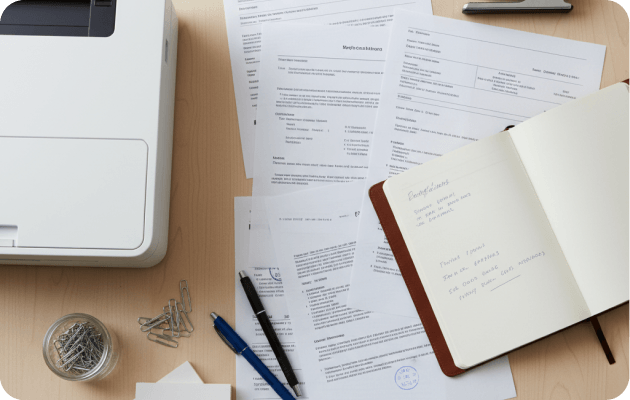
Recognize text and improve scan quality within confirmed OCR capabilities.
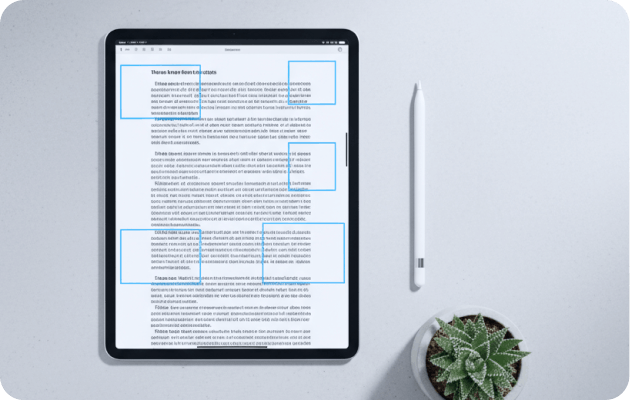
Check text, numbers, and page order before saving the digital document.

Turn scanned content into searchable or editable PDFs.
Reorder pages, extract content, or merge related pages.
Check recognized text, tables, and key fields.