Cross-Border Sales and Customer Materials
Translate product materials, proposals, or customer documents while preserving names, numbers, and contextual relationships to create coherent, structurally complete multilingual PDFs.


LynxPDF AI translates complete PDFs while preserving document structure, professional terminology, and context. Open, download, or compare the translated document with the original to process multilingual materials more efficiently.
AI processes complete PDFs while handling the target language, professional terminology, numbers, and layout, helping multilingual materials move faster into reading, collaboration, and delivery.
Translate product materials, proposals, or customer documents while preserving names, numbers, and contextual relationships to create coherent, structurally complete multilingual PDFs.
Create target-language versions of contracts, policies, or professional reports and check important passages in a split view. Content involving legal or professional meaning still requires professional review.
Translate foreign-language reports and operations materials into the languages your team uses, preserving key terminology, data, and paragraph relationships for internal reading and subsequent delivery.
Upload a PDF and select the target language. AI generates the full translation so you can compare it with the original and check important passages by page.
Choose the target language to translate the complete document consistently, preserving paragraph structure, numbers, and contextual relationships, and generate a new PDF that can be opened and downloaded.
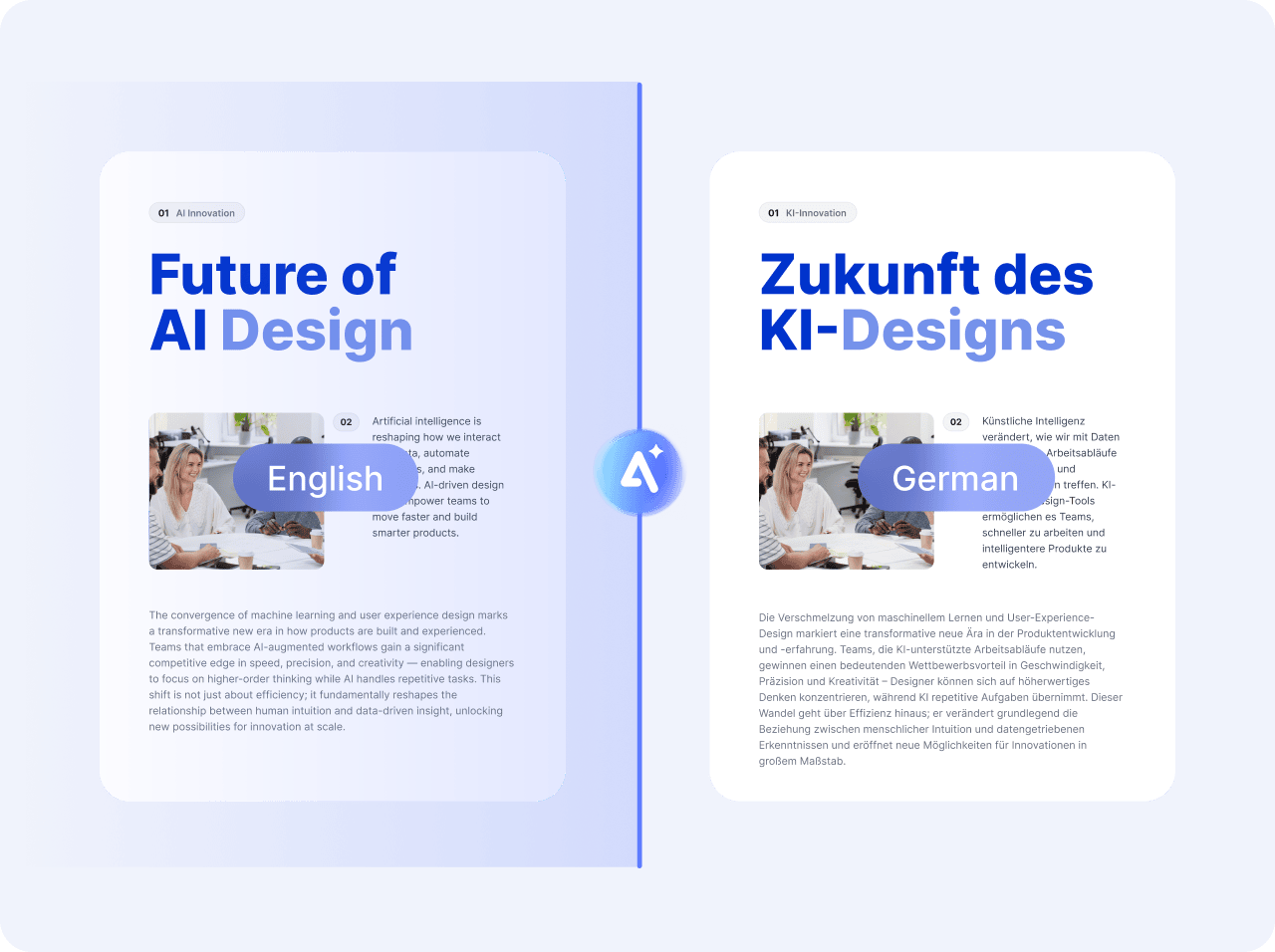
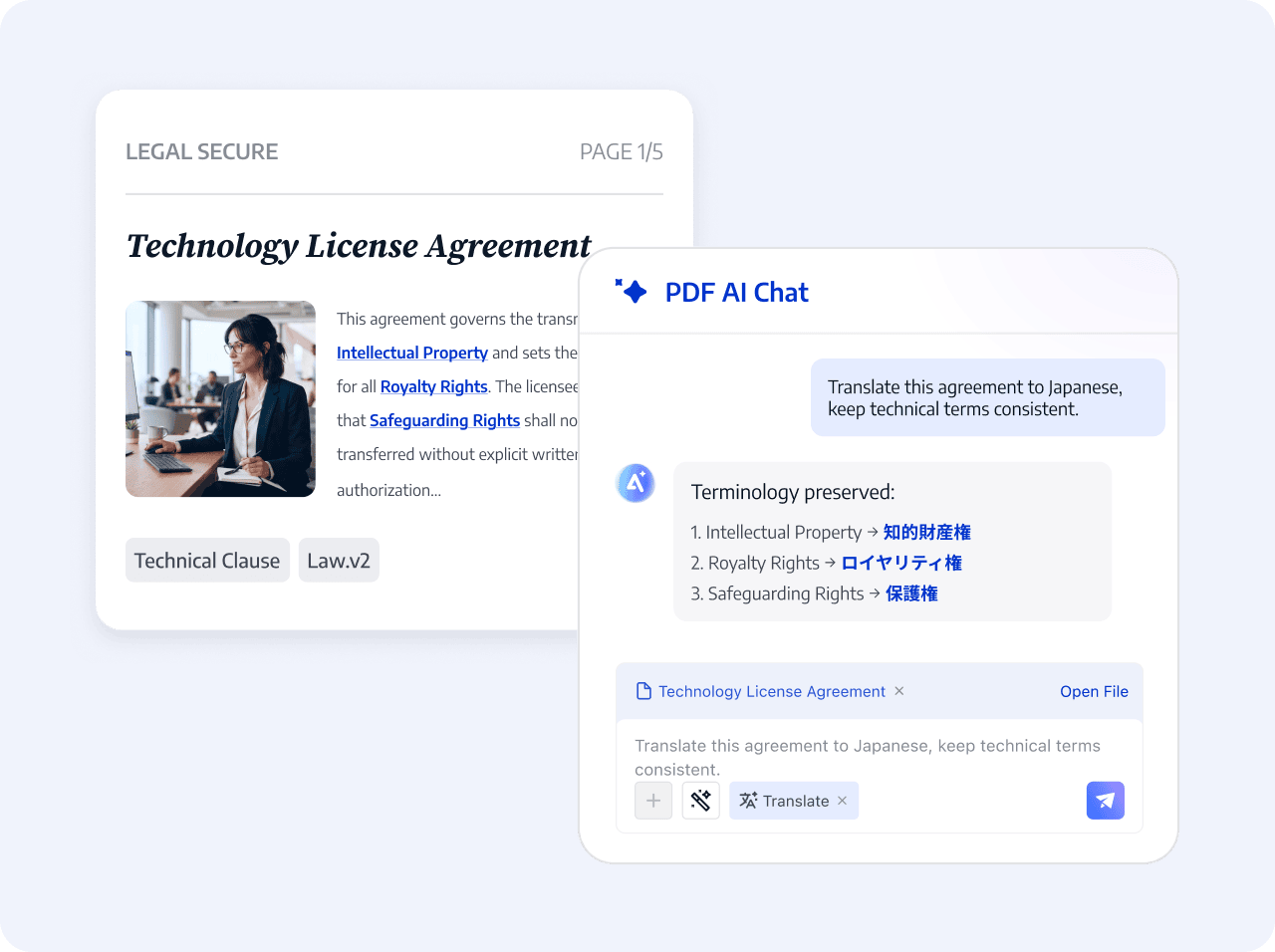
AI processes professional terminology, names, and key expressions in the context of the document, reducing missing information and inconsistencies in multilingual reading.
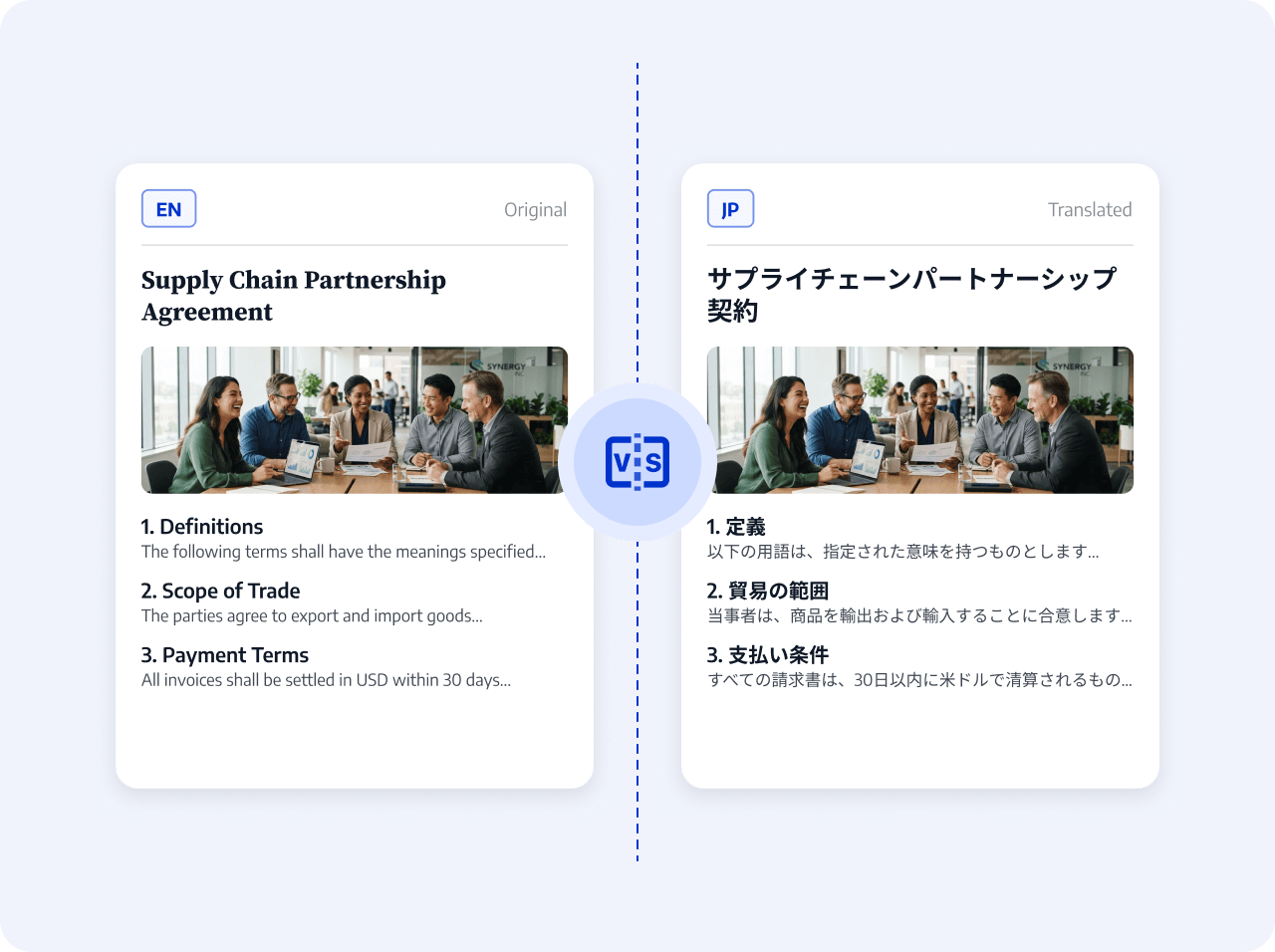
View the original and translated PDFs side by side and verify names, numbers, clauses, and important wording by paragraph and page number.
Set the target language, generate the complete translation, then confirm key content against the original before downloading and saving.
Upload a PDF and set the target language
AI processes the complete document and generates a translated PDF
Check key content against the original, then download and save the result.
Upload a PDF and set the target language
AI processes the complete document and generates a translated PDF
Check key content against the original, then download and save the result.
 Translate the complete document consistently