Organize PDF Pages for the Next Task

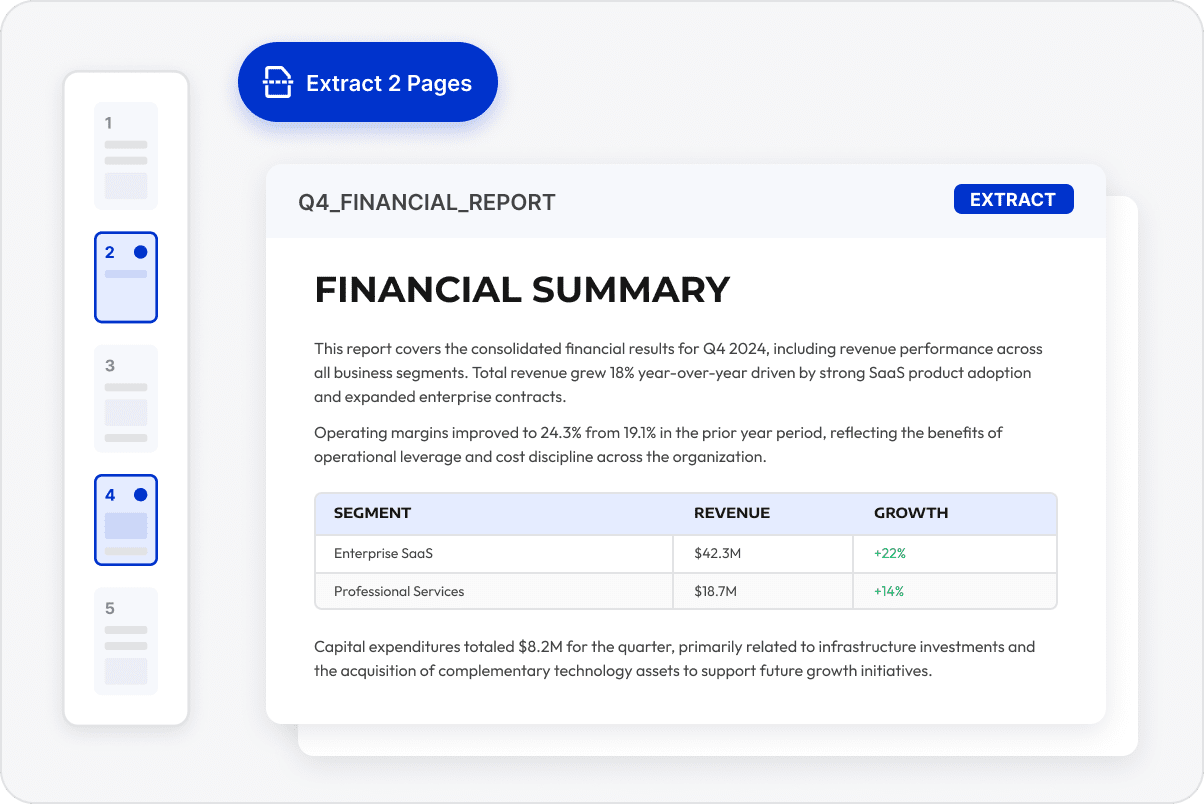
Extract the Pages You Need
Select pages from reports, contracts, or project materials for separate distribution, submission, or archiving.
Extract the Pages You Need
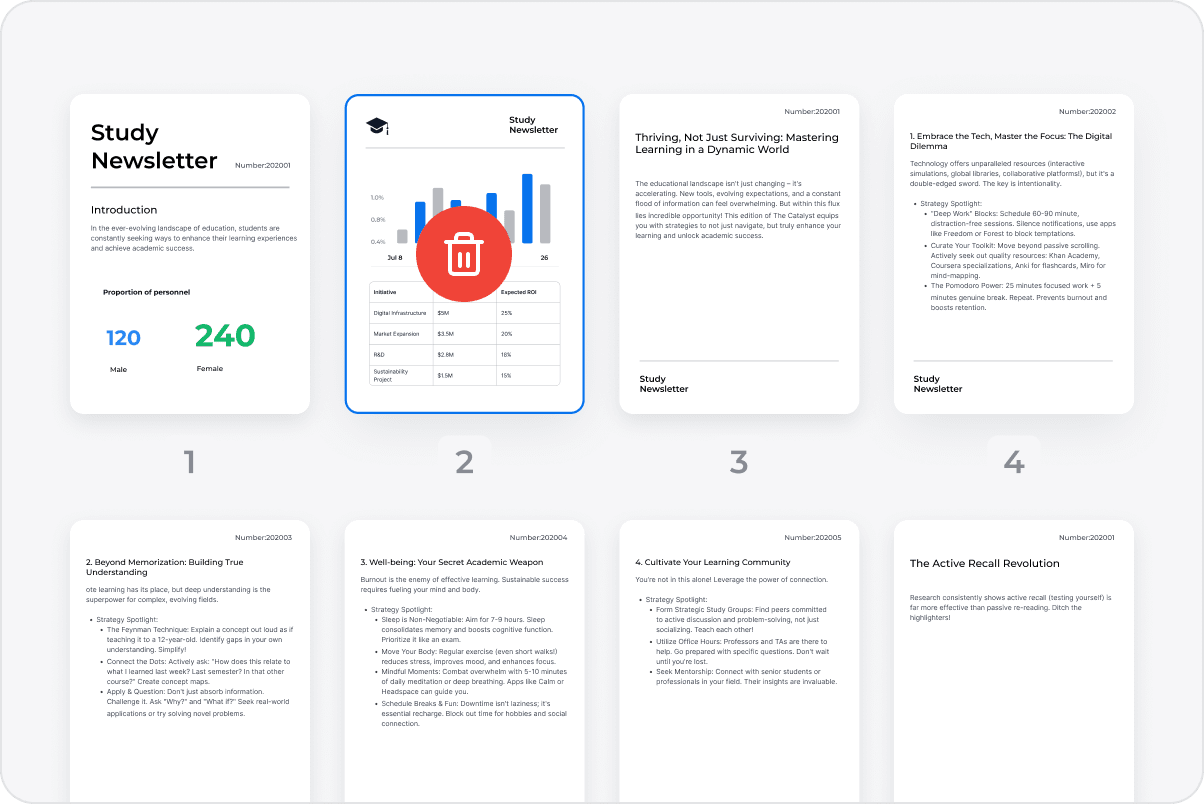
Remove Unwanted Pages
Delete unnecessary or outdated pages to keep the document focused and reduce the chance of delivering incorrect content.
Remove Unwanted Pages
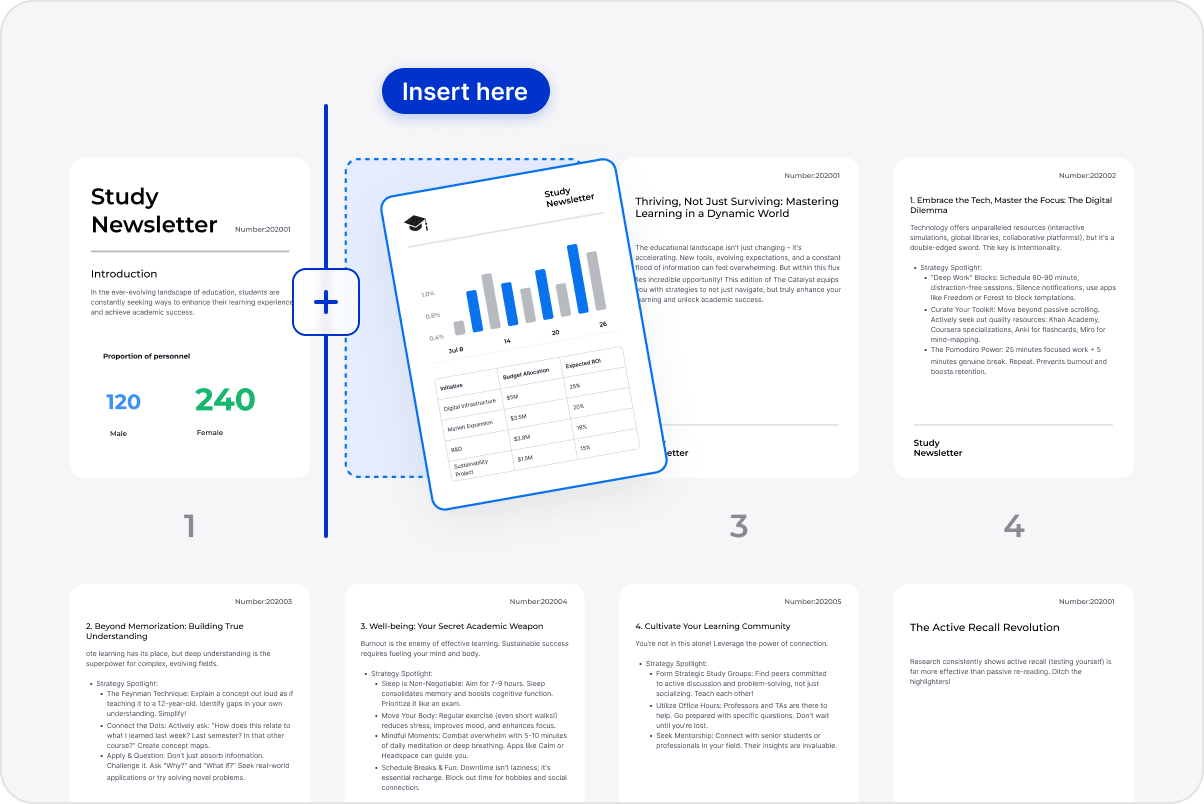
Insert Pages from Other Sources
Insert pages from another PDF, the clipboard, or a scanner, or add a blank page with a custom size for further editing.
Insert Pages from Other Sources
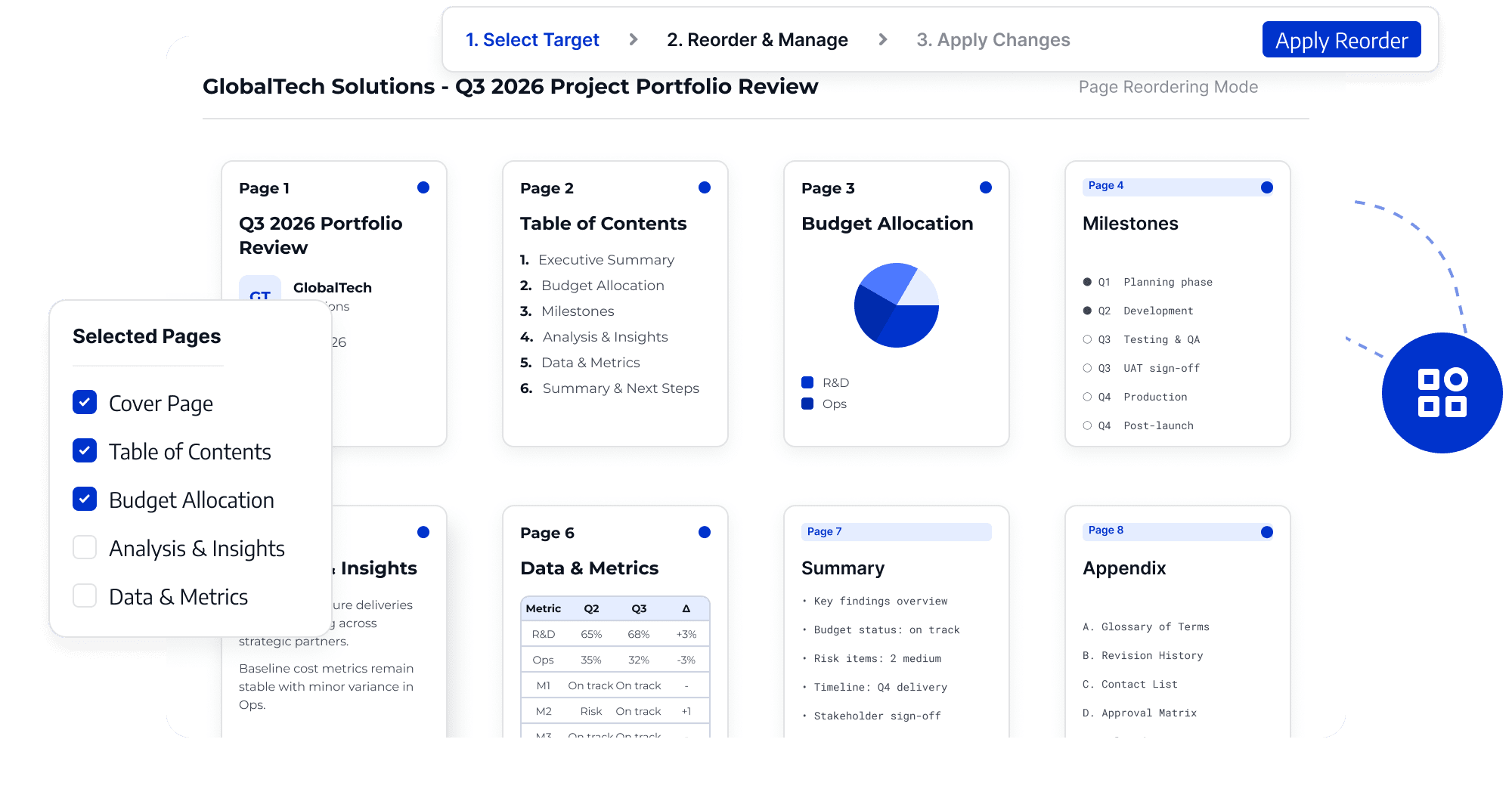
Reorder Document Content
Rearrange pages to organize reports, contracts, and project materials into a clear sequence for review and delivery.
Reorder Document Content
Keep Pages in the Correct Order
Correct page orientation or replace incorrect and outdated pages to keep the document order and content accurate and reduce handoff confusion.
Keep Pages in the Correct Order

Access LynxPDF Expert Library

Forward-looking insights and strategic guides for enterprise document management.
whitepaper
Explore Advanced Enterprise Features
Consult Our Sales Experts
Our team is available to address your specific enterprise requirements. Please complete the form below to initiate a consultation with a representative:
Initiate a 14-day trial of LynxPDF and the LynxPDF Admin Console.
Identify the optimal licensing structure for your organization.
Review industry-specific use cases and implementation strategies.
Secure Volume Discounts Up to 50%
Corporate Email
Full Name
Corporate Website
Country/Region
Search and select
Telephone Number
Search and select
-
Project Requirements
0 / 1000