Pre-Send Checks
Quickly locate content that may involve sensitive information in proposals, reports, or customer materials, then view the full context through page citations.


LynxPDF AI helps security, compliance, and business teams identify PDF content that may involve sensitive information, generate a risk-signal checklist with page citations, and quickly locate priority content
AI identifies potentially sensitive content in enterprise PDFs, links each finding to its original location and context, and presents risk signals in one place.
Quickly locate content that may involve sensitive information in proposals, reports, or customer materials, then view the full context through page citations.
Screen PDFs exchanged with suppliers or customers, showing pages and context together so security and compliance staff can quickly understand risk signals.
Organize findings into a checklist linked to the original location to help relevant staff scan potential risks quickly; detection results are not compliance conclusions.
After uploading a PDF, LynxPDF AI detects content that may involve sensitive information and displays risk signals in document order.
Analyze the PDF body and organize signals that may require attention, reducing page-by-page searching and prioritizing areas that need further judgment.
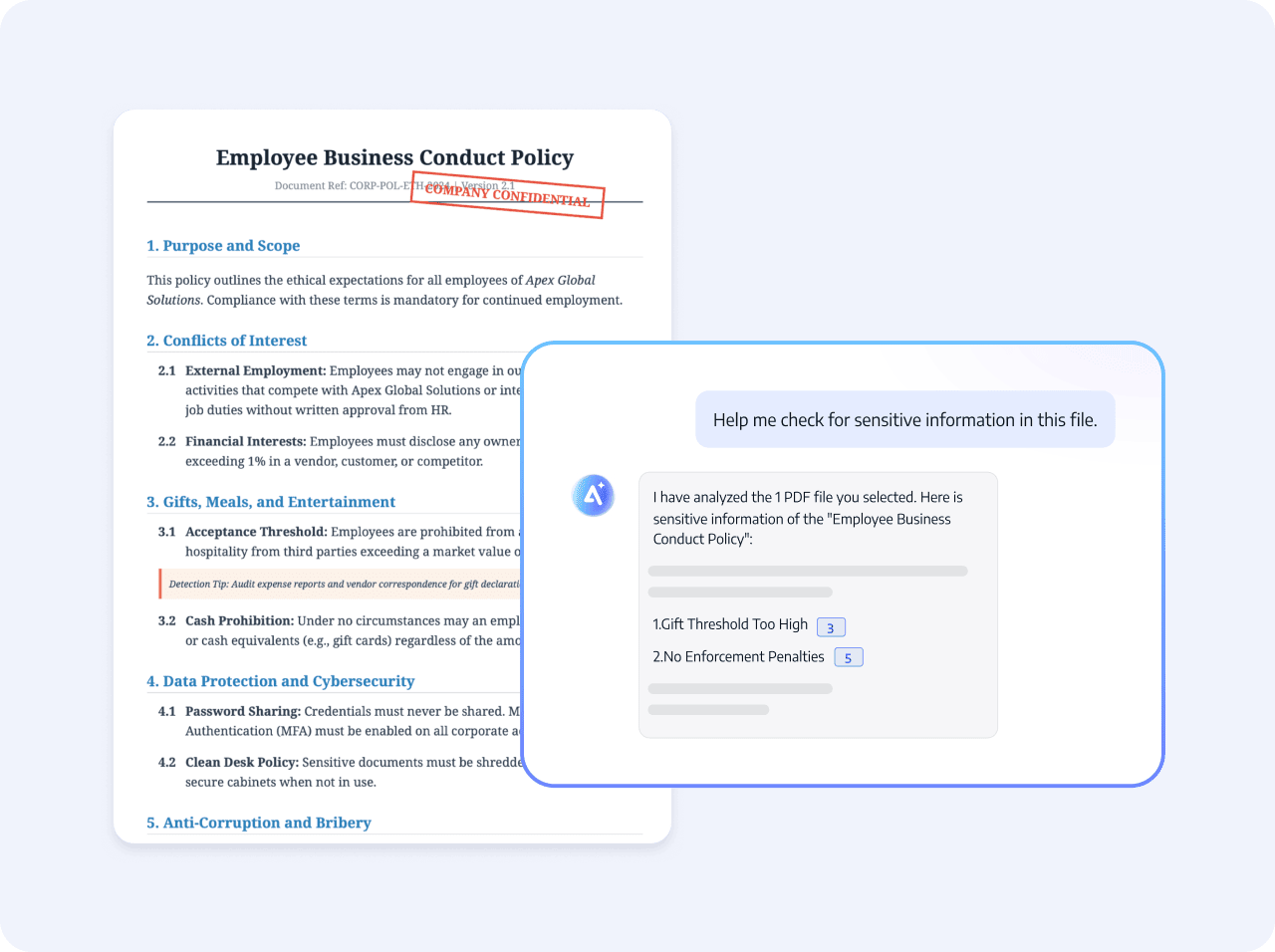
Click the page citation in a detection result to view the full context, meaning, and actual location of the content.
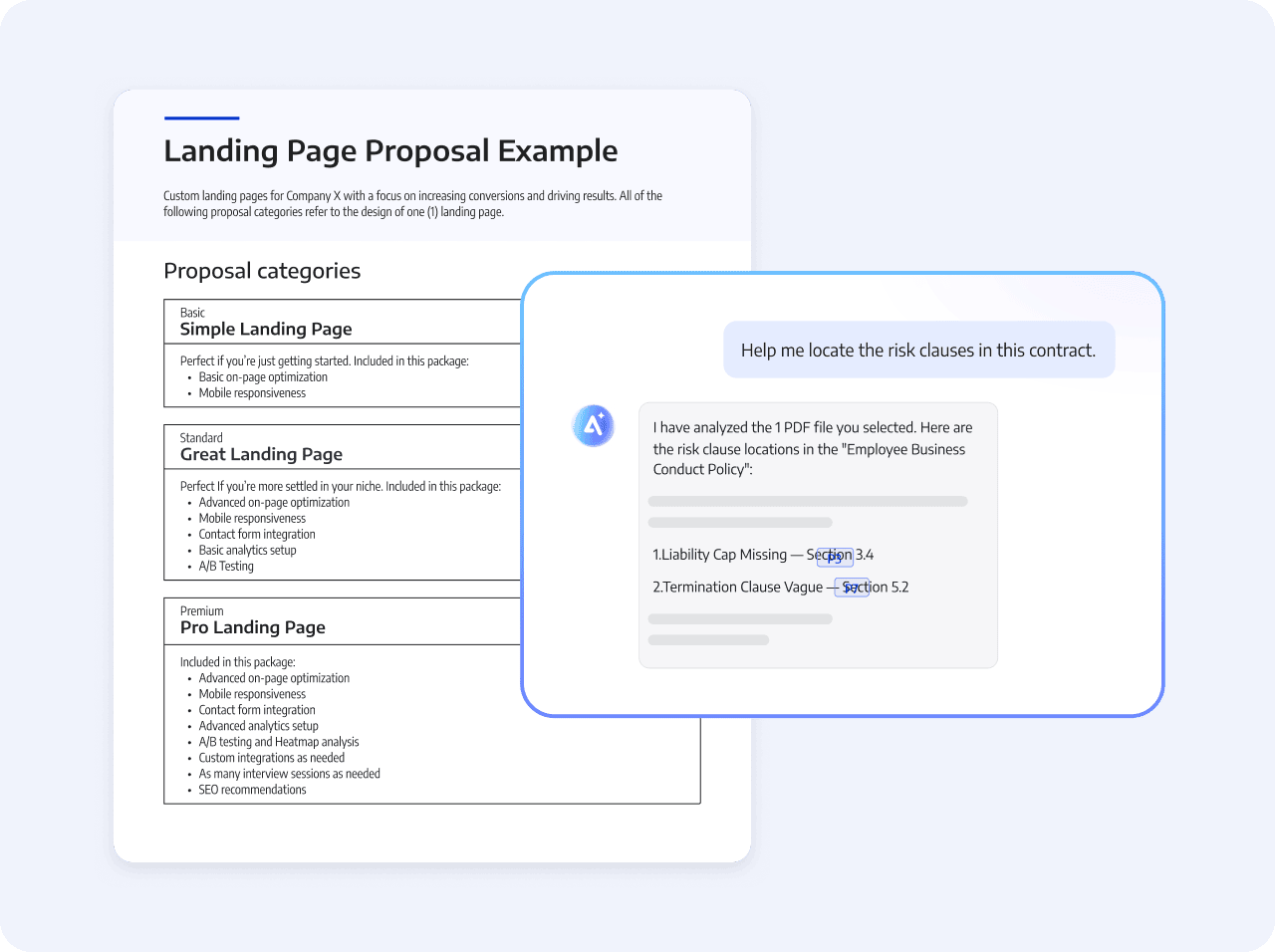
Present findings, citations, and context together so security, compliance, or business owners can review signals by risk category.
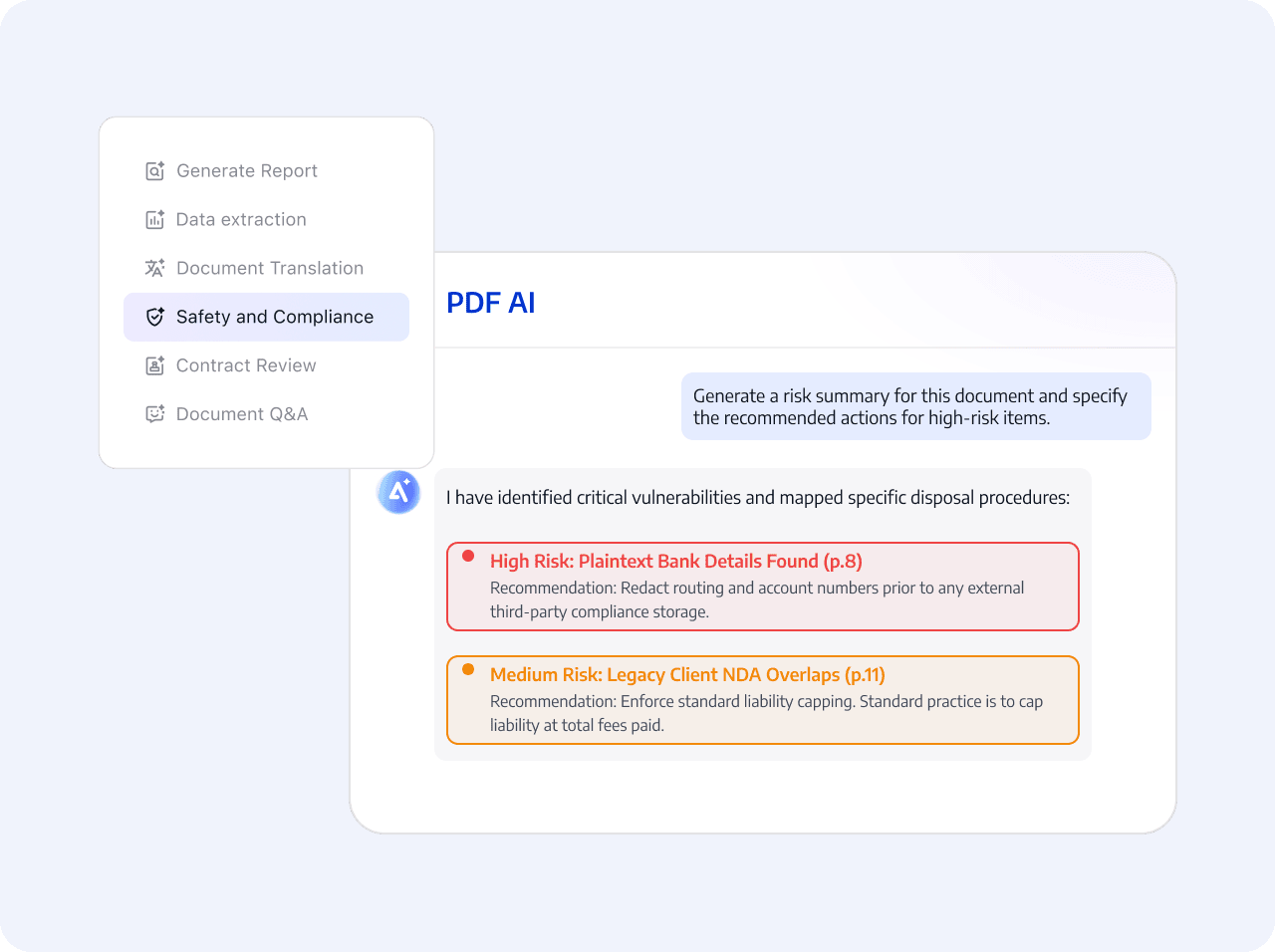
AI provides detection signals; people make judgments based on enterprise rules, business context, and the complete original text.
Select the PDF to check
AI identifies content that may involve sensitive information and generates a checklist
Confirm edits or masking of sensitive information and export the file.
Select the PDF to check
AI identifies content that may involve sensitive information and generates a checklist
Confirm edits or masking of sensitive information and export the file.
 Prioritize potentially sensitive content