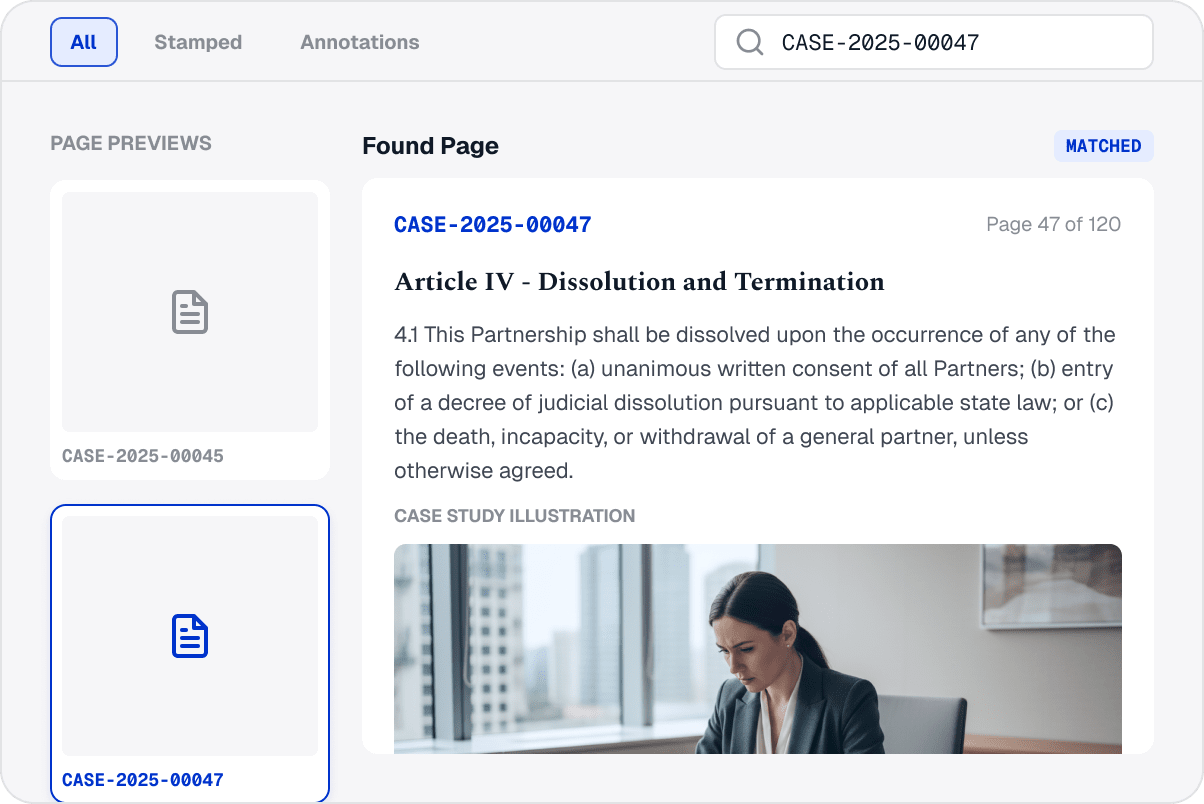
Add Bates Numbers for Precise PDF Page References

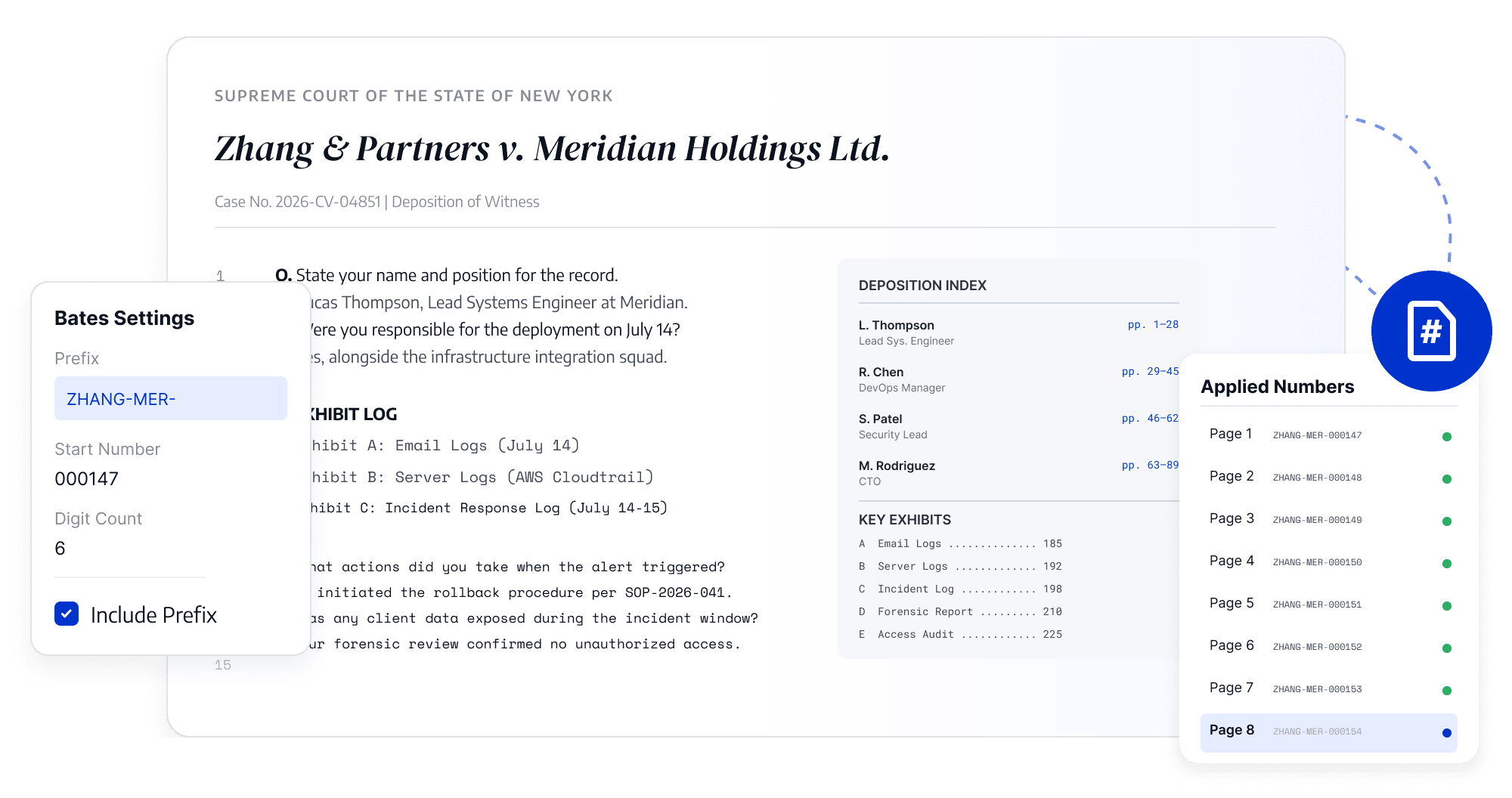
Create Clear Page References
Add sequential Bates numbers to legal, financial, and administrative PDFs for easier reference, review, and tracking.
Create Clear Page References
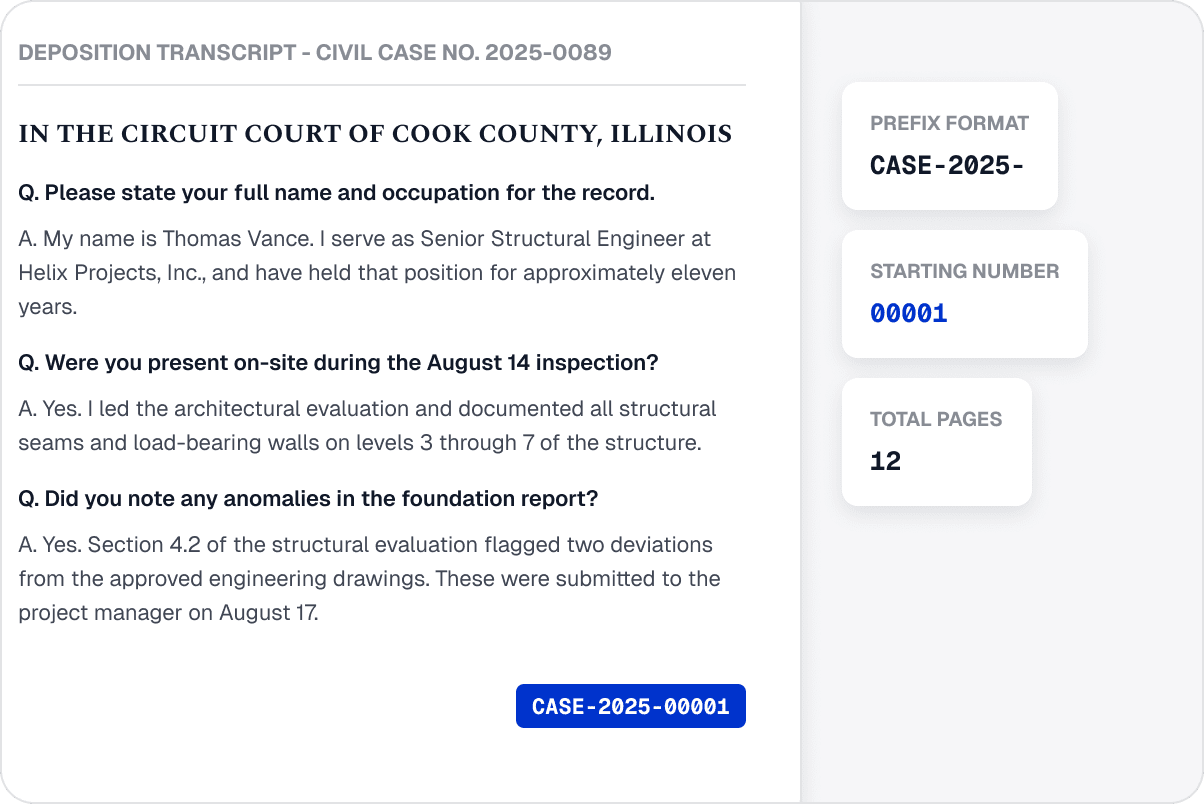
Format Bates Numbers for Business Documents
Configure numbering content and placement for a project, contract, or archive requirements, including combined document sets.
Format Bates Numbers for Business Documents
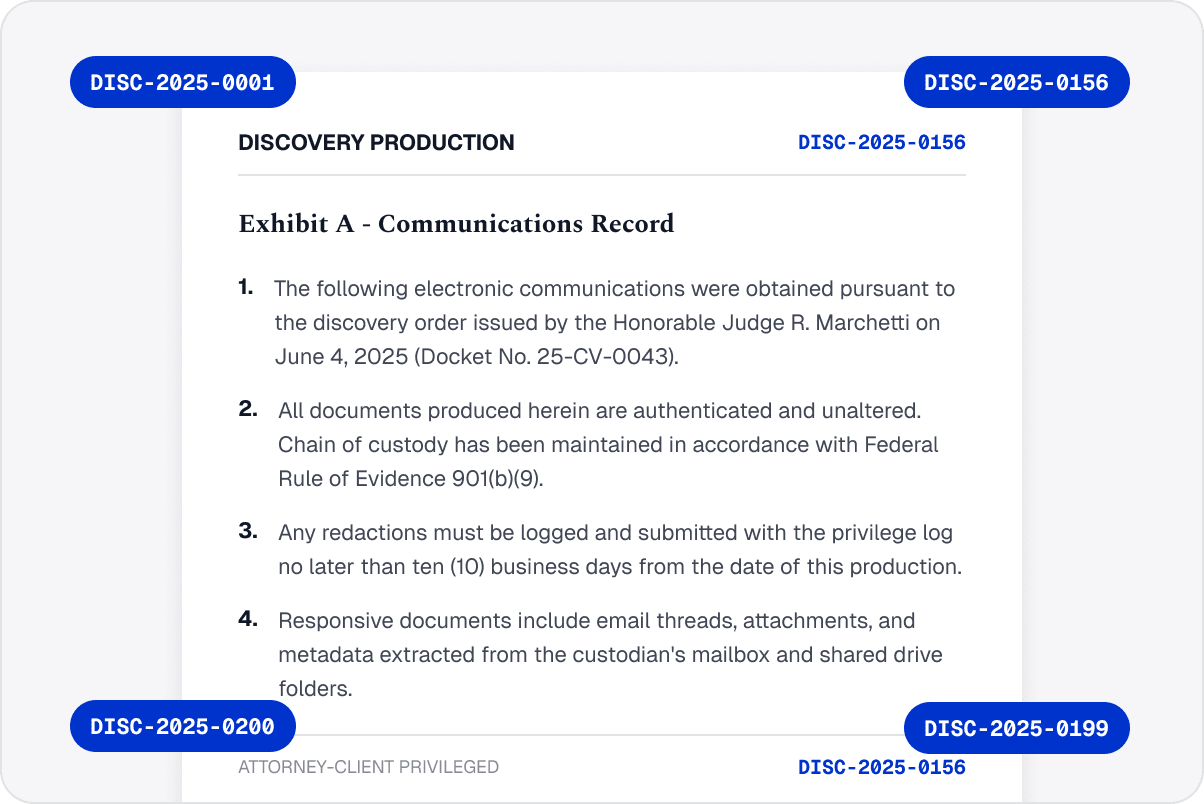
Keep Page Numbering Consistent
Generate numbers in page order to reduce duplicates, gaps, or inconsistent placement and help reviewers find specific pages.
Keep Page Numbering Consistent
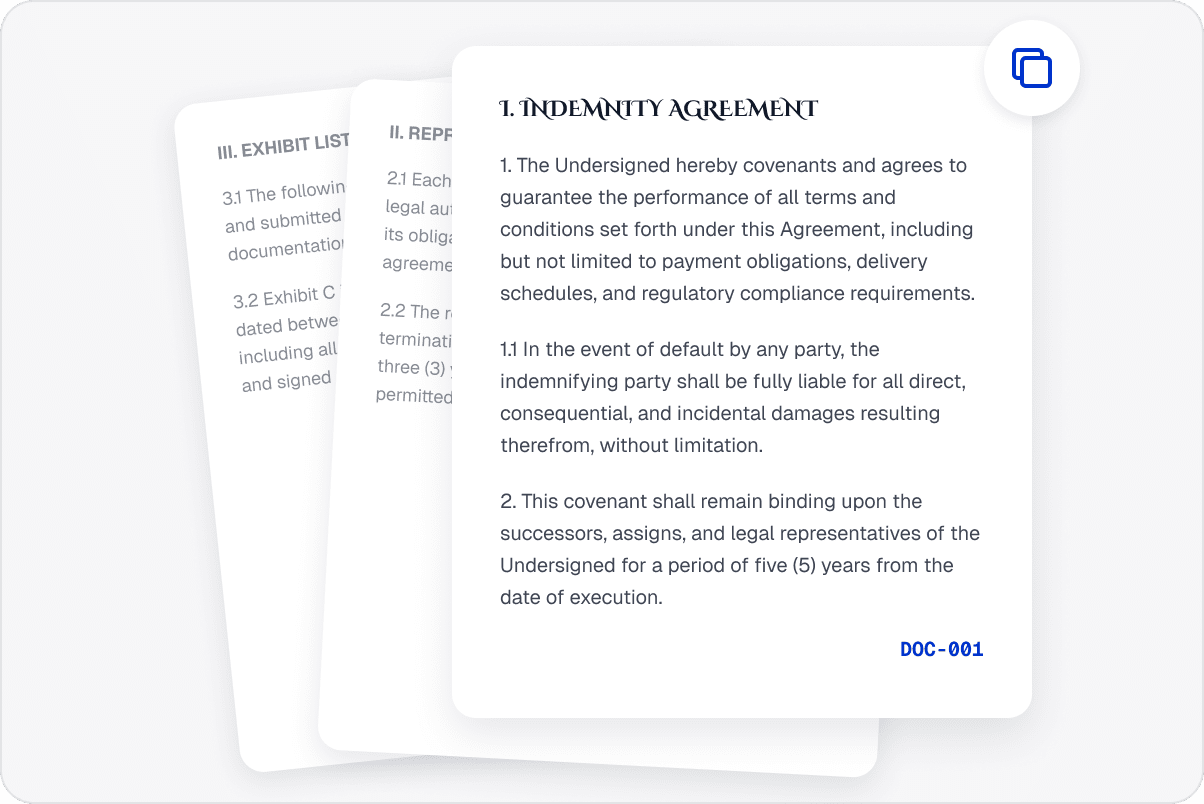
Reference Documents More Easily
Use consistent page identifiers during review, approval discussions, delivery, and later retrieval instead of manually tracking pages.
Reference Documents More Easily
Locate Document Content Quickly
Use professional Bates numbers as stable page references so teams can quickly locate content during review, delivery, and archiving.
Locate Document Content Quickly

Access LynxPDF Expert Library

Forward-looking insights and strategic guides for enterprise document management.
whitepaper
Explore Advanced Enterprise Features
Consult Our Sales Experts
Our team is available to address your specific enterprise requirements. Please complete the form below to initiate a consultation with a representative:
Initiate a 14-day trial of LynxPDF and the LynxPDF Admin Console.
Identify the optimal licensing structure for your organization.
Review industry-specific use cases and implementation strategies.
Secure Volume Discounts Up to 50%
Corporate Email
Full Name
Corporate Website
Country/Region
Search and select
Telephone Number
Search and select
-
Project Requirements
0 / 1000