Verify PDF Digital Signatures and Document Integrity

Check Signature Validity
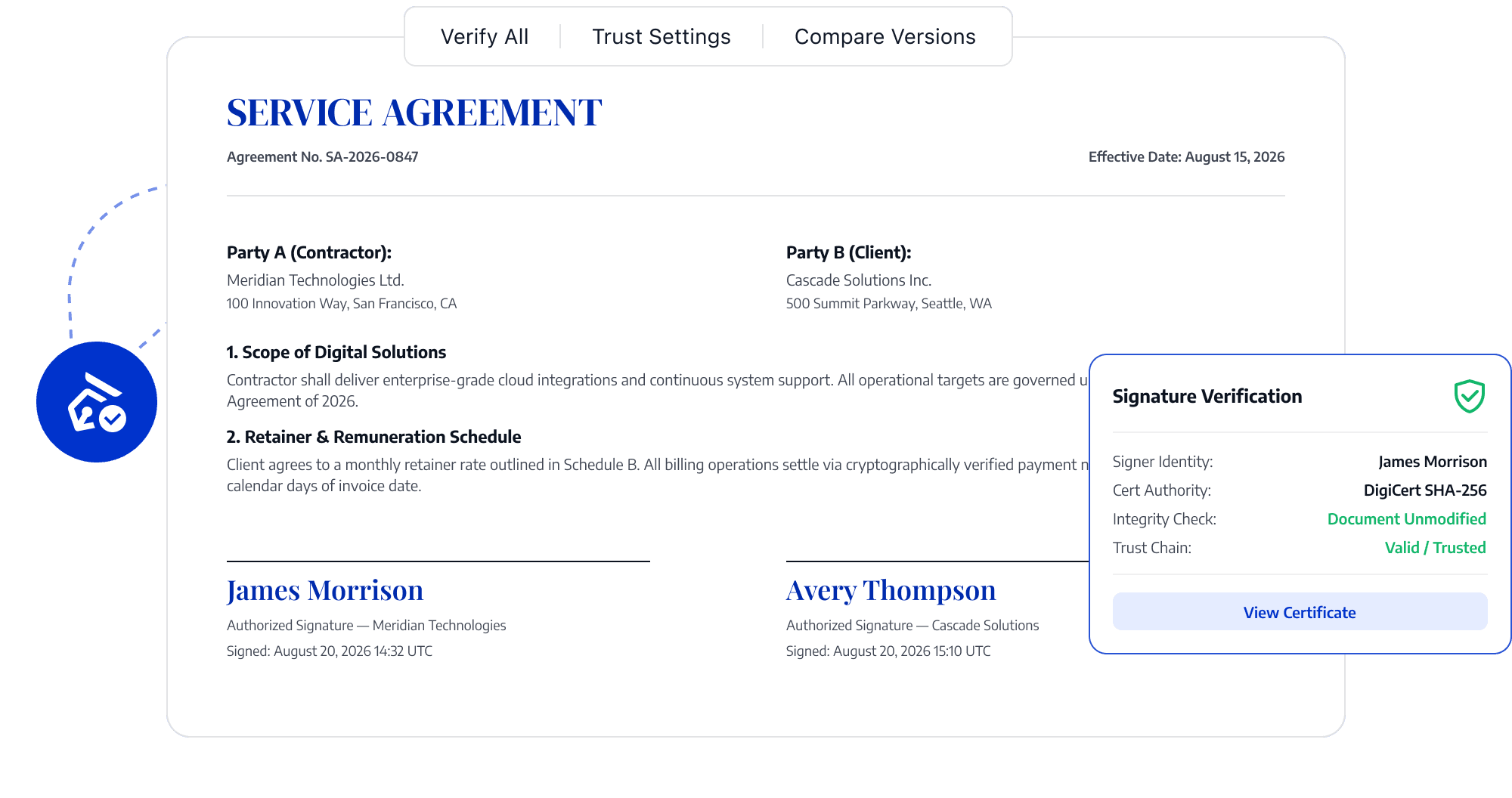
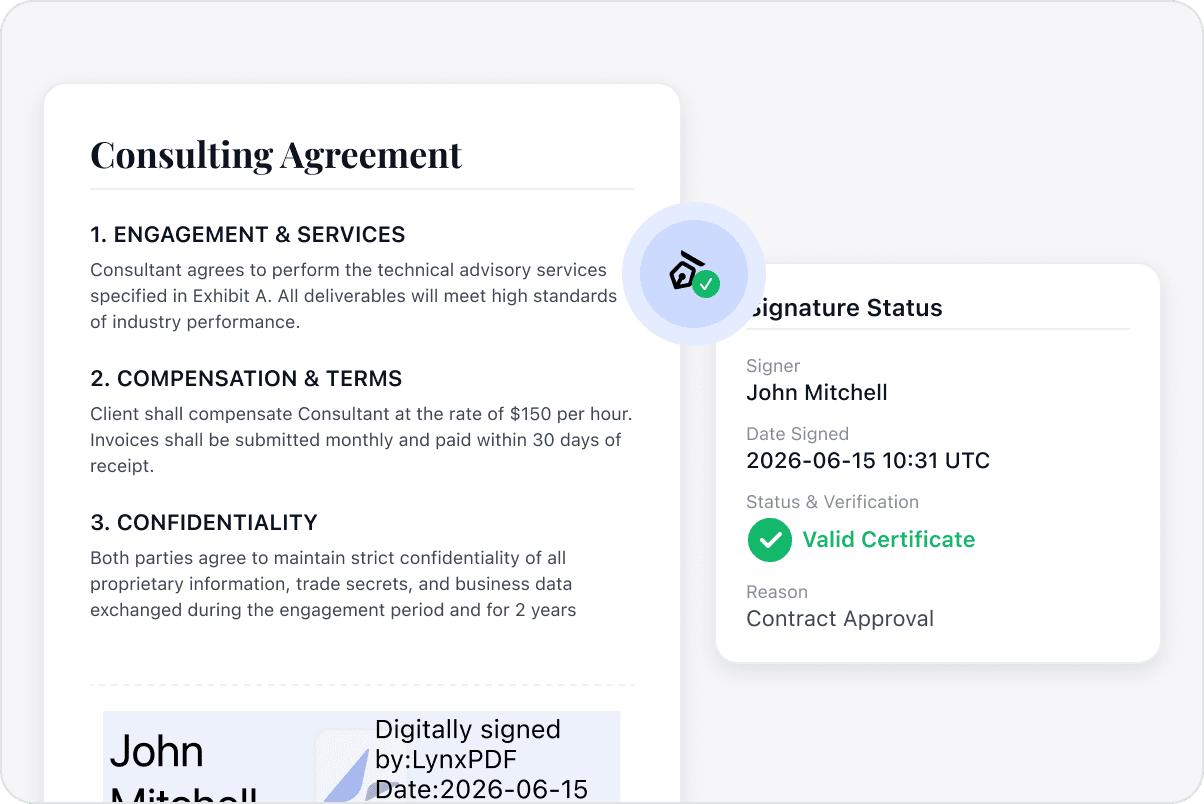
Open digitally signed contracts, approval documents, or other records and review whether the signature is valid.
Check Signature Validity
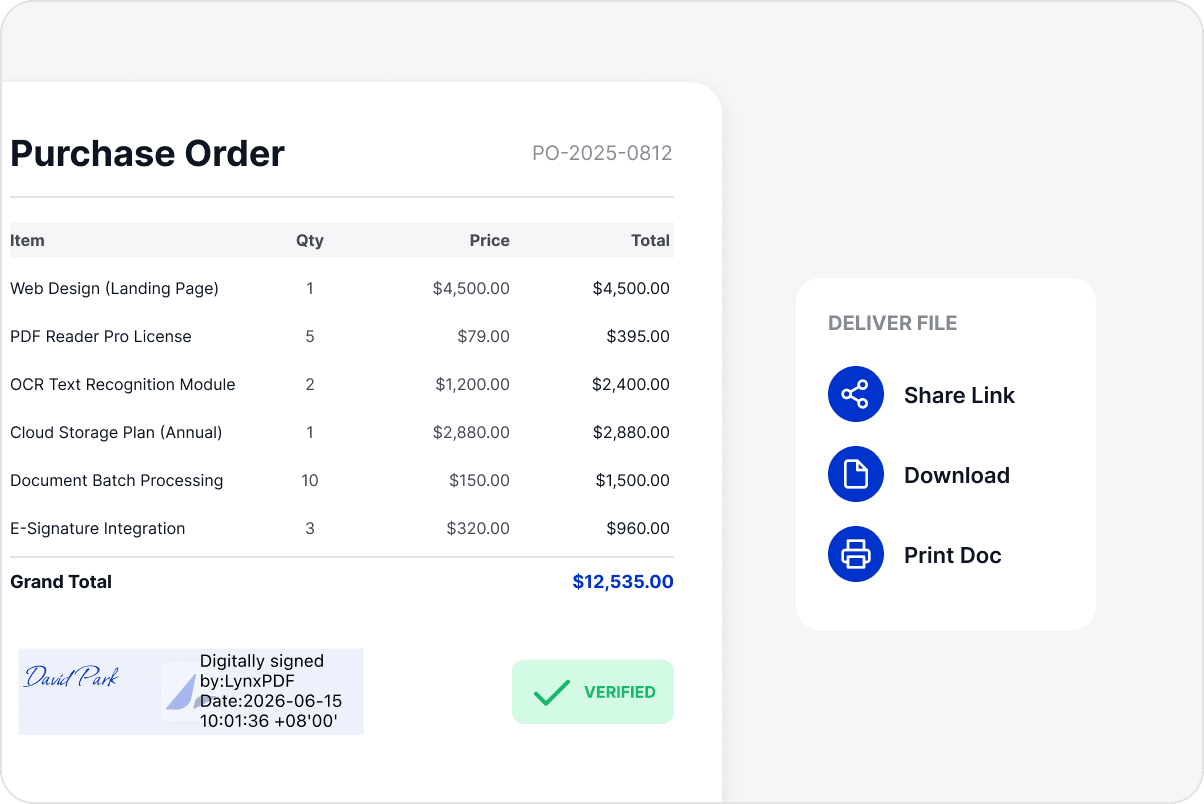
Verify Digital Signatures
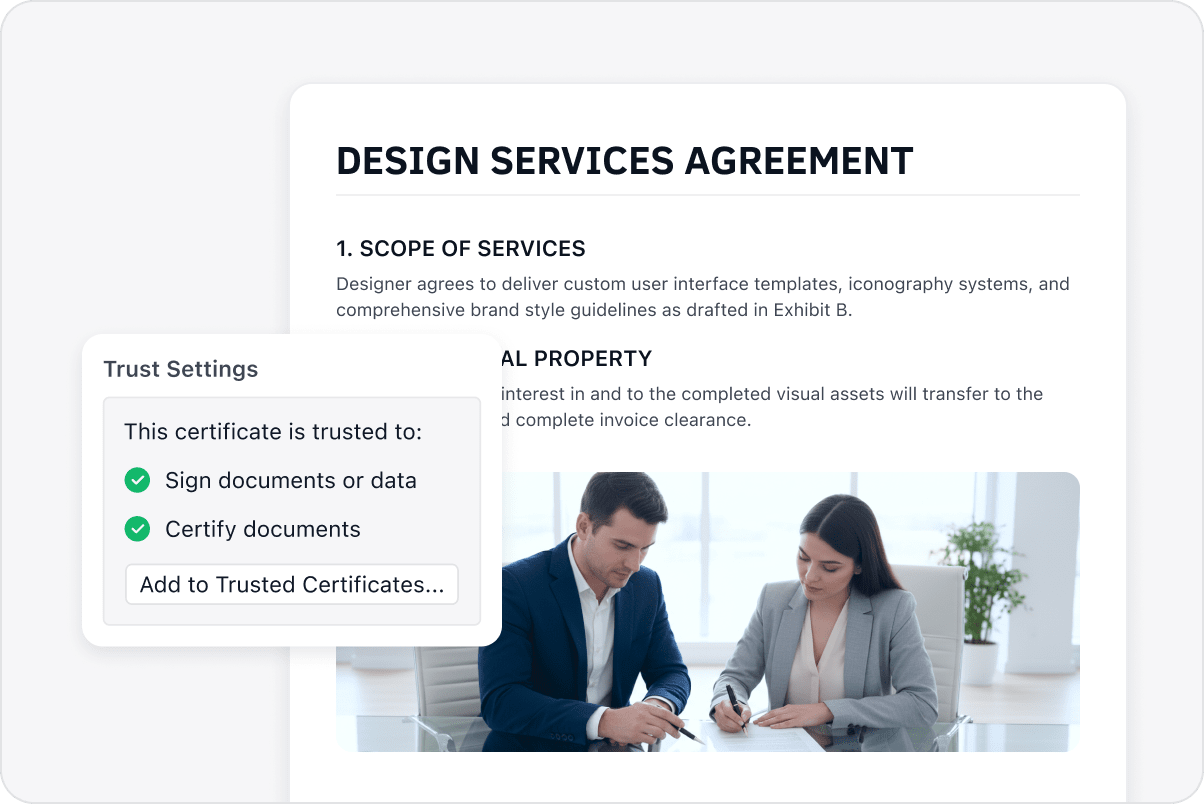
Use the signature and certificate details to assess signer identity and signature status before the file enters the next workflow.
Verify Digital Signatures
Check Document Integrity
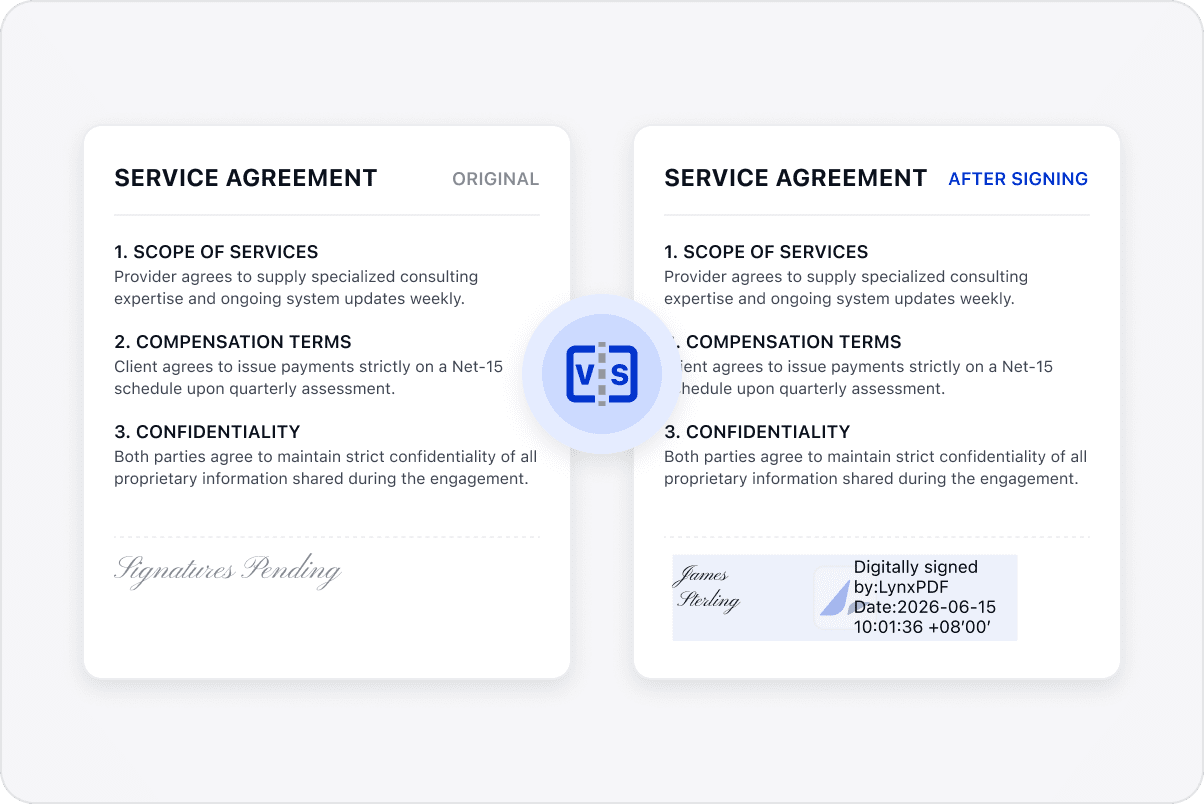
Review integrity information to identify changes to signed content and help assess whether the document remains consistent with the signed version.
Check Document Integrity
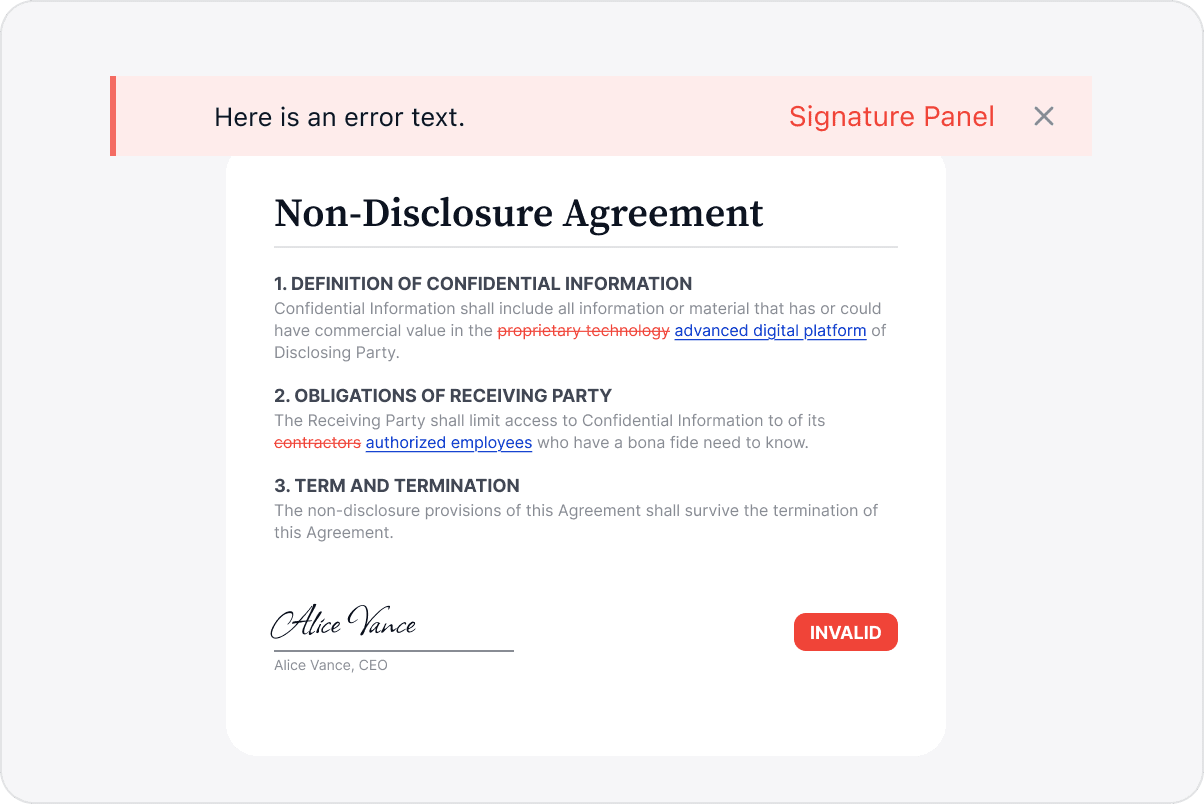
Identify Invalidated Signatures
Recognize when a signature has become invalid so the team can review the file before continuing with further use.
Identify Invalidated Signatures
Prepare Verified Documents for Delivery and Use
Use signature status and integrity information to decide whether further checks are needed before delivery, reuse, or retention.
Prepare Verified Documents for Delivery and Use

Access LynxPDF Expert Library

Forward-looking insights and strategic guides for enterprise document management.
whitepaper
Explore Advanced Enterprise Features
Consult Our Sales Experts
Our team is available to address your specific enterprise requirements. Please complete the form below to initiate a consultation with a representative:
Initiate a 14-day trial of LynxPDF and the LynxPDF Admin Console.
Identify the optimal licensing structure for your organization.
Review industry-specific use cases and implementation strategies.
Secure Volume Discounts Up to 50%
Corporate Email
Full Name
Corporate Website
Country/Region
Search and select
Telephone Number
Search and select
-
Project Requirements
0 / 1000